
Best 3 Pin Keyboard Switches for 2026: Linear, Tactile and Clicky Compared
Disclosure: We may earn a commission when you buy through links on this page, at no extra cost to you. As an Amazon Associate I earn from qualifying purchases. Learn more

The best 3 pin keyboard switches for custom builds and repairs: how linear, tactile and clicky types feel, what 3 pin means and how to size a pack.
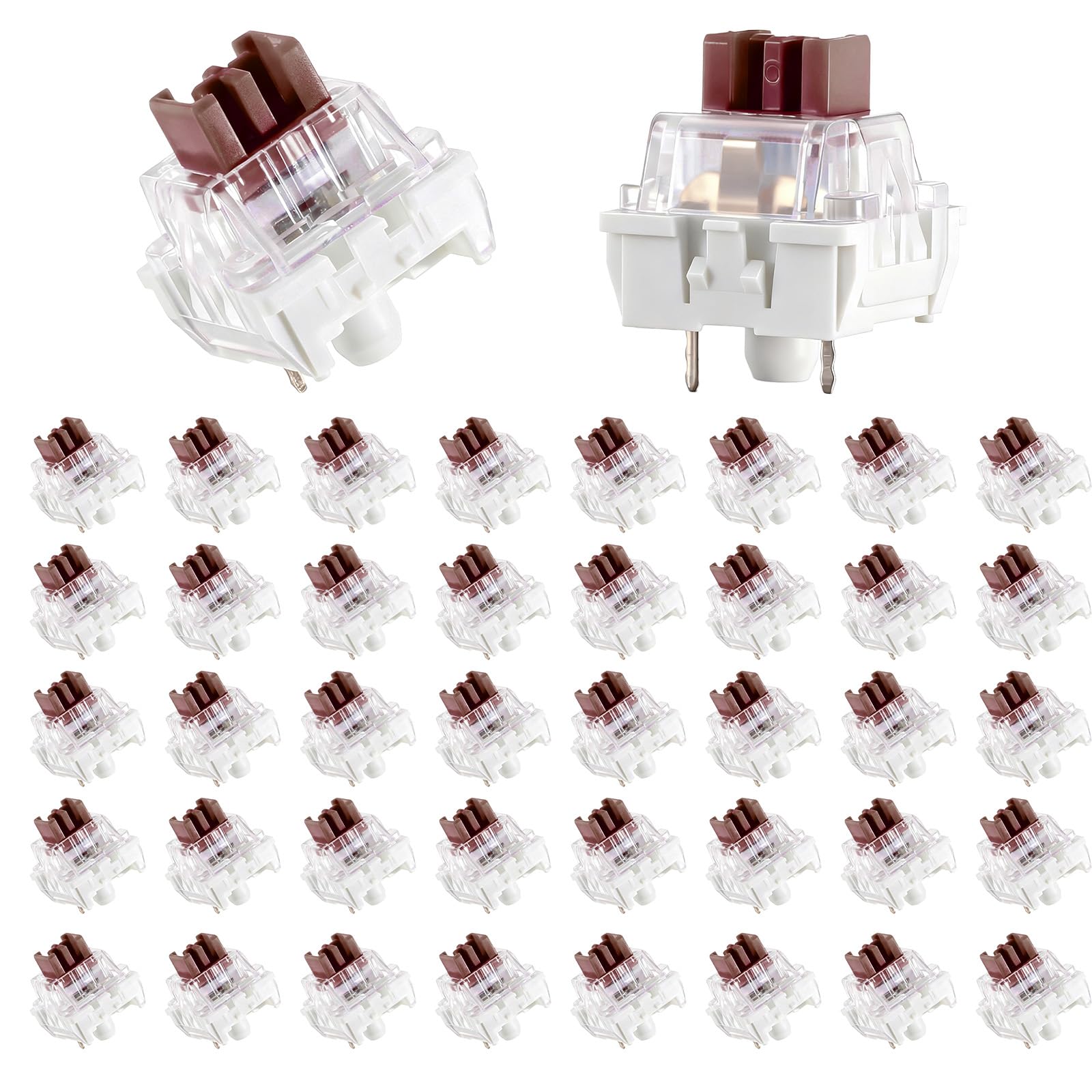
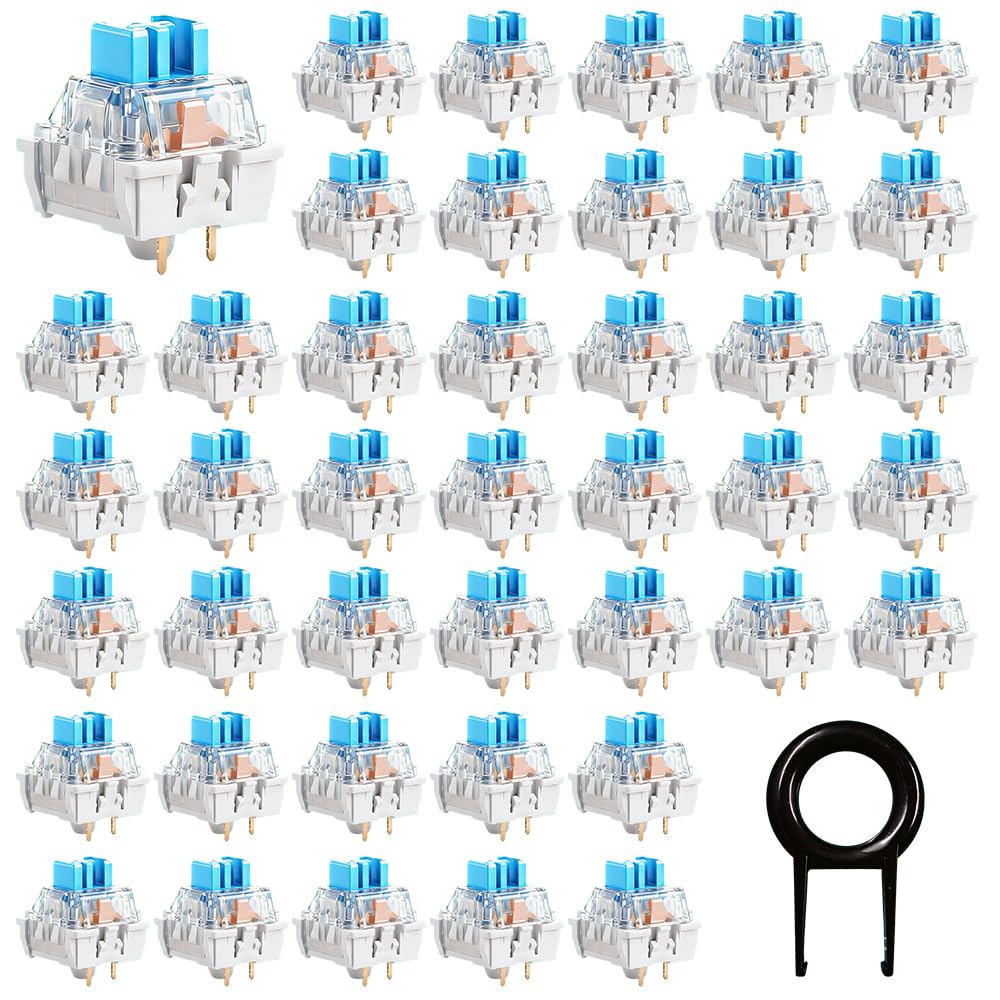
The pin count on a mechanical switch decides which boards it fits, and 3 pin is the simpler of the two common types. The best 3 pin keyboard switches work in hot-swap sockets and on boards with 3 pin holes, and they are the usual choice for repairs, small upgrades and first builds. The product table lists common packs by feel, count and price.
This guide explains what 3 pin means, how the three main feels differ, how to pick a pack size and how to install and tune the switches for a better typing experience.
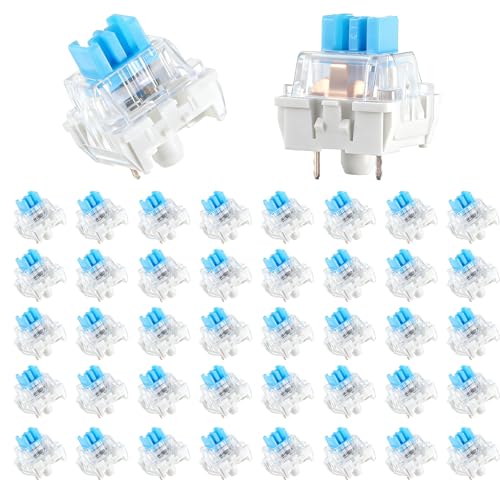

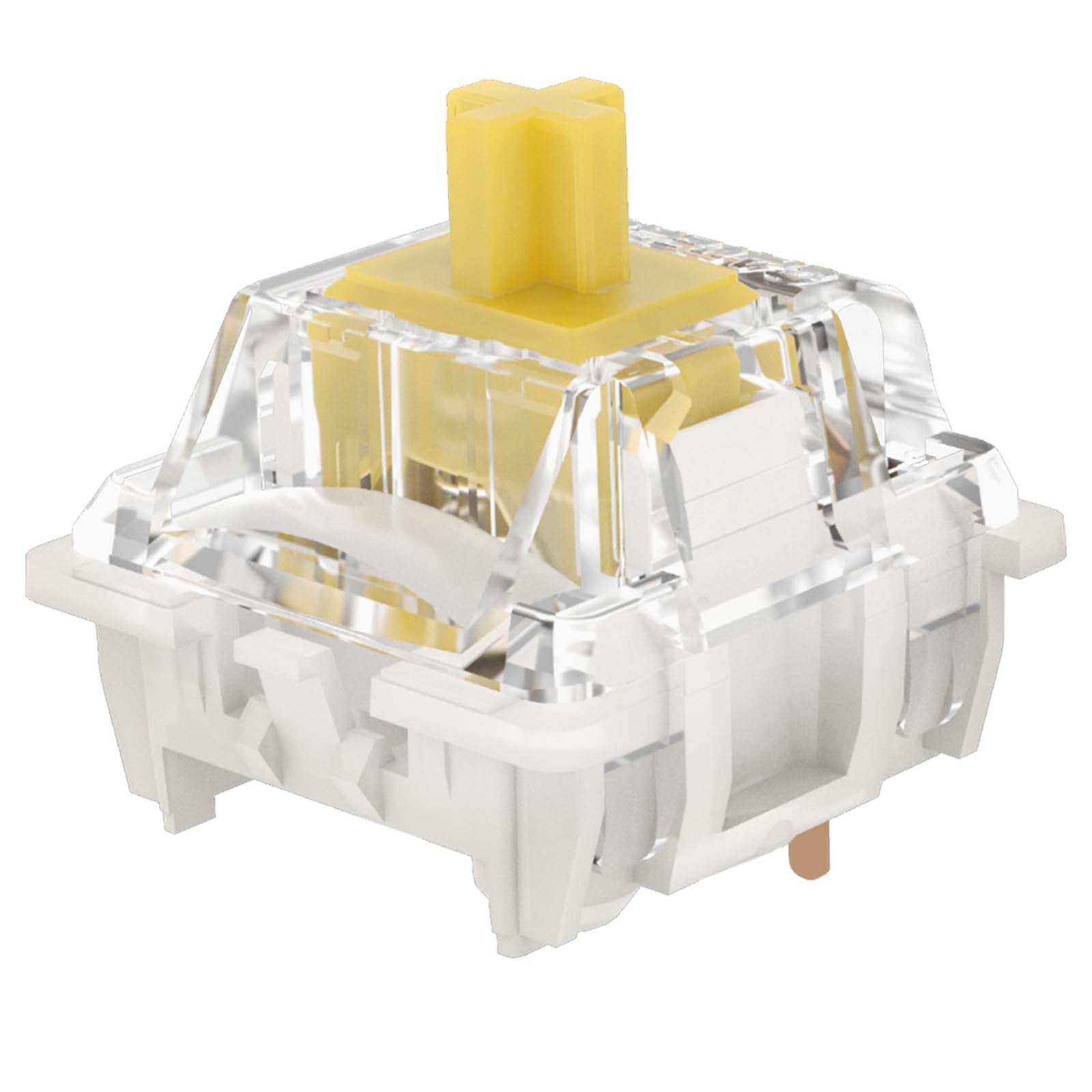
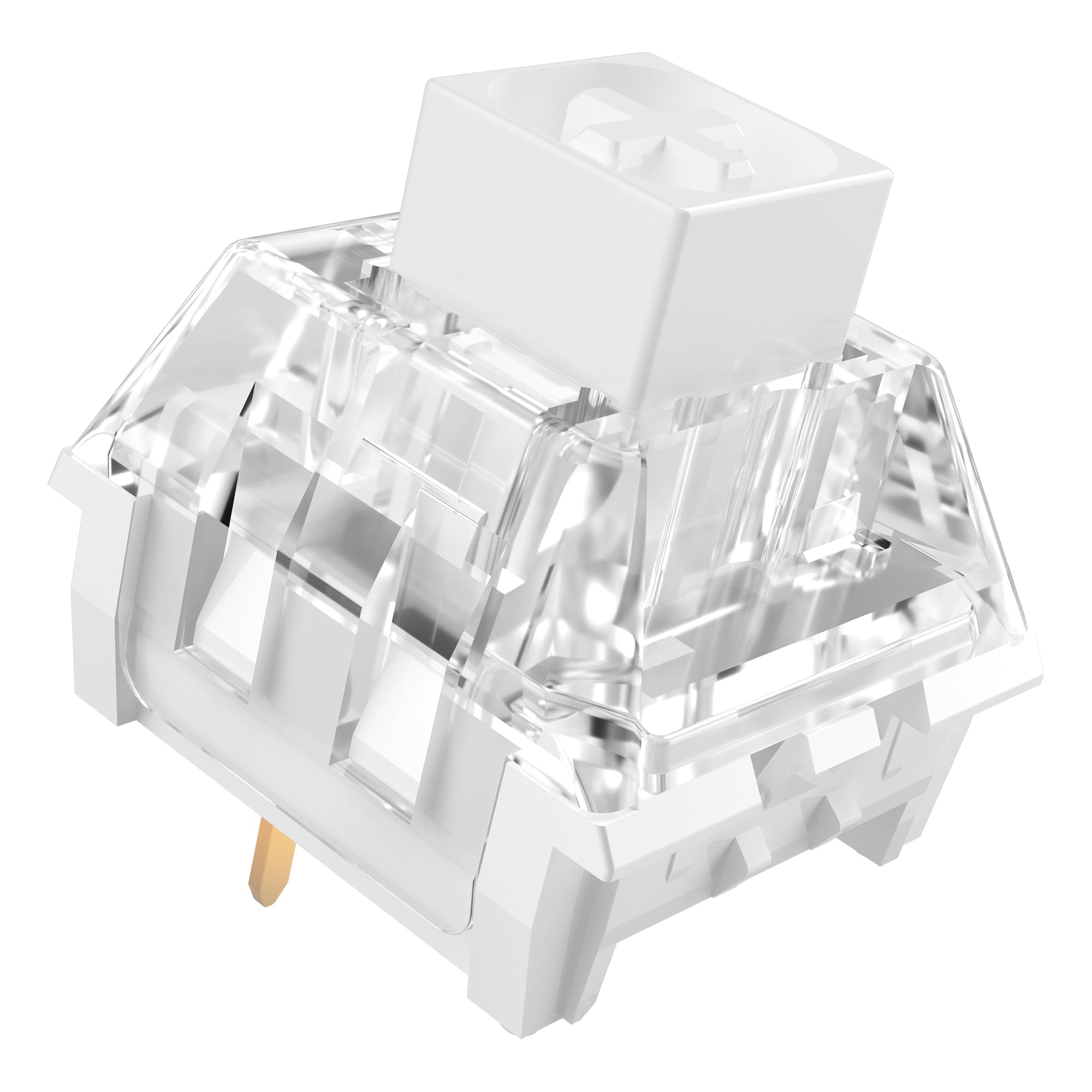
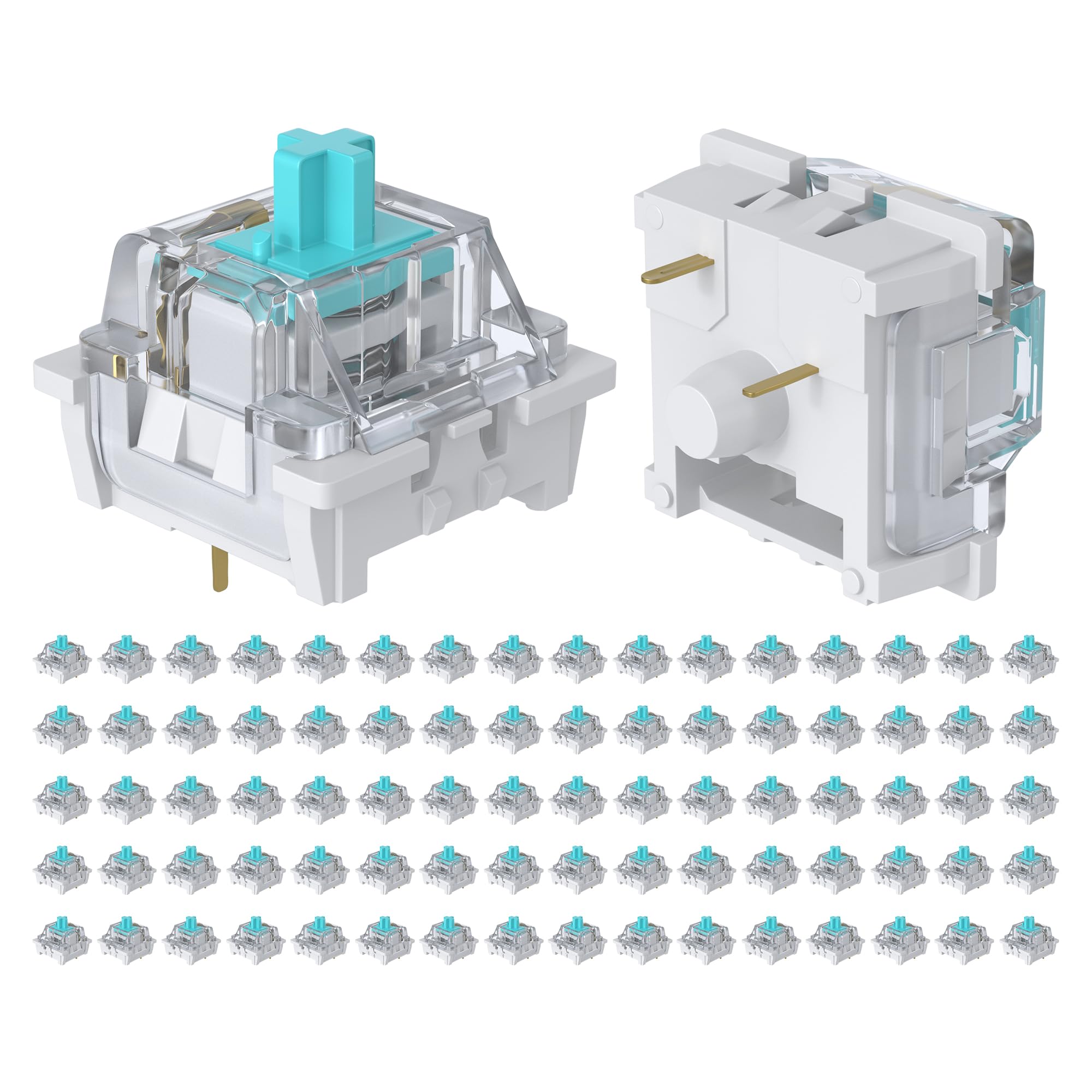


What 3 pin means
A 3 pin switch has two metal contact pins and one central plastic post that locates it in the board. A 5 pin switch adds two more plastic posts for extra stability on plate-mounted boards. The practical result is that a 3 pin switch fits boards made for 3 pin or 5 pin, while a 5 pin switch may need its extra legs trimmed to fit a board made for 3 pin.
Hot-swap boards let you pull switches without soldering, so a 3 pin switch is easy to try. On soldered boards, you will need a soldering iron and a desoldering tool to replace them. Read our how to choose keyboard switches guide to learn the basics.
Three feels to compare
- Linear: smooth press with no bump, quiet and popular for gaming
- Tactile: a small bump on the way down that tells you the key registered, popular for typing
- Clicky: a bump plus an audible click, satisfying but loud in shared spaces
Linear switches reward quick, repeated presses, tactile switches give feedback without noise, and clicky switches deliver the classic typewriter feel. If you share a room or an office, a quiet linear or tactile type is more considerate. Our linear vs tactile comparison helps you decide.
Choosing the best 3 pin keyboard switches
Actuation force
This number, in grams, shows how hard you press to register a key. Light switches suit fast typists and gamers, while heavier ones help avoid accidental presses. Most sets sit in a middle range that suits typing and gaming alike.
Pack size
Count your keys. A full size board needs about 104 or 108, a tenkeyless needs around 87, and a 60 percent board needs about 61. Buy a few extra for spares and for practice. Very small packs of ten are good for a sampler, and larger packs of 90 or more suit a full build.
Brand and quality
Well known makers hold tight tolerances, so the switches feel consistent. Unknown packs can include switches that feel scratchy or inconsistent. Read comments on stem wobble, pin bend and spring noise.
Pre-lubed or not
Pre-lubed switches feel smoother out of the bag and save time. Unlubed switches give you the chance to lube them yourself, which can make them even better but takes hours.
Installing the switches
- Check that the board is hot-swap or that you can solder
- Pull the old switch with a switch puller, keeping the key straight
- Check the pins of the new switch and straighten any that are bent
- Align the pins with the sockets and push the switch in firmly
- Test every key with a keyboard test page before refitting the keycaps
Bent pins are the number one cause of dead keys. Take your time, and keep a small pair of tweezers close to straighten a bent pin. If a key does not register, pull the switch and check the pins.
Tuning for a better feel
Small tweaks make a big difference. A thin layer of lubricant on the stem rails removes scratchiness, and a film on the spring reduces ping. Dampening foam under the plate and inside the case softens the sound. Stabilizers matter too, since a rattling space bar spoils a good switch. If you like a thocky sound, a plate with a little flex and some case foam helps more than any switch choice.
Matching switches to your use
For gaming, light linear switches are fast and forgiving. For writing and coding, tactile switches give feedback that lowers typos. For a desk at home where you do not disturb others, clicky switches are fun. If you share a room, try a silent version, where a rubber damper removes most of the bottom-out noise.
Stems, springs and housings
A switch is more than its type. The housing material changes the sound, the stem shape changes the feel and the spring decides how the key returns. Polycarbonate housings sound sharper and brighter, nylon housings sound deeper and softer, and mixed housings split the difference. A longer spring can give a more gradual press, while a short one feels snappier.
If you are unsure, buy a small sampler pack of ten across a few types before you commit to a full set. This costs little, and the difference between a smooth linear and a crisp tactile is easy to feel after a few days of typing.
Mixing and matching
Many builders mix switches on a single board. A common trick is to use light linear switches on the main area and heavier tactile ones on the space bar, or the reverse. Mixing is easy on hot-swap boards, so experiment. Keep an eye on the pin count, and keep a switch tester or a spare pack to help you compare types side by side.
Avoid these mistakes
- Buying 5 pin switches for a board that only has 3 pin holes
- Forgetting to count the extra keys such as the space bar and large keys
- Mixing different spring weights across the board
- Pushing a switch in at an angle and bending a pin
- Buying the cheapest pack with no brand name and expecting premium feel
FAQ
Can I use 3 pin switches in a 5 pin board?
Yes. A 5 pin socket accepts a 3 pin switch, which simply lacks the two extra posts.
Are 3 pin switches worse than 5 pin?
No. The pin count affects fit, not feel. 5 pin switches are slightly more stable on plate-mounted boards.
Do I need to lube the switches?
Not required. Pre-lubed packs save the work, and many people are happy without any lube at all.
How many should I buy?
Count your keys and add about ten percent for spares. See also our best keyboard switches guide for more options.
Final thoughts
The best 3 pin keyboard switches are easy to fit, cheap to try and a great way to change the feel of a keyboard. Choose a feel that matches your use, count your keys, check the pin count of your board and compare the packs in the product table.
Prices and availability can change, so check the product page before ordering.


