
Best 1GB Routers for 2026: Gigabit Ports, Wi-Fi Standards and Coverage
Disclosure: We may earn a commission when you buy through links on this page, at no extra cost to you. As an Amazon Associate I earn from qualifying purchases. Learn more

Best 1gb routers explained for gigabit internet plans: ports, Wi-Fi standards, coverage and security checks before you buy.
When people search for a 1gb router they usually mean a router that can carry a gigabit internet plan without becoming the bottleneck. This guide to the best 1gb routers explains what that means in practice: gigabit wired ports, a Wi-Fi standard that keeps up, and the setup choices that decide whether you actually see the speed you pay for.
The product table lists routers that are available new right now, from simple wired gateways to Wi-Fi 6 and Wi-Fi 7 models. The sections below help you pick the type that matches your home, not just the biggest number on the box.
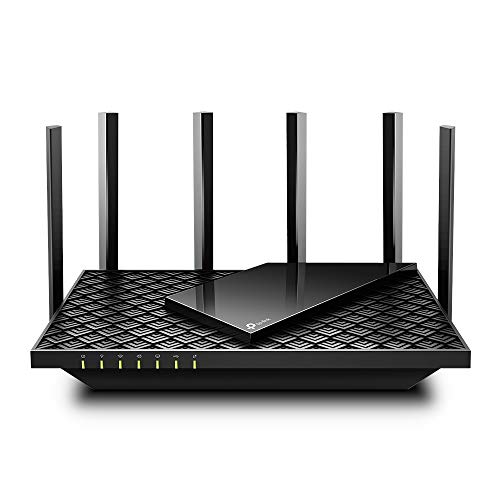
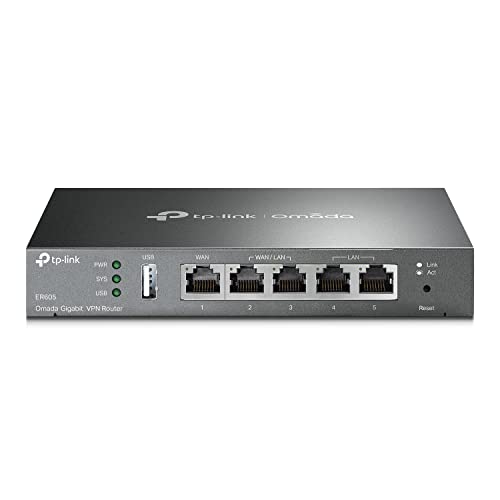
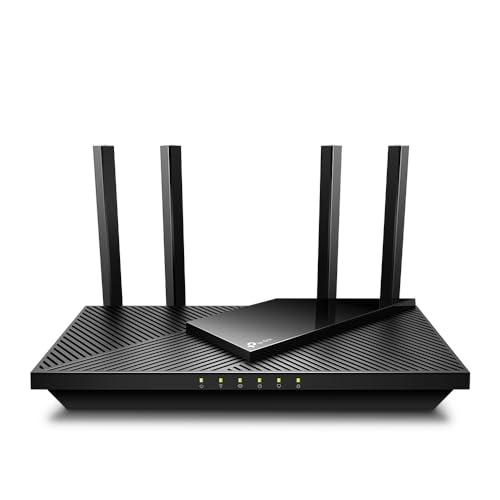

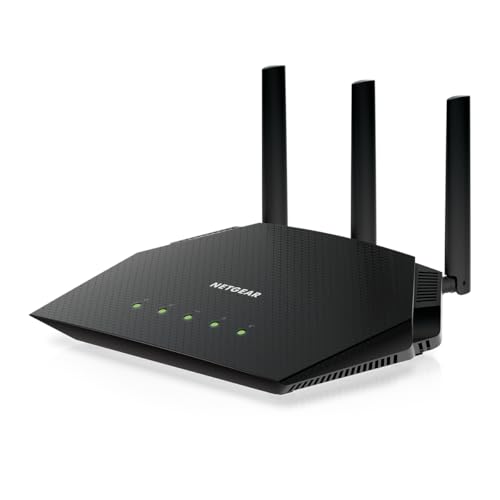

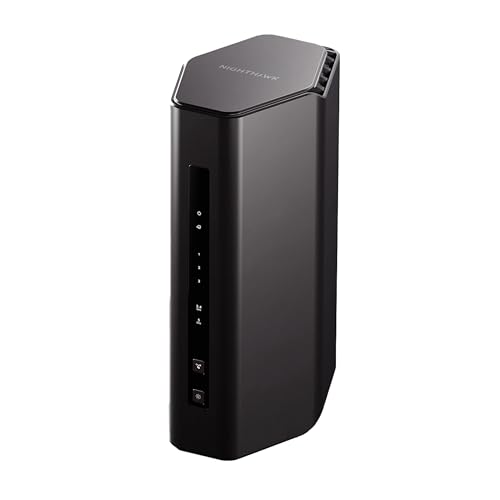
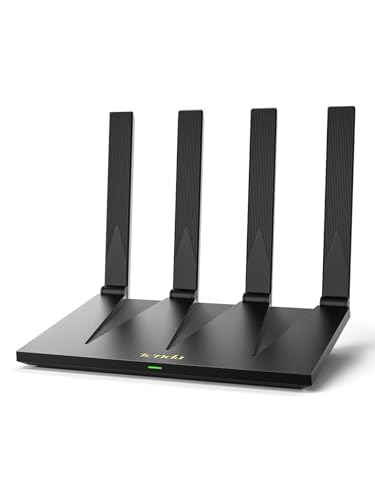
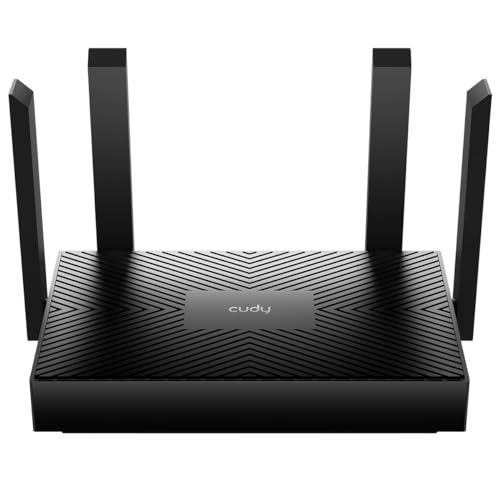

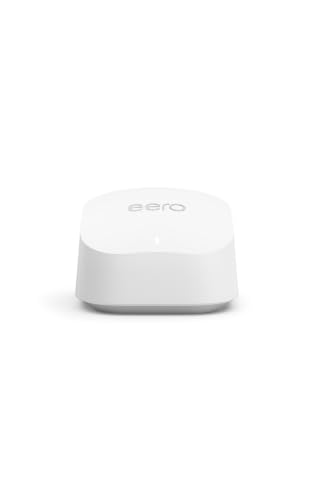
What the Best 1gb Routers Really Need
A gigabit plan is about one thousand megabits per second. To use it, the router needs a WAN port that runs at gigabit speed and LAN ports at the same speed. A router with older fast Ethernet ports tops out around a tenth of that, no matter how modern the Wi-Fi sounds on the box.
Read the port line in the listing, not just the headline speed. Terms such as AC1200 or AX3000 describe combined theoretical Wi-Fi rates across bands, and no single device will reach them.
Wired Gateway or Wi-Fi Router
Some gigabit routers have no Wi-Fi at all. They route, firewall and manage VPN tunnels, and you add access points where you need coverage. That suits a home office, a small business or anyone who wants Wi-Fi coverage from ceiling units.
A standard Wi-Fi router combines both jobs and is easier for most households. If you only need coverage in a small flat or a few rooms, one router is enough.
Which Wi-Fi Standard to Choose
Wi-Fi 5 is the older generation and can still handle a gigabit plan on a wired device, with wireless speeds depending on how close the client sits. Wi-Fi 6 improves efficiency when many devices are connected, which helps in busy homes. Wi-Fi 7 adds wider channels and newer features that pay off only when your phones and laptops also support it.
Be realistic about your devices. A router with the newest standard gives little benefit if most of your clients are a few years old, though it does leave headroom for later purchases.
Coverage and Home Size
The square footage quoted in listings is a best case. Brick walls, floors and metal appliances cut range sharply. In a larger house or one with thick walls, a mesh system with several nodes usually beats one strong router in a corner.
Placement matters as much as price: put the router high, central and out of cabinets. Moving a router a few meters often fixes complaints that people blame on the plan.
Ports Beyond the Basics
Look at the number of LAN ports, since a gaming PC, a console and a streaming box can use them all. Some routers add a faster 2.5 gigabit port, useful for a NAS or a high end PC if your plan is above gigabit.
A USB port can share a drive. It is handy but not essential, and speeds are modest compared with a proper network storage box.
Security and Parental Controls
Check that the router gets regular firmware updates and supports current Wi-Fi encryption. Built in tools for guest networks, device scheduling and content filters are useful for families. Some brands lock advanced controls behind a subscription, so read the fine print.
Gaming and Streaming Features
Quality of service settings let you prioritise a console or a video call over a background download. They help on a crowded connection, but they are not a replacement for a fast plan. Wired connections still win for lowest delay.
Modem and Router Combos
Some listings combine a cable modem with a router. They save space, but they tie you to one compatible provider and may need replacing if your internet service changes. Separate devices give more flexibility, and it is easier to upgrade just the router later.
Wired Backhaul and Extra Access Points
If one router cannot cover the house, the strongest fix is a cable between the router and a second access point or mesh node. Wired backhaul avoids the speed loss that happens when a node has to relay traffic over the air, and it keeps latency low for video calls and games on the far side of the house. Where cabling is not possible, powerline adapters or a mesh with a dedicated wireless link are the fallback, but expect lower and less steady speeds than a direct cable.
Plan the cable route before you buy: a router with spare gigabit LAN ports and a clear management app makes the extension step much easier.
Setup and Care Tips
- Update the firmware before you connect your devices.
- Change the default admin password and the Wi-Fi name and passphrase.
- Place the router off the floor, away from microwaves and thick walls.
- Reboot it occasionally and check for firmware updates every few months.
- Keep a spare short Ethernet cable to plug a computer straight into the router when you want to check the plan speed.
Frequently Asked Questions
Do I need a gigabit router for a gigabit plan?
Yes, at least gigabit ports on the WAN and the LAN side, otherwise the router becomes the limit.
Will Wi-Fi reach one gigabit?
Close to the router, a modern device on a newer standard can get a large share of it. Most real wireless speeds are lower than the quoted number, and a cable is the way to see full speed.
Is a mesh system better than one router?
It is better for large or awkward homes. In a small space one router is simpler and cheaper.
Can I use my provider's router instead?
Often yes, but third party routers usually offer better coverage, more settings and longer firmware support.
Does a new router speed up my internet?
It removes a local limit if the old one was slow, but it cannot raise the speed of the plan you pay for.
Final Verdict
The best 1gb routers are the ones that match your home as well as your plan: gigabit ports first, a Wi-Fi standard your devices can use, and coverage that suits your floor plan. Compare the options in the product table, check the port line for each, and spend more only on mesh or extra ports when your home really needs them. Prices and availability change, so check the product page before ordering.


