
Best 3.1 Soundbars for 2026: Center Channel, Subwoofer and Setup
Disclosure: We may earn a commission when you buy through links on this page, at no extra cost to you. As an Amazon Associate I earn from qualifying purchases. Learn more

The best 3.1 soundbar setups explained: what the dedicated center channel adds, how to match size to your TV, and which connections and sub types matter.
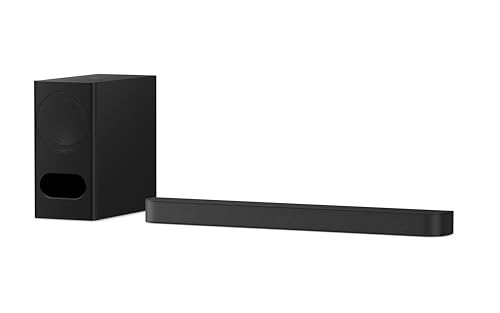
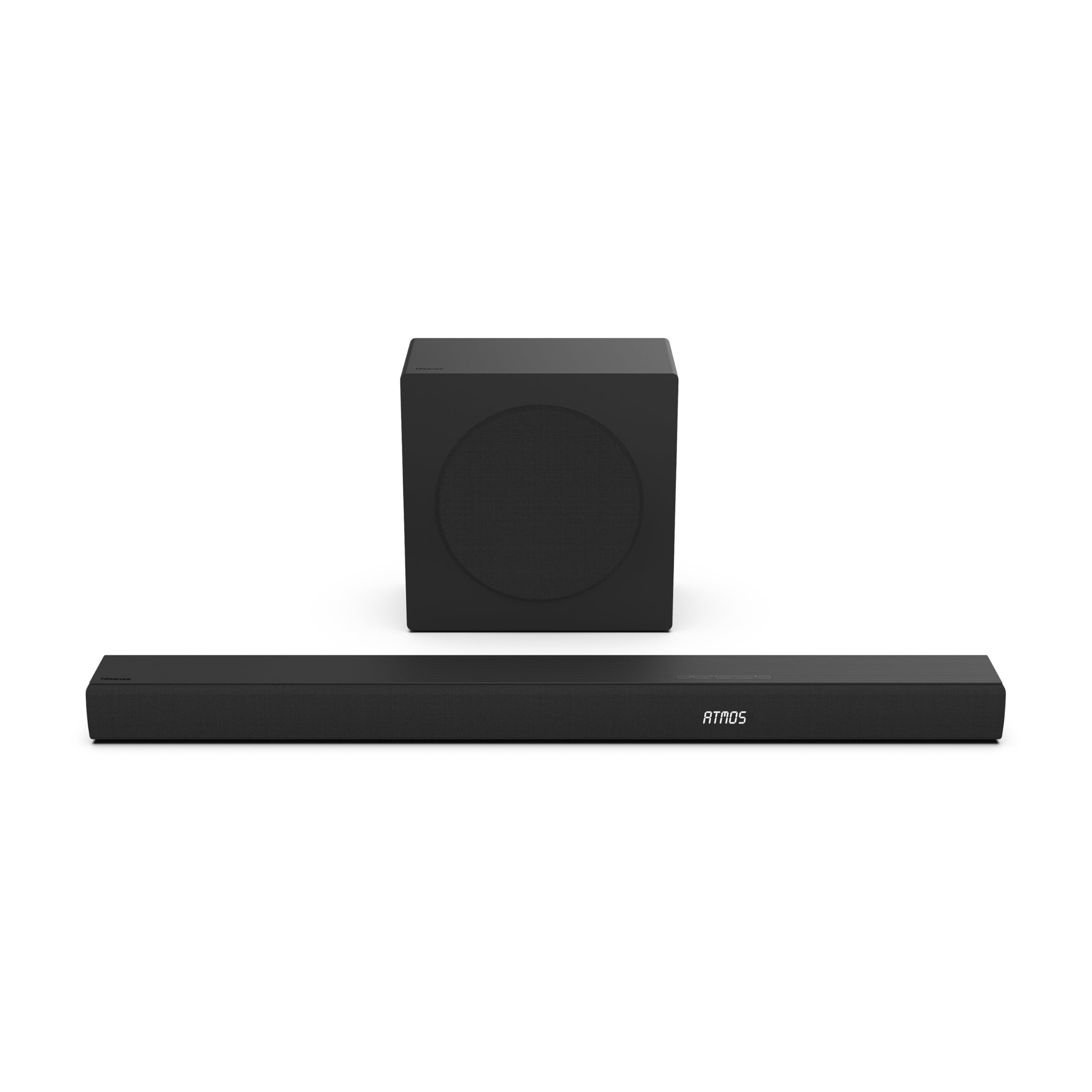
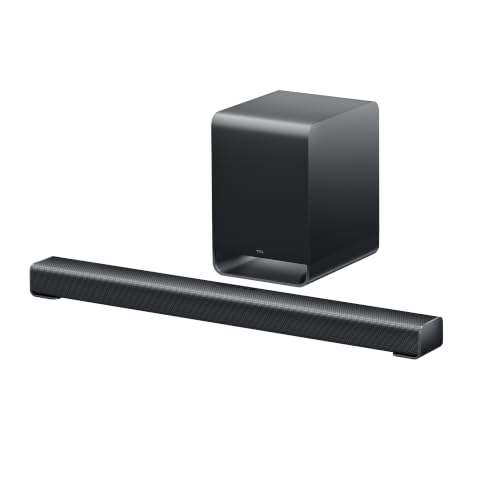
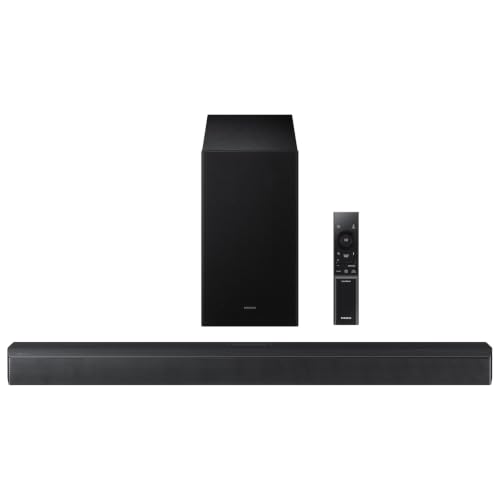
The label 3.1 describes three front channels (left, center and right) plus one subwoofer. The best 3.1 soundbar spend that center channel on one job, which is making dialogue clear, and the separate sub takes on the low bass that a thin bar cannot reproduce. For living room TVs where voices get lost behind music and effects, this layout is often the most useful upgrade you can make.
This guide explains what the numbers mean, how to match a bar to your TV and room, which connections to look for and how to set the system up so that it actually sounds better than the TV speakers. The product table lists current options at several prices.






What 3.1 means
In surround sound shorthand, the first number counts the main speakers, the second counts subwoofers, and a third number after a second dot counts height speakers. A 2.1 bar has left and right plus a sub. A 3.1 bar adds a dedicated center driver, and a 3.1.2 or 5.1.2 bar adds upward firing speakers for Dolby Atmos height effects.
The center channel is the one that carries most speech in movies and TV. A dedicated center driver keeps voices anchored to the screen even if you sit off to the side, which is why many people find a 3.1 bar clearer than a 2.1 bar of the same price.
How to choose the best 3.1 soundbar
Match the width to your TV
A bar that is much wider than the TV looks awkward, and one much narrower looks lost. As a rough guide, aim for a bar about as wide as the TV stand area under the screen. Measure the shelf and the TV foot spacing, and check the height of the bar against the TV's lower edge, since a tall bar can block the remote sensor or cover the bottom of the picture.
Check the HDMI connection
Look for an HDMI port marked eARC or ARC. This lets one cable carry audio from the TV to the bar and lets your TV remote control the volume. A bar with only optical input still works, but you lose some formats and convenience. If you use a console or streaming box, check for HDMI pass through so you can plug sources into the bar itself.
Audio formats and virtual surround
Dolby Digital is standard. Dolby Atmos or DTS:X support matters only if you watch content in those formats and the bar can decode them. Virtual surround modes bounce sound off walls to give a wider stage, and the effect depends heavily on room shape. Treat these as a bonus, not the main reason to buy.
Subwoofer type
A wireless sub is easy to place because it needs only a power outlet. A wired sub avoids pairing issues and costs less. Either way, place the sub near the front of the room and move it around, since position changes bass more than almost any setting.
Room size and placement
Small rooms and apartments rarely need a huge sub, and a very powerful one can irritate neighbors. A bar with moderate bass and a night mode that tames loud effects can suit a bedroom or a shared wall. In a large living room, you may want a more powerful system and a bar with wider dispersion to fill the space.
- Place the bar directly under the TV with nothing blocking its front
- Keep it out of a cabinet, because shelves and doors muffle sound
- Put the sub near the front wall and try a corner for more bass or the side for tighter bass
- Leave space behind the bar if it has upward firing speakers
Setting up for clear dialogue
- Connect the bar to the HDMI eARC port on the TV
- Turn on HDMI control in the TV settings so one remote works for both
- Set the TV audio output to the external speaker or to passthrough
- Play a scene with quiet speech and adjust the center or dialogue level
- Switch on night mode for late viewing and compare it to the standard mode
Most bars include a voice or dialogue mode that boosts the center. Try it with a news program or a movie with whispered scenes. If the picture and sound drift apart, check the lip sync setting in the TV or bar menu. Our soundbar setup guide covers common issues step by step.
Wired or wireless connections
Bluetooth is handy for music from a phone, though video should go through HDMI or optical for better sync. Some bars also support Wi-Fi streaming and voice assistants, which adds features but also adds apps and updates. If you value simplicity, choose a bar that works well in its basic mode and treat the extras as optional. Compare features in the product table, and check that the bar supports the remote control behavior you expect.
Movies, games and music
A 3.1 bar earns its place with movies and TV, but it also helps with games. Dialogue in story-driven titles becomes clearer, and the sub adds weight to explosions and engines. For competitive shooters, switch off any heavy bass or surround mode, because a flat setting makes footsteps easier to place. For music, choose the stereo or music mode, which usually turns off the dialogue boost and restores a more natural balance.
If you stream music from a phone, test it with songs you know well. Cheap bars can sound boomy, and lowering the sub level by a notch or two often fixes it. A bar with a simple equalizer or bass and treble controls gives you room to tune the sound for your room.
Growing the system later
Some bars can pair with matching rear speakers, which turns a 3.1 setup into a fuller surround system without a full receiver. Check the maker's accessory list if this appeals to you, because only the same brand and series will pair. If you think you may go further, an AV receiver with separate speakers is a larger project, but it gives more flexibility. For most apartments and living rooms, a good bar and sub is simpler and tidier.
Common mistakes
- Buying a bar that is too big for the shelf
- Forgetting that the TV must have an HDMI ARC port
- Placing the bar behind a TV stand lip so sound bounces off the wood
- Expecting real surround from a bar without rear speakers
- Leaving the TV speakers on as well as the bar
FAQ
Is a 3.1 bar better than a 2.1 bar?
For dialogue clarity, usually yes, thanks to the dedicated center. For music, the difference is smaller.
Do I need Dolby Atmos?
Only if you watch Atmos content and want the extra height effect. A good 3.1 bar still improves TV sound without it. See also our best soundbar guide for a wider view.
Can I add rear speakers later?
Some brands sell rear speaker kits that pair with their own bars. Check the maker's list before you buy if that matters to you.
Will a soundbar work with any TV?
Almost always, via HDMI ARC or optical. Check the ports on your TV first.
Final thoughts
The best 3.1 soundbar give you clearer dialogue and deeper bass than any TV speaker. Measure the shelf, check the HDMI ARC connection, choose a sub type that suits your room, and compare the models in the product table by size and price.
Prices and availability can change, so check the product page before ordering.


