
Best Affordable 3D Printers: Our 2026 Checklist and Top 3 Picks
Disclosure: We may earn a commission when you buy through links on this page, at no extra cost to you. As an Amazon Associate I earn from qualifying purchases. Learn more

A checklist for buying a budget 3D printer, with three picks that pass it.
A few years ago, a cheap 3D printer meant hours of tinkering, manual bed leveling and plenty of failed prints. Today, printers around $200 to $400 offer auto leveling, fast motion systems and phone apps that make printing far more reliable. Choosing the best affordable 3d printers still takes care, because budget models differ widely in setup, reliability, print quality and support.
This guide explains the checklist we use to judge budget 3D printers, three picks that pass it, a quick buyer checklist, red flags to avoid and answers to common questions from first time buyers.



How We Evaluate Affordable 3D Printers
We judge affordable 3D printers on seven criteria, weighted toward reliability and ease of use, since a printer that fails often costs more in wasted filament and time than it saves. Our scoring uses manufacturer specifications, listing details, community and firmware support and buyer feedback in aggregate.
What You Can Realistically Get on a Budget
Around $200 buys an open frame FDM printer with auto bed leveling, a direct drive extruder and a build volume near 220 x 220 x 250mm, such as the Creality Ender 3 V3 SE. Around $250 to $400 adds faster motion systems, automatic calibration, Wi-Fi and app control, and sometimes an enclosure or a camera. What gets cut at this price: large build volumes, multi-material systems (often sold as add ons) and premium build materials. Do not skimp on auto leveling or a good support community.
Printer Type (FDM vs Resin)
FDM (fused deposition modeling) printers melt plastic filament and build parts layer by layer. They suit functional parts, cosplay, household fixes and toys, with cheap and safe materials like PLA. Resin (MSLA) printers cure liquid resin with UV light, producing far finer detail for miniatures, jewelry models and dental models, but they need gloves, ventilation and washing and curing steps. Most beginners should start with FDM.
Reliability and Support
Good: frequent firmware updates, an active user community, easy to find spare parts (nozzles, hotends, build plates) and responsive customer service. Poor: obscure brands with no firmware updates or parts. Bambu Lab, Creality, ELEGOO, Anycubic and FLASHFORGE all have large user bases in the US, which means plenty of guides and printable upgrades.
Print Quality and Resolution
For FDM printers, layer height sets resolution: 0.2mm is the standard balance of speed and quality, 0.1 to 0.12mm gives finer detail and 0.28mm prints faster. Good printers produce clean walls without ringing at speed, thanks to features like input shaping and flow compensation. Resin printers measure resolution by screen pixels (such as 9K) and produce smooth surfaces with fine detail.
Ease of Setup and Calibration
Good: arrives mostly assembled, sets up in under 30 minutes and calibrates automatically, including bed leveling, Z offset and vibration compensation. The Bambu Lab A1 handles all calibration automatically, according to Bambu Lab. Poor: manual leveling with paper and knobs, which frustrates beginners and causes first layer failures.
Footprint and Noise
Open frame bed slinger printers, where the bed moves forward and back, need extra space front to back, roughly twice the bed depth. Enclosed CoreXY printers like the Creality K1C keep a more compact footprint and contain fumes and heat. Noise varies: quiet modes and good fans help if the printer sits in a bedroom or home office.
Connectivity and Mobile Printing
Good: Wi-Fi with an app or web interface to send files, monitor prints and stop failed jobs remotely, plus optional cameras. Acceptable: microSD or USB file transfer. Bambu Handy, Creality Cloud and FLASHFORGE apps let you print from model libraries on your phone, which simplifies life for beginners.
3 Picks That Pass Our Checklist
The Bambu Lab A1 is our best overall affordable 3D printer, the Creality Ender 3 V3 SE is the best value and the Creality K1C is the best premium pick for speed and engineering materials.
Best Overall: Bambu Lab A1 3D Printer
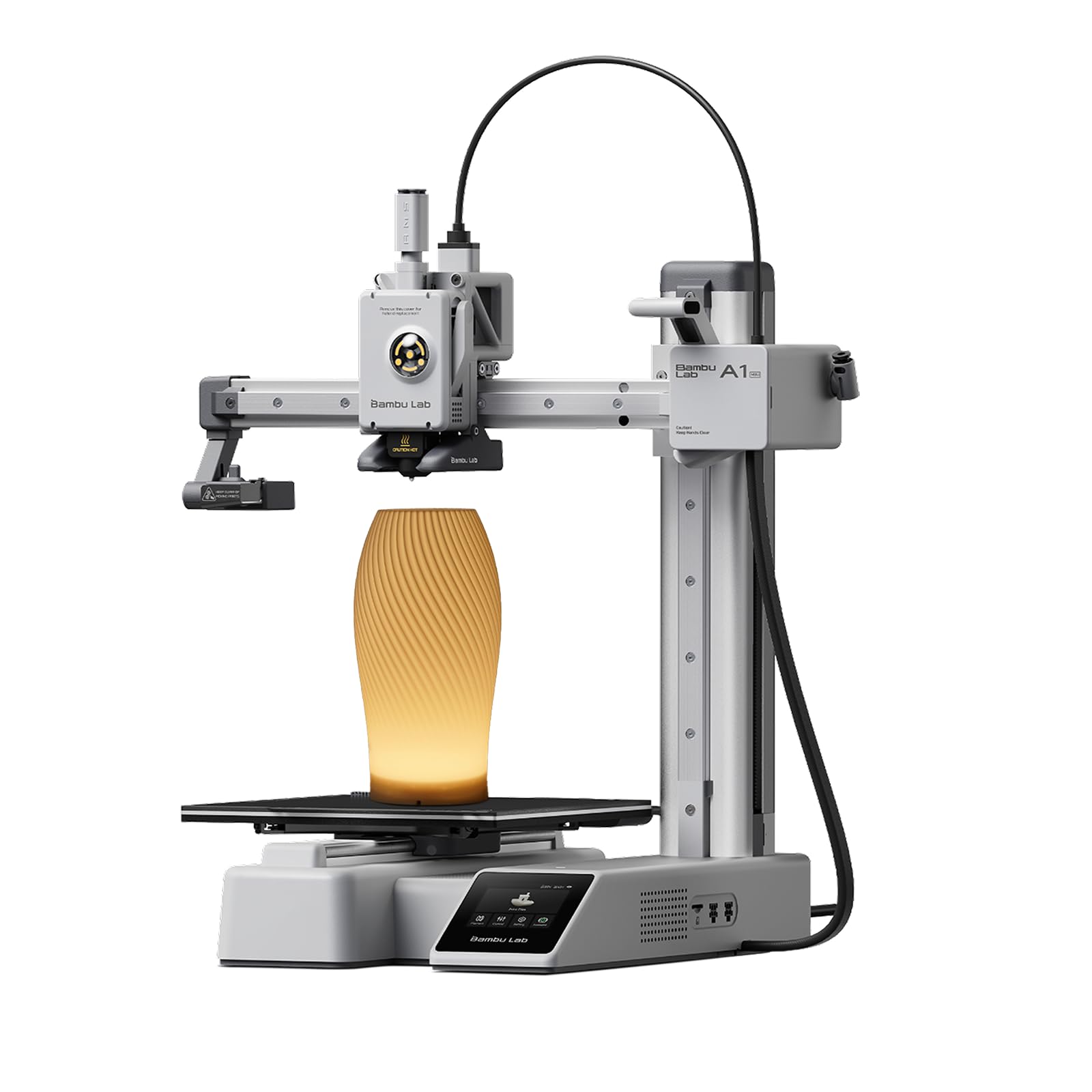
The Bambu Lab A1 suits beginners, families and makers who want reliable prints with minimal setup. At around $300, it is a ready to use FDM printer with full automatic calibration, including Z offset and bed leveling, and active flow rate compensation for consistent extrusion, according to Bambu Lab.
Its two standout strengths are speed, with acceleration listed at 10,000 mm/s², and an upgrade path to multi color printing with the AMS lite (sold separately or in combos). A 1-clip quick swap nozzle simplifies maintenance, and Bambu Lab describes it as quiet. The limitation is its open frame design, which is less suited to high temperature materials like ABS that need an enclosure.

Best Value: Creality Ender 3 V3 SE
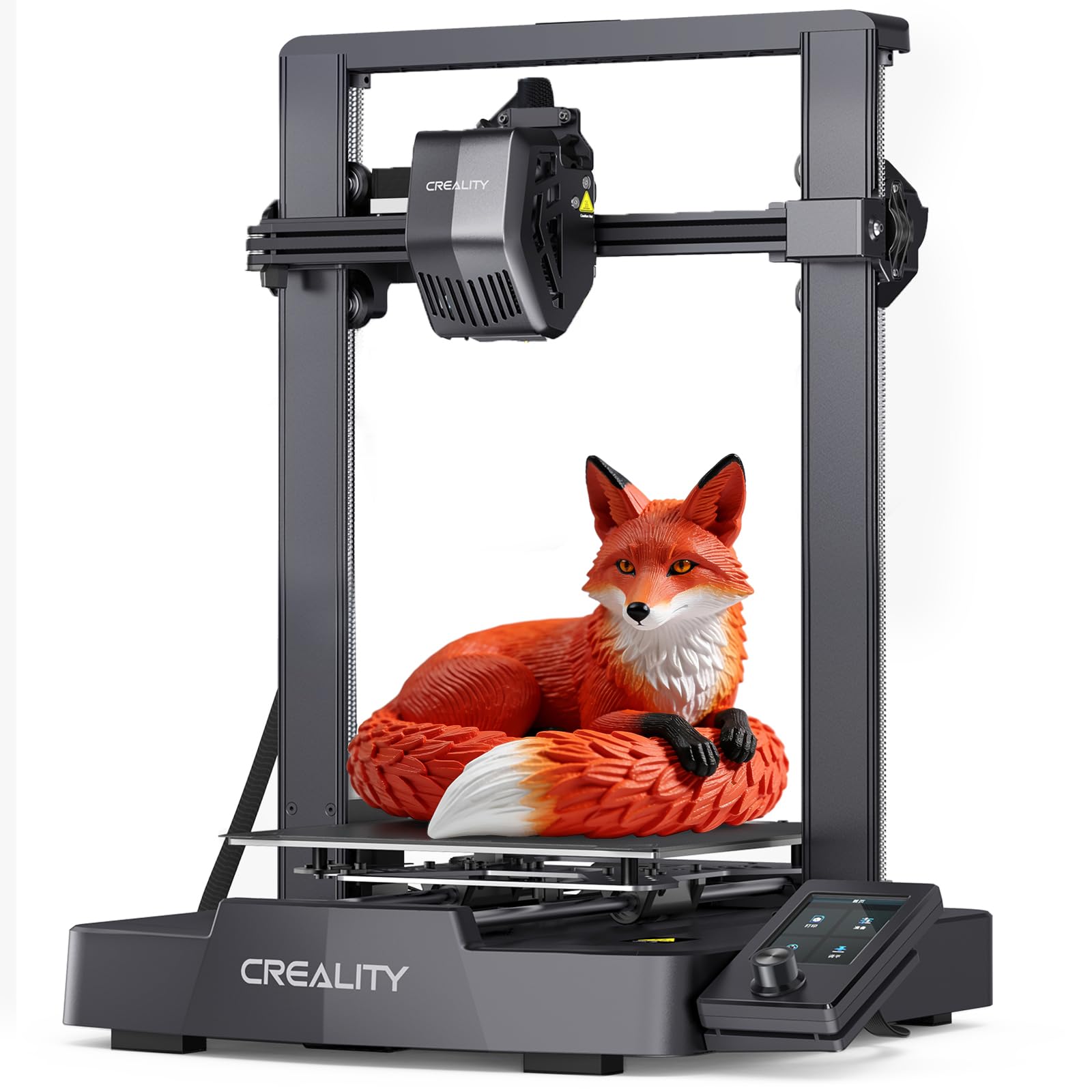
The Creality Ender 3 V3 SE suits budget buyers and tinkerers. At around $199, it is a beginner friendly FDM printer with auto leveling, part of the popular Ender 3 family with a huge community of guides and printable upgrades.
Its strengths are the low price and the wide availability of parts and community support, which makes troubleshooting easy. Other listings of the same model highlight its Sprite direct drive extruder, which handles flexible filaments better than older Bowden setups. The limitation is that it is slower and less automated than newer CoreXY machines and lacks built in Wi-Fi.

Best Premium Pick: Creality K1C 3D Printer
The Creality K1C suits makers who want speed and the ability to print engineering materials. At around $369, it is an enclosed CoreXY printer with auto leveling and support for carbon fiber filled filaments, according to its listing, and Creality lists speeds up to 600mm/s with an AI camera on some versions.
Its strengths are the enclosed frame, which helps with ABS and similar materials and contains noise, and a compact footprint for its build volume. The limitation is that it is more complex than open frame models, and filament fumes from engineering materials still call for good ventilation.

Quick Buyer Checklist
Answer these yes or no questions before buying.
- Does it have automatic bed leveling?
- Is the build volume large enough for your typical projects (around 220mm cube or more)?
- Does the brand provide firmware updates and spare parts in the US?
- Does it support the materials you want, such as PLA, PETG, TPU or ABS?
- Do you have space for its footprint, including bed travel?
- Does it offer Wi-Fi or app control if you want remote monitoring?
- Is an enclosure needed for your materials or room?
- Have you budgeted for filament and spare nozzles?
Red Flags to Watch For
Avoid budget printers with these warning signs.
- Manual leveling only: it increases failed prints and frustration for beginners.
- Unrealistic speed claims without input shaping: fast speeds without vibration compensation produce poor surfaces.
- No firmware updates or community: problems become hard to fix.
- Proprietary consumables with no alternatives: they raise running costs.
- Vague specs or missing safety information: reputable brands list build volume, nozzle temperature and power ratings clearly.
Affordable 3D Printer Price Tiers
The best affordable 3d printers fall into three rough price tiers, and knowing what each delivers keeps you from overspending or buying too little printer.
| Tier | Typical Price | What You Get | Best For |
|---|---|---|---|
| Entry | Around $180 to $250 | Open frame FDM, auto leveling, 220mm class build volume, microSD or USB transfer | Budget buyers, tinkerers, students |
| Mid | Around $250 to $350 | Full auto calibration, faster motion with vibration compensation, Wi-Fi and app control | Beginners who want reliability |
| Upper budget | Around $350 to $450 | Enclosed CoreXY frames, higher temperatures, cameras, engineering filament support | Makers printing ABS, ASA or carbon fiber blends |
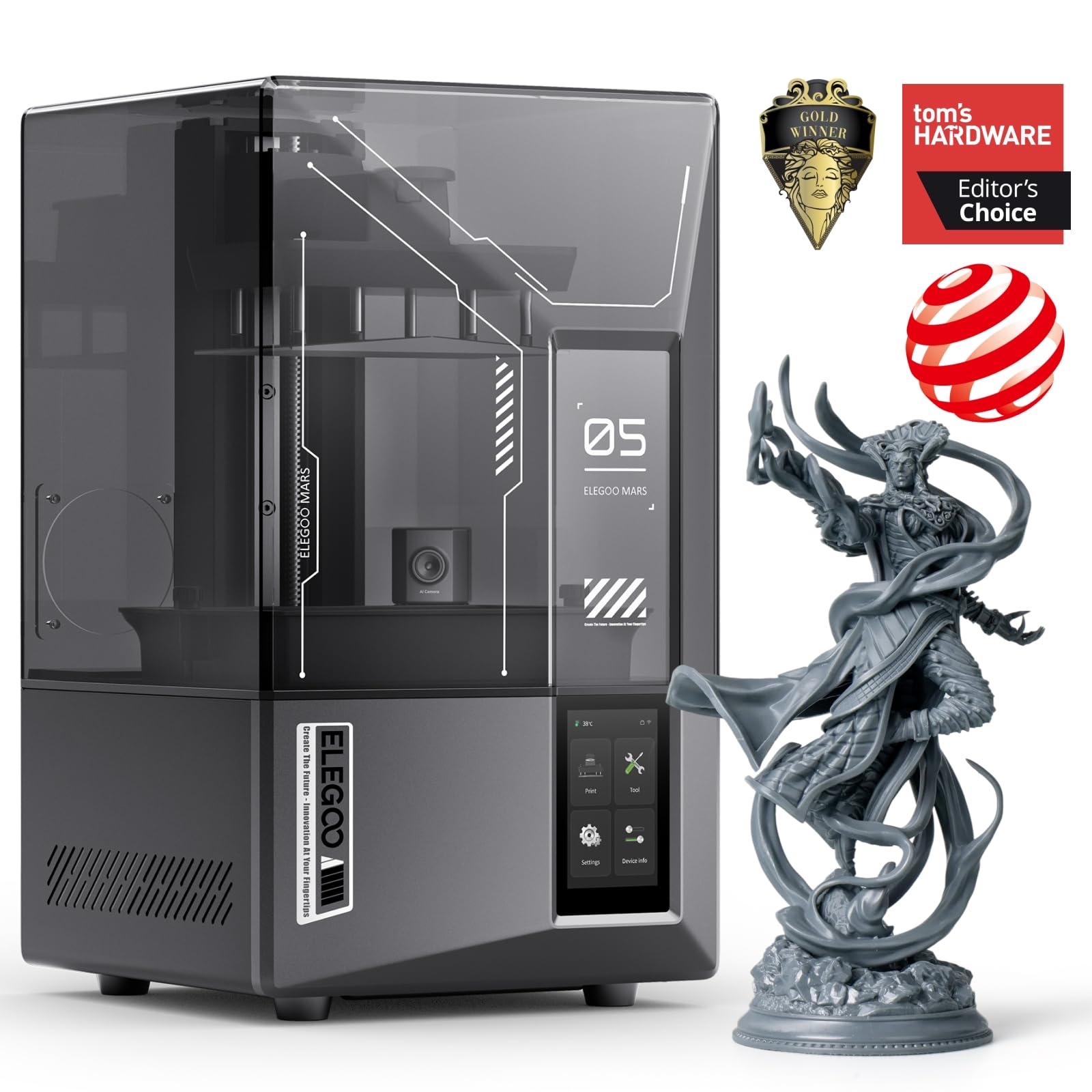
Resin printers in the Mars 5 class sit around $285 to $300, but budget an extra $50 to $150 for a wash and cure station, gloves and isopropyl alcohol.
Filament Types for Budget Printers
Start with PLA, then move to PETG, TPU or ABS as your projects demand. Each material suits different uses.
- PLA: the easiest material, printing at about 190 to 220°C with little warping. Ideal for models, toys and prototypes, but it softens in hot cars.
- PETG: tougher and more heat resistant than PLA, good for functional parts and outdoor items, though it strings more.
- TPU: flexible rubber like filament for phone cases and gaskets; a direct drive extruder handles it best.
- ABS and ASA: strong and heat resistant, but they warp and emit fumes, so they need an enclosed printer and ventilation.
- Carbon fiber blends: stiff and light, but abrasive, so they require a hardened steel nozzle.
Choosing 3D Printers for Your Situation
Choose by experience and goals: plug and play automation for beginners, enclosed printers for engineering materials and resin printers for fine detail miniatures.
Best DIY Affordable 3D Printers
The best DIY affordable 3D printers are open, modifiable designs with large communities, such as the Creality Ender 3 family. Look for standard parts, open firmware options and plenty of printable upgrades. They reward tinkerers who enjoy tuning and upgrading, and they teach how 3D printers work along the way.
Good First Projects for a New 3D Printer
Simple first prints help you learn your printer's settings before tackling bigger jobs. Start with calibration models such as a 20mm cube or a temperature tower to check dimensions and find the best nozzle temperature for your filament. Then move to practical prints: cable clips, hooks, drawer organizers, phone stands and replacement knobs.
Free model libraries such as Printables, Thingiverse and MakerWorld host thousands of community designs, many with recommended print settings and photos of finished prints from other users. Once you are comfortable, learn basic CAD in a free tool like Tinkercad or Fusion for personal use, so you can design custom parts for repairs around the house.
Care and Maintenance Tips
- Keep 3D printer build plates clean with isopropyl alcohol (IPA) or dish soap and water for better adhesion.
- Store filament in a sealed bag or dry box, since PLA, PETG and especially TPU absorb moisture.
- Use reputable filament brands for consistent diameter and fewer clogs.
- Check belts, screws and nozzle wear every few months.
- Keep firmware and slicer software updated.
- For resin printers, wear gloves, ventilate the room and dispose of resin waste properly.
3D Printers: Your Questions Answered
Is FDM or resin cheaper long term?
FDM is usually cheaper long term. PLA filament costs around $15 to $25 per kilogram and needs no extra consumables. Resin printers also need isopropyl alcohol, gloves, replacement FEP films and a wash and cure setup, and resin costs more per volume. Resin is worth it only if you need the fine detail it produces.
Which 3D printer is easiest for beginners?
Fully automatic FDM printers like the Bambu Lab A1 or A1 mini are easiest for beginners. They calibrate themselves, come mostly assembled and work with phone apps and model libraries. Beginners can start printing within an hour of unboxing instead of spending time on manual leveling and tuning.
What does cost per print mean?
Cost per print is the material and power cost of making one object. Slicer software estimates the filament weight of each print; multiply by the price per gram. A 50 gram PLA part on $20 per kilogram filament costs about $1, plus a few cents of electricity.
Are multi color 3D printers worth it?
Multi color systems are worth it if you print decorative or educational models. Add ons like Bambu Lab's AMS lite automate filament swaps, but they add cost, waste some filament during changes and slow prints. For functional parts, a single color printer is simpler and cheaper.
Is 3D printing safe at home?
3D printing is generally safe at home with sensible precautions. Print PLA in a ventilated room, keep the printer away from flammable items and never leave a new printer unattended for long jobs until you trust it. ABS and resin need stronger ventilation, and children should use printers with adult supervision.
How much should I spend on a first 3D printer?
Around $200 to $350 buys a capable first 3D printer. In that range you get auto leveling, decent speed and solid print quality. Spending more adds enclosures, multi color systems or larger build volumes, which matter once you know what you like to print.
The Bottom Line
Insist on automatic leveling, choose a brand with strong support and match the printer type to your projects. The Bambu Lab A1 suits most beginners, the Creality Ender 3 V3 SE suits tight budgets and tinkerers and the Creality K1C suits makers who want speed and engineering materials. Keep that checklist in mind and the best affordable 3d printers will deliver reliable prints without a big investment. Compare current models in the product table above.


