
Best Colour Laser Printers: Which Type Is Right for You?
Disclosure: We may earn a commission when you buy through links on this page, at no extra cost to you. As an Amazon Associate I earn from qualifying purchases. Learn more

Colour laser printers compared with inkjet, ink tank and mono laser options, plus how to choose speed, trays and toner costs.
Colour laser printers promise crisp text, fast pages and toner that never dries out, but they are not the only option for printing documents and color graphics. Inkjets, ink tank printers and monochrome lasers all compete for the same desk, and each one suits a different printing pattern. This guide to the best colour laser printers compares them side by side, then explains how to pick the right model for your home or office.
The short answer: choose a colour laser printer if you print text heavy documents with color charts, flyers or reports several times a week and want fast, smudge free pages without clogged nozzles; models like the Brother HL-L3280CDW or Canon imageCLASS MF753Cdw II cost around $350 to $500. Choose an ink tank inkjet if you print photos or large volumes of color at the lowest cost per page, and a mono laser if you rarely need color.


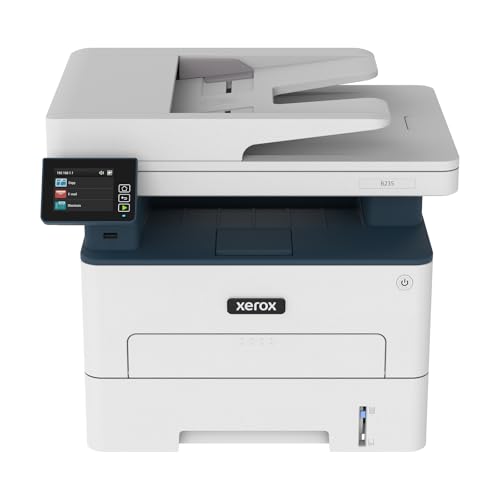

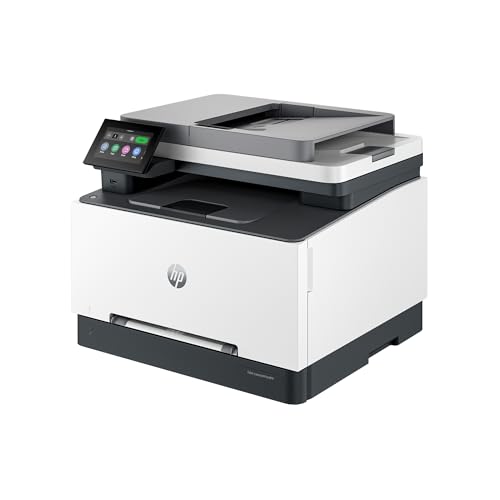
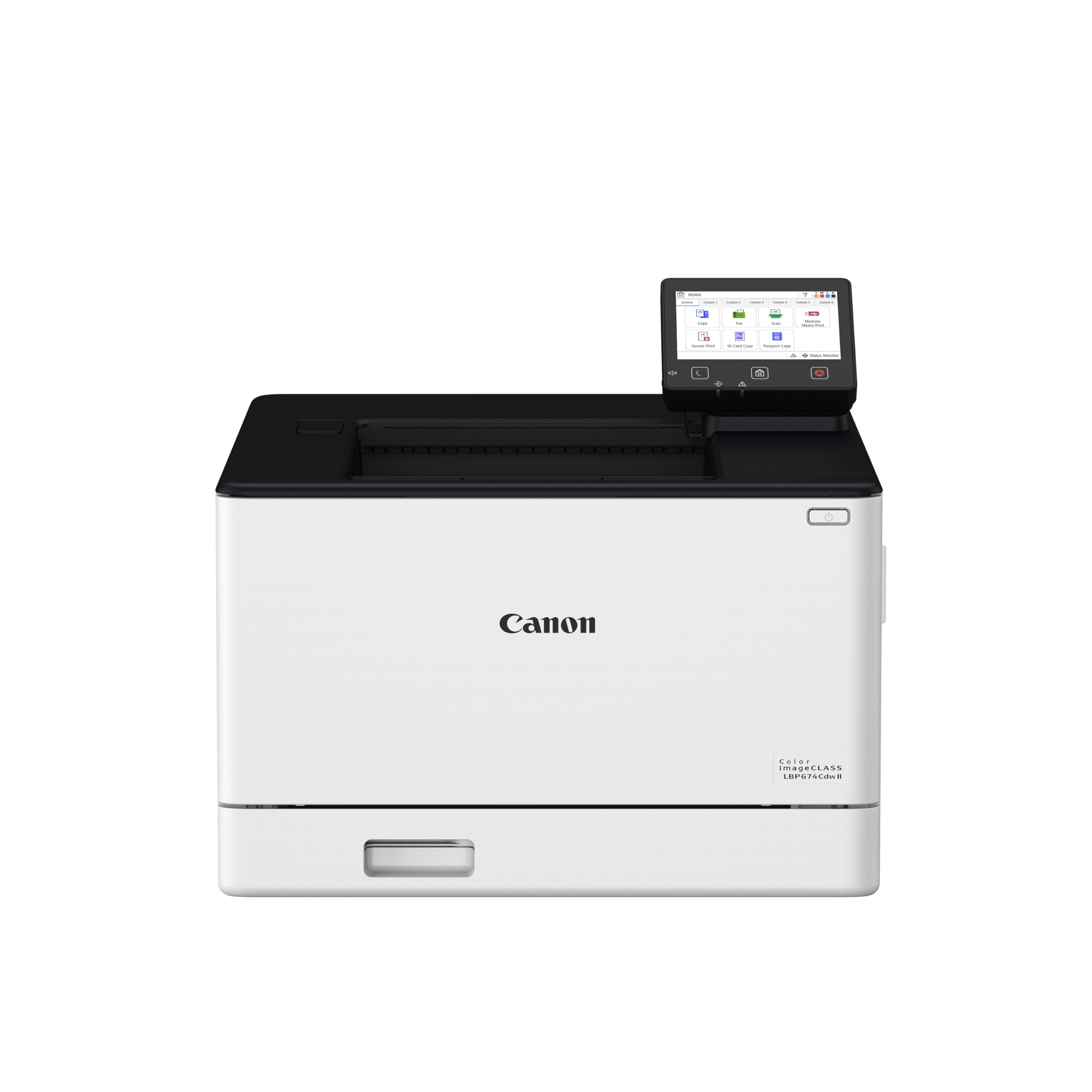
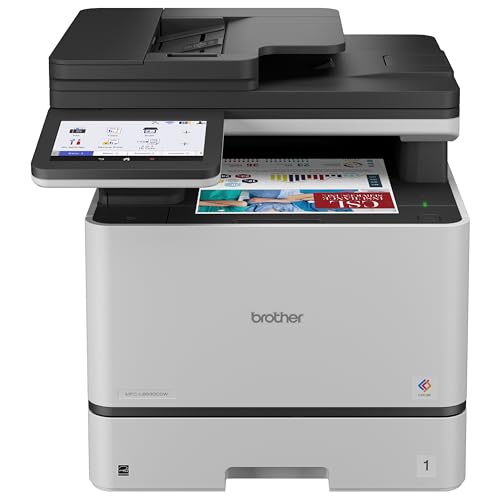
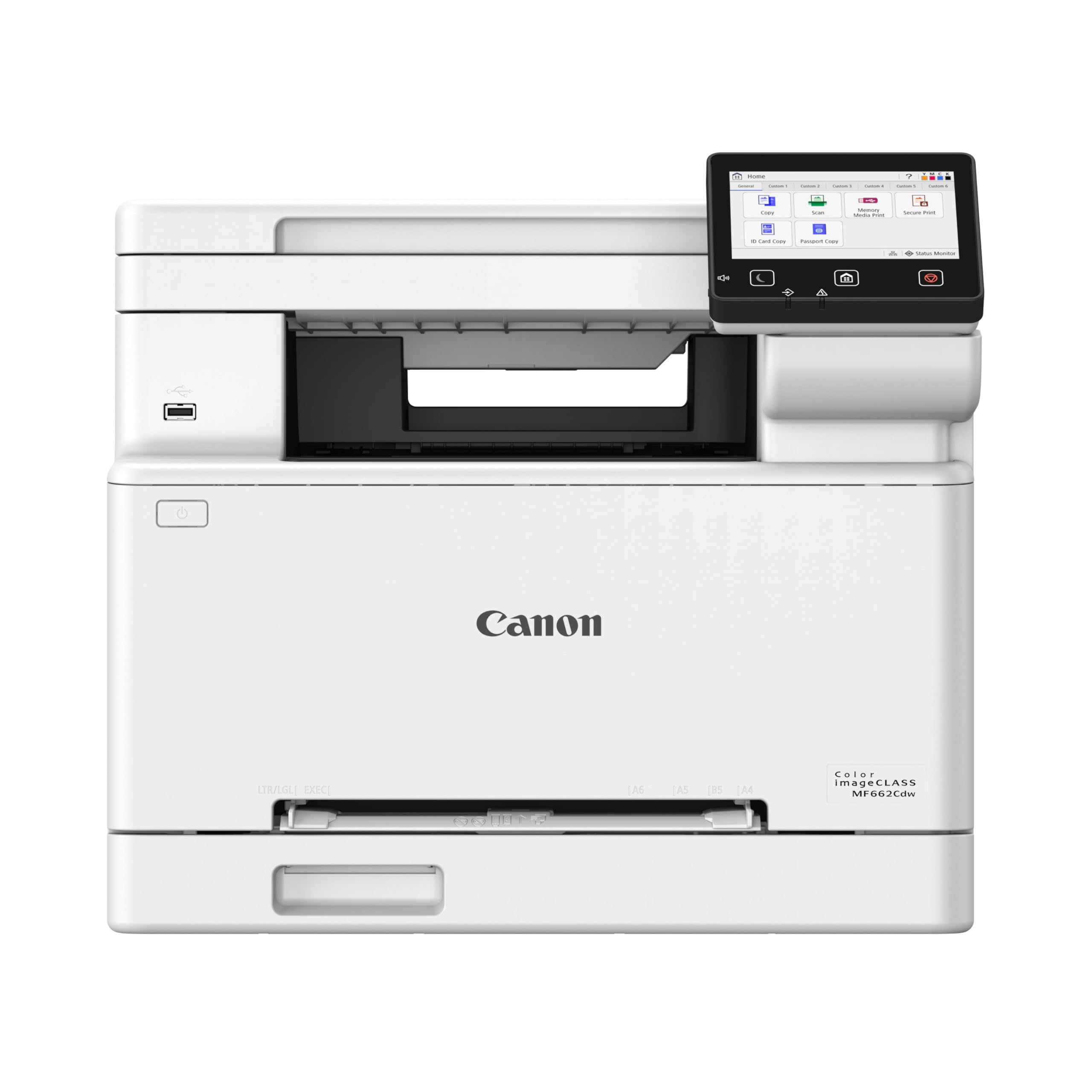
Top 3 Picks at a Glance
These three printers from the product table above cover home offices, all in one needs and busy small business workloads.


How Colour Laser Printers Compare to Other Options
The table below compares colour laser printers with the main alternatives for home and office printing.
| Type | Best For | Pros | Cons | Typical Price |
|---|---|---|---|---|
| Colour laser printer | Home offices and small businesses printing documents with color | Fast, sharp text, toner never dries, high monthly volume | Higher upfront cost, weaker photo quality, bulky | around $340 to $850 |
| Inkjet printer | Occasional home printing and photos | Low upfront cost, good photo quality | Expensive cartridges, ink can dry out | around $80 to $250 |
| Ink tank printer | High volume color and photo printing | Very low cost per page, refillable bottles | Slower, higher upfront price than basic inkjets | around $200 to $600 |
| Monochrome laser printer | Text documents only | Cheapest per page for text, fast, reliable | No color | around $120 to $300 |
Colour Laser Printers vs Inkjet Printers
Inkjet printers spray liquid ink onto paper, delivering excellent photo quality at low upfront prices. However, cartridges are small and expensive, and ink can dry out if the printer sits unused for weeks, leading to clogs and wasted ink during cleaning cycles.
Colour laser printers fuse powdered toner to paper with heat. Text is razor sharp, pages come out dry and smudge proof and toner does not dry out, so the printer is ready whenever you need it. Choose an inkjet for photos and infrequent printing, and a colour laser for documents, reports and marketing materials printed regularly.
Colour Laser Printers vs Ink Tank Printers
Ink tank printers, such as Epson EcoTank and Canon MegaTank models, use large refillable ink reservoirs that deliver extremely low cost per page, especially for color. They handle photos well and suit families and offices that print a lot of color.
Colour laser printers print faster, especially for multi page documents, and produce crisper text on plain paper. They also cope better with sporadic use since toner does not dry out. Choose an ink tank for high volume color and photos at the lowest running cost, and a colour laser for speed, reliability and text quality.
Colour Laser Printers vs Monochrome Laser Printers
Monochrome laser printers print only in black, with the lowest cost per page for text and fast output. They are smaller, cheaper and very reliable. If you rarely need color, a mono laser is the most economical choice.
Colour laser printers add the flexibility to print charts, logos, highlighted contracts and flyers, at a higher cost per color page. If even a few color pages a month matter for your work, a colour laser avoids the need for a second printer.
Who Should Choose Colour Laser Printers?
Colour laser printers suit home offices, freelancers, teachers and small businesses that print several documents a week with occasional color. They are ideal for invoices, reports, presentations, worksheets, menus and simple marketing flyers. Their speed and reliability help when deadlines matter, and the toner's long shelf life suits offices that print in bursts.
Families who mainly print homework and occasional color pages may also benefit, especially if inkjet clogs have been a problem. On the other hand, photographers and crafters who print glossy photos should choose an inkjet or ink tank printer, and people who print only a few pages a year may not justify the upfront cost.
How to Choose the Right Colour Laser Printer
Once you decide a colour laser fits, compare models on the features below to find the best colour laser printers for your needs.
Printer Type (Single Function vs All in One)
Single function colour laser printers only print, making them compact and affordable. All in one models add scanning, copying and sometimes faxing, with automatic document feeders for multi page scans. Choose an all in one if you scan contracts, receipts or schoolwork regularly. Business focused models add larger trays and higher duty cycles.
Ease of Setup and Connectivity
Modern colour laser printers connect over WiFi, Ethernet and USB, and most support mobile printing through apps, AirPrint and Mopria. Setup apps walk you through WiFi connection and driver installation. Look for touchscreens or simple control panels and printer management apps that show toner levels. Some brands require online accounts for advanced features, so check before buying.
Print Speed
Print speed is measured in pages per minute. Home office colour lasers typically print around 18 to 30 pages per minute, while business models reach 30 to 40 or more. First page out time matters for quick single page jobs. Automatic duplex printing saves paper but slightly slows output.
Cost per Page and Toner Costs
Cost per page depends on toner price and yield. Standard toner cartridges often yield around 1,000 to 2,500 pages, while high yield cartridges lower cost per page. Color pages cost more than black pages because they use four toners. Check toner prices and yields before buying, since some cheaper printers have expensive or low yield toner.
Paper Handling and Duplex
Paper trays typically hold around 250 sheets on home office models, with optional second trays on business printers. Automatic duplex printing on both sides saves paper. Manual feed slots handle envelopes, labels and cardstock. Check maximum paper weight if you print thicker materials like brochures and cards.
Monthly Volume and Duty Cycle
Manufacturers list a recommended monthly page volume and a maximum duty cycle. Choose a printer whose recommended volume comfortably exceeds your actual printing to ensure reliability and longevity.
Setup and Care Tips
Place the printer on a sturdy, level surface with ventilation, away from direct sunlight and heat sources. Remove all shipping tape and protective materials from toner cartridges before first use. Keep firmware updated for security and performance. Use genuine or high quality compatible toner, and store spare cartridges sealed in a cool, dry place. Clean paper rollers occasionally with a lint free cloth, and run color calibration if colors drift.
How Much to Spend on a Colour Laser Printer
Around $340 to $450 buys single function and compact all in one colour laser printers for home offices, with wireless printing, duplex and moderate speeds. Around $450 to $650 adds faster printing, automatic document feeders, larger trays and touchscreens. Around $700 to $900 covers business grade models with higher duty cycles, faster speeds, stronger security and onsite warranty options.
Factor in toner costs from the start. A cheaper printer with expensive toner can cost more over a few years than a pricier model with high yield cartridges.
Laser Toner vs Inkjet Ink: Running Costs Explained
Laser toner cartridges cost more upfront than inkjet cartridges but print far more pages, often lowering cost per page for text. Toner also lasts for years without drying out. Inkjet cartridges are cheaper to buy but can cost more per page and waste ink during cleaning cycles. Ink tank printers offer the lowest cost per page overall, particularly for color.
For a typical home office printing 200 to 500 pages a month with some color, a colour laser printer offers a good balance of speed, reliability and running costs.
Security and Business Features
Printers on office networks can be targets for attackers, so security features matter for small businesses. Business colour lasers often include secure boot, firmware integrity checks, encrypted connections and PIN protected secure printing, which holds confidential documents until the user releases them at the printer. Some models support user authentication and audit logs.
Home users benefit from simpler steps: change default admin passwords, keep firmware updated and disable unused services like WiFi Direct when not needed. Look for brands that provide regular security updates and clear support timelines.
Choosing Between Brother, Canon and HP
Brother colour lasers are known for straightforward setup, reliable paper handling and reasonable toner costs, making them popular with home offices. Canon imageCLASS printers offer strong print quality, fast output and compact all in one designs with capable scanners. HP Color LaserJet models integrate well with business networks and offer robust management and security features, though some consumer models encourage subscription toner programs.
All three brands make dependable printers. Compare specific models on toner yield, speed, tray capacity and connectivity rather than brand alone, and check whether third party toner is supported if lower running costs matter to you.
Common Mistakes When Buying a Colour Laser Printer
- Ignoring toner prices. Low cost printers sometimes ship with starter cartridges and expensive replacements.
- Underestimating size. Colour lasers are larger and heavier than inkjets; measure your desk or shelf.
- Buying for photos. Laser printers are not designed for glossy photo printing.
- Skipping duplex. Automatic two sided printing saves paper and money over time.
- Choosing too low a duty cycle. Busy offices need printers rated for higher monthly volumes.
FAQs
Are colour laser printers good for photos?
Colour laser printers are fine for basic graphics but not ideal for photos. They print charts, logos and simple images well on plain paper, but they cannot match the smooth gradients and glossy finish of inkjet photo printers. Choose an inkjet or ink tank printer if photo printing matters.
Inkjet or laser: which is cheaper long term?
Laser printers are usually cheaper long term for text heavy printing, while ink tank printers are cheapest for color. Laser toner yields many pages and never dries out. Standard inkjet cartridges often cost the most per page. Calculate cost per page using current toner and ink prices.
Are ink tank printers worth it instead of a colour laser?
Ink tank printers are worth it if you print lots of color or photos. They offer very low cost per page and good photo quality. Colour laser printers are faster and more reliable for documents, especially when printing sporadically.
What does cost per page mean?
Cost per page is the toner or ink cost of printing one page. It is calculated by dividing cartridge price by page yield. Color pages cost more because they use multiple toners. Comparing cost per page helps estimate long term printing expenses.
How long does laser toner last?
Laser toner can last for years if stored properly, and it does not dry out like ink. Cartridge yield, often 1,000 to 2,500 pages for standard cartridges, determines how many pages you can print.
Do colour laser printers work with Mac and phones?
Yes, most colour laser printers support Mac, Windows, iPhone and Android. AirPrint and Mopria allow printing without extra drivers, and brand apps add scanning and toner monitoring. Check compatibility if you use Linux or ChromeOS.
Final Thoughts
Colour laser printers are the best choice for fast, reliable document printing with color. Choose a single function model for simple home offices, an all in one for scanning and copying and a business grade model for higher volumes. Compare toner costs, speed and paper handling, and consider inkjets or ink tank printers if photos are your priority.
Compare the best colour laser printers in the product table above to find the right printer for your home or office.


