
Best Laptops for Business Owners by Budget: Smart Picks
Disclosure: We may earn a commission when you buy through links on this page, at no extra cost to you. As an Amazon Associate I earn from qualifying purchases. Learn more

Business laptops from around $650 to $1,750 sorted by tier, with three picks and the features worth paying for.
Business laptops range from around $500 consumer models to enterprise machines that cost well over $2,000, and the right choice depends on how you run your company. A shop owner handling invoices and email needs something very different from a consultant who travels weekly or a creative agency founder editing client videos. This guide to the best laptops for business owners splits the market into budget, midrange and premium tiers so you can see what each price level delivers and where extra spending makes sense.
The short answer: most business owners should buy a laptop with at least 16GB of RAM, a 512GB SSD, a modern Intel Core Ultra, AMD Ryzen or Apple M series processor, all day battery life and a comfortable keyboard, which typically costs around $700 to $1,200; spend more for business grade security, durability, 32GB of RAM and premium support if your laptop is the center of your operation.




Top 3 Picks by Budget
Each pick below comes from the product table above and offers the strongest value in its price tier.


Best Budget Pick
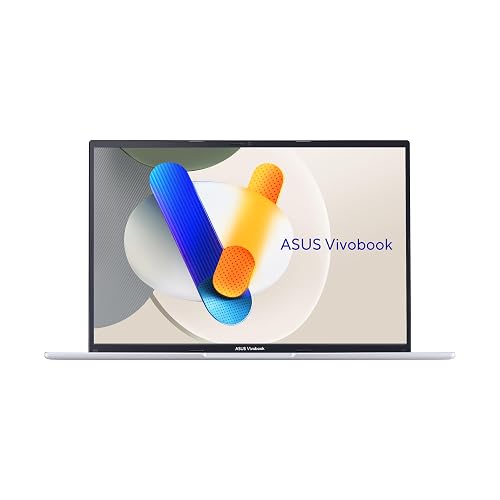
The ASUS Vivobook 16, around $700, suits new business owners, freelancers and small teams who need a capable Windows laptop for email, spreadsheets, invoicing and video calls. Its first strength is a configuration that avoids common budget traps: 16GB of memory and a 512GB SSD with an Intel Core i5 processor, which handles multitasking across browser tabs, accounting software and Office apps. Its second strength is a large 16 inch WUXGA display that gives extra vertical room for spreadsheets and documents.
The limitation is portability and polish. A 16 inch consumer laptop is heavier than ultraportables and lacks the business grade security features and durability standards of pricier models.
Best Midrange Pick
The Apple MacBook Air 13 inch with the M4 chip, around $990, is ideal for business owners who travel, meet clients and want a laptop that simply works all day. Its first strength is efficiency: Apple silicon delivers fast performance with long battery life and silent, fanless operation. Its second strength is a thin, light aluminum design with an excellent Liquid Retina display, comfortable keyboard and strong resale value.
The limitation is software compatibility. Some industry specific accounting, point of sale or legacy Windows applications do not run natively on macOS, so confirm your tools before switching.
Best Premium Pick
The Lenovo ThinkPad T14 Gen 6, around $1,750 in the configuration listed, is for owners who rely on their laptop as the core of the business and want durability, security and power for years. Its first strength is a business focused configuration with an Intel Core Ultra 7 processor, 32GB of DDR5 RAM and a 1TB SSD, enough for heavy multitasking, large files and virtual meetings. Its second strength is the ThinkPad reputation for excellent keyboards, sturdy construction and business features like a 5MP webcam.
The limitation is price, which is more than double the budget pick. Owners who mostly handle email and documents will not use its full capability.
What Your Money Gets You at Each Price Tier
Laptop prices on Amazon follow fairly clear tiers. Here is what each level typically includes for business use.
Budget Tier: What to Expect
Budget business laptops cost around $500 to $750. The best options include 16GB of RAM, a 512GB SSD and a current Intel Core i5, AMD Ryzen 5 or Snapdragon X processor. Expect plastic builds, average displays and webcams, and battery life that varies widely. These laptops suit new businesses, administrative staff and owners whose work centers on email, documents, spreadsheets and web apps. Avoid models with 8GB of RAM or eMMC storage, which slow down quickly.
Midrange Tier: The Sweet Spot for Most Buyers
Midrange laptops cost around $750 to $1,300. This tier adds lighter aluminum builds, brighter and sharper displays, better webcams and microphones, longer battery life and faster processors including Apple M series and Intel Core Ultra chips. Many models offer fingerprint readers or facial recognition. For most business owners who work on the go, meet clients and multitask heavily, this tier delivers the best balance of performance, portability and price.
Premium Tier: When Spending More Pays Off
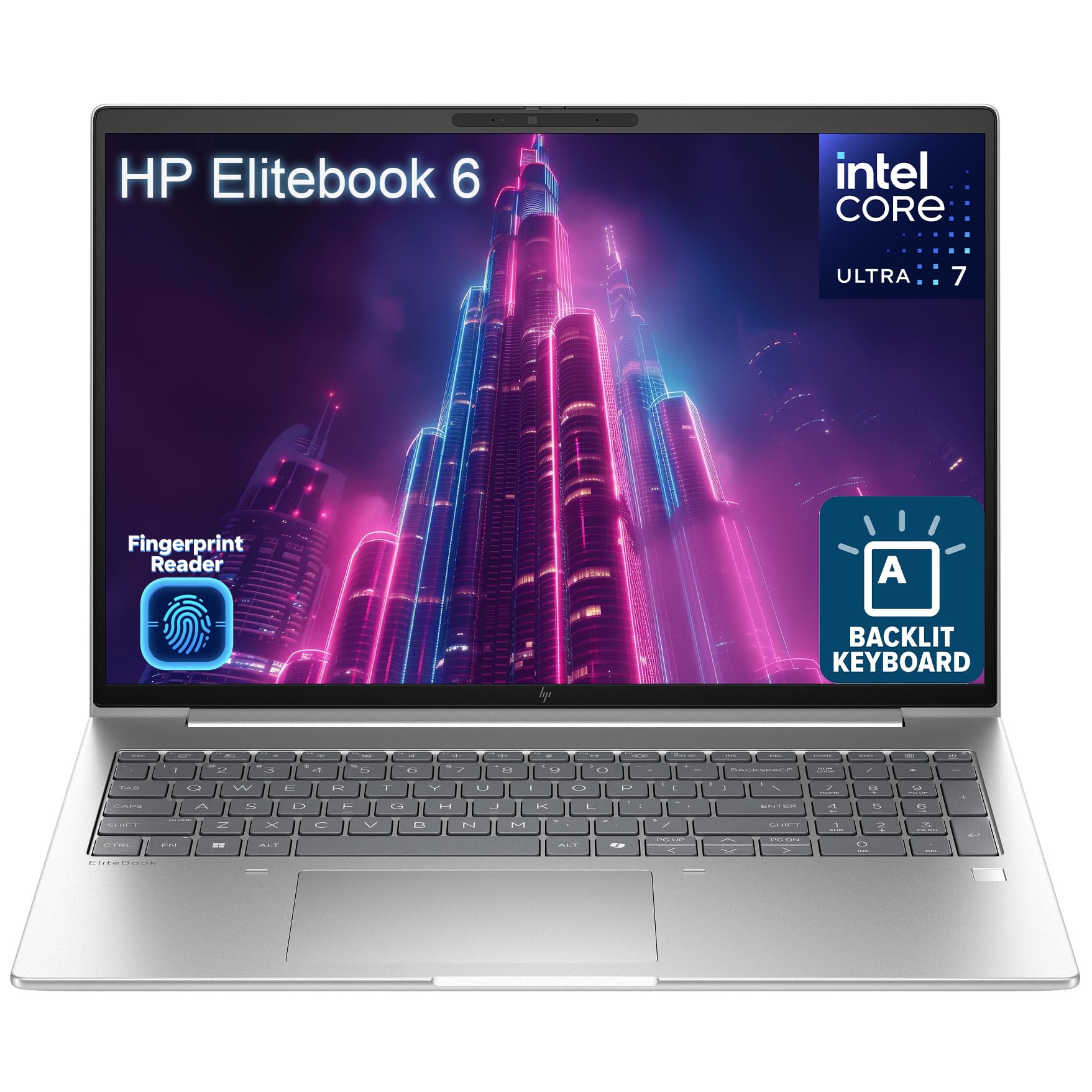
Premium business laptops start around $1,300 and rise past $2,000. They include business lines like ThinkPad T series, Dell Latitude and HP EliteBook with 32GB of RAM, 1TB SSDs, Windows 11 Pro, enterprise security chips, durable chassis built to military standard specifications and longer warranties with business support. Spending more pays off if you manage sensitive client data, handle large files, use your laptop eight or more hours daily or need dependable support with minimal downtime.
Features Worth Paying For (and Ones to Skip)
When comparing the best laptops for business owners, focus your money on features that directly affect productivity and security.
Ports and Connectivity
Business owners often connect to monitors, projectors, docks and external drives. USB C with Thunderbolt or USB4 support allows single cable docking to multiple monitors and fast data transfers. HDMI remains useful for client presentations. WiFi 6E or WiFi 7 improves speed and reliability in busy offices and coworking spaces. These features are common in midrange and premium tiers and are worth paying for if you work at multiple locations.
Features That Matter for Business Owners
Business owners handle sensitive financial and customer data, so security matters. Look for fingerprint readers or facial recognition, a TPM security chip, Windows 11 Pro for BitLocker encryption and remote management, and webcam privacy shutters. A good 1080p or higher webcam and noise reducing microphones make client calls more professional. A comfortable, backlit keyboard matters if you write proposals and emails all day. Warranty and support options are also valuable when downtime costs money.
Display Size, Resolution, and Brightness
Thirteen and 14 inch laptops are easiest to carry, while 15 and 16 inch screens give more room for spreadsheets and side by side windows. A resolution of 1920 by 1200 or higher keeps text sharp, and the taller 16 by 10 aspect ratio shows more of documents. Aim for at least 300 nits of brightness, or 400 nits or more if you work near windows or outdoors. OLED and high refresh rates are nice but optional for most business work.
Processor and Performance Tier
For office work, a recent Intel Core Ultra 5, AMD Ryzen 5, Snapdragon X or Apple M series chip is plenty. Owners who edit video, work with large datasets or run design software benefit from Core Ultra 7, Ryzen 7 or higher end Apple chips. Newer chips with neural processing units also accelerate AI features like transcription and background blur, which can help with meetings and content creation.
Features You Can Skip
Dedicated gaming graphics, RGB keyboards and ultra high refresh rate displays add cost, weight and battery drain without helping most business tasks. Touchscreens and 2 in 1 designs are useful only if you sign documents or take handwritten notes often. Spend that money on more RAM, storage or a longer warranty instead.
Laptops for Business Owners With Specific Needs
Different businesses need different strengths. Here is how to narrow down options.
Best New Laptops for Business Owners: Where Your Money Goes
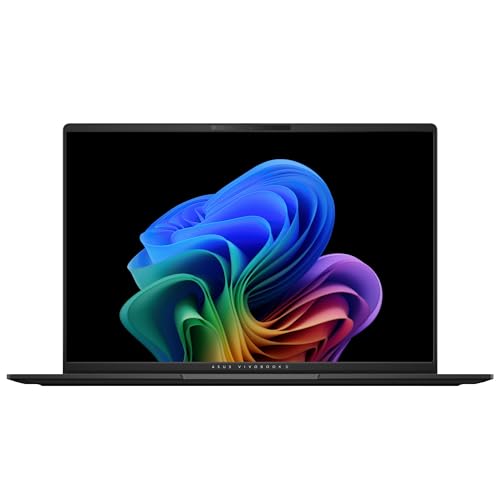
The best new laptops for business owners stand out in three areas: newer processors with built in AI acceleration, better battery efficiency and stronger security features. Chips like Intel Core Ultra, AMD Ryzen AI and Snapdragon X power on device features such as live captions and noise suppression. If you buy new rather than refurbished, choose models with these chips and at least 16GB of RAM, such as the ASUS Vivobook S16.
Best for Travel and Client Meetings
Owners who travel often should prioritize weight under about 3 pounds, battery life that lasts a full day and quick charging over USB C. Thin 13 or 14 inch laptops fit easily into bags and look polished in client meetings.
Best for Office Based Owners
If your laptop mostly stays on a desk, a 15 or 16 inch model with a full keyboard including number pad offers more comfort and value. Pair it with a dock and external monitor for an efficient workstation.
Best for Creative and Content Businesses
Agencies, photographers, video producers and marketers who create content need more power than typical office users. Look for 32GB of RAM, a 1TB or larger SSD, a color accurate display covering most of the sRGB or DCI P3 range and a processor with strong graphics, such as higher end Apple chips or Intel Core Ultra 7 and Ryzen 7 models. Fast Thunderbolt or USB4 ports help when moving large files to external drives. These owners usually get the best value in the upper midrange and premium tiers, since slow exports and crashes cost billable time.
Long Term Costs to Factor In
The purchase price is only part of total cost of ownership. Business software subscriptions such as Microsoft 365, accounting tools and security software add ongoing costs. Accessories like a USB C dock, external monitor, laptop bag and mouse can add $150 to $500. Extended warranties and accidental damage protection cost extra but can save hundreds if a laptop fails or breaks.
Consider replacement cycles too. A $700 laptop replaced every three years can cost more over time than a $1,400 business laptop that lasts five or six years with fewer repairs. Batteries degrade over time, and a replacement battery costs around $80 to $200 depending on the model. Factor in downtime: a laptop failure that stops work for a few days can cost a small business far more than the price difference between tiers.
Windows, macOS or ChromeOS for Your Business?
Choosing an operating system is as important as choosing hardware. Windows laptops offer the widest software compatibility, including most accounting, point of sale and industry specific applications. Windows 11 Pro adds BitLocker encryption, remote desktop and device management features that become valuable as your team grows.
macOS suits owners in creative fields, those already using iPhones and anyone who values long battery life and simplicity. Most cloud tools, Microsoft 365 and popular business apps run well on Mac, but always check niche software first. ChromeOS works for businesses that run entirely on web apps, offering low prices, fast startup and strong security, but it is limited for offline work and specialized software.
Frequently Asked Questions
What features matter most in laptops for business owners?
Reliable performance, all day battery life and strong security matter most. Look for at least 16GB of RAM, a 512GB SSD, a modern processor, a comfortable keyboard and a good webcam for client calls. Security features like fingerprint login, TPM chips and Windows 11 Pro or macOS encryption protect sensitive business data.
How much RAM do I need?
Most business owners need 16GB of RAM. It handles multiple browser tabs, Office apps, accounting software and video calls without slowing down. Choose 32GB if you edit video, work with large datasets, run virtual machines or keep many demanding apps open at once. Avoid 8GB laptops for business use.
How long should a laptop last?
A business laptop should last around four to six years. Budget models may feel slow after three years, while premium business laptops with durable builds and more RAM often stay productive longer. Regular updates, battery care and keeping storage free help extend lifespan.
Is a Chromebook enough for a small business?
A Chromebook is enough if your business runs entirely on web apps. It suits email, Google Workspace, cloud accounting and online stores at a low price with strong security. However, it struggles with specialized Windows software, offline work and advanced editing, so most owners are better served by Windows or macOS.
Is a dedicated GPU worth it?
A dedicated GPU is worth it only for video editing, 3D design or heavy creative work. For email, spreadsheets, invoicing and video calls, integrated graphics are more than enough and save battery life, weight and money. Creative business owners should consider a laptop with a dedicated GPU or a high end Apple chip.
Should I buy a laptop or a tablet?
Most business owners should buy a laptop. Laptops offer full keyboards, better multitasking and broader software support for running a business. Tablets work well as secondary devices for presentations, point of sale or note taking, but they rarely replace a laptop for spreadsheets, proposals and accounting.
Final Thoughts
The right business laptop depends on your workload, travel habits and budget. Prioritize 16GB of RAM or more, a modern efficient processor and security features that protect your data, then choose the tier that matches how heavily you rely on your laptop. Budget buyers can start with a capable 16GB Windows laptop, mobile owners will love a lightweight midrange model, and those running operations from their laptop should invest in a premium business line.
Compare the best laptops for business owners in the product table above to find the right balance of performance, portability and price for your company.


