
The Best Line Mixer for Keyboards for 2026: Keyboardist Rig Guide
Disclosure: We may earn a commission when you buy through links on this page, at no extra cost to you. As an Amazon Associate I earn from qualifying purchases. Learn more

Pick the best line mixer for keyboards: stereo channel count, rack or desktop format, balanced outputs and monitoring for stage pianos, synths and organs.
Keyboardists who run a stage piano, a synth or two, an organ module and maybe a sampler know the problem: too many stereo outputs and not enough channels at the house console. Plugging everything straight into front of house often leads to channel contention, mismatched levels and ground loop hum. The best line mixer for keyboards lets you blend all of those instruments into one clean stereo feed that you control yourself, in a compact box that fits a gig bag or flight case.
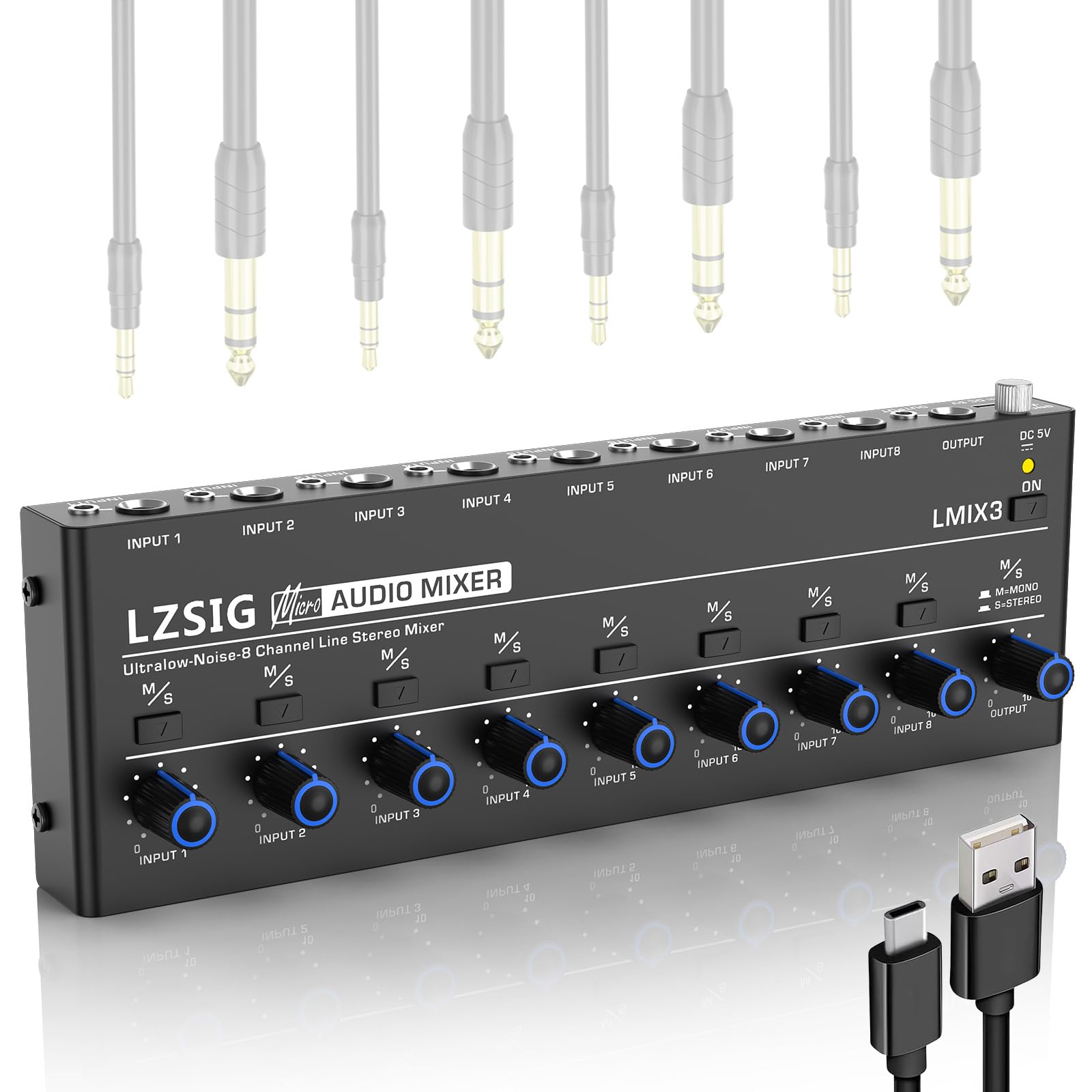
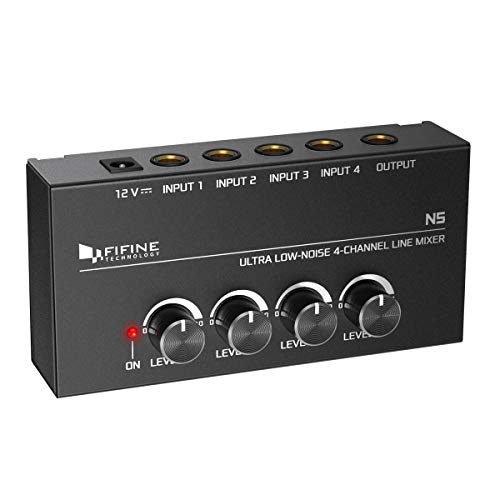
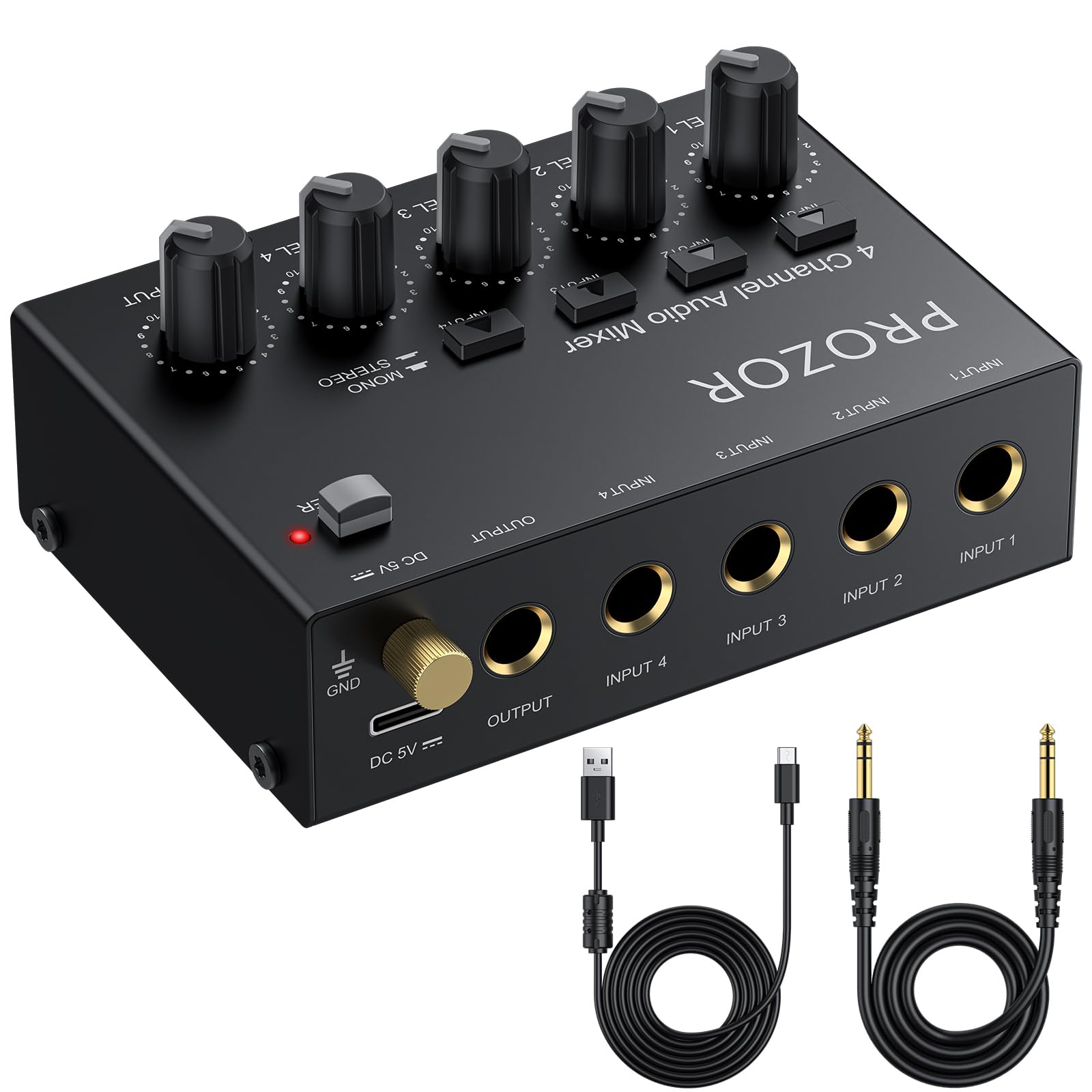
Whether you need a one unit rackmount submixer for an onstage road rack or a desktop unit for studio jamming, the decision comes down to channel density, aux sends and headroom. Below we cover stereo versus mono inputs, active versus passive circuits, balanced outputs and practical routing advice. The picks in the table below are a good place to compare specific models.





How to Choose the Best Line Mixer for Keyboards: Buying Guide
Focus on input type, noise and headroom, form factor, routing, outputs, monitoring and metering. Each of the points below affects how the mixer behaves in a real keyboard rig, whether you are on a club stage or in a bedroom studio.
Channel Density and True Stereo Input Architecture
You need stereo channels, not just a high channel count. Keyboards, digital stage pianos and most synthesizers output a left and right signal, so a mixer with eight mono channels may only handle four instruments.
Look for models offering roughly six to sixteen balanced stereo pairs, using paired quarter inch TRS jacks per channel. Stereo channels with a single level control let you adjust left and right together with one hand while playing. Count your instruments first, then add two spare channels for a laptop or a guest player.
Analog Headroom and Low Noise Floor Circuitry
A good line mixer has plenty of headroom and a low noise floor. Synth bass patches and resonant filter sweeps produce big transients, and a mixer that clips when several chords sound at once will ruin a performance.
Check the spec sheet for output headroom of about +20 dBu or more and a signal to noise ratio near 100 dB. Clean analog circuitry keeps reverb tails and sampled piano decay free of hiss, which matters most in quiet passages.
Form Factor: 19 Inch Rackmount vs Portable Desktop Mixers
Pick rackmount if your gear lives in a case, and desktop if you want knobs within reach. The right format depends on how you set up and tear down.
- 19 Inch 1U Rackmount Mixers: The usual choice for touring players. They mount in a shallow road rack under sound modules and wireless receivers, with controls on the front and all cables at the rear, which keeps the stage tidy.
- Compact Desktop Submixers: These have angled top panels with knobs, faders and mute switches. They sit on a keyboard tier stand, so you get quick visual feedback and can change levels mid song.
Auxiliary Sends, Effects Loops, and Monitor Routing
Aux sends let you route chosen keyboards to outside effects or to a separate monitor mix. Aim for at least one or two aux sends per channel.
With them you can send a synth through a delay pedal or boutique reverb and bring the wet signal back through stereo aux returns. Pre fade sends also let you build an in ear monitor mix that is independent from what the audience hears.
Balanced Main Outputs and Ground Lift Switches
Balanced stereo XLR outputs and a ground lift are the best defense against stage hum. Lighting dimmers and long snake runs can induce 60 Hz ground loop noise.
Balanced outputs carry the signal over long cable runs to the house board, often without a separate direct box. A ground lift switch lets you break a hum loop quickly during soundcheck instead of hunting for the culprit with the doors about to open.
Independent High Power Headphone Amplification
A dedicated headphone amp matters for both loud stages and silent practice. Look for one that can drive higher impedance studio headphones without distortion.
A separate headphone level knob and monitor source selector let you audition patches, tune oscillators and check levels privately before you bring a sound up for the audience.
Visual Peak Metering and Master Mute Switches
Multi segment LED meters and mute switches help you keep control on a dark stage. Green, amber and red ladders show your output level at a glance, so loud piano chords stay under the clipping point.
A master mute or per channel mute button is just as useful. Silencing the whole rig between songs stops patch change pops and tuning noises from reaching the main system.
Integrated USB Audio Interface Capabilities
Some line mixers include a multi channel USB interface, which suits players who record or use backing tracks. Connecting to a laptop lets you capture live performances straight into recording software.
Two way USB routing also lets you play software synths and backing tracks through the mixer outputs, blending them with hardware instruments. Check that the interface supports your computer and the sample rate you work at.
Line Mixer Architectures Compared
Keyboard line mixers fall into two main electronic designs: active and passive. Which one suits you depends on cable lengths and whether you have wall power.
Active Operational Amplifier Line Mixers
Active mixers use powered summing circuits and buffers. They offer adjustable channel gain and unity gain buffering, so keyboards keep punchy levels without volume drop when many channels are open. This is the better fit for most stage rigs.
Passive Resistive Summing Mixers
Passive mixers need no wall power and use resistor networks to blend signals. They add no electronic coloration or power supply hum, but they lose several decibels of level (often around six to twelve), so you may need a preamp or direct box afterward to restore gain.
Essential Setup and Maintenance Practices for Keyboard Mixers
A few simple habits keep a keyboard mixer reliable for years. These four cover most gig problems.
- Label channel inputs clearly with console tape: Mark each strip with tape and a permanent marker so you never confuse the organ with the lead synth during a rushed line check.
- Secure cables with velcro ties to prevent jack strain: Bundle quarter inch cables with soft hook and loop ties and anchor them to the stand so hanging cable weight does not loosen panel jacks.
- Clean dusty potentiometers with electronic contact cleaner: If knobs turn scratchy after a dusty festival, spray quick drying cleaner into the opening while rotating the knob back and forth.
- Transport mixers inside padded flight cases: Protect faceplates and knobs in transit to avoid sheared shafts and bent jacks.
Frequently Asked Questions
What is the difference between a keyboard mixer and a standard PA mixer?
A keyboard line mixer is built for line level stereo instruments. It typically has dense stereo inputs and a compact chassis, without the bulky microphone preamps and channel EQ of a PA mixer. That makes it smaller and simpler to run for synths and pianos.
Do I need a direct box if my keyboard mixer has balanced XLR outputs?
Usually no. Balanced XLR outputs can connect straight to a stage snake or house console. A direct box is only needed if your mixer lacks balanced outputs or you have a persistent hum problem.
Can a line mixer accommodate mono synthesizers as well as stereo keyboards?
Yes, most stereo line mixers handle both. Plugging a single cable into the left (mono) jack usually sends the signal to both sides of the stereo output. Check the manual for your model to confirm this behavior.
Why is internal power better than an external wall wart adapter for live gigging?
Internal power is easier to trust on the road. It uses a standard IEC cable that seats firmly and is simple to replace, while a plastic wall adapter can pull out or break mid gig.
Final Thoughts
The best line mixer for keyboards gives you enough stereo channels, quiet circuitry, balanced outputs and good monitoring, in a format that suits your rig. Count your instruments, decide between rack and desktop, and confirm headroom and ground lift before buying. Then compare the picks in the table above to find the model that fits your stage or studio.


