Best 2 Channel Audio Interface for 2026: Home Recording and Streaming
Disclosure: We may earn a commission when you buy through links on this page, at no extra cost to you. As an Amazon Associate I earn from qualifying purchases. Learn more
Best 2 channel audio interface explained: preamps, phantom power, direct monitoring and connections for home recording and streaming.
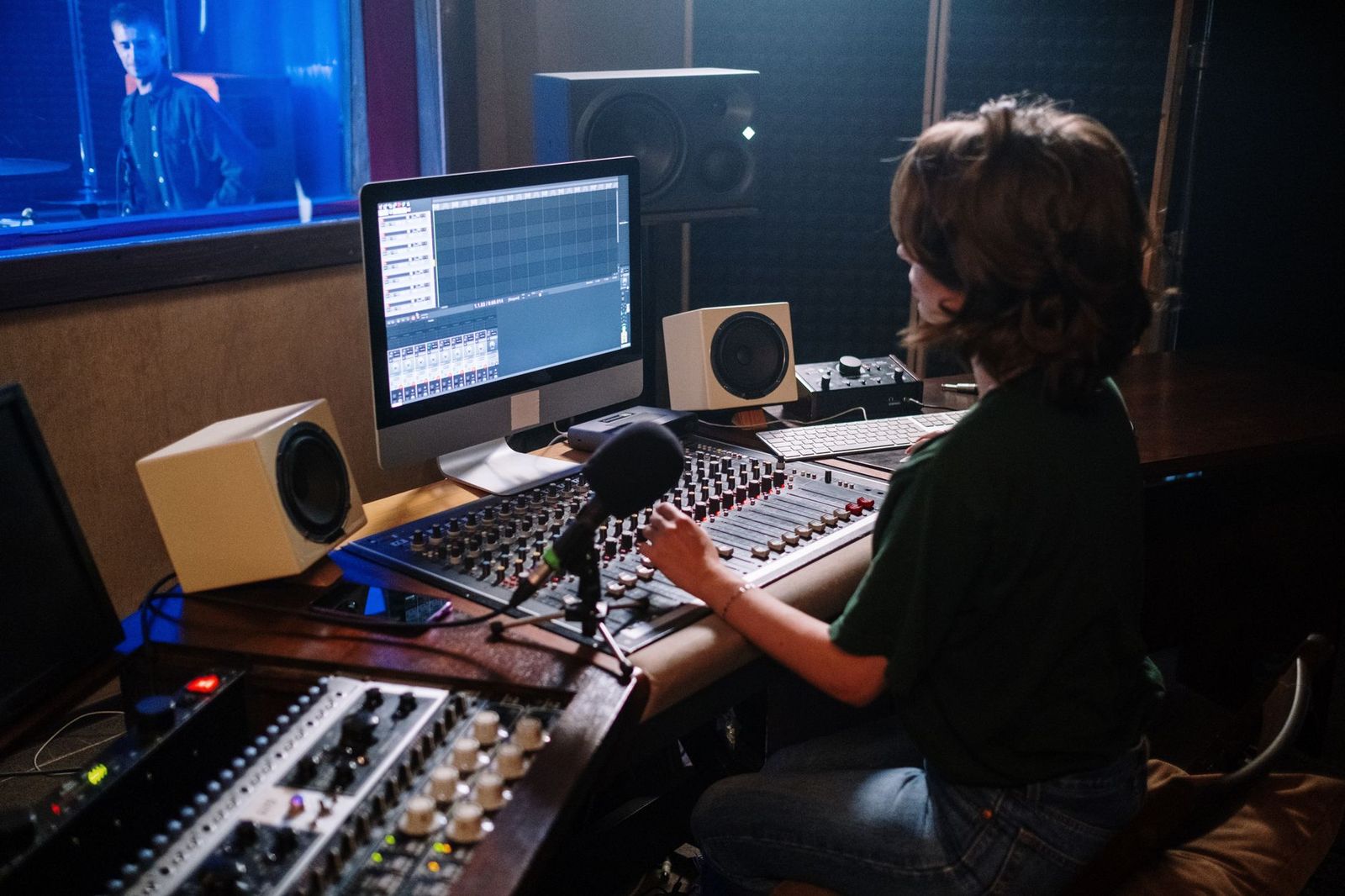
A 2 channel audio interface is the box that lets a computer record real microphones and instruments and play them back cleanly. It replaces the weak sound card in your laptop with proper preamps, a better converter and low delay monitoring. This guide to the best 2 channel audio interface options explains what to look for whether you record vocals, guitar, podcasts or streams.
The product table lists 2 channel interfaces available new, from compact USB bus powered boxes to models bundled with recording software and cables. The sections below help you decide which features are worth paying for.


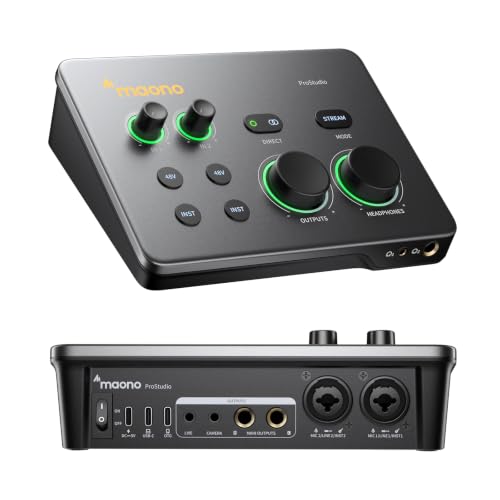

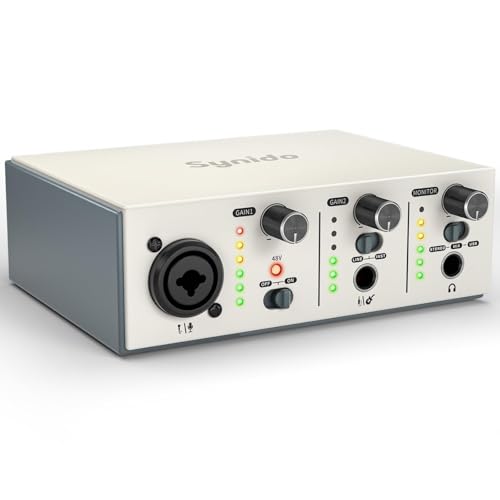

What Two Channels Give You
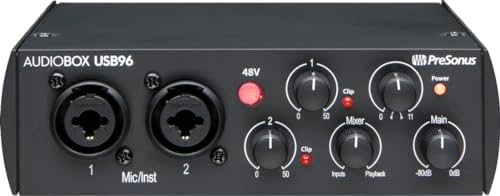
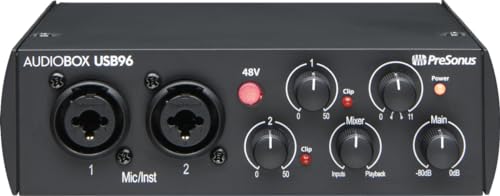
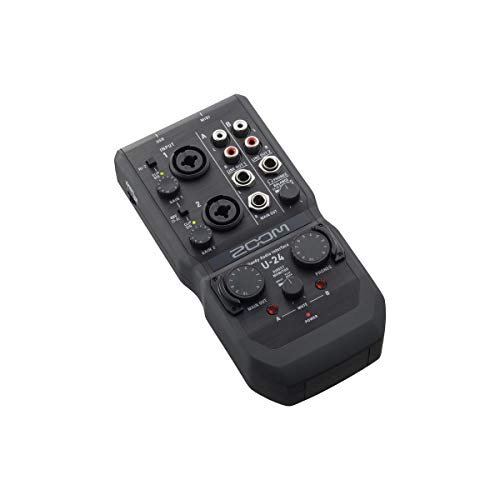
Two channels mean two simultaneous inputs, usually combo jacks that accept an XLR microphone cable or a quarter inch instrument cable. That is enough for a singer and a guitar, two podcast hosts, or a stereo keyboard. If you plan to record a full drum kit or a band in one pass, you need more inputs.
Preamps and Phantom Power
The preamp raises a quiet microphone signal to a usable level. Cleaner preamps with generous gain let you record soft sources without noise. Condenser microphones need 48 volt phantom power, which should be a switch on the front or back of the interface. Dynamic microphones do not need it, but they often need more gain.
Direct Monitoring and Latency
Latency is the delay between you singing and hearing yourself in headphones. Direct monitoring sends the input to your headphones before it goes through the computer, which removes the delay. Look for a monitor mix knob that blends input and playback, and a headphone output with enough level for your headphones.
Converters and Sample Rate
Most interfaces record at 24 bit and 44.1 to 192 kilohertz. For music, voice and podcasts, 24 bit at 48 kilohertz is plenty. Higher sample rates take more disk space with modest practical gain. Converter quality shows in the noise floor and clarity, so buyer comments about hiss are useful.
Instrument Inputs and Gain Control
A Hi-Z input suits electric guitar and bass directly. Some interfaces add a gain halo or a clip light to help you set levels. A loud input that clips sounds terrible, so check that the interface shows when you are too hot.
Connection and Power
Most interfaces use USB-C or USB-A and are powered from the computer. Check that the cable type matches your ports. A few add a separate power adapter for extra headroom. For use with a phone or tablet, check that the interface is class compliant and works without special drivers.
Outputs and Monitors
A pair of balanced outputs connects to studio monitors cleanly. Unbalanced outputs work with desktop speakers but pick up more noise. A headphone jack on the front is handy, and some interfaces include a second one.
Software and Bundles
Many interfaces include entry level recording software and plugin bundles. They are useful starting points, but check that the software supports your operating system. A free digital audio workstation already works with any interface.
Podcasting, Streaming and Loopback
Streamers like interfaces with loopback, which routes computer audio into the stream alongside the microphone. Podcasters value a clean preamp and a headphone feed for guests. Content creators who move around prefer a small bus powered box.
Choosing by Who You Are
Singers and voice actors should put preamp quality and phantom power first, because a clean, quiet microphone signal is the base of every recording. Guitarists need a proper instrument input and a monitor mix so they can hear themselves without delay. Podcasters and streamers benefit from a simple layout with large knobs, a headphone output and, if they stream, loopback. Producers who work with synths and drum machines need line inputs and balanced outputs to studio monitors.
If you are a beginner, avoid the temptation of a larger interface. Two good inputs teach you everything and leave money for a microphone and headphones, which affect the sound more than extra channels.
Common Mistakes
Buyers often forget the cables: an XLR cable for the microphone and a quarter inch cable for the instrument are not usually included. Another trap is skipping the driver step on Windows, where the wrong audio driver adds delay. A third is recording too loudly, which clips and cannot be fixed later, so leave headroom and watch the meters.
Setup Tips
- Install the maker driver, then choose the interface as input and output in your recording software.
- Set the buffer size low for recording and higher for mixing.
- Use balanced cables and keep power cables away from signal cables.
- Start with the gain low and raise it until the loudest part reaches near the top of the meter.
Frequently Asked Questions
Do I need an audio interface for a USB microphone?
No, USB microphones include their own converter. An interface is for XLR microphones and instruments.
Do I need phantom power?
Only for condenser microphones. Check which type you plan to use.
Is a bigger interface better?
Not for solo work. Two channels are plenty for voice and a guitar.
Will it work with my tablet or phone?
Class compliant interfaces often work with the right adapter, but check the maker notes.
Do I need studio monitors?
Not at first. Good headphones are enough to learn on.
How do I reduce background noise?
Record in a quiet room, place the microphone close to your mouth, keep the gain moderate and add soft furnishings that soak up echo. A good interface helps, but the room and the microphone placement matter more.
Can one interface handle both streaming and music?
Yes. The same two inputs serve a voice microphone for streams and an instrument for music, and the software decides how the signals are routed.
How do I choose the best 2 channel audio interface?
List your sources first, such as a microphone and a guitar, then check phantom power, monitoring and your computer ports.
Final Verdict
The best 2 channel audio interface is the one that fits your sources and your computer: clean preamps, phantom power for your microphone and direct monitoring. Compare the options in the product table and see our guide on how to choose an audio interface for background. Prices and availability change, so check the product page before ordering.