
The Best Medium Range Laptops for 2026: Versatile Computing Guide
Disclosure: We may earn a commission when you buy through links on this page, at no extra cost to you. As an Amazon Associate I earn from qualifying purchases. Learn more
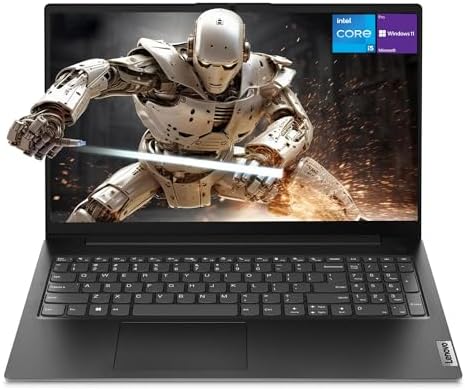
Compare the best medium range laptops for students, remote workers and casual creators: processor, RAM, screen, battery and ports explained before you buy.
Students, remote professionals and casual creators often want a laptop that is fast and well built without paying flagship money. Budget machines tend to cut corners with slow processors, dim screens and flexible plastic bodies, while high end models include features most people never use. The best medium range laptops sit in the sweet spot, usually around $600 to $1,000, with a capable multi core processor, a sharp display, a sturdy body and a battery that lasts through the day.
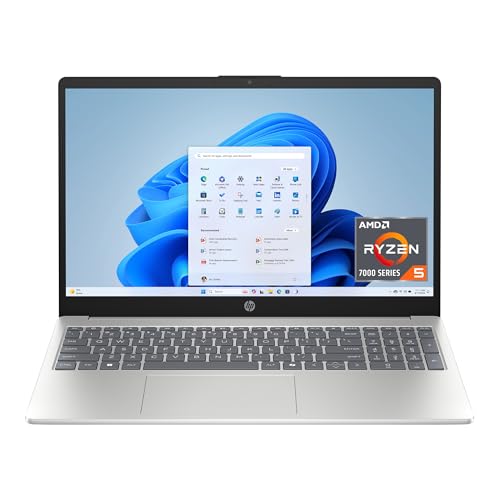
Whether you are juggling research papers and coding assignments, managing spreadsheets and video calls, or editing family videos and playing popular games, a mid priced laptop covers a lot of ground. This guide compares Intel and AMD processors, integrated and dedicated graphics, display specs, keyboards and care habits. The picks in the table show current options that fit these criteria.

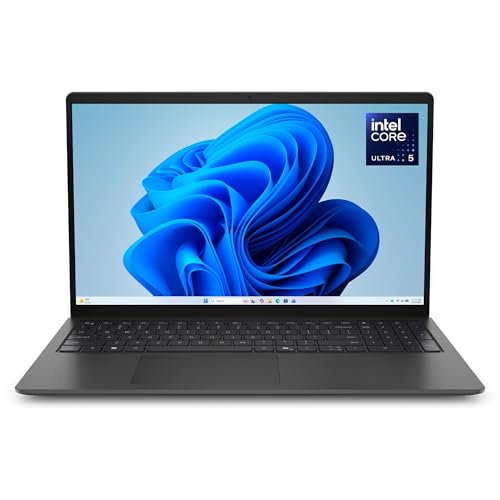

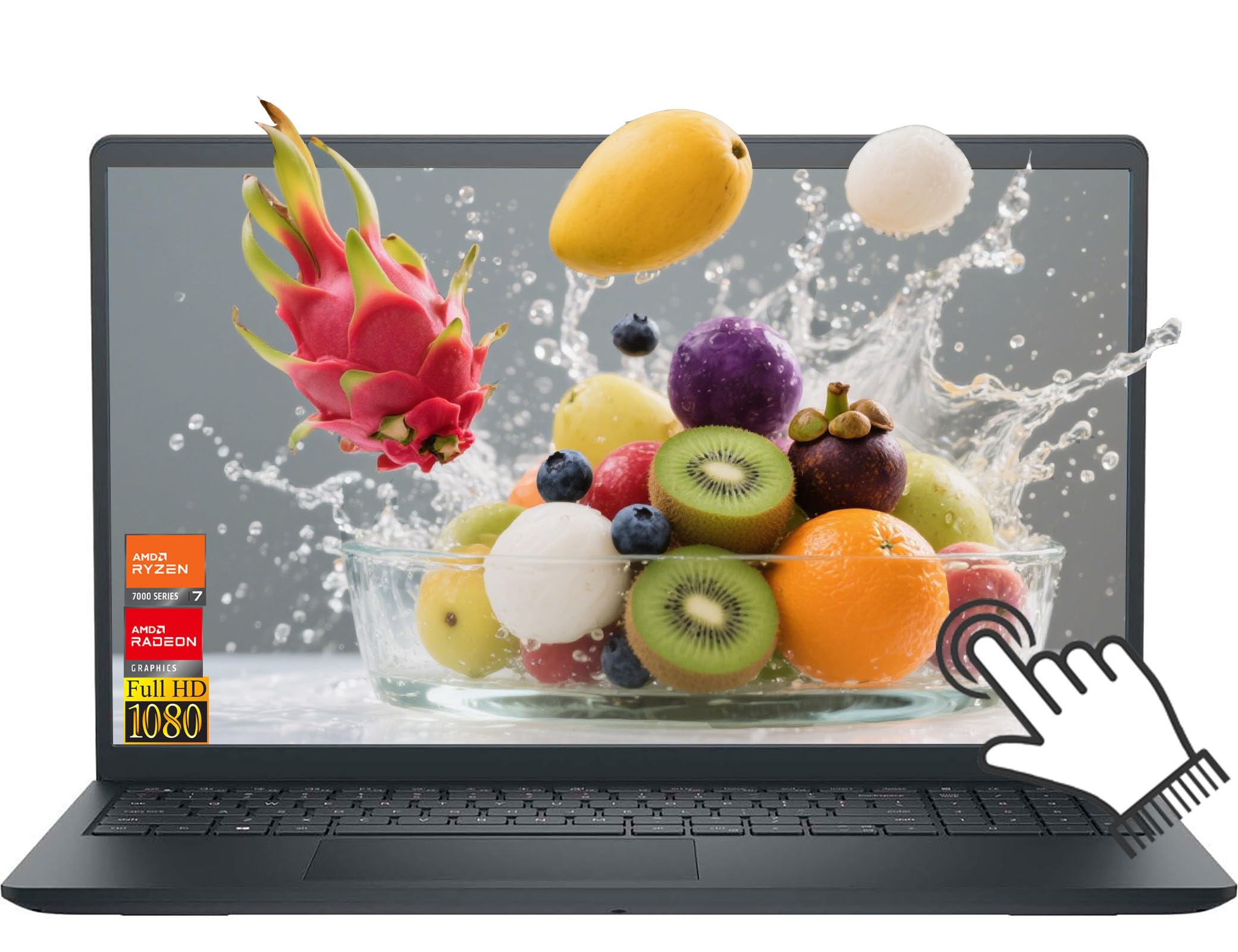




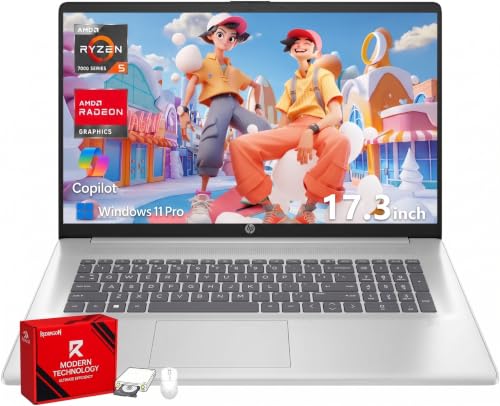
How to Choose the Best Medium Range Laptops: Buying Guide
A good mid priced laptop balances processing power, memory and portability, and the right balance depends on how you work. Check these core areas before you buy.
Processor Architecture: Intel Core vs AMD Ryzen
The processor governs overall speed and multitasking, and both major brands offer strong mid priced options.
- Intel Core i5 and Core Ultra 5 / 7: These use a hybrid design that combines performance cores with efficiency cores. They deliver quick single thread speeds for everyday web tasks and solid media encoding.
- AMD Ryzen 5 and Ryzen 7 Series: These are known for good multi core efficiency and low power draw. They tend to run cool and stretch battery life during video streaming and office work.
System Memory (RAM) and SSD Storage Standards
Aim for at least 16 GB of RAM, because eight gigabytes fills up quickly with a modern browser and several apps open. Look for DDR5 or LPDDR5 memory where possible.
Pair it with a 512 GB or one terabyte NVMe solid state drive (SSD). That combination keeps app launches and boot times quick and avoids stuttering during multitasking. Note that some thin models solder the RAM to the board, so choose the right amount at purchase.
Display Quality: 16:10 Aspect Ratios, Brightness, and Resolution
The best screen for a mid priced laptop is a bright IPS panel with a taller aspect ratio, since you will look at it for hours each day.
- 16:10 Productivity Aspect Ratio: It gives extra vertical space compared with 16:9 panels, so you see more lines of code, text or web page without constant scrolling.
- Resolution and Brightness: Look for Full HD Plus (1920 by 1200) or 2.5K (2560 by 1600) IPS panels rated at 300 to 400 nits or more. That brightness stays readable under office lighting or near a window.
Graphics Capabilities: Modern Integrated vs Entry Dedicated GPUs
Integrated graphics suit most people, while a dedicated GPU is worth paying for only if you edit video or play demanding games.
- Modern Integrated Graphics (Intel Arc and AMD Radeon 780M): These handle 4K video playback, light photo editing and esports titles such as League of Legends and Rocket League without draining the battery.
- Entry Dedicated GPUs (NVIDIA GeForce RTX 4050 / 4060): These make sense for 4K video editing, 3D rendering or modern AAA games at higher frame rates, at the cost of more heat and shorter battery life.
Chassis Build Quality and Keyboard Ergonomics
A solid body and a comfortable keyboard matter more day to day than a small speed gain. Look for aluminum or magnesium alloy lids and decks that resist flex when you press the middle of the keyboard.
A good keyboard offers roughly 1.3 mm to 1.5 mm of key travel, backlighting for night typing, and a large glass touchpad that handles multi finger gestures smoothly.
Battery Longevity and Fast USB C Power Delivery
A battery of about 60 to 75 Watt hours usually gives ten to fourteen hours of light use such as browsing and document editing, though results vary with screen brightness and workload.
Make sure the laptop supports USB C Power Delivery (PD). You can then charge it from a compact GaN charger that also powers your phone, which means one less brick in your bag.
Physical Port Selection and Universal Connectivity
Plenty of built in ports save you from carrying adapters, so check the port list before you buy. Slim laptops often drop ports to save space.
Useful ports include full size USB A for flash drives, HDMI for monitors and televisions, an SD card slot for photo transfers, and Thunderbolt 4 or USB 4 for fast data and charging. Wi Fi 6E or Wi Fi 7 support is a plus for lower latency on a modern home network.
High Definition Webcams and Physical Privacy Shutters
For remote work and online classes, a 1080p webcam and decent microphones are worth looking for. Dual array microphones with noise reduction help in noisy rooms.
A physical privacy shutter that slides over the lens is a simple extra that lets you be certain the camera is blocked when you are not using it.
Popular Medium Range Laptop Formats Compared
The right format depends on how much you carry the laptop and what you do with it.
Ultraportable 13 to 14 Inch Thin and Light Notebooks
These weigh under about three pounds and slip easily into a backpack. They suit students, business travelers and commuters who value portability over screen size.
Spacious 15 to 16 Inch Desktop Replacement Laptops
These offer larger displays, often a number pad, and stronger cooling. They suit spreadsheet heavy office work, home media use and a fixed desk setup.
Versatile 2 in 1 Convertible Laptops
These have 360 degree hinges and touchscreens that fold into tablet mode. They work well for note takers, digital artists and anyone who presents to clients.
Essential Maintenance Habits for Peak Laptop Performance
Four simple habits keep a laptop fast and extend its useful life.
- Raise the rear of the laptop during heavy work: Lifting it about an inch improves airflow underneath and helps prevent thermal throttling.
- Avoid soft bedding and couches: Fabric blocks the bottom intake vents and traps heat, and lint can clog the fans.
- Clean vents with compressed air every six months: Short bursts through the exhaust vents clear dust from the heat sink fins.
- Cap battery charging at 80 percent when plugged in: Many makers include a setting for this, which can help long term battery health if the laptop mostly stays at a desk.
When shopping, also check whether the SSD is user upgradeable. A replaceable drive lets you add storage affordably as your files grow, which stretches the life of the laptop.
Frequently Asked Questions
How much should you spend on a good medium range laptop?
Around $600 to $1,000 is the usual sweet spot. In that range you can expect 16 GB of RAM, a modern multi core processor, a sturdy body and a sharp display. Spending more mainly adds a stronger GPU or premium materials.
Is sixteen gigabytes of RAM necessary for everyday computing?
Yes, 16 GB is the safest choice today. Browsers, office suites and the operating system all run more smoothly with it. It also helps the laptop stay usable for several years.
Can a medium range laptop handle 4K video editing?
Yes, models with a recent Intel Core Ultra or AMD Ryzen 7 processor and 16 to 32 GB of RAM can handle 4K editing. A dedicated GPU makes timelines and exports noticeably faster. Expect longer renders than on a high end workstation.
How long does a quality medium range laptop typically last?
Four to six years of daily use is a reasonable expectation. Clean vents, sensible battery habits and regular software updates all help. The battery is usually the first part to show its age.
Final Thoughts
The best medium range laptops balance a modern multi core processor, 16 GB of memory, a bright 16:10 IPS display and a sturdy body at a fair price. Decide first whether you need portability, a bigger screen or a 2 in 1 design, then match the specs above to your workload. The picks in the table make it easy to compare current options.


