
The Best Medium Range Tablets for 2026: Productivity and Media Guide
Disclosure: We may earn a commission when you buy through links on this page, at no extra cost to you. As an Amazon Associate I earn from qualifying purchases. Learn more

Students and remote workers choosing the best medium range tablets should weigh display sharpness, stylus support, RAM, and battery life before buying.
If you want a tablet that handles lecture notes, sketching, document editing, and streaming without paying laptop money, the middle of the market is the place to look. Basic budget tablets often feel sluggish and lack precise pen input, while top tier models can cost as much as a premium laptop. The best medium range tablets sit between the two, combining a sharp display, responsive stylus support, and a capable multi core processor at a sensible price, usually around $300 to $600.
This guide suits students who want a digital notebook, artists who sketch on the go, and remote workers who want a light second screen. It explains what to check in the display, stylus, memory, battery, and accessories, so you can read the picks in the table with confidence.


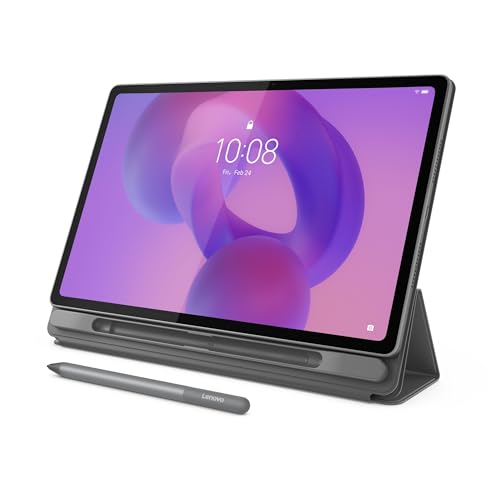
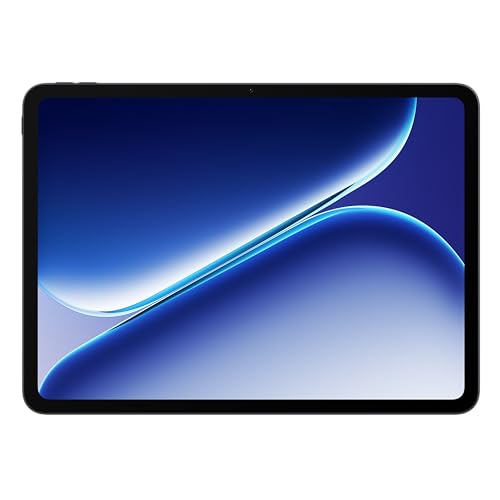
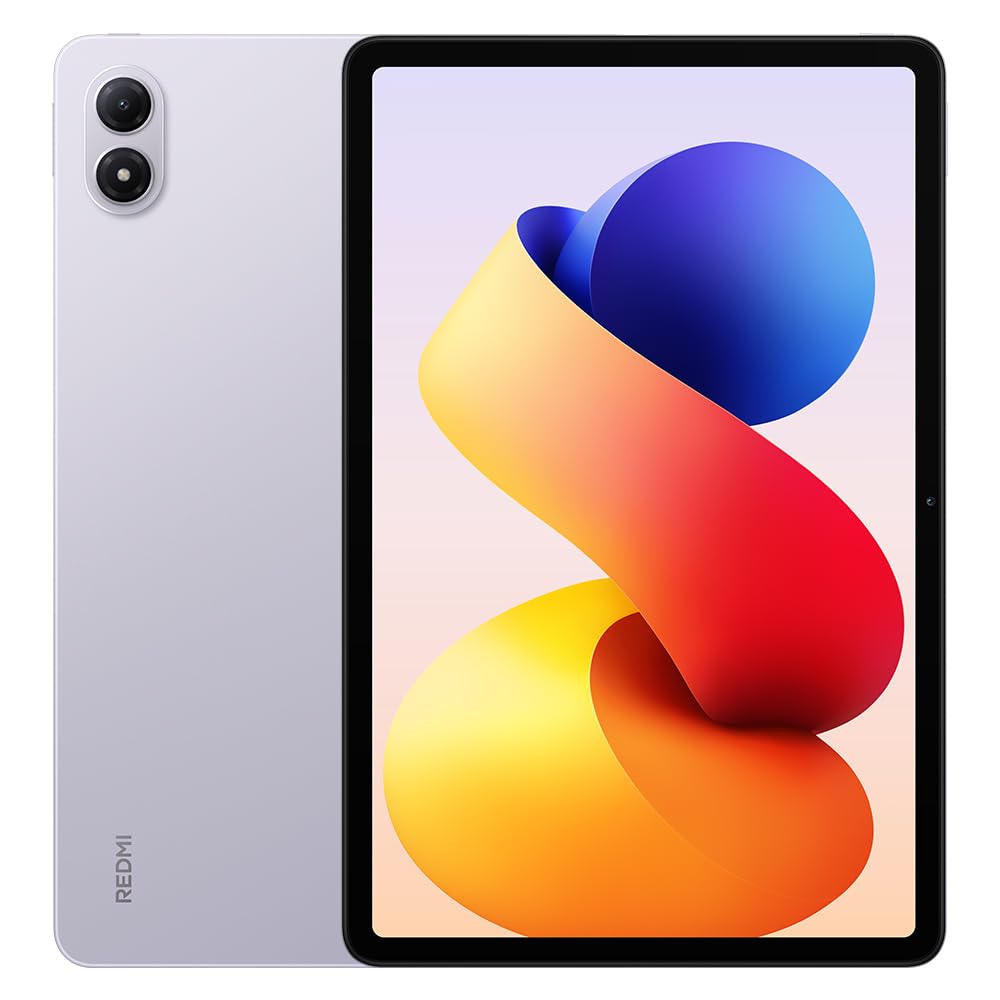

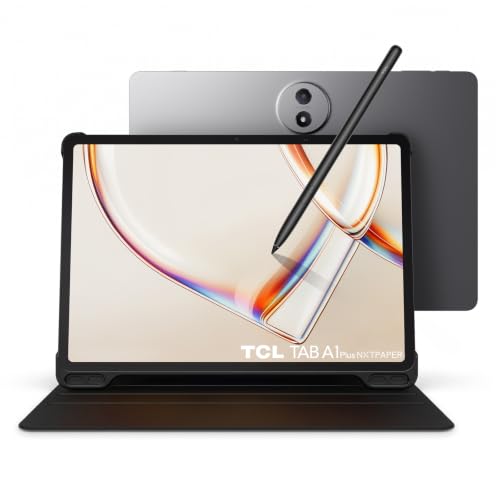
How to Choose the Best Medium Range Tablets: Buying Guide
Start with the job the tablet must do, then match the specs to it. A tablet for reading and video needs a good screen and speakers, while one for handwriting needs pen accuracy and a laminated display. The sections below cover the main points in order of importance.
Display Resolution, Refresh Rate, and Color Accuracy
A good mid priced tablet should have a sharp, smooth, and color accurate screen. Check the spec sheet for these points:
- 2K class resolution (for example 2560 by 1600): Text looks crisp, which matters for digital textbooks, PDFs, and photo editing. A screen around 11 inches is a common size for this resolution.
- 90Hz to 120Hz refresh rate: Scrolling looks smoother and pen strokes follow the tip more closely. A 60Hz panel is acceptable for reading only.
- Wide color gamut such as DCI P3: Colors look richer for movies and graphic work. Brightness of 400 nits or more helps near a window.
Active Stylus Support: Palm Rejection and Pressure Sensitivity
Choose a tablet with active stylus support if you plan to write or draw. A true active pen is far more precise than a simple capacitive stick. Check the maker's listed specs for:
- 4,096 levels of pressure sensitivity: You can draw thin lines with a light touch and bold shading with firmer pressure.
- Palm rejection: You can rest your hand on the glass while writing without stray marks.
- Low latency tracking: Lower lag makes digital ink follow the pen tip more naturally.
Also check whether the pen is in the box. Some makers include it, while others sell it separately for around $50 to $100, which changes the real price of the tablet.
Processor Performance, RAM, and Multitasking Power
A mid tier chip is enough for split screen work, but memory matters just as much. Look for upper mid range processors such as the Qualcomm Snapdragon 7 or 8s series, MediaTek Dimensity 8000 series, or Apple silicon.
Aim for at least six to eight gigabytes of RAM. That lets you keep a PDF open beside a note app while music plays in the background without apps reloading constantly. For storage, 128GB is a practical minimum, and a microSD slot is a useful bonus on Android models.
Desktop Multitasking Modes: Samsung DeX and PC Mode
A desktop mode turns the tablet interface into something close to a laptop workspace. Samsung DeX and Lenovo's PC mode are two examples.
When active, you get a taskbar, resizable floating windows, and keyboard shortcuts, which helps when you manage several documents for a research paper. If you only read and watch video, this feature matters less.
Quad Speaker Audio Arrays with Dolby Atmos
Four speakers give a wider and clearer sound than two. Look for a quad speaker layout, often tuned with Dolby Atmos, if you watch a lot of video.
Speakers placed on both short edges keep stereo separation when you hold the tablet in landscape. Tablets with only one speaker pair on one side tend to sound narrower and are easier to muffle with your hand.
Battery Capacity, Fast Charging, and Keyboard Folio Pogo Pins
Look for a battery of roughly 7,000 to 10,000 mAh, which typically supports around ten to fourteen hours of video playback according to maker claims. Real use with the screen at high brightness and a stylus in constant use is usually shorter.
Check the charging speed too. A charger of 25W or more refills the tablet quickly, but some makers leave the charger out of the box. Also look for magnetic Pogo pin contacts on the edge. They let an official keyboard folio snap on and draw power from the tablet, so there is no Bluetooth pairing or separate battery to charge.
Fully Laminated Displays and Parallax Elimination
A fully laminated screen makes drawing and handwriting feel more natural. Cheaper tablets leave an air gap between the cover glass and the panel, which adds reflections and a hollow tap sound.
A laminated screen fuses the glass, touch layer, and display into one. That reduces parallax, so the pen tip looks like it touches the ink directly beneath it. If you write for hours, this detail is worth more than a slightly faster chip.
Biometric Authentication: Fingerprint Sensors and Face Recognition
Fast and secure unlocking saves time every day. A fingerprint reader built into the power button wakes and unlocks the tablet in one motion.
Face unlock through the front camera is another option, and it works well when the tablet sits in a folio stand on a desk. Some models offer both, and either is fine as long as you also set a strong backup passcode.
Popular Medium Range Tablet Styles Compared
Most tablets in this price band fall into three styles. Pick the one that fits your daily routine.
Creative Note Taking and Digital Sketching Slates
These slates usually come with an active stylus, a screen that suits pen work, and drawing or note apps. They suit university students, design students, and anyone who keeps a digital journal. If you often draw, consider a matte screen protector for a paper like feel.
Productivity Hybrid 2 in 1 Workstations
These pair the tablet with a keyboard folio, a trackpad, and a desktop software mode. They suit remote professionals, writers, and commuters who want a very light setup for trains and planes. Remember to include the keyboard cost in your budget, since it is often sold separately.
Cinema and Gaming Entertainment Tablets
These focus on a bright high refresh display, quad speakers, and a stronger processor for games. They suit movie fans, anime streamers, and mobile gamers. Check for a vapor chamber or similar cooling if you play long sessions, because heat can reduce performance.
Common Mistakes When Buying a Mid Priced Tablet
The most common mistake is paying for features you will not use. A buyer who only reads and streams does not need a pressure sensitive pen, and a student who writes all day should not trade a laminated screen for extra speakers.
Another frequent error is forgetting the accessories. A keyboard folio, a pen, and a case can add $100 or more, so compare the full cost rather than the tablet price alone. Finally, check how many years of software updates the maker promises, since a tablet with a short update window ages quickly.
Essential Care Habits for Longevity in Mid Tier Tablets
A few simple habits keep a tablet working well for years.
- Use a magnetic smart folio case: It protects the glass in a bag and doubles as a stand for typing and viewing.
- Replace worn stylus nibs: Nibs wear down with writing, and a worn tip can drag or scratch the screen.
- Avoid heat in parked cars: High temperatures can shorten the life of the lithium battery, so carry the tablet with you.
- Keep software up to date: Turn on automatic updates to receive security patches and performance fixes.
- Protect your data: Use cloud backup and device encryption so notes and artwork are safe if the tablet is lost.
Frequently Asked Questions
Can a medium range tablet replace a laptop for university students?
Yes, for most coursework it can when paired with a keyboard folio and a mouse. It handles web research, essay writing, video lectures, and PDF annotation well. Heavy tasks such as video editing or specialist software still suit a laptop better.
Is an active stylus included in the box with medium range tablets?
It depends on the maker. Some include a pen, while others sell a compatible one separately, so check the box contents on the product page. Also confirm which pen models the tablet supports before buying a third party one.
How long does the battery last on a medium range tablet?
Most last about ten to twelve hours of mixed use such as browsing, streaming, and note taking. Gaming, high brightness, and constant pen use shorten that. Fast charging helps when you need a quick top up between classes.
Can you connect a medium range tablet to an external monitor?
Yes, if the USB C port supports DisplayPort Alt Mode. You can then send video to a monitor or projector and use the tablet as a drawing pad or reference screen. Check the maker's spec sheet, because not every USB C port carries video.
How much RAM and storage do I need?
Aim for six to eight gigabytes of RAM and at least 128GB of storage. That is enough for multitasking, a large note library, and offline video. Choose more storage if you keep large art files or download many games.
Final Thoughts
The best medium range tablets balance a sharp high refresh display, reliable stylus support, enough RAM, and strong battery life without the cost of a flagship. Decide first whether you will write, work, or watch, then match the specs and accessories to that use. Compare the picks in the table above with that list in hand and you will find a tablet that fits your budget and routine.


