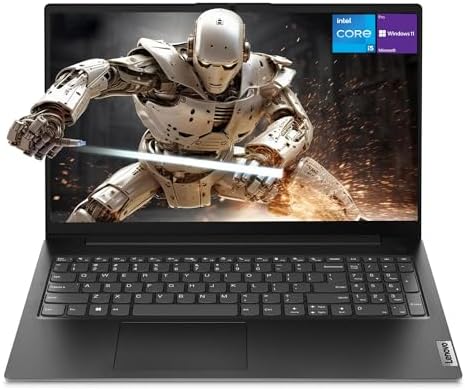
The Best Mid Range Laptops for Students for 2026: Academic Success Guide
Disclosure: We may earn a commission when you buy through links on this page, at no extra cost to you. As an Amazon Associate I earn from qualifying purchases. Learn more

Students who want a light, long lasting laptop without flagship prices can use this best mid range laptops for students guide to compare weight and battery.
A student laptop has to survive lectures, library sessions, group video calls and late-night essay deadlines, all on a student budget. The best mid range laptops for students strike a balance between a capable multi core processor, battery life that lasts through a full day, a light body and a sturdy build. Budget machines often have dim screens and fragile plastic hinges, while flagship models spend money on power most coursework never uses.
This guide covers 13 and 14 inch designs, keyboard and trackpad comfort, battery expectations, memory and storage, and practical campus security and care advice. The picks in the table below follow these same priorities.


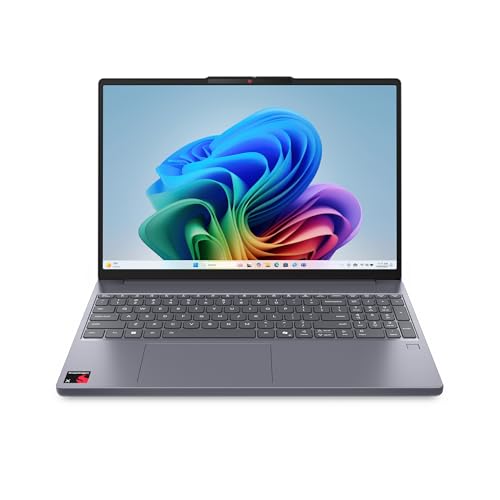
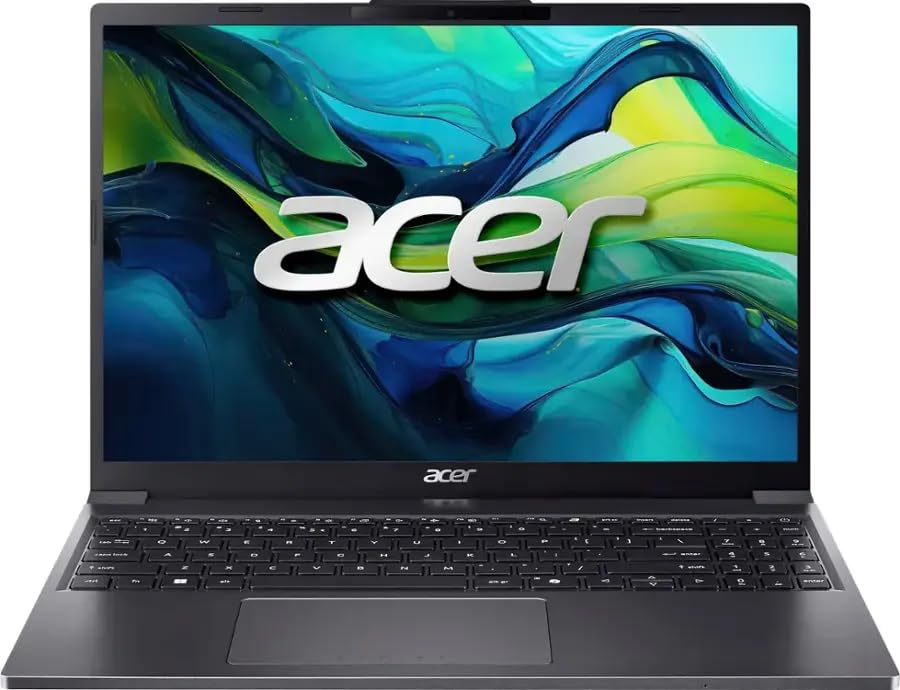


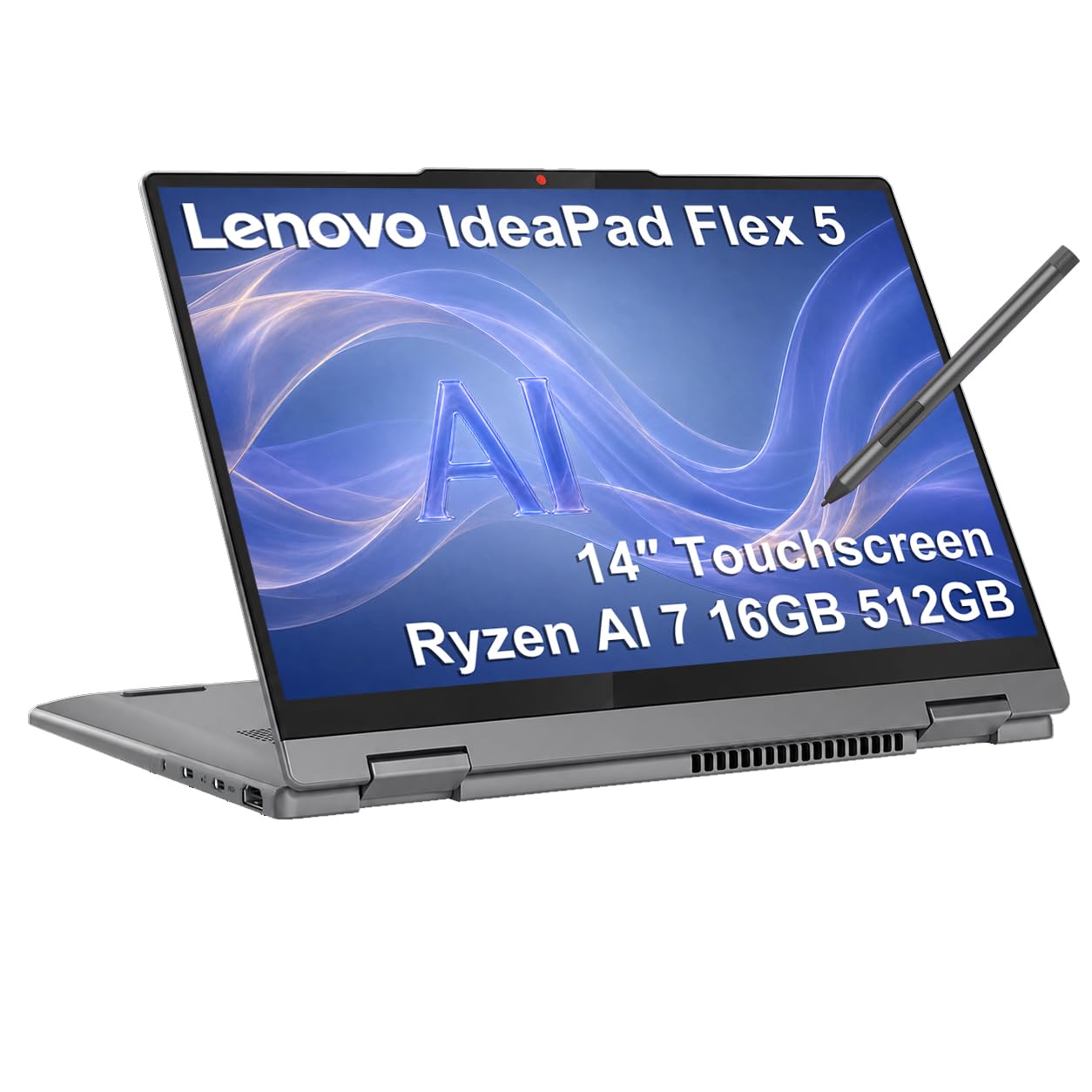
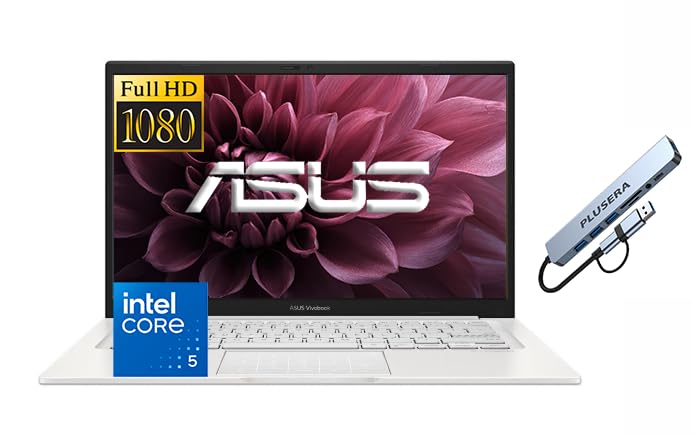
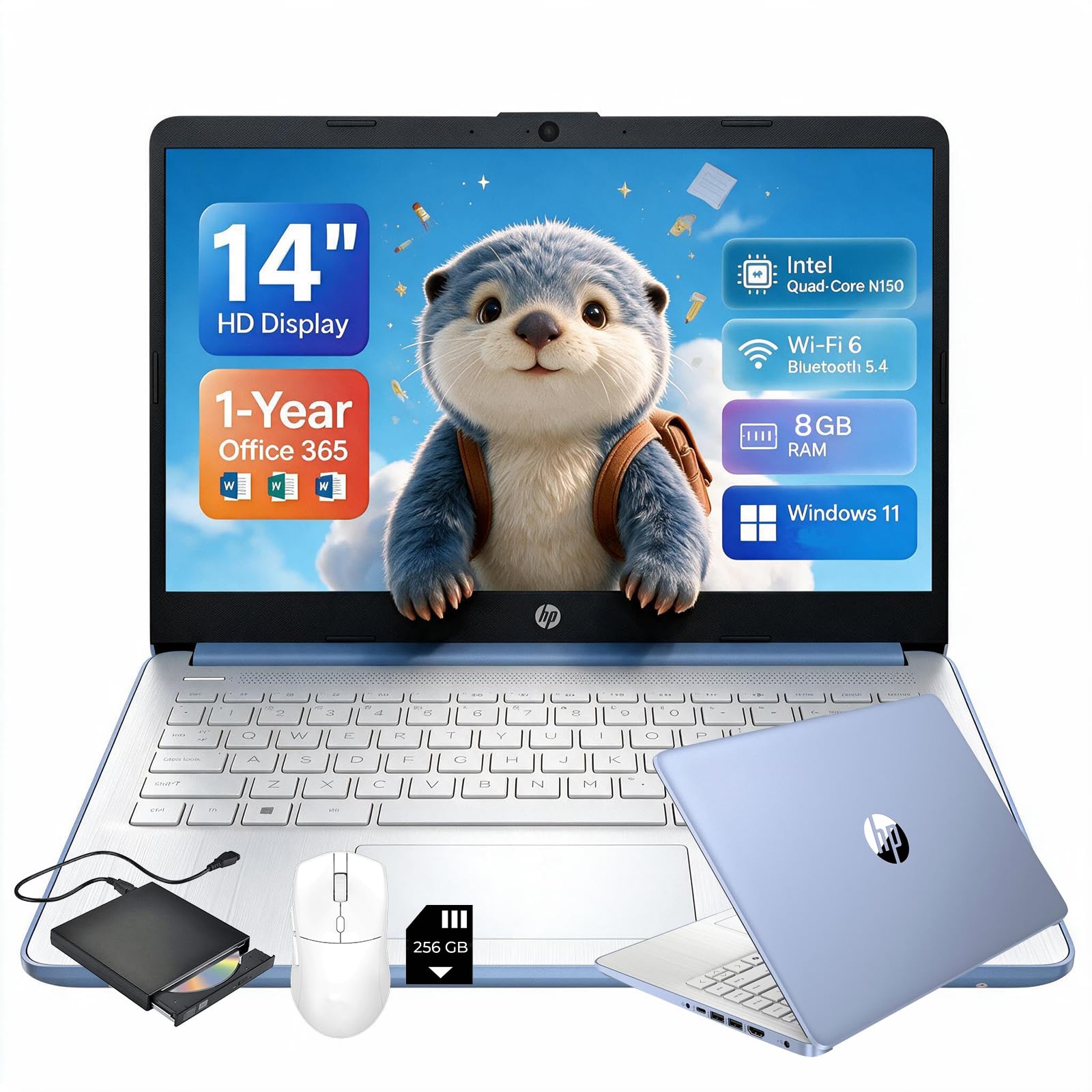
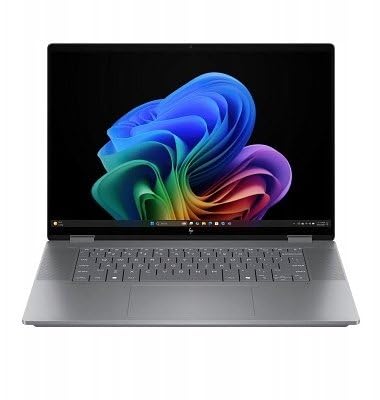
How to Choose a Mid Range Student Laptop
Choose a laptop on physical durability, battery efficiency and everyday performance rather than headline specs. Check these core points before you buy.
How Light Should a Student Laptop Be?
Aim for a 13.3 or 14 inch model under about 3.5 pounds. Students carry textbooks, bottles and supplies across campus daily, and a five or six pound fifteen inch machine adds real shoulder strain.
Aluminum or magnesium alloy bodies add rigidity, so the chassis flexes less inside a crowded backpack. A slim body is only useful if the hinge feels firm when you open it with one hand, so check that in buyer feedback.
How Much Battery Life Do Students Need?
Look for a battery rated for roughly ten to twelve hours of mixed productivity use. Lecture halls and library desks rarely have outlets near every seat, so the laptop must last from the first class to the evening study group.
Energy efficient processors such as recent Intel Core Ultra, AMD Ryzen 7 or Apple M series chips help a lot. Also prefer a model that charges over USB C Power Delivery, so a compact phone charger or power bank can top it up. Manufacturer battery ratings are best case figures, so expect somewhat less in daily use.
What Keyboard Features Matter for Typing Papers?
A comfortable keyboard matters because you will type thousands of words every week. Look for these features:
- Key travel around 1.3 mm to 1.5 mm: gives clear feedback and reduces finger fatigue during long writing sessions.
- Generous key spacing: cuts down on cramped typing errors and accidental keystrokes.
- Adjustable white backlighting: helps in dim lecture halls and in shared dorm rooms where a roommate is asleep.
If you want a broader look at campus models, the section on formats below helps match a laptop to your major.
How Much RAM and Storage Is Enough?
Choose at least 16GB of RAM paired with a 512GB or 1TB NVMe SSD. Student multitasking usually means dozens of browser tabs, PDF textbooks, a word processor, music and video calls open together.
That combination keeps apps opening quickly, avoids browser tab reloads and gives fast startup when you slide into a seat just as class begins. Since RAM is often soldered on, buy the memory you need on day one.
What Display Is Best for Reading and Coding?
A 16:10 screen with a matte coating is the best fit for long reading sessions. Poor displays strain the eyes during hours of journals and digital textbooks.
- 16:10 aspect ratio: shows more lines of code, spreadsheet rows and document text than a standard widescreen panel.
- Matte anti glare finish with about 300 nits or more: reduces reflections from overhead library lights and keeps text readable from different angles.
Do Webcam and Security Features Matter?
Yes, because virtual office hours, group projects and recorded presentations are common. Look for a 1080p webcam and dual microphones with noise reduction.
A fingerprint reader in the power button or an infrared face camera lets you sign in quickly without typing a password in a crowded library.
How Can You Stretch Battery Life on Busy Days?
Lower the screen brightness to about half and turn on battery saver mode in Windows or macOS. This slows background cloud syncing while typing stays responsive.
Closing unused browser tabs and using lightweight desktop apps for music instead of browser windows also frees processor cycles. Together these habits help an efficient mid range laptop stretch toward a full day of use.
Why Look for a Kensington Lock Slot?
A Kensington lock slot lets you tether the laptop to a heavy desk with an inexpensive steel cable. Libraries and coffee shops are busy places, and a short restroom break is when opportunistic theft happens. Not every thin laptop includes the slot, so confirm it in the specs.
Popular Student Laptop Formats Compared
Three styles cover most majors and campus routines, so pick the one that matches your coursework.
Traditional Ultraportable Clamshell Notebooks
These are slim, aluminum laptops focused on low weight, long battery life and comfortable typing. They suit humanities, business, law and liberal arts majors who mostly write, research and present.
2 in 1 Convertible Touchscreen Laptops
These have hinges that fold 360 degrees and usually support an active stylus. They work well for students in engineering, biology, math and medicine who handwrite formulas, annotate diagrams or sketch equations on screen.
Creator and STEM Laptops with Entry Level Dedicated Graphics
These add a dedicated graphics card, such as an NVIDIA RTX 4050, to a strong multi core processor. They suit architecture, computer science, video production and engineering students running 3D CAD, compiling large projects or rendering video, though they weigh more and have shorter battery life.
Essential Habits for Protecting Your Student Laptop
A few simple habits can help your laptop last through graduation.
- Carry it in a padded sleeve: a bare laptop in a bag with metal spiral notebooks and water bottles is easily scratched or crushed. A water resistant padded sleeve absorbs knocks.
- Keep drinks away from the keyboard: a spilled coffee or soda can damage the motherboard and wipe out unsaved work, so use a separate table surface.
- Turn on automatic cloud backup: set Google Drive, OneDrive or iCloud to back up your documents folder so homework survives a lost or damaged laptop.
- Wipe it down weekly: use a dry microfiber cloth on the screen and keys to remove skin oils and dust.
Frequently Asked Questions
Is 16GB of RAM necessary for a student laptop?
Yes, 16GB is the safest choice for most students. Modern operating systems and browsers with many research tabs use a lot of memory, and 16GB keeps the laptop responsive for years of coursework.
Should I choose a Mac or Windows laptop for college?
Either can work, so check your department's software requirements first. Some engineering and business programs rely on Windows only software, while many creative media majors prefer macOS.
Can a student laptop handle light gaming on weekends?
Yes, current integrated graphics such as AMD Radeon 780M and Intel Arc can run casual games like Minecraft, Rocket League and Valorant at modest settings. Expect to lower settings for demanding titles.
How long does a mid range student laptop last?
A mid range laptop commonly lasts four to five years with good care. A padded sleeve, sensible charging habits and regular software updates all help it make it through graduation.
Is a 2 in 1 laptop worth it for a student?
It is worth it if you take handwritten notes or draw diagrams. If you mostly type, a standard clamshell is usually lighter and cheaper for the same performance.
Final Thoughts
The best mid range laptops for students combine a light aluminum body, a battery that lasts the day, a comfortable backlit keyboard and 16GB of memory. Match the format to your major, protect the machine with a sleeve and cloud backup, and compare the picks in the table to find the right fit for your budget.