
Best Mid Range Studio Monitors for 2026: What Actually Matters Before You Buy
Disclosure: We may earn a commission when you buy through links on this page, at no extra cost to you. As an Amazon Associate I earn from qualifying purchases. Learn more

Home recordists who want honest mixes will find what matters in the best mid range studio monitors: driver size, bi-amp power, room switches and red flags.
Mixes that sound great at your desk and fall apart in a car or on earbuds usually point to a monitoring problem. Cheap desktop speakers boost sub bass and add sparkle to the highs, which fools your ears and leads to muddy, unbalanced tracks. The best mid range studio monitors give you an uncolored reference, revealing harsh vocal frequencies, phase clashes and subtle reverb tails before a song leaves your desk.
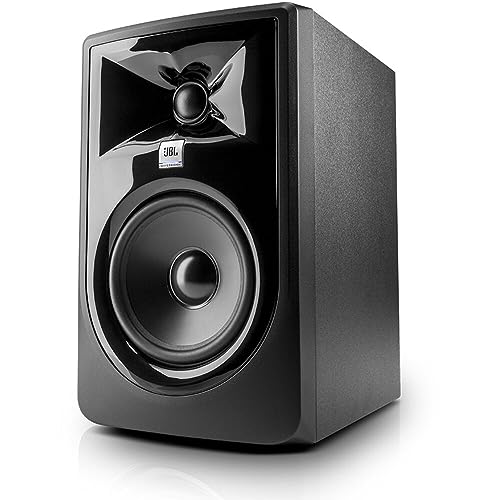
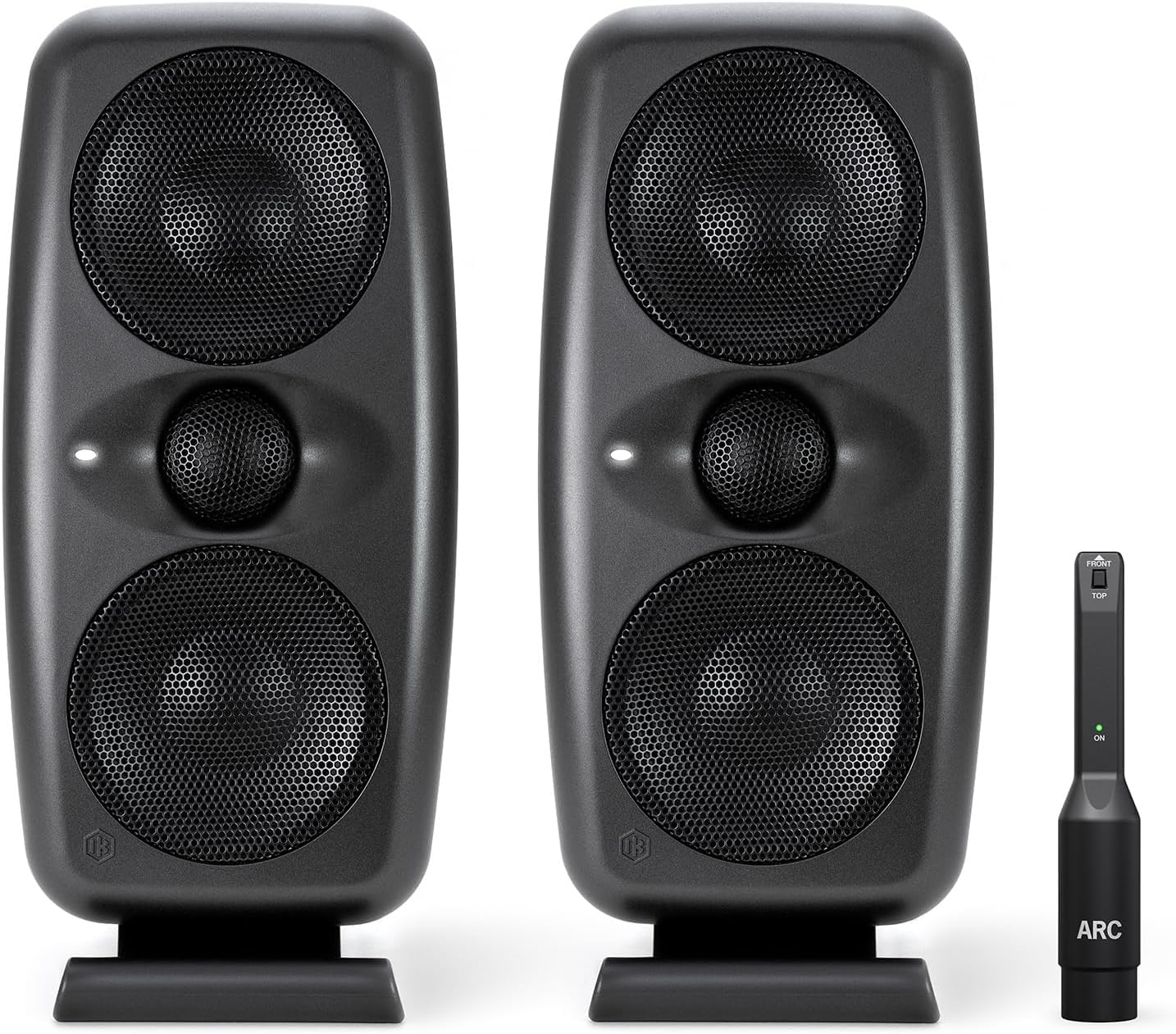
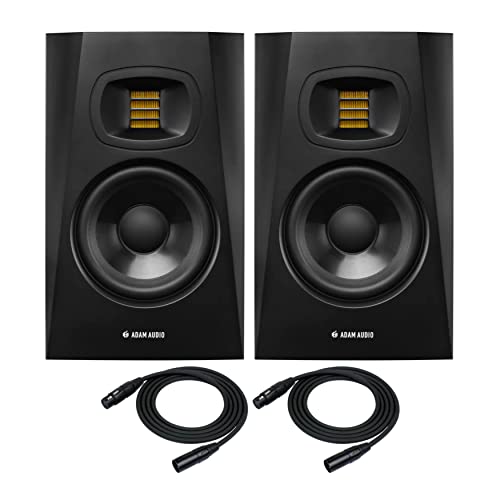
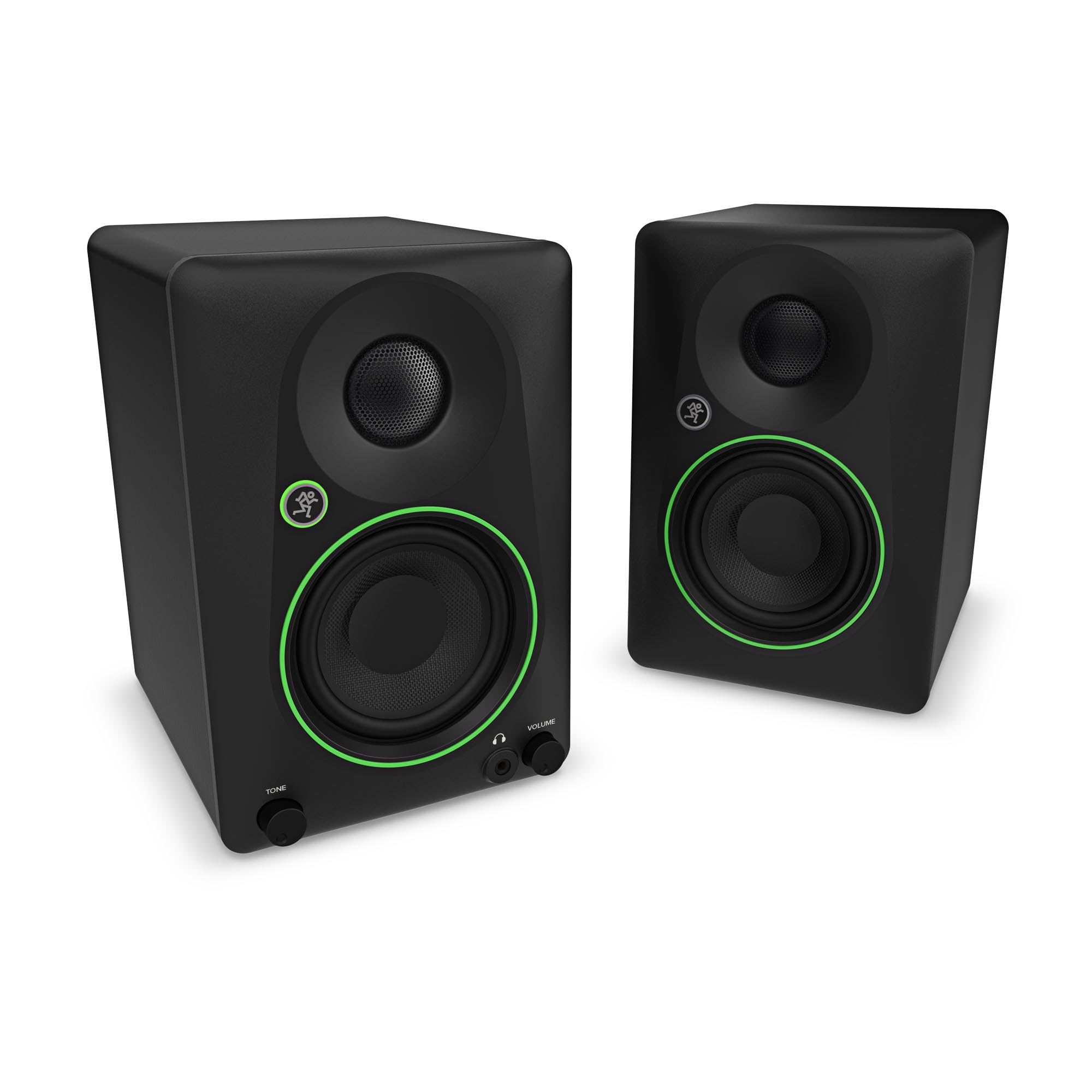
Unlike high end mastering monitors that cost thousands per cabinet, the mid range tier offers accurate sound, bi-amplified power and room placement controls at realistic home studio prices, often around $300 to $800 per pair. Below, we break down driver sizing, waveguide design, port orientation and the room calibration switches most home recordists need. Review the picks in the table to compare specific models.



What to Look for in Mid Range Studio Monitors
Good nearfield monitors share seven traits that matter far more than marketing buzzwords. Check each one on the spec sheet and in buyer feedback before you commit.
Frequency Response Neutrality and Low Distortion
A studio monitor should sound honest, and the measurement that shows it is a flat on axis frequency response. Look for a published response within roughly plus or minus two decibels from the low bass up to about twenty kilohertz. A flat response means you never boost an EQ band just because the speaker has a dip there.
Distortion matters just as much. Budget speakers often distort in the low midrange when the woofer struggles with heavy bass transients. A good mid range monitor stays clean at moderate to loud levels, so kick drums stay punchy without smearing bass guitar or vocal fundamentals. Be wary of a spec sheet that lists a frequency range with no tolerance figure, because "45 Hz to 22 kHz" on its own says very little.
Bi-Amplification and Power
Bi-amplified monitors use one internal amplifier for the woofer and another for the tweeter. An active crossover splits the signal before the power stages, which avoids the energy loss and phase problems of passive crossovers.
Class D amplifiers run cool and light, while Class AB designs are often praised for high frequency air and transient speed. Either can work well. Aim for roughly seventy to one hundred watts per speaker in total so sudden snare peaks have headroom and never clip. Remember that more watts does not mean you should play louder: in a small room, you will rarely need more than a fraction of the available power.
Woofer Size and Room Volume
Woofer size should follow your room size and acoustic treatment. A five inch woofer gives fast transients and clear mids, which suits compact bedroom studios under about one hundred fifty square feet. It rolls off around fifty to fifty five hertz, so you will need headphones or a subwoofer to check deep sub bass.
Seven and eight inch woofers reach forty hertz or lower and suit medium to large rooms. In an untreated small room, though, an eight inch monitor can excite standing waves and produce boomy, misleading bass. Six inch models sit in the middle and are a common compromise for spare bedrooms and converted offices.
Tweeter Waveguide and Stereo Imaging
The waveguide controls how the tweeter spreads sound and therefore how wide your listening sweet spot is. Most modern monitors place silk dome, aluminum or ribbon tweeters inside a shaped waveguide that matches tweeter dispersion to the woofer at the crossover point.
With a well designed waveguide you can shift in your chair without the vocal image drifting off center. That stable phantom center lets you place vocals, bass and kick dead center and pan guitars and synths with confidence.
Boundary EQ and Room Correction Switches
Rear panel room controls compensate for the fact that most desks sit near walls or corners. Placement against drywall can boost bass by three to six decibels, so a low frequency cut switch of two to four decibels is a very practical feature.
High frequency shelf filters also help. They let you soften treble in a bare, reflective room with wood floors, or lift highs in a heavily carpeted space. Analog switches and digital DSP controls both do the job. Some models add a high pass filter for use with a subwoofer, which is handy if you add one later.
Cabinet Construction and Port Placement
The enclosure should stay inert during loud playback. Cabinets built from medium density fiberboard with internal bracing resist panel resonance that colors the sound. Rounded front baffle edges reduce diffraction from sharp corners.
Port placement decides where the monitors can sit. Rear ported cabinets typically need around ten to eighteen inches of space behind them so air does not reflect off the wall and chuff. Front ported designs tolerate placement closer to a wall.
Connectivity and Noise Floor
Home studios are full of interfaces, computers and screens that radiate interference. Balanced XLR and quarter inch TRS inputs reject ground hum and radio noise over cable runs, so they should be on every serious monitor.
Also check self noise. With nothing playing, the amplifier should be nearly silent, without the hiss that plagues cheap speakers in quiet passages. Put your ear close to the tweeter with the volume down and you should hear almost nothing.
Quick Buyer Checklist
Run through this list before ordering so the monitors fit your workspace.
- Is the woofer size matched to your room and treatment? Stick to five or six inch models for small rooms to avoid uncontrollable low bass resonance.
- Does the speaker include balanced XLR and TRS inputs? Balanced inputs keep computer noise out of your signal.
- Are rear panel room tuning switches present? High and low shelving filters help adjust the speaker to your desk placement.
- Are the monitors sold individually or as a pair? Many are priced per single unit, so confirm whether you need to order two.
- Do you have isolation pads or rigid stands? Foam pads stop a wooden desk from acting like a soundboard.
- Is the idle hiss low enough for quiet nearfield listening? Check buyer feedback for comments on noise.
- Do you have the right cables? Budget for two balanced TRS or XLR cables of suitable length, since many monitors ship without them.
Red Flags to Watch For
Skip monitors that show any of these warning signs on the spec sheet or in buyer feedback.
- Only unbalanced RCA or auxiliary inputs: Consumer jacks invite ground loop hum and buzzing into your chain.
- Bass and treble boost presets labeled party mode: Monitors are tools for honest analysis, not party speakers.
- Thin plastic cabinets without bracing: Lightweight shells vibrate at moderate volume and muddy the vocal midrange.
- Very narrow sweet spots: Without a proper waveguide you must keep your head locked in place to hear accurate stereo balance.
- Vague specs: A listing with no tolerance on frequency response, no amplifier wattage or no stated crossover point makes honest comparison impossible.
Choosing Mid Range Studio Monitors for Your Situation
The right pair depends on what you do most: mixing, tracking, or general production in a shared room. Each use case shifts which specs deserve your attention.
Mid Range Studio Monitors for Mixing
For mixing, prioritize midrange transparency and transient precision. Vocal placement, snare snap and compression decisions all live between about five hundred hertz and four kilohertz.
Look for bi-amplified monitors with stiff woven composite woofers, such as Kevlar or glass fiber, and low mass aluminum dome or folded ribbon tweeters. These materials stop moving quickly when a transient ends, giving clean reverb and delay tails so you do not over process a mix. A larger woofer helps if you mix bass heavy genres, as long as your room can handle it.
Mid Range Studio Monitors for Tracking and Small Rooms
In a small tracking room, compact five inch monitors with front ports or boundary switches are usually the safest choice. They sit comfortably on stands near a wall, and you can verify low end on headphones. Keep your desk away from corners, aim the tweeters at ear height, and form an equilateral triangle between your head and the two speakers.
Mid Range Studio Monitors for Beat Makers and Electronic Producers
Producers working with synth bass and 808 style sounds should lean toward six or eight inch woofers, or pair a five inch model with a small subwoofer. Sub heavy genres depend on accurate low end, and a speaker that rolls off at fifty five hertz hides what is happening beneath it. A reference pair of closed back headphones remains a useful second opinion on those frequencies.
Setting Up Your Monitors Correctly
Good placement can improve a modest pair more than a pricier upgrade. Start with a few simple rules before you touch any EQ.
Place the monitors so the tweeters sit at ear height, angled slightly inward toward your head. Keep them symmetrical in the room, with the desk against the short wall if possible, and leave a few inches between the cabinet and any side wall. Sit about three to four feet from the speakers for nearfield listening.
Basic acoustic treatment pays off quickly. Absorber panels at the first reflection points on the side walls, plus a thick panel or bass trap in the corners, tame the worst echoes and bass buildup. Even a bookshelf filled with uneven items can scatter reflections.
Common Mistakes When Buying Studio Monitors
The most frequent mistake is buying monitors that are too large for the room. Bigger woofers sound impressive in a showroom, but in a bedroom they can create bass peaks and nulls that lead you to mix bass too light or too heavy.
Another trap is judging by first impressions. Studio monitors often sound plain at first because they are not flattering. Give your ears a week or two with familiar reference tracks before deciding. Finally, many buyers forget cables, stands and isolation pads, which can add a meaningful amount to the total cost.
Care and Maintenance Tips
These four habits keep studio monitors performing accurately for years.
- Power on monitors last and off first: Turn on your computer and interface before the monitors, and switch the monitors off first to avoid loud pops that can harm tweeters.
- Set your interface output to unity gain: Leave the rear monitor level knobs at a reference position and adjust volume with the master knob on your interface.
- Decouple monitors from the desk: Isolation pads or stands stop vibration from reaching furniture and muddying bass. Angled wedges can aim tweeters at ear level.
- Keep dust off drivers: Wipe the cabinet with a dry microfiber cloth and never press on delicate tweeter domes.
Frequently Asked Questions
What size studio monitors should I get for a home bedroom?
Five or six inch monitors are usually best for a bedroom studio under about one hundred fifty square feet. They deliver sharp transients and clear vocals without exciting low frequency room modes that create boomy, deceptive bass.
Do I need a separate subwoofer with mid range studio monitors?
Most home producers do not need a subwoofer with six to eight inch monitors in a modest room. In an untreated space a sub often causes more problems than it solves, unless you add bass traps and set crossover phase carefully.
Are mid range studio monitors good for everyday listening and movies?
Yes, they offer plenty of detail and vocal clarity for movies and casual listening. Because they are neutral, poorly recorded songs will sound unpolished rather than flattered.
How long do active studio monitors usually last?
Well built active monitors commonly last many years of daily use, often a decade or more. Good ventilation and regular dusting help keep the internal amplifier from overheating.
Why do my studio monitors hum or buzz when connected to my computer?
Hum usually comes from a ground loop between your computer, interface and speakers. Using balanced TRS or XLR cables instead of RCA, and plugging all gear into the same surge protector strip, often resolves it.
Final Thoughts
Dependable reference monitors are one of the most effective hardware upgrades for your recordings. By prioritizing a flat response, bi-amplified headroom, smooth waveguide dispersion and rear panel room switches, the best mid range studio monitors let you mix with real confidence. Match the woofer to your room, place the speakers carefully, and compare the picks in the table to find a pair that fits your space and budget.


