Best Streaming Device for TVs: Our Checklist and Top 3 Picks
Disclosure: We may earn a commission when you buy through links on this page, at no extra cost to you. As an Amazon Associate I earn from qualifying purchases. Learn more

How we judge streaming sticks and boxes, with three picks that pass, a quick buyer checklist and red flags to avoid.
Even a brand new smart TV can feel slow after a couple of years, with laggy menus, missing apps and fewer software updates. A dedicated streaming device fixes that for a fraction of the cost of a new TV, and it can turn an older set into a modern streaming hub. This guide to the best streaming device for tvs explains the checklist we use to judge streaming sticks and boxes, then shows three picks that pass every criterion.
The short answer: for most people, the best choice is a 4K streaming device that supports HDR10+ and Dolby Vision, has WiFi 6 or an ethernet port, a fast interface and a voice remote, which costs around $50 to $100; pick the platform that matches your ecosystem, such as Fire TV for Alexa homes, Google TV for Android users and Apple TV for iPhone households.

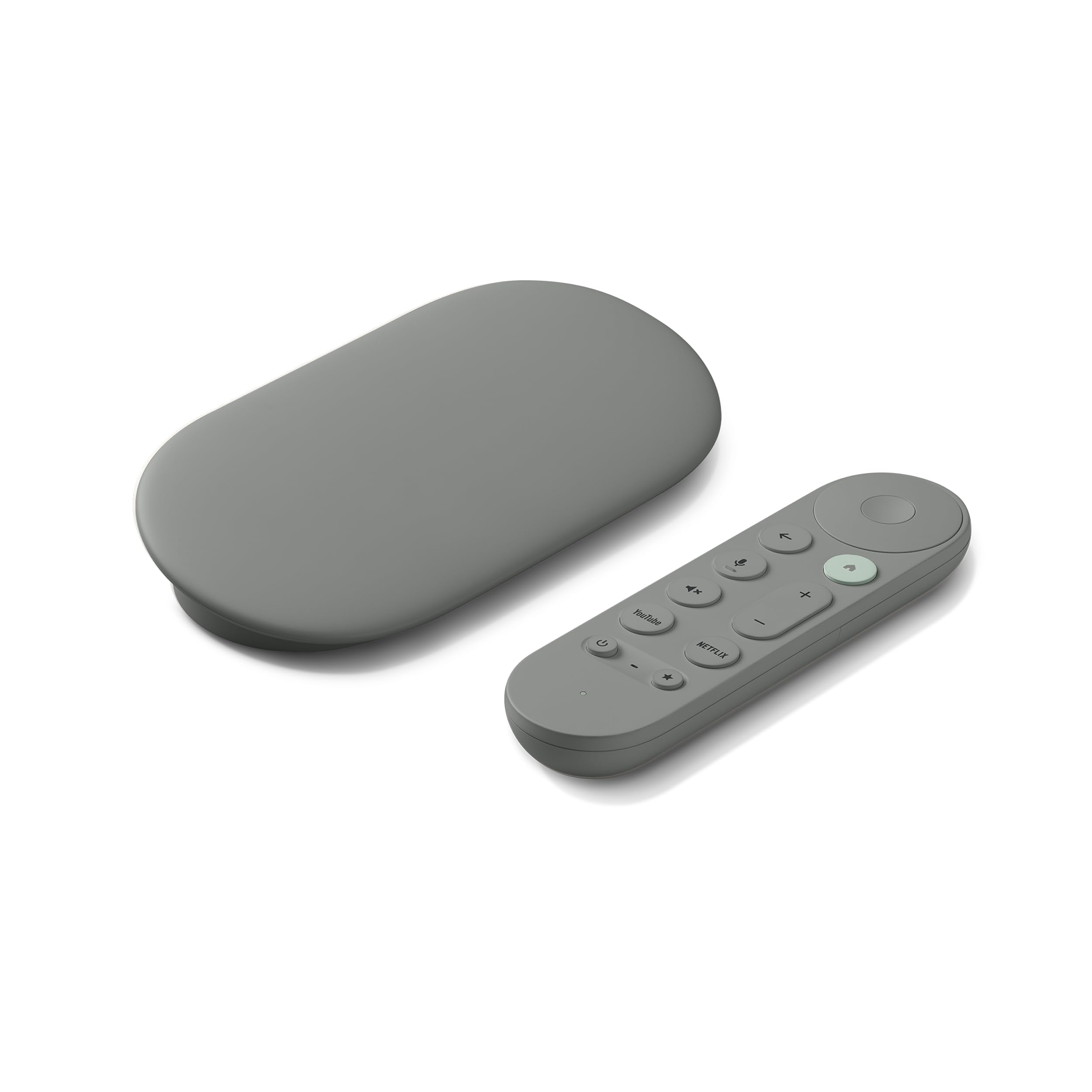

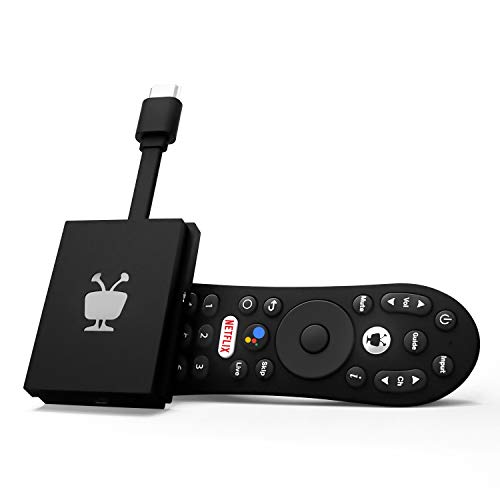
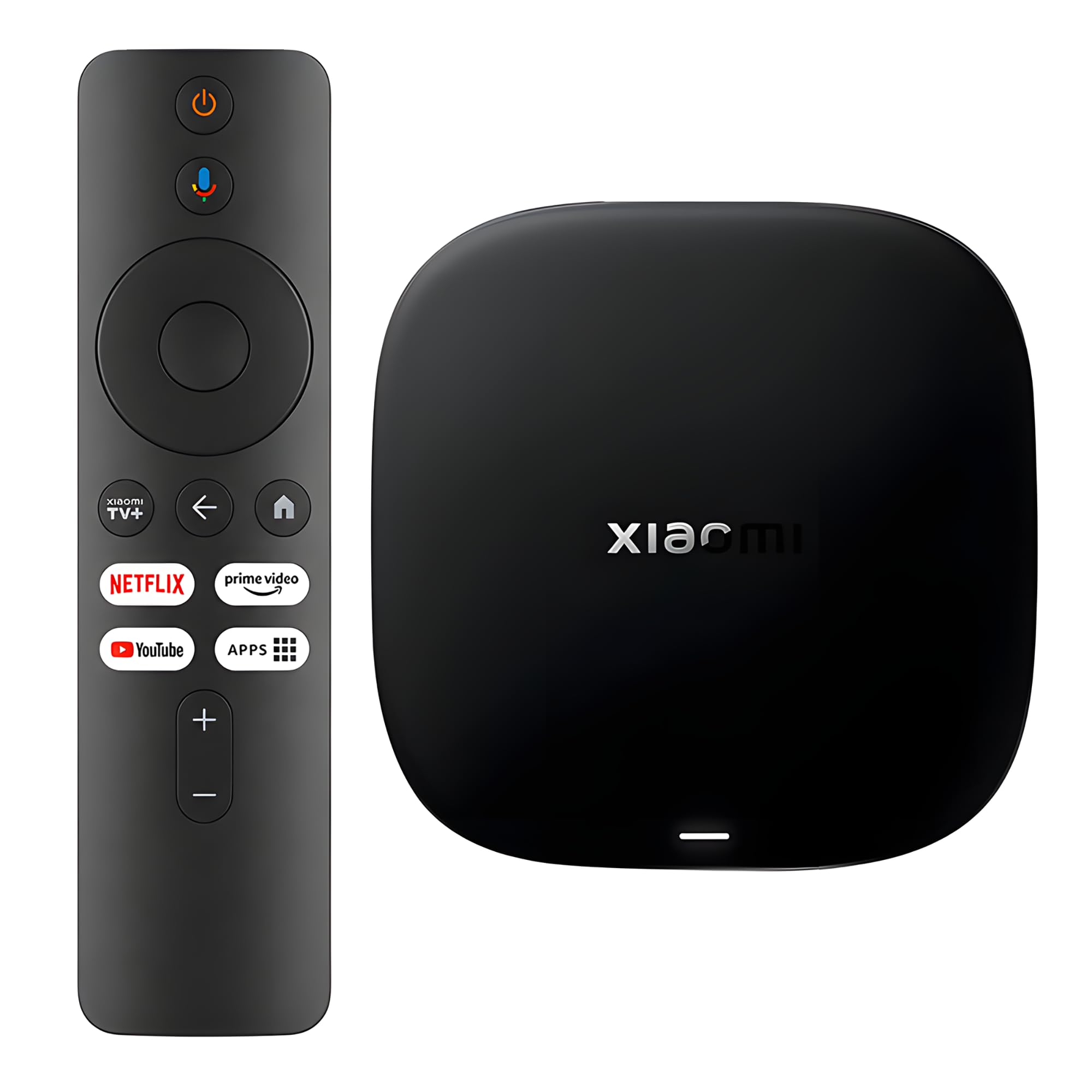
How We Evaluate Streaming Devices
We score streaming devices on six criteria. Each has clear thresholds for good and poor, so you can apply the same checklist to any model.
Features That Matter for TVs
A streaming device needs to match your TV's capabilities and your household's habits. It should plug into an HDMI port, ideally without blocking neighboring ports, and support HDMI CEC so one remote controls TV power and volume. Look for app support for all major services, free live TV channels and a clean home screen. Good: HDMI CEC, every major app, a remote that controls the TV. Poor: missing apps, no TV volume control, a bulky stick that blocks other ports.
Picture Format Support (4K, HDR10+, Dolby Vision)
Format support decides how good shows look on your TV. 4K resolution is standard for modern sets, but HDR formats matter just as much. HDR10+ and Dolby Vision adjust brightness and color scene by scene for richer images on compatible TVs. Good: 4K with HDR10, HDR10+ and Dolby Vision. Poor: 1080p only or 4K with no Dolby Vision support, which wastes the capabilities of many current TVs.
Placement, Power, and Setup
Streaming sticks hide behind the TV, while boxes sit on a shelf and often include ethernet ports and better cooling. Some sticks draw power from the TV's USB port, though a wall adapter is more reliable for 4K. Setup should take minutes with a phone app or on screen steps. Good: compact design, included power adapter, quick guided setup. Poor: sticks that overheat, require constant reboots or need complicated account steps.
Speed and Responsiveness
Interface speed affects how enjoyable a device feels every day. Fast processors launch apps quickly, scroll smoothly and keep up with 4K HDR streams. Boxes and premium sticks usually have more memory and faster chips than entry models. Good: apps open in a few seconds and menus scroll without stutter. Poor: long app load times, frequent buffering on a strong connection, sluggish menus.
Platform, Remote, and Sound
The platform shapes your experience. Roku offers a simple, neutral interface; Fire TV integrates with Alexa and Prime Video; Google TV recommends shows across apps and supports casting; Apple TV integrates with iPhone, AirPlay and Apple services. Voice remotes, backlit buttons and lost remote finders add convenience. Dolby Atmos passthrough sends immersive audio to compatible soundbars. Good: voice remote, Atmos support, regular software updates. Poor: basic remote with no TV controls, slow or rare updates.
WiFi and Network Connection
4K HDR streaming needs a strong connection of around 25 Mbps or more. WiFi 6 and WiFi 6E improve stability in busy homes, while long range receivers help in rooms far from the router. An ethernet port, standard on many boxes and available through adapters on some sticks, offers the most reliable connection. Good: WiFi 6 or ethernet option. Poor: older WiFi with no ethernet support.
3 Picks That Pass Our Checklist
These three streaming devices come from the product table above and meet every criterion on our checklist.

Best Overall
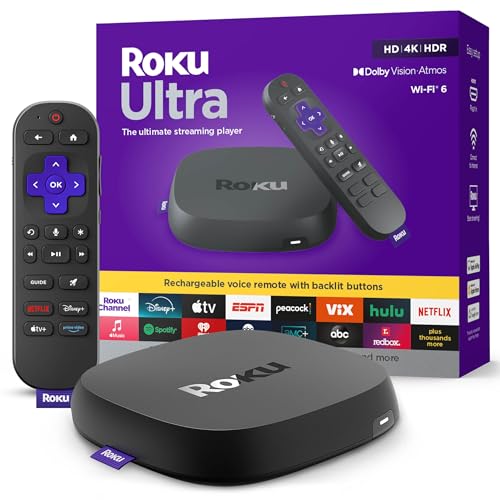
The Roku Ultra, around $100, is for households that want the fastest, most complete Roku experience on their main TV. Its first strength is speed: Roku says it is 30 percent faster than any other Roku player, so apps launch quickly and menus feel smooth. Its second strength is full format support, with 4K, HDR10+, Dolby Vision and Dolby Atmos audio for a true home theater picture and sound. The rechargeable Roku Voice Remote Pro adds backlit buttons, hands free voice control and a lost remote finder.
The limitation is price. It costs about twice as much as a Roku stick, which only pays off on a main living room TV.
Best Value
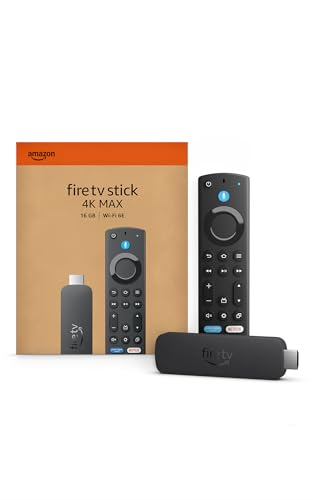
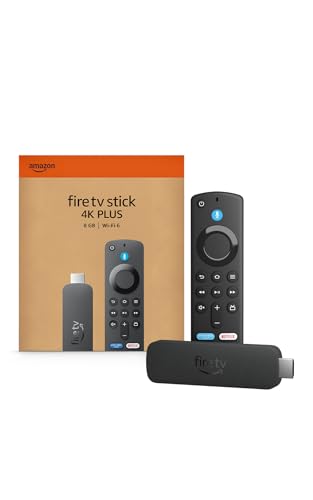
The Amazon Fire TV Stick 4K Plus, around $70, suits people who want 4K HDR streaming with smart home control at a moderate price. Its first strength is WiFi 6 support, which keeps 4K streams smooth even when many devices share your network. Its second strength is broad format support, including Dolby Vision, HDR10+ and Dolby Atmos, plus Alexa voice search and access to cloud gaming services like Xbox Game Pass and Luna with subscriptions.
The limitation is that the Fire TV home screen promotes Amazon content and ads heavily, which some people find cluttered.
Best Compact Pick
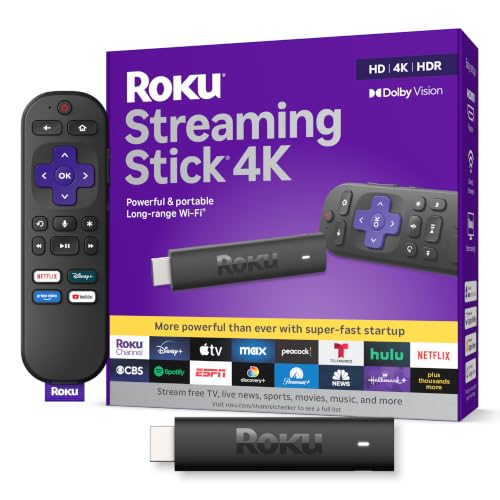
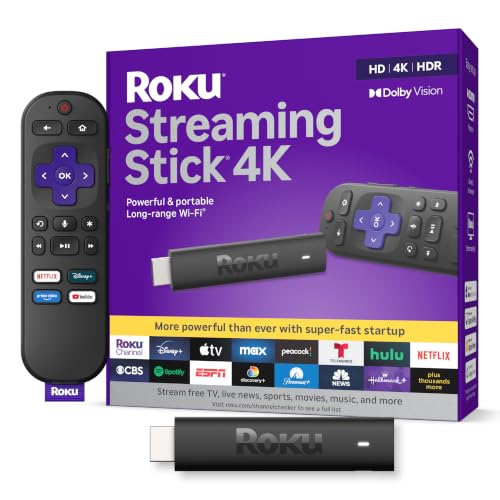
The Roku Streaming Stick 4K, around $50, is the pick for bedrooms, guest rooms and travel. Its first strength is a slim design that hides behind the TV without blocking neighboring HDMI ports. Its second strength is a long range WiFi receiver that helps in rooms farther from the router, plus 4K, HDR10+ and Dolby Vision support. You can also take it on trips to watch your own accounts on hotel TVs.
The limitation is a standard voice remote without the rechargeable battery and backlighting of the Roku Ultra's remote.
Quick Buyer Checklist
Answer yes or no to each question before you buy. The right streaming device should earn a yes on all of them.
- Does it support 4K and the HDR formats your TV uses, including Dolby Vision or HDR10+?
- Does it carry all the streaming apps you use?
- Will the remote control your TV's power and volume?
- Does it support WiFi 6 or have an ethernet option?
- Does it fit behind your TV without blocking other HDMI ports?
- Does it support Dolby Atmos if you own a compatible soundbar?
- Does the platform match the voice assistant and phone you already use?
- Does the manufacturer provide regular software updates?
Red Flags to Watch For
- Uncertified Android boxes. Cheap boxes without Google certification may lack official apps, security updates or Netflix in HD.
- Vague specifications. Listings that claim 4K without naming HDR formats often deliver poor picture quality.
- Suspicious reviews. Large numbers of short, similar five star comments posted in a short time suggest reviews worth ignoring.
- Short or missing warranties. Buy from authorized sellers that offer at least a one year warranty.
- Outdated models. Older devices may stop receiving updates, leading to app compatibility problems.
Best Streaming Devices for Specific Needs
Best Wireless Streaming Device for TVs: What to Check
The best wireless streaming device for tvs depends on three checks: WiFi 6 or 6E support, a long range antenna or receiver and strong performance far from the router. Sticks like the Fire TV Stick 4K Max add WiFi 6E for congested networks. If the TV sits far from your router, a mesh system or ethernet adapter improves reliability.
Best for Apple Households
iPhone and Mac users get the smoothest experience from Apple TV 4K, which supports AirPlay, Apple Fitness+, iCloud photos and seamless integration with Apple devices.
Best for Live TV Cord Cutters
Cord cutters who rely on services like YouTube TV, Sling or Hulu Live should choose a platform with a guide that combines live channels and apps, such as Google TV.
Care and Maintenance Tips
Keep your streaming device updated by enabling automatic software updates. Calibrate your TV's picture settings by turning off vivid mode and choosing movie or filmmaker mode for accurate colors. On OLED TVs, let the pixel refresh cycle run when the TV is off. Clean the TV screen with a dry microfiber cloth only. Restart your streaming device occasionally to clear memory, and make sure sticks have airflow behind the TV to prevent overheating.
Choosing a Streaming Device for TVs: Stick, Box or Built In Apps
Many people wonder whether they need a streaming device at all when their TV already has apps. Built in smart TV platforms work well when the TV is new, but they often slow down and receive fewer updates after a few years. A separate streaming device costs far less to replace than a TV and usually receives updates for longer.
Streaming sticks are compact, inexpensive and easy to move between TVs, which suits bedrooms and travel. Streaming boxes cost more but typically include faster processors, ethernet ports, more storage and better cooling, making them ideal for the main living room TV. If your TV already runs a fast, current platform, you may not need a separate device until it begins to lag.
How Much to Spend on a Streaming Device
Streaming devices are affordable, but the price bands still matter. Around $30 to $40 buys an HD stick, which suits older 1080p TVs in kitchens, bedrooms and dorms. These handle all the major apps but skip 4K and advanced HDR formats.
Around $50 to $85 buys a 4K stick with Dolby Vision, HDR10+ and in many cases WiFi 6 or WiFi 6E. For most households this is where the best streaming device for tvs sits, because it supports the picture formats of nearly every modern 4K TV at a modest price. Upgraded remotes and faster processors appear at the top of this range.
From around $100 to $200, streaming boxes add faster chips, ethernet ports, more storage, rechargeable remotes and hands free voice control. They make the most sense on a main living room TV paired with a soundbar or home theater system. Above that price, you are mostly paying for ecosystem features, such as deep Apple integration, rather than better picture quality.
Remember that subscriptions cost far more over time than the device itself. Choosing a platform with free ad supported channels can reduce how many paid services you need.
Frequently Asked Questions
What features matter most in streaming devices for TVs?
4K with HDR support, a fast interface and a strong WiFi connection matter most. Look for Dolby Vision or HDR10+ to match your TV, WiFi 6 or ethernet for stable streams and a voice remote that controls TV power and volume. Platform choice should match the apps and voice assistant you already use.
Do I need a streaming device if I have a smart TV?
You do not need one if your smart TV is fast and still receives updates. However, a streaming device is worth adding if your TV feels slow, lacks certain apps or no longer receives updates. It is also useful for adding a preferred platform, such as Roku or Apple TV, to a TV running a different system.
What size TV works best with 4K streaming devices?
Any TV around 43 inches or larger benefits from 4K streaming. Smaller TVs, especially 32 inch models, are often 1080p, where a less expensive HD stick works fine. Larger TVs reveal more detail from 4K HDR streams, especially when viewed from typical living room distances.
Is 4K worth it?
Yes, 4K is worth it if you have a 4K TV and a fast internet connection. Most streaming services offer 4K content, and HDR formats improve brightness and color even more. 4K streaming devices cost only slightly more than HD models, so they are a smart choice even if you plan to upgrade your TV later.
Which is better, a stick or a box?
A stick is better for convenience and value, while a box is better for performance and wired connections. Sticks hide behind the TV and cost less, ideal for secondary TVs. Boxes offer faster processors, ethernet ports and more storage, making them better for main home theater setups.
Wrapping Up
A good streaming device keeps any TV feeling fast and current. Focus on 4K HDR format support, a fast interface and a reliable WiFi or ethernet connection, then pick the platform that fits your home. Most people will be happy with a 4K stick around $50 to $70, while a box around $100 suits a main home theater.
Compare the best streaming device for tvs in the product table above to find the right model for your screen, network and budget.