Amazon Kindle Scribe 64GB (newest model) — 11” display with front light, paper-like feel, and no distractions — Write in notebooks, docs, and books. Pen included - Graphite
Disclosure: We may earn a commission when you buy through links on this page, at no extra cost to you. As an Amazon Associate I earn from qualifying purchases. Learn more
Highlights
- All-new Kindle Scribe – Features an 11” glare-free display with front light, built-in notebook, AI tools, and support for popular cloud services.
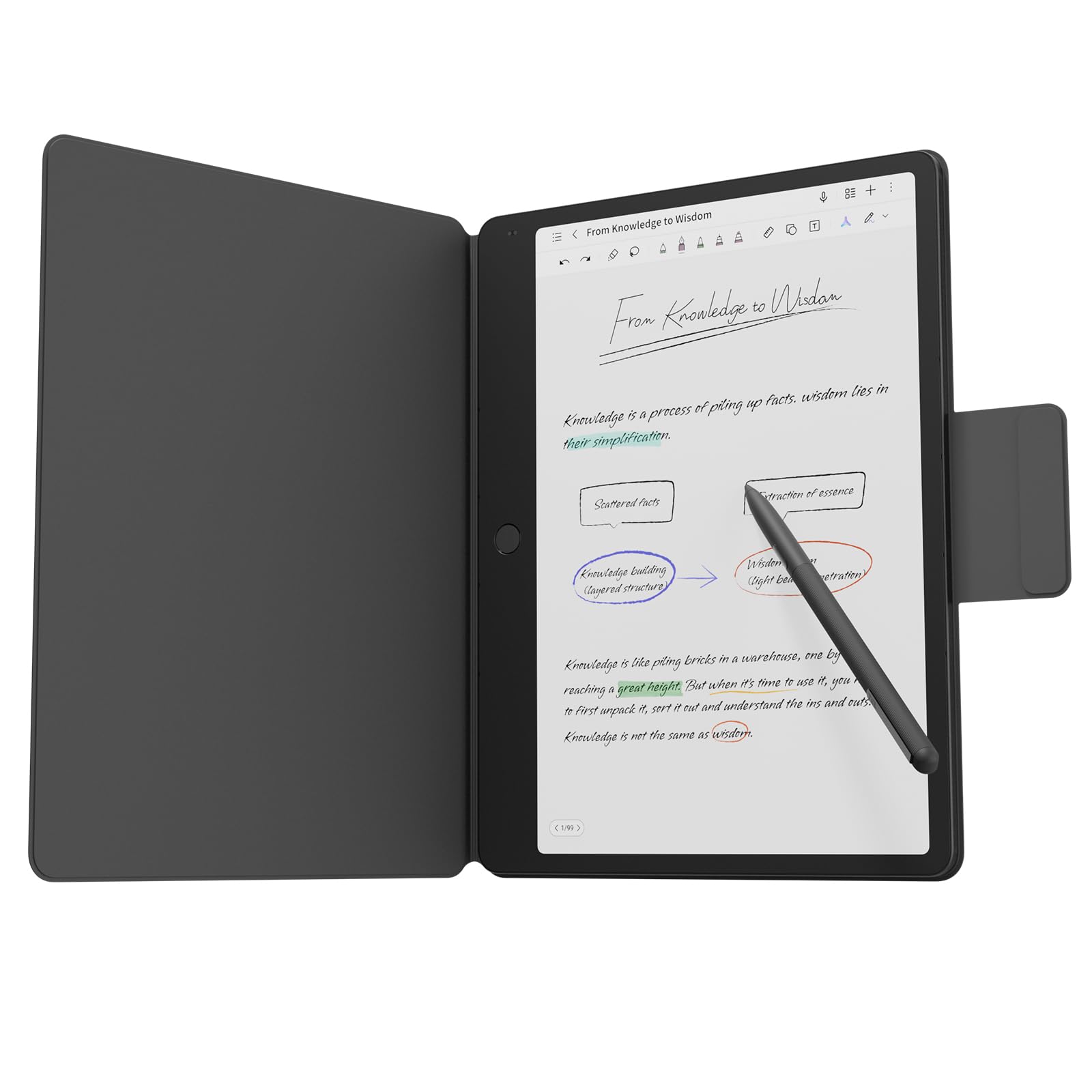
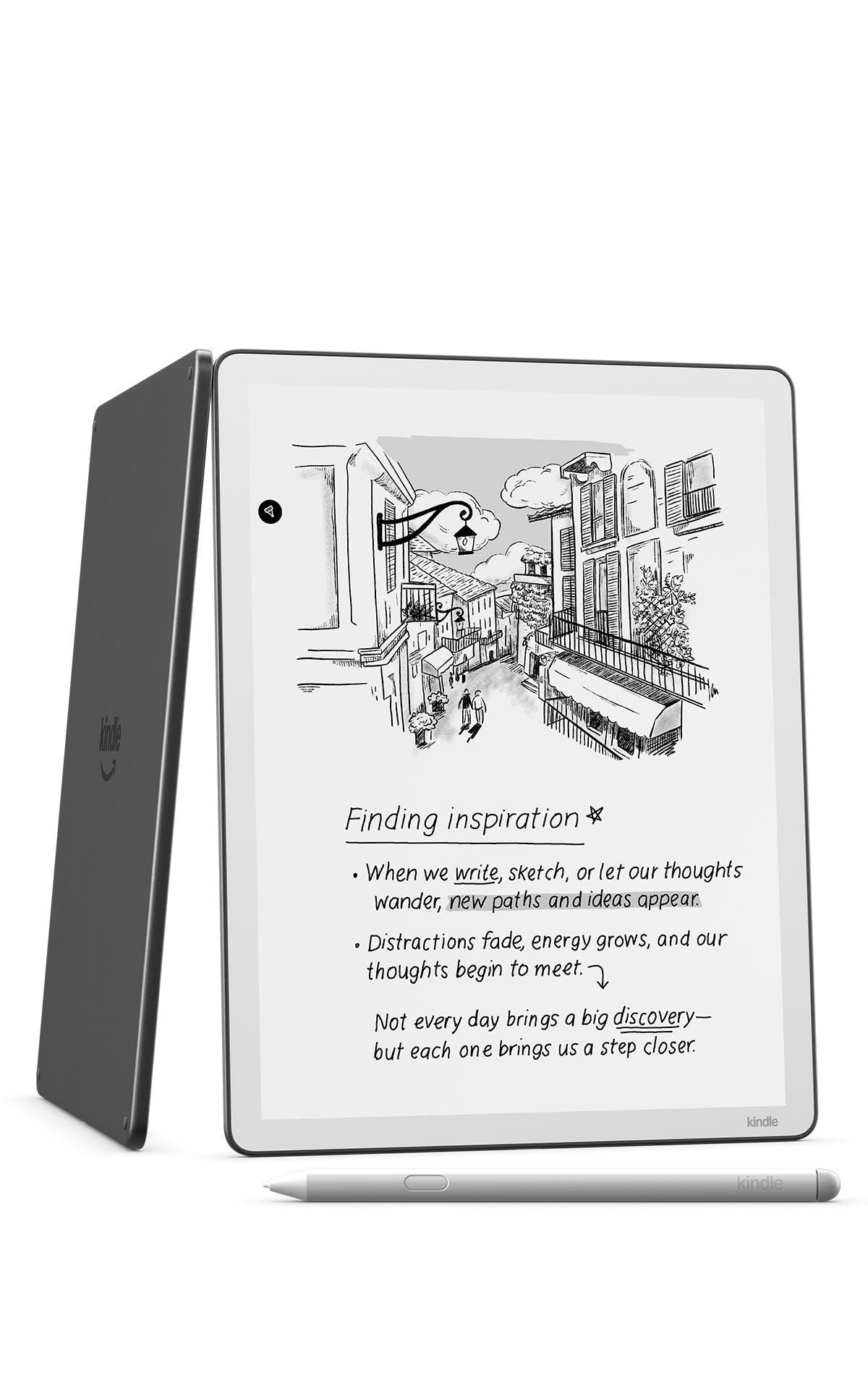
- Get a pen-on-paper feel – The textured surface and responsive display create a smooth, paper-like writing experience. Plus, the included pen never needs charging and has a built-in eraser and shortcut button for tools like the highlighter.
- More room to read, write, and think – At just 5.4mm thin and 400g light, it’s redesigned for comfort, with a larger 11" display and 40% faster writing and page turns.
- Work comfortably in any light – The display automatically adapts brightness to your lighting conditions. Adjust the warmth for greater comfort at night.
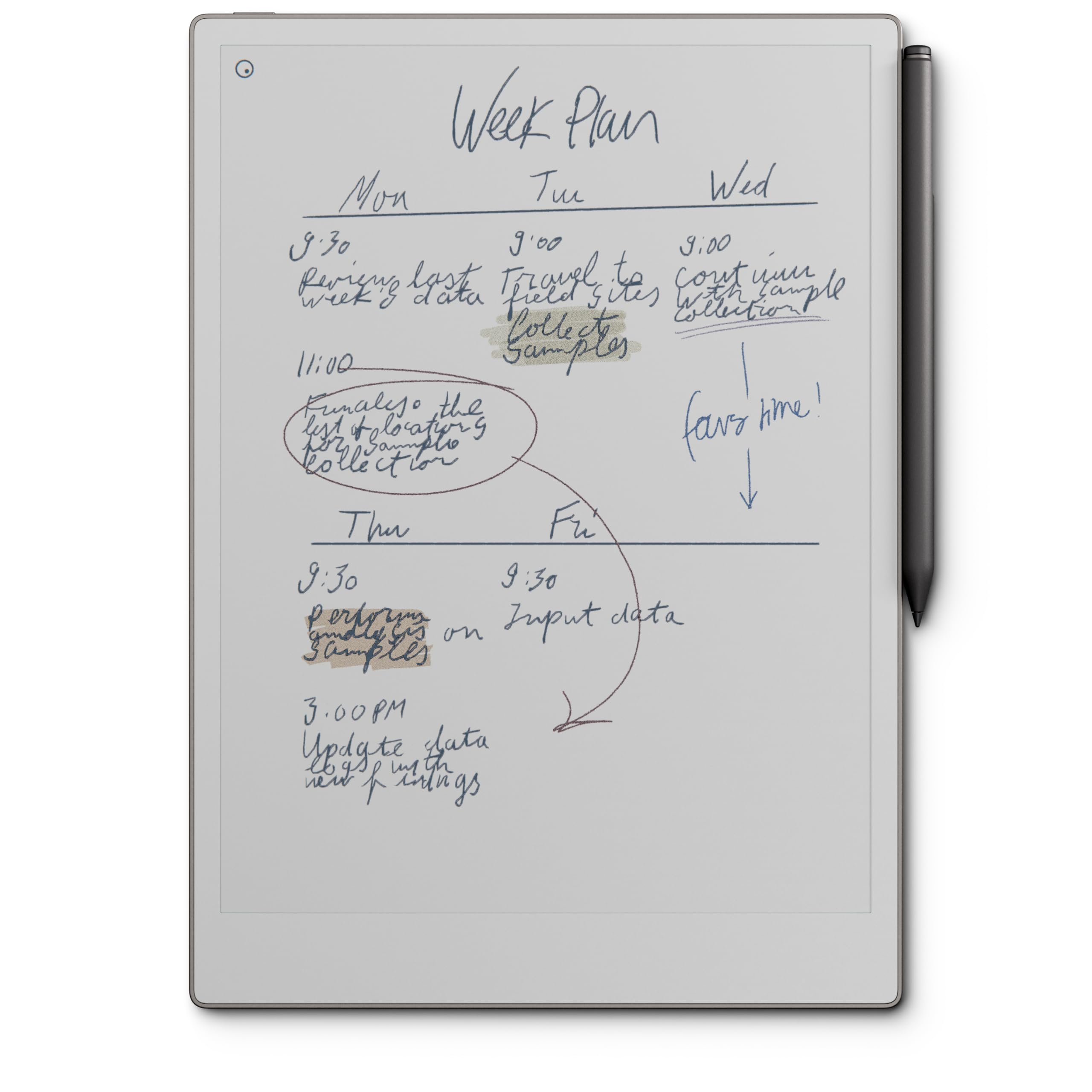
- Get more out of your notes – Take notes in the built-in notebook, then use AI to find information, ask questions about what you’ve written, and generate summaries. You can also clean up handwriting or convert it to text.
- Review documents without printing – Import files from Google Drive or Microsoft OneDrive, add handwritten notes and markups, and export them as PDFs. You can also send notebooks to Microsoft OneNote to edit anywhere.
- Capture thoughts as you read – Choose from millions of title in the Kindle Store, then jot notes right on the page. Write between the lines as text shifts to make room, or expand and collapse margins as needed.
- Leave the charger behind – Long battery life gives you weeks of reading and writing on a single charge.
- Stay focused on what matters – Unlike a tablet, Kindle Scribe is purpose-built for reading and writing. Its glare-free, paper-like display is easy on the eyes, even in bright sunlight, without distracting apps and notifications pulling you away.
Why You'll Love It
- Enjoy a smooth pen on paper writing experience with a responsive textured display and included battery free pen
- Review documents by importing files from cloud services, adding handwritten markups, and exporting them as PDFs
- Capture thoughts directly inside books as text shifts to make room for your handwritten notes
- Work comfortably in any lighting condition with an automatic brightness and warmth adjusting display
- Use AI tools to find information in your notes, generate summaries, and convert handwriting to text
Pros
- +Paper like writing surface
- +Pen never needs charging
- +Glare free large display
- +Cloud service document import
- +Long battery life
Cons
- -Purpose built for reading and writing only
- -Lacks distracting apps and notifications
Detailed Review
Designed for focused reading and writing, the Amazon Kindle Scribe 64GB digital notebook serves professionals, students, and avid readers who want to digitize their notes and document reviews without the distractions of a traditional tablet. At just 5.4mm thin and 400g light, this redesigned device pairs an expansive 11 inch display with a paper like writing surface that feels natural under the hand. It targets anyone looking to replace paper notebooks, heavy binders, and printed document packets with a single lightweight device that handles reading, writing, and file markup in one place.
The writing experience relies on a textured display surface and an included pen that never needs charging. This pen features a built in eraser and a shortcut button for tools like the highlighter, allowing for quick corrections and seamless annotation. Whether you are jotting down stray thoughts in a built in notebook or writing directly between the lines of a book as the text shifts to make room, the responsive display provides a smooth feel. Furthermore, the 11 inch glare free screen automatically adapts its brightness and warmth to your environment, making it comfortable to work in bright sunlight or at night.
Beyond traditional reading, the device functions as a robust document review tool. You can import files from Google Drive or Microsoft OneDrive, add handwritten markups, and export them as PDFs. For structured note taking, built in AI tools help you find information, ask questions about what you have written, and generate summaries, alongside features that clean up handwriting or convert it to text. You can also send your notebooks to Microsoft OneNote to edit anywhere, keeping your workflow connected across platforms without requiring constant charging, thanks to a battery that delivers weeks of use on a single charge.
While this purpose built device excels at reading and writing, its focused nature means it omits the endless app ecosystems and notifications found on standard multi use tablets. It is built strictly for distraction free productivity and reading, meaning users seeking a device for streaming video or running complex third party applications will need to look elsewhere. The larger screen and slim profile prioritize a dedicated workspace for notes and books over general entertainment.
Verdict: This dedicated digital notebook is an ideal choice for readers and note takers who want to declutter their desks and streamline document reviews. Those who require a traditional multimedia tablet with gaming and social media apps should choose a different device.
Who Should Buy It
A great fit if you:
- Need a dedicated digital notebook to capture thoughts, organize ideas, and convert handwriting to text without distractions.
- Regularly review and mark up documents, PDFs, and cloud stored files without needing to print physical pages.
- Want to read books and write notes in the margins with a display that automatically adapts its brightness and warmth.
- Prefer a device with a paper like writing feel and a pen that never requires charging or battery replacements.
- Desire long battery life that lasts for weeks of reading and writing on a single charge.
Consider something else if you:
- Require a traditional multi use tablet that supports streaming media, gaming, and a wide variety of third party apps.
- Want a small pocket sized reading device rather than a larger 11 inch screen.
- Prefer typing on a physical keyboard rather than writing by hand for your daily note taking tasks.
Before You Buy
Confirm on the listing:
- Check whether any specific case, folio, or sleeve is included or if you need to purchase accessories separately for travel.
- Verify the exact dimensions and weight to ensure the 11 inch form factor fits comfortably into your preferred carrying bags.
- Check the available cloud service integration settings to ensure compatibility with your specific Microsoft OneDrive or Google Drive accounts.
How to compare your options: When choosing a reading and writing device, consider how much you value a distraction free environment versus an open app ecosystem. This model focuses heavily on a paper like writing experience, long battery life, and cloud document markup rather than multimedia entertainment. Evaluating your primary daily tasks, whether reading dense PDFs or taking extensive handwritten notes, will help determine if this purpose built approach matches your workflow.
Getting the Most From It
To keep your digital notebook operating smoothly, take advantage of the cloud integration features by linking your Google Drive or Microsoft OneDrive accounts during initial setup. This allows you to import documents and export marked up PDFs effortlessly.
When using the included pen, utilize the built in shortcut button to quickly toggle the highlighter tool, and rely on the eraser on the back of the pen for fast corrections. If you prefer organizing your thoughts digitally, explore the AI tools to generate summaries and convert your handwritten notes to text.
Manage your screen settings by enabling the automatic brightness and warmth adjustments to reduce eye strain when transitioning from bright daytime environments to dimly lit evening reading sessions. Keep the glare free display clean by wiping it gently with a soft dry cloth as recommended for electronic screens.
FAQ
Does the pen need to be charged?
No, the included pen never needs charging and features a built in eraser and shortcut button.
Can I export my handwritten notes and marked up documents?
Yes, you can import files, add handwritten notes and markups, and export them as PDFs, or send notebooks to Microsoft OneNote.
Does the display adjust to different lighting conditions?
Yes, the 11 inch display automatically adapts its brightness to your lighting conditions and lets you adjust the warmth for greater comfort at night.
What kind of AI features are included?
You can use AI tools to find information, ask questions about what you have written, generate summaries, clean up handwriting, and convert it to text.
Does this device include distracting apps and notifications?
No, it is purpose built for reading and writing without distracting apps and notifications pulling you away.
Product Details
| ASIN | B0FC1ZS9QZ |