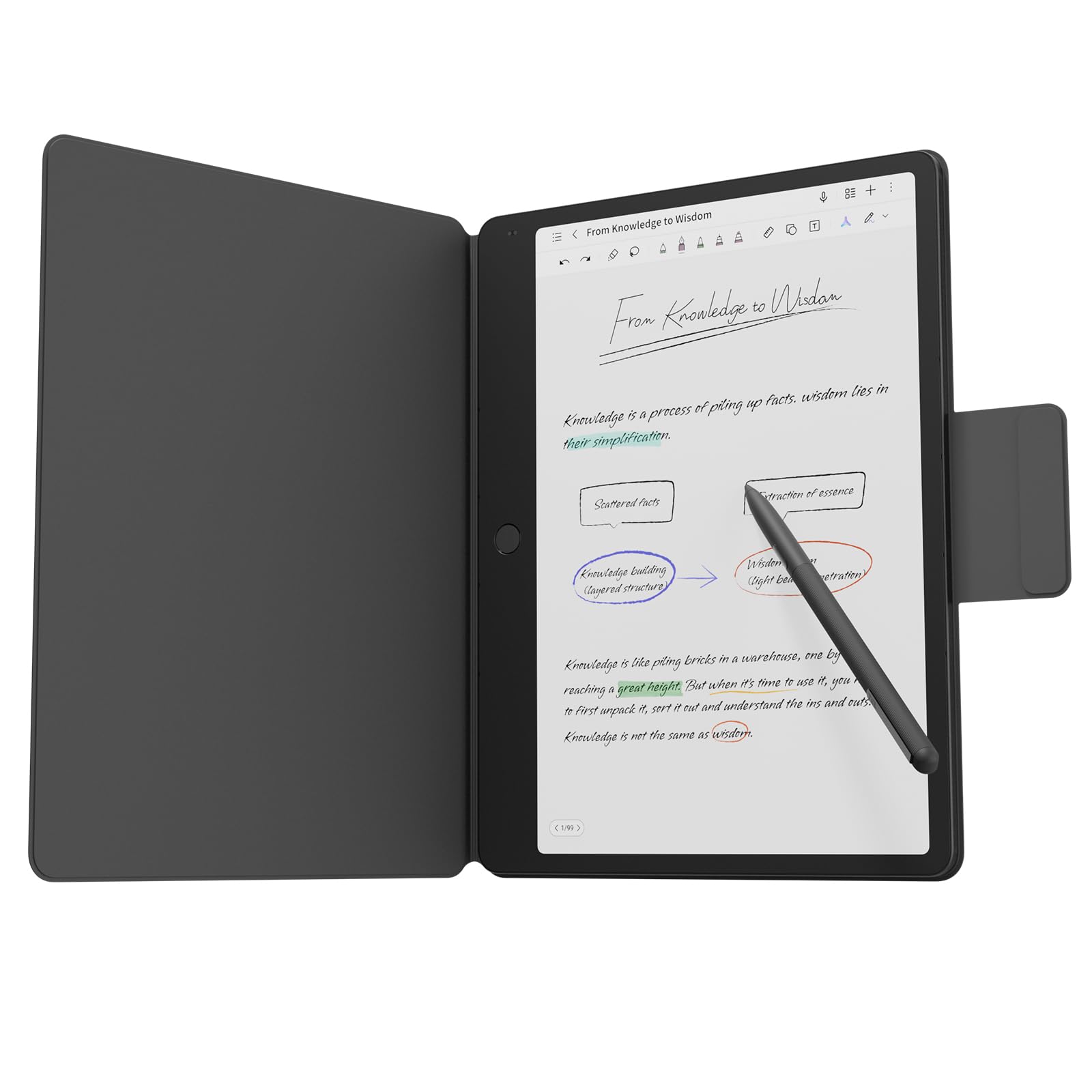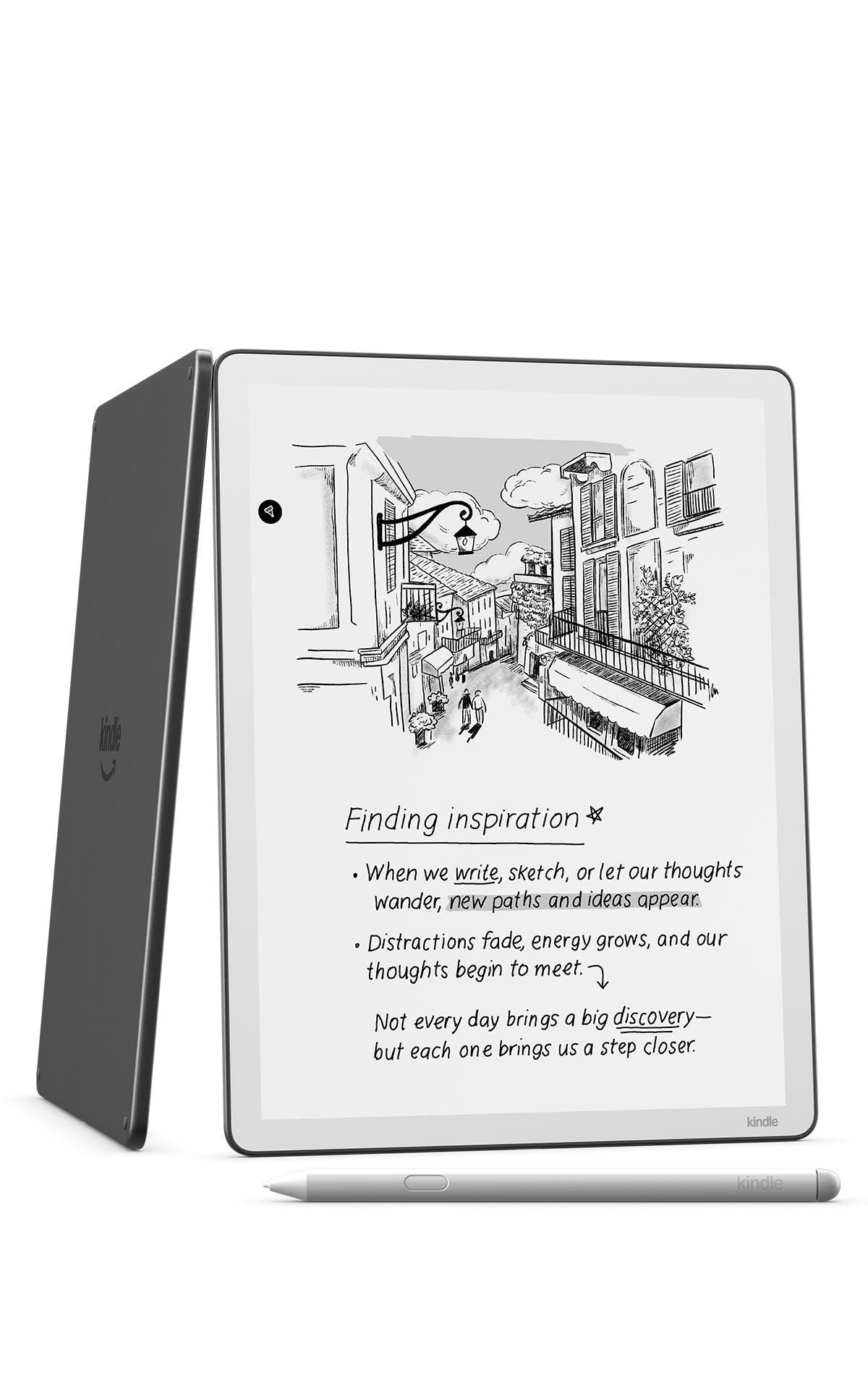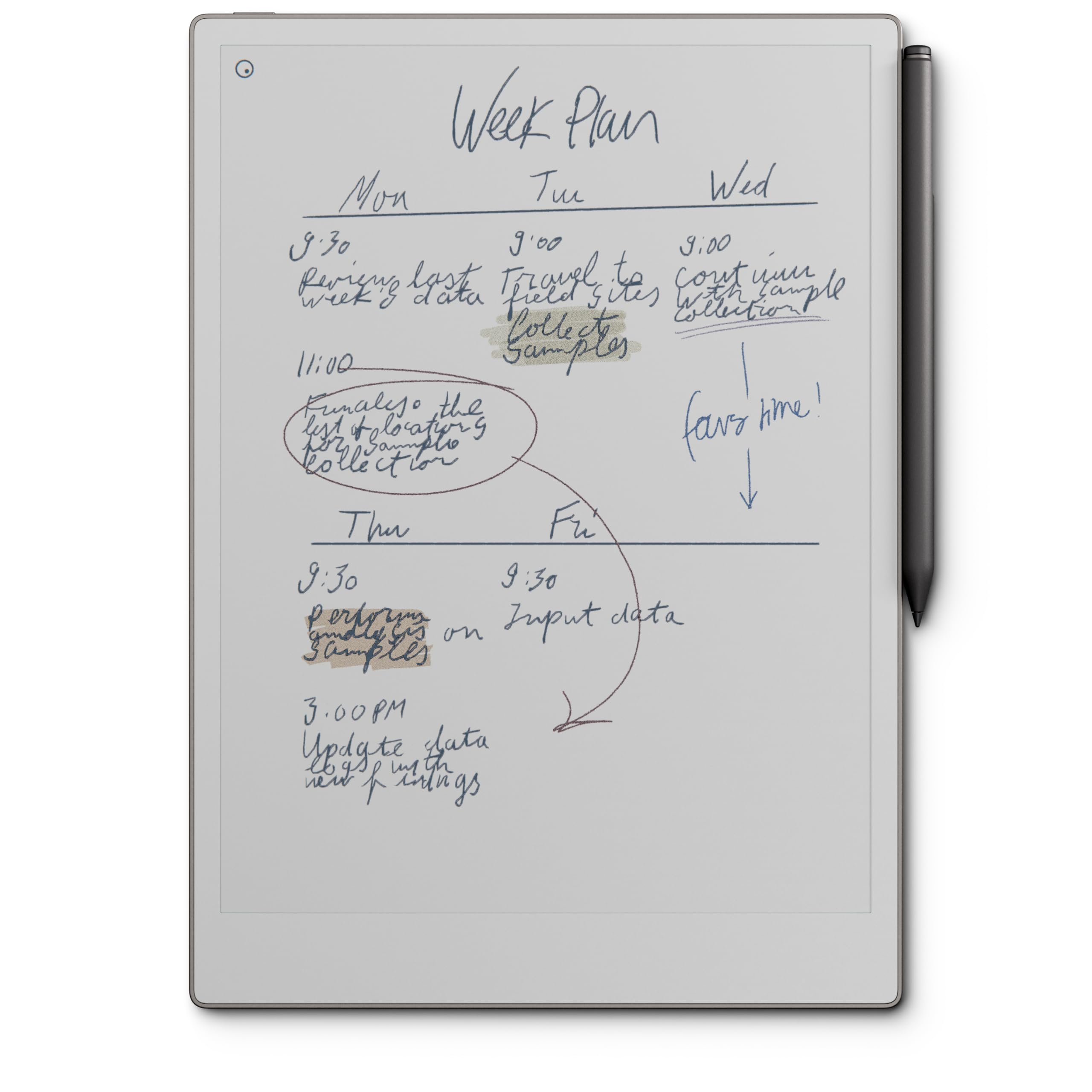
reMarkable Paper Pro with Marker Plus
Disclosure: We may earn a commission when you buy through links on this page, at no extra cost to you. As an Amazon Associate I earn from qualifying purchases. Learn more
Highlights
- THE ULTIMATE PAPER TABLET – For the first time on a reMarkable paper tablet, you can write, sketch, and read in color. Ultra-slim and portable, but with a full-size 11.8” color display, adjustable reading light, and an unmatched paper-like writing experience.
- WHAT’S IN THE BOX – You’ll find reMarkable Paper Pro, a digital notebook for unprecedented paper-like writing with 11.8” Canvas Color display; Marker Plus, the reMarkable pen with built-in eraser; 6 spare Marker tips
- PAPER-LIKE WRITING – Designed to work exclusively with the groundbreaking color display to deliver realistic friction and natural writing feel, the included Marker Plus offers precise control, incredible responsiveness, and all-day comfort.
- ALL YOUR WORK, ORGANIZED – Sort your notes and documents with folders and tags, write directly on PDFs, and instantly convert handwriting to typed text. Everything's in one place and easy to find.
- READ IN COMFORT, DAY OR NIGHT – Unlike most laptops and phones, reMarkable Paper Pro has a low-glare display that reflects natural light, so you can read without eye-strain, even outside. An adjustable reading light means you can keep working when the lights go out, too.
- 2 WEEKS OF BATTERY LIFE – reMarkable Paper Pro lasts up to 15 days on a single charge, based on 1 hour of regular use per day. When you need to recharge, go from 0 to 90% in less than 45 minutes
- CONNECT YOUR FAVOURITE TOOLS – Subscribe to Connect for more benefits and features, like unlimited cloud storage for all your work. You can also search handwritten notes, edit in the reMarkable apps, or share work to apps like Slack and Miro, where AI works in the background to turn handwriting into text (Subscription sold seperately)
Why You'll Love It
- Write and sketch with full color capability for the first time on a digital notebook
- Enjoy paper-like writing friction and responsive control using the included pen
- Organize extensive notes using customizable folders and tags for quick file access
- Read comfortably in bright sunlight or darkness with the low-glare display and reading light
- Maintain productivity for weeks between recharges while working on the go
Pros
- +Full color digital writing experience
- +Paper-like friction and natural feel
- +Includes pen with built-in eraser
- +Adjustable reading light included
- +Extended two week battery life
Cons
- -Subscription required for advanced cloud features
- -App sharing requires separate service sign up
Detailed Review
A colour digital notebook designed for professionals and creators who want a dedicated space for writing and sketching without the distractions of a traditional computer. Built around an 11.8-inch color display, this slim and portable device introduces the ability to write and read in full color while maintaining a tactile experience that mimics physical paper. It suits individuals who manage large volumes of notes, documents, and PDF files and need an organized digital workspace that reduces eye strain during long reading sessions.
The writing surface works exclusively with the included pen to deliver realistic friction and natural responsiveness. Every stroke feels grounded, allowing for precise control whether taking meeting notes or creating artistic sketches. The included pen features a built-in eraser for quick corrections, and the package supplies spare tips to maintain that consistent paper-like feel over time. Documents remain neatly ordered through a system of folders and tags, letting users write directly onto PDFs and instantly convert handwritten notes into typed text.
Reading comfort is a primary focus, supported by a low-glare screen that reflects natural light for outdoor visibility. When working after dark or in dim environments, an adjustable reading light illuminates the display without causing eye strain. The hardware supports extended use periods, lasting up to fifteen days on a single charge based on typical daily routines. When power runs low, fast recharging capabilities restore ninety percent of the battery in under forty-three minutes, minimizing downtime for busy users.
While the hardware provides a robust platform for standalone note-taking, connecting to external workflows depends on an optional subscription service. Subscribers unlock unlimited cloud storage, advanced handwriting searches, and the ability to edit notes across companion apps or share files to collaborative workspaces like Slack and Miro where automated text conversion operates in the background. Buyers who prefer purely offline storage will find the local folder management sufficient, but collaborative teams will want to factor in the ongoing subscription requirement.
Verdict: This color paper tablet is an ideal choice for professionals who want to transition their paper notebooks into a digital format without losing the tactile feel of writing. Those who require constant multi-app multitasking or backlight entertainment will be better served by a standard tablet computer.
Who Should Buy It
A great fit if you:
- Want a dedicated digital notebook that lets you write, sketch, and read in full color with a paper-like feel.
- Need to organize extensive handwritten notes and mark up PDF documents using folders and tags.
- Prefer a low-glare display that remains readable outdoors in natural light and includes an adjustable reading light for dark rooms.
Consider something else if you:
- Require a full-featured computing device with app stores, web browsing, and multimedia streaming capabilities.
- Want a traditional tablet with a glossy backlit screen for watching videos and playing games.
Before You Buy
Confirm on the listing:
- Check whether the included accessories cover all your immediate writing and carrying needs or if additional protective covers are required.
- Verify if the optional subscription service aligns with your budget for long term cloud storage and app integration features.
- Review the physical dimensions of the eleven point eight inch display to ensure it fits your daily bag or workspace.
How to compare your options: When evaluating digital notebooks, focus primarily on display size, writing friction, and whether color capability is necessary for your workflow. Consider whether you need a simple local note repository or an interconnected system with cloud storage and third party app sharing.
Getting the Most From It
Organize your digital workspace early by creating a structured folder hierarchy and applying specific tags to your documents, ensuring that handwritten notes and PDF files remain easy to locate as your library grows.
Maintain the natural writing feel by keeping spare tips accessible and replacing the pen tip if you notice a change in friction or responsiveness during daily sketching and note-taking sessions.
Manage battery longevity effectively by utilizing the adjustable reading light only when ambient lighting is insufficient, which helps preserve the multi-week charge cycle during extended travel or busy work periods.
FAQ
What items are included in the box?
The package contains the digital notebook, the pen with a built-in eraser, and six spare pen tips for ongoing maintenance.
Can I write and read in color on this device?
Yes, this model features a color display that allows you to write, sketch, and read in color for the first time in this product line.
How long does the battery last on a single charge?
The device lasts up to fifteen days based on one hour of regular use per day, and recharges to ninety percent in less than forty-five minutes.
Is an internet subscription required to use the tablet?
Basic note-taking and local organization work without a subscription, but a separate subscription is required for unlimited cloud storage and advanced app sharing features.
Product Details
| ASIN | B0DG9ZXWMK |