
1tb vs 2tb SSD: Which Is Better in 2026?
Disclosure: We may earn a commission when you buy through links on this page, at no extra cost to you. As an Amazon Associate I earn from qualifying purchases. Learn more

1tb vs 2tb ssd: how fast modern games fill a drive, what the price gap means per terabyte, and which size fits your setup.
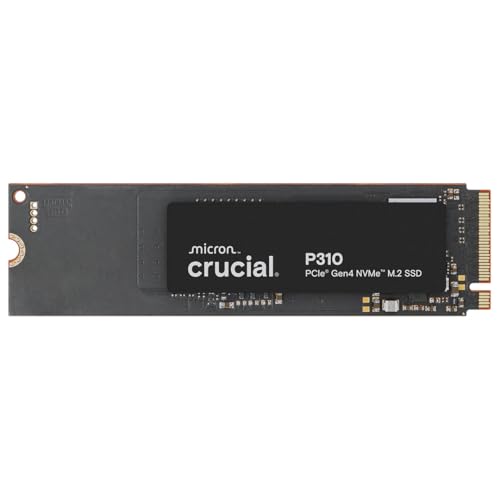
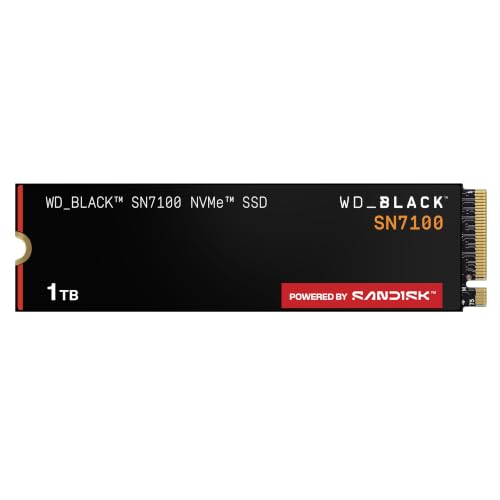
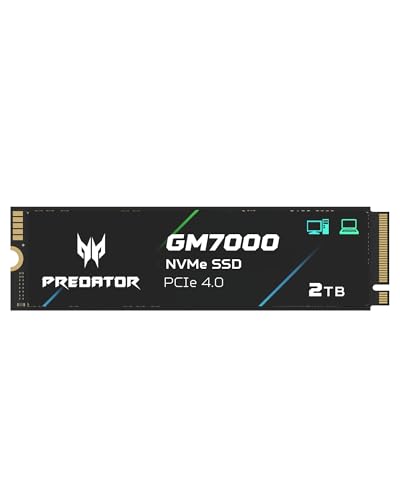
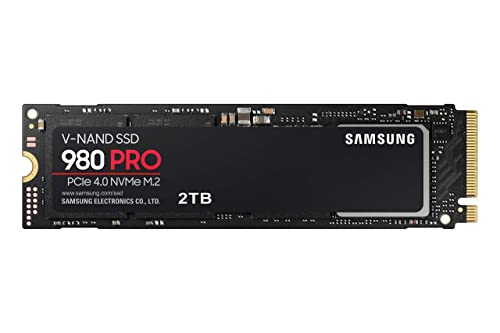
Storage is easy to underbuy, which is why 1tb vs 2tb ssd is such a common question for gaming PCs, laptops and handhelds alike. A 1TB drive is the traditional sweet spot on price, but modern games and project files fill it faster than most people expect, and a 2TB drive often costs less per terabyte. The product table right after this introduction lists drives in both capacities.
This guide shows how quickly space disappears, how price per terabyte works, and when a smaller drive plus a second one is the smarter plan.





How Fast 1TB Gets Used
A fresh Windows install with common software takes a chunk of the drive before you add a single game. Many big releases now need well over 100GB each, and some go well beyond that once patches and extra content arrive. Three or four large games can fill a 1TB drive, and you still want free space left over for updates and temporary files.
Solid state drives also slow down when nearly full, because they need free cells to write data efficiently. A common rule is to keep around 10 to 20 percent of the drive empty. That means a 1TB drive is really comfortable up to roughly 800 or 900GB of data.
- Light use, office work and a few games: 1TB is plenty.
- A growing game library, video clips or photo collections: 2TB gives breathing room.
- Large editing projects, raw footage or many full installs: consider 2TB or more.
Price per Terabyte
The cleanest way to compare is to divide the price by the capacity. A 2TB drive typically costs less than twice as much as a 1TB version of the same model, so the cost per terabyte falls as you go up. Check the table to see the gap for the current models, since prices shift from week to week.
The cheapest 1TB drive saves you money on the day, but it can cost more later if you end up buying a second drive to cope. If you know you will need more space within a year or two, the larger drive is usually the better value.
Speed Is Not Tied to Capacity
Capacity and speed are separate things, though they connect in one place. Some drives run slightly faster at higher capacities because they have more memory chips working in parallel. For many popular drives the difference between 1TB and 2TB is small in daily use, and you will rarely notice it while gaming.
What matters more is the drive's interface and design. A PCIe Gen 4 NVMe drive loads games and moves files much faster than an older SATA model. Look at whether the drive has its own cache, how it handles sustained writes, and what the maker offers in warranty and endurance rating. For model comparisons, see our guide to the best SSD.
Laptops, Consoles and Handhelds
Some devices constrain your choice. Many laptops have only one drive slot, so the capacity you buy is the capacity you live with, and replacing it later means cloning or reinstalling. For those, 2TB is a safer bet if the machine will be your main computer.
Consoles and handhelds that accept M.2 drives often come with strict size and heatsink rules. Check the maker's compatibility list before you buy. If you plan to add a drive to a console, a 1TB model may be enough for the games you play, but the bigger one avoids deleting titles to make room.
Keeping the Drive Healthy as It Fills
Whatever size you pick, a few habits protect performance. Leave free space, keep the firmware updated through the maker's utility, and avoid filling the drive to the last gigabyte. Solid state drives use spare capacity to spread wear and to absorb bursts of writing, so a drive that is almost full wears faster and writes more slowly.
It also helps to know where the space goes. Free tools show which folders are large, and the usual culprits are game libraries, video captures, old downloads and temporary files from editing software. Clearing those can postpone an upgrade for a long while, though it is a chore a bigger drive saves you from.
Backups Matter More Than Size
A bigger drive holds more, which also means more to lose if it fails. Solid state drives rarely fail without warning in normal use, but power surges, firmware bugs and accidents happen. Keep important photos, documents and project files backed up on a second drive or in cloud storage, regardless of capacity.
Game installs can be downloaded again, so they do not need a backup, but personal files cannot. Treat the SSD as a fast working space, and copy the files you cannot replace somewhere else on a schedule.
1tb vs 2tb ssd: Which Should You Choose?
Choose 1TB if you
- Want the lowest upfront cost and keep only a few games installed.
- Can add a second drive later, for example in a desktop with spare slots.
- Mostly use the computer for browsing, office tasks and light gaming.
Choose 2TB if you
- Have a large game library and do not want to uninstall titles.
- Edit video or photos, or store large files locally.
- Use a laptop with a single slot that you will not open again.
Two Drives Are Sometimes Better
A desktop with two M.2 slots can run a 1TB system drive for Windows and apps, plus a second drive for games and projects. This splits the load and lets you replace one drive without touching the other. It also gives you a clean place for a fresh Windows install without risking your game library.
Check the motherboard's slot layout first, since sharing lanes with other ports can slow a second drive. Check too that the case and cooling leave space for a heatsink, because faster drives can run warm under sustained load.
FAQ
Is 1TB enough for gaming?
For a handful of big games, yes. A large library will overflow it fast, and you may find yourself uninstalling games to make room.
Does a 2TB SSD last longer?
Larger drives usually have a higher total endurance rating, so they can handle more writes overall. For normal use both last many years.
Can I clone my 1TB drive onto a 2TB one?
Yes. Most makers offer free cloning software, and the process is simple on a desktop with a second slot or an external enclosure.
Is a bigger SSD faster?
Slightly, in some models, but the difference is small. Interface and design matter far more.
When it comes to 1tb vs 2tb ssd, buy 1TB for a tight budget and light use, and spend a little more on 2TB when games, footage or a single-slot laptop mean you will need the room.


