
Apple Studio Display XDR Review for 2026: Is the Pro Screen Worth It?
Disclosure: We may earn a commission when you buy through links on this page, at no extra cost to you. As an Amazon Associate I earn from qualifying purchases. Learn more
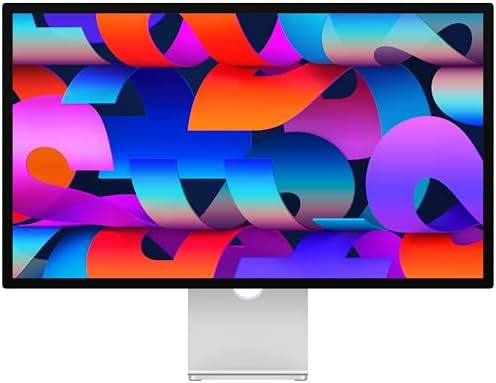
An apple studio display xdr review for editors and colorists: glass and stand choices, who should pay for XDR, and cheaper 5K options.
Photographers, colorists and video editors used to treat Apple's Pro Display XDR as the reference screen on the desk. This apple studio display xdr review covers the model that now holds that role, the Studio Display XDR, and explains how it differs from the regular Studio Display and from cheaper 5K monitors.
The listings in the product table are brief, with the main differences shown in the titles: standard or nano-texture glass, and a tilt-adjustable, tilt and height adjustable or VESA mount option. Because the listing text is short, this guide focuses on the choices you actually make when you buy and on what the regular Studio Display listing confirms.
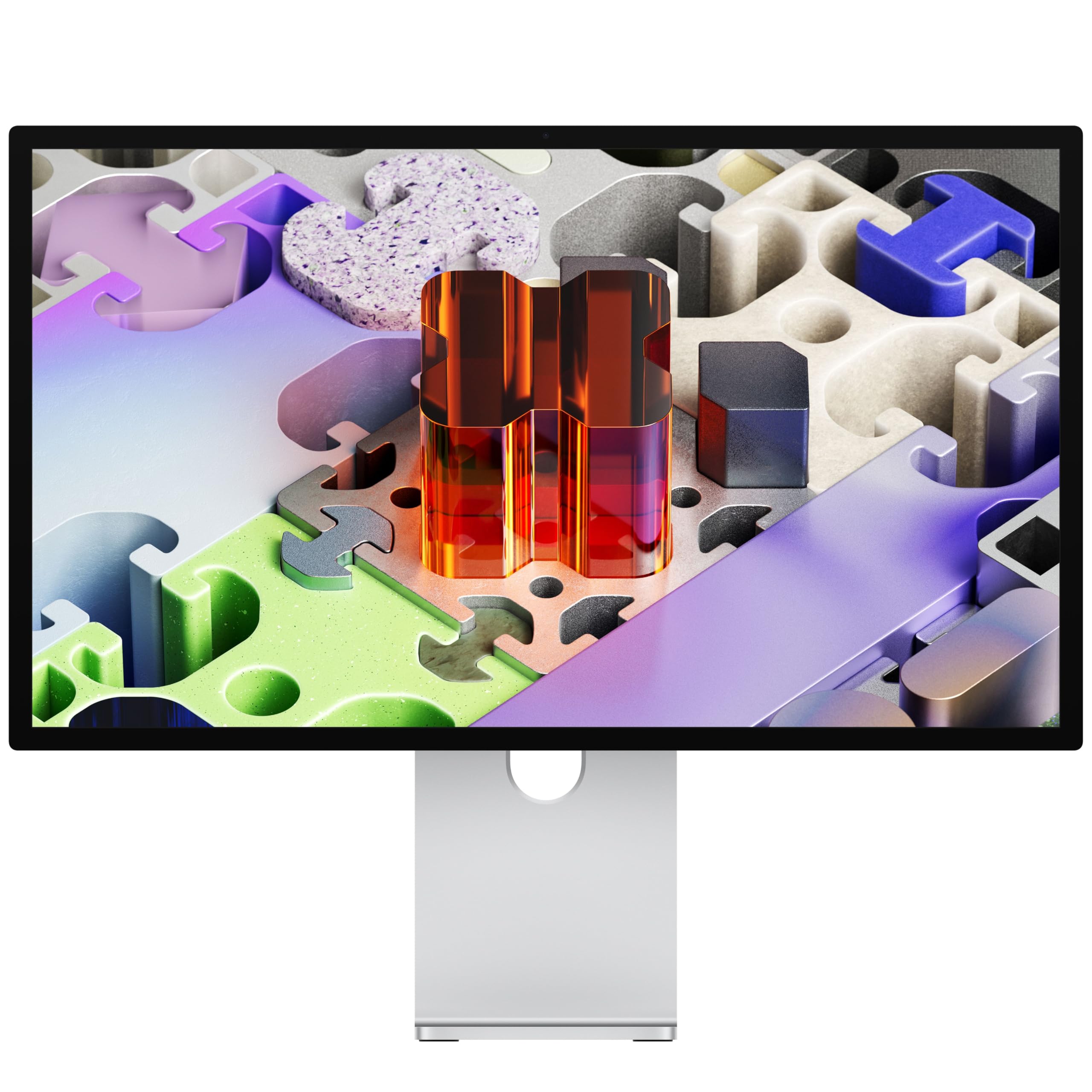
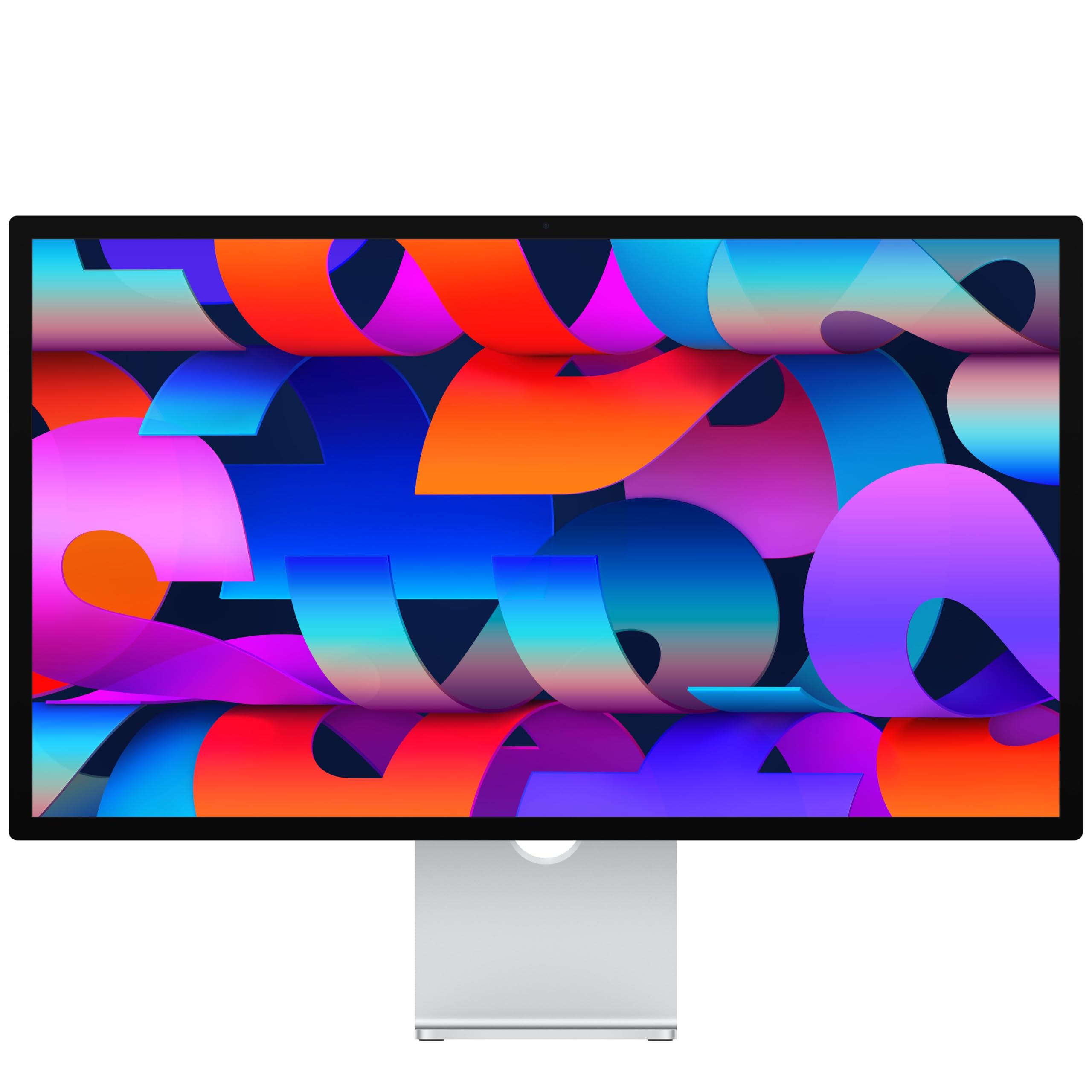

Apple Studio Display XDR Review: Where It Fits
Apple sells two lines in this family. The Studio Display is the standard 27 inch 5K screen for Mac owners. The Studio Display XDR sits above it as the pro level model for people who judge color and brightness for a living. The XDR name tells you the target: high dynamic range work, where bright highlights and dark shadows must both be visible on screen.
If you are comparing it with the older reference display it succeeds, the main change is a more current design in a lineup that is easier to buy and set up, with stand and glass options chosen at checkout.
Standard Glass or Nano-Texture Glass
The listings offer standard glass and nano-texture glass. Standard glass gives the punchiest image and is fine in a controlled room. Nano-texture is an etched surface that cuts reflections, which helps in rooms with windows or overhead lights, at a higher price and with the need to clean it carefully using the supplied cloth. If you work in a dim edit suite, standard glass is the sensible pick. If your desk faces a window, nano-texture is worth the extra cost.
Stand Options
- Tilt-adjustable stand: the simplest and least expensive choice, suited to a fixed desk height.
- Tilt and height adjustable stand: the better choice if you share the desk or sit and stand during the day.
- VESA mount adapter: for monitor arms and wall mounts. It frees desk space and lets you place the screen precisely.
Choose the stand you need on day one, because changing it later usually means buying another part or a different configuration.
What the Regular Studio Display Confirms
The standard Studio Display listing describes a 27 inch 5K Retina display with 14.7 million pixels, 600 nits of brightness, support for 1 billion colors and P3 wide color, a 12MP Center Stage camera with Desk View, advanced microphones and speakers, and Thunderbolt 5 ports. That is a strong base. The XDR model in the product table is the step up for those who need more from the panel, so read the product page for its exact numbers before you pay the premium.
Who Should Buy the XDR Model
Video colorists, HDR photographers and motion designers get the clearest benefit, since they deliver work that is viewed on bright, high contrast screens. Studios that need one reference display they can trust for client sessions also fit. Casual users, writers and coders will see little difference compared with the standard Studio Display and should save the money.
Pairing With a Mac
These displays are designed for Mac owners. One Thunderbolt cable can carry video, data and power, so a MacBook charges while you work and your drives, camera reader and keyboard plug into the display. A desktop Mac, such as a Mac mini or Mac Studio, pairs well with a screen of this class and keeps the whole setup tidy.
Alternatives Worth a Look
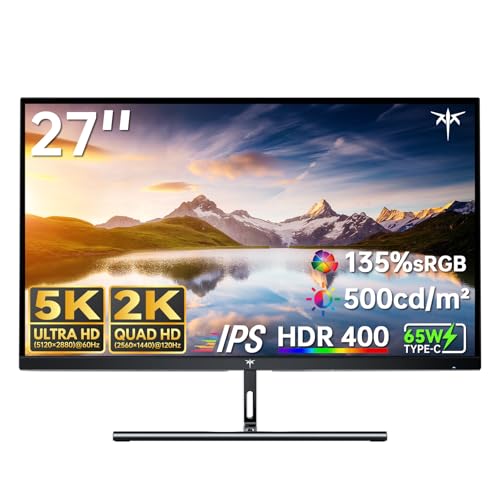
Not everyone needs Apple pricing. The table includes 5K monitors from KTC and BenQ, which aim at designers and Mac users at lower or similar prices. The BenQ PD2730S lists 5K resolution, 218 PPI, 98 percent P3 coverage, a nano matte panel and 90W Thunderbolt 4 power. The KTC 5K model lists 5K at 60Hz, 99 percent DCI-P3 and 65W USB-C power. They lack Apple's camera, speakers and finish, but they cost less.
For other Apple screens, see the Apple Studio Display review and the Apple Pro Display XDR alternative guide.
Care and Setup
A reference display only helps if the room cooperates. Keep ambient light steady, avoid strong colored walls behind the screen and calibrate or at least check your color settings after the first week.
Wipe the screen gently with a soft cloth, and follow Apple's care guidance for nano-texture glass, which should never be cleaned with household sprays.
Place the top edge of the screen at or slightly below eye level and sit about an arm's length away, so that you can see the whole 27 inch canvas without turning your head.
Buying Tips
- Decide on glass and stand first; they decide the price more than anything else.
- Check that you buy a new unit from a reputable seller, since these are expensive items.
- Measure your desk and confirm a monitor arm fits the VESA adapter option.
- Budget for a good cable and a surge protector, then keep the packaging for any return.
Frequently Asked Questions
Is the Studio Display XDR the same as the Pro Display XDR?
No. The Studio Display XDR belongs to the current Studio Display lineup and is the pro model in it. Apple's older Pro Display XDR is a separate product.
Is nano-texture glass worth the extra cost?
It is worth it in bright rooms with reflections. In a dim room, standard glass looks better and is easier to maintain.
Does it work with Windows PCs?
It is designed for Macs. Compatibility with other computers depends on the ports and software features, so check the product page before buying for a PC.
Which stand should I choose?
Choose tilt and height adjustable if you share the desk or change posture. Choose VESA if you use an arm.
Is a 5K monitor from another brand good enough?
For many designers and editors, yes. The cheaper 5K screens in the table cover sharp text and wide color, but they lack Apple's built-in camera and speakers.
Final Verdict
The apple studio display xdr review conclusion is that this is the right choice for colorists and HDR creators who want an Apple reference screen and are happy to pay for it. Everyone else is better served by the regular Studio Display or a 5K alternative. Choose glass and stand carefully, read the full product page and compare the options in the table. Prices and availability change, so check before ordering.


