
ASUS vs Netgear Gaming Router: Which Brand Should You Buy?
Disclosure: We may earn a commission when you buy through links on this page, at no extra cost to you. As an Amazon Associate I earn from qualifying purchases. Learn more

This asus vs netgear gaming router guide compares ASUS RT, TUF and ROG routers with NETGEAR Nighthawk on speed, ports, software, security and price.
ASUS and NETGEAR are the two best-known names in gaming routers, and their flagship lines compete directly. ASUS offers RT, TUF Gaming and ROG routers, and NETGEAR sells its Nighthawk family. This asus vs netgear gaming router guide compares them on speed, ports, software and price.
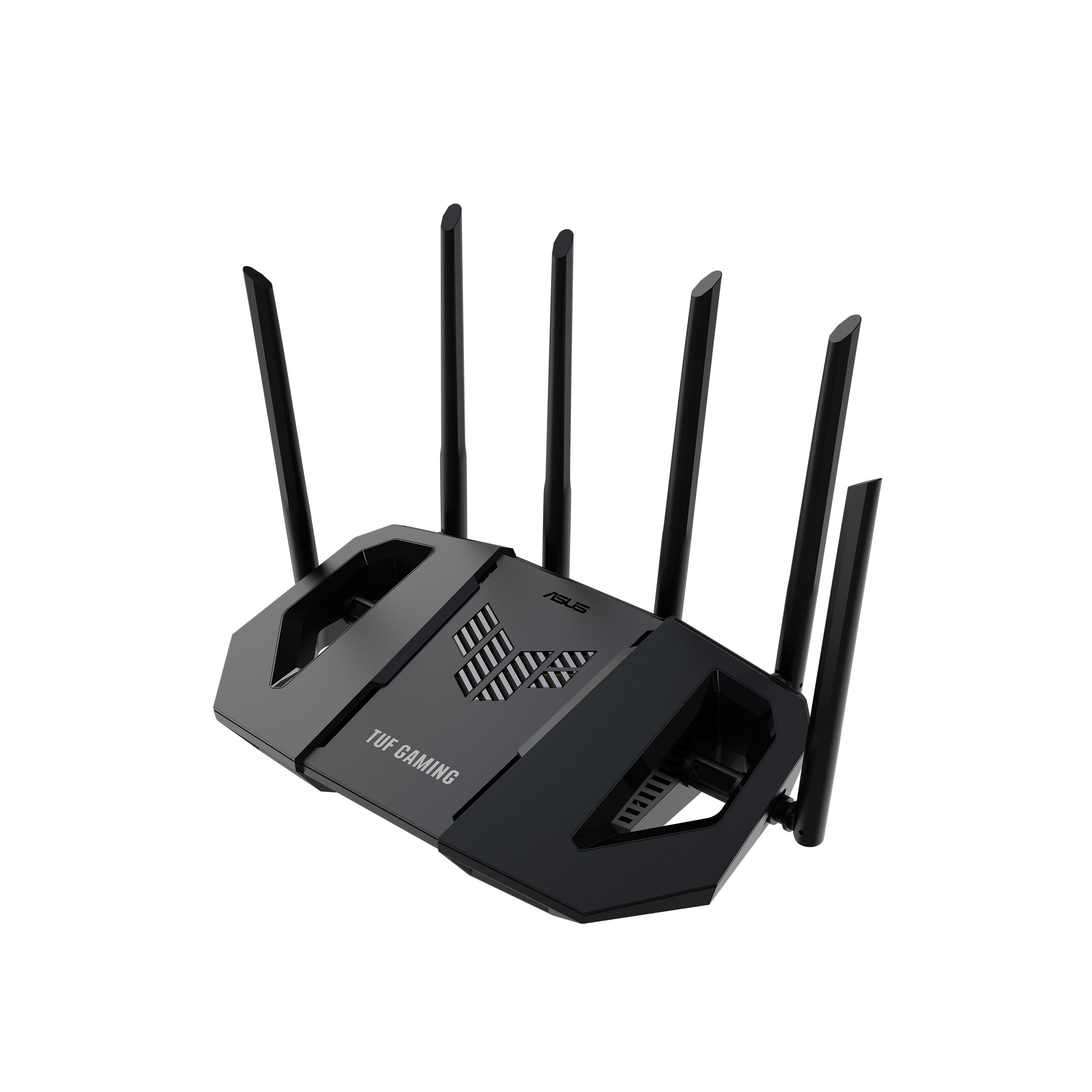
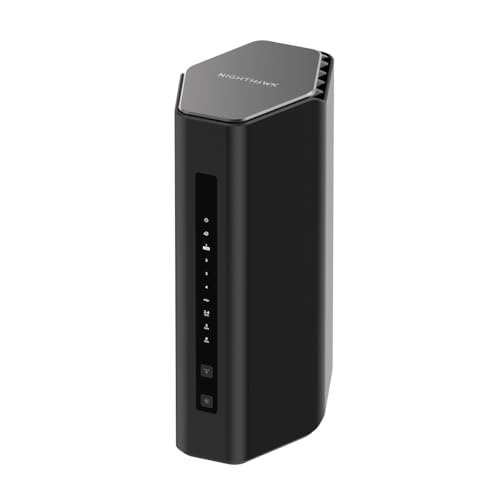
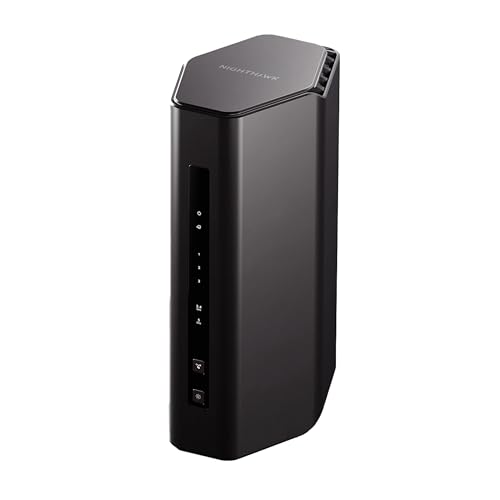
The product table shows current WiFi 6 and WiFi 7 routers from both brands. Use the sections below to understand the differences before you pick.






The Two Lineups
ASUS splits its range into RT routers for general use, TUF Gaming for value-focused gaming and ROG Rapture and Strix for premium gaming features. NETGEAR uses the Nighthawk name across the range, with WiFi 7 models such as the RS90, RS140, RS500, RS600 and RS700S, and WiFi 6 models such as the RAX41 and RAX36. Both brands price their routers from budget to very high end.
WiFi 7 Options
ASUS lists the RT-BE86U as a dual-band WiFi 7 gaming router rated at 6.8 Gbps with a 10G port, the RT-BE88U at up to 7.2 Gbps with two 10G ports and the TUF Gaming BE6500 at 6.5 Gbps with four 2.5G ports. NETGEAR lists the RS90 at 3.6 Gbps, the RS140 at 5 Gbps, a 9.3 Gbps model with a 2.5G port, the RS500 at 12 Gbps, the RS600 at 18 Gbps and the RS700S at 19 Gbps. NETGEAR's higher models use tri-band radios and reach higher headline speeds.
WiFi 6 Options
If you do not need WiFi 7, ASUS's RT-AX86S and RT-AX82U are WiFi 6 gaming routers with a gaming port and mobile game mode, and NETGEAR's RAX41 and RAX36 are low-cost WiFi 6 Nighthawk routers. WiFi 6 is plenty for most homes, and these routers are lower in price than any WiFi 7 model.
Gaming Features
ASUS puts gaming first with a dedicated gaming port, game acceleration and mobile game prioritization. NETGEAR's Nighthawk routers include prioritization tools too, but the focus is more on coverage and easy setup. For competitive play, the most important feature is still a wired connection, and both brands deliver that well.
Software and Security
ASUS routers include subscription-free network security, parental controls, VPN features and AiMesh for expanding coverage. NETGEAR offers an easy app and many security features, with some advanced protections available through a subscription. ASUS gives you more manual control, while NETGEAR is simpler for beginners.
Coverage and Mesh
NETGEAR lists coverage ratings, such as up to 3,500 square feet for the RS700S, and the ASUS flagships list coverage too. Real coverage depends on walls and floors. For a larger home, add a node, using Ethernet backhaul when you can.
Price and Value
ASUS gives you more ports and features per dollar at the mid-range, particularly with 2.5G and 10G ports. NETGEAR's WiFi 7 models are generally pricier for similar port selections, though entry models such as the RS90 are cheap. Compare the price against the ports you need.
- Choose ASUS for ports, software control and gaming features.
- Choose NETGEAR for simple setup and strong coverage claims.
- Match the wireless standard to your devices.
Which Brand Should You Choose?
Choose ASUS if you want control, gaming tools and multi-gig ports, and NETGEAR if you want easy setup and strong coverage. Read our RT-BE86U review, the RT-BE88U review and the best gaming router guide for more.
Wired Ports and Home Networks
Ports are where routers differ most in daily use. ASUS's RT-BE88U offers two 10G ports, four 2.5G ports and four 1G ports, the RT-BE86U offers one 10G port and four 2.5G ports, and the TUF Gaming BE6500 offers four 2.5G ports. NETGEAR's lower WiFi 7 models, such as the RS90 and RS140, are aimed at simpler homes with fewer wired devices, and the RS300 and a 9.3 Gbps Nighthawk model list tri-band radios with a 2.5G port. If you have a NAS, a gaming PC and a console, prioritize 2.5G ports over a bigger speed number.
Modem Combos and Cable Internet
NETGEAR also sells Nighthawk modem and router combos such as the CAX30 and C7000, which replace a separate cable modem. ASUS focuses on stand-alone routers that pair with your own modem or fiber terminal. A combo unit saves space and rental fees, while a separate router and modem gives you more freedom to upgrade each part. Check that any modem works with your internet provider before you buy.
Setup and Everyday Management
NETGEAR's app is built for quick setup and basic control, which suits people who want to plug it in and forget it. ASUS's app and web interface expose many more settings, including QoS, VPN servers, port forwarding and detailed device lists. If you like to tune a network, ASUS is more rewarding. If you prefer simple controls, NETGEAR is easier. Both let you set up guest networks and parental controls.
Which Models to Look At First
For a gamer with fast internet and several wired devices, the ASUS RT-BE86U and RT-BE88U are the strongest value, and the TUF Gaming BE6500 is a good mid-range option. For a large home that needs coverage, NETGEAR's RS500, RS600 and RS700S offer tri-band radios and large coverage ratings. For a small apartment, the NETGEAR RS90 or the ASUS RT-AX86S are low-cost ways to get a solid gaming router.
Warranty and Updates
Both brands provide warranties and ongoing firmware updates, and both have large support networks. Keep your router updated, change the default password, and register the product when you set it up. Buy from sellers who state new condition, because used or open-box routers can carry old settings or limited support.
Frequently Asked Questions
Is ASUS or NETGEAR better for gaming?
ASUS offers more gaming-specific features, while NETGEAR focuses on coverage and simple setup.
Which is cheaper?
NETGEAR has the cheapest entry models, while ASUS offers more ports at the mid-range.
Do I need WiFi 7?
Only if your devices support it. WiFi 6 is fine for most homes.
Do I need a subscription?
ASUS includes subscription-free security. Some NETGEAR security features need a subscription.
Final Verdict
Both brands make fine routers. For any asus vs netgear gaming router decision, compare ports and price, then check the seller and warranty before you order.


