
Best Gaming Routers: What Actually Matters in 2026
Disclosure: We may earn a commission when you buy through links on this page, at no extra cost to you. As an Amazon Associate I earn from qualifying purchases. Learn more
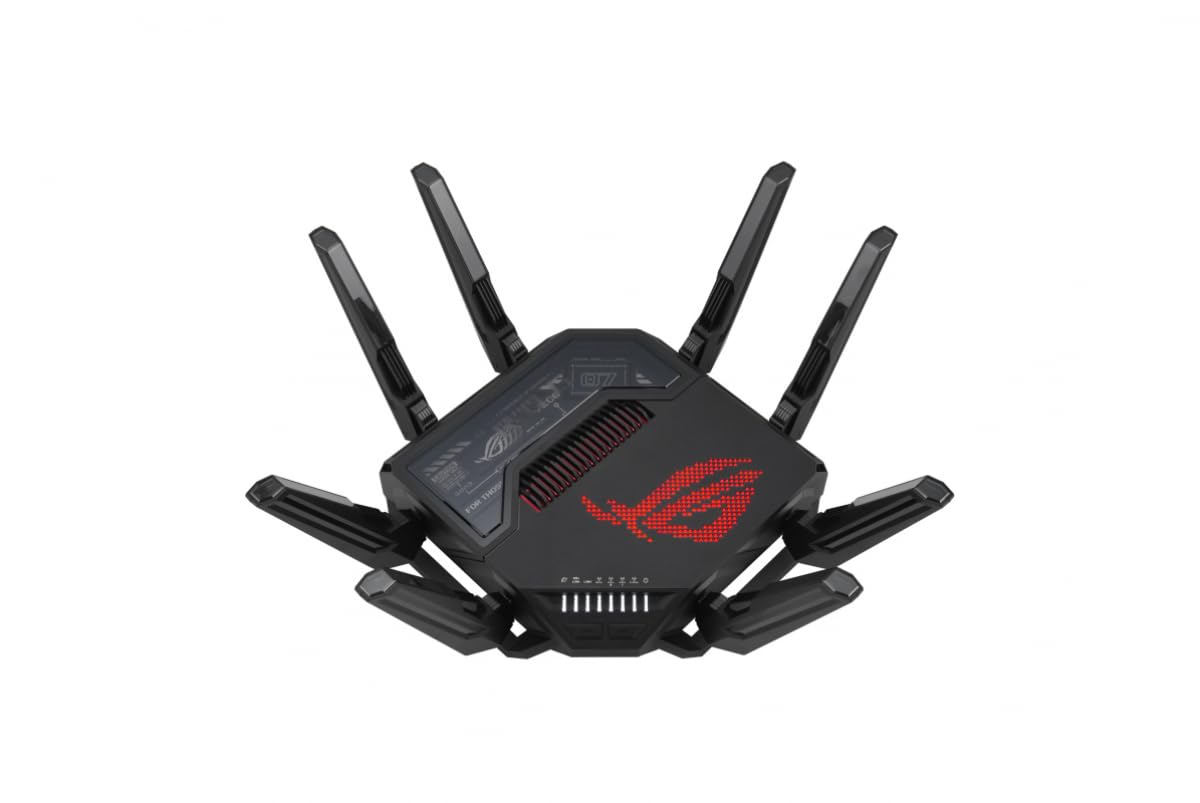
What actually separates a gaming router from a standard ISP router.
A slow or unstable connection ruins competitive play faster than any hardware upgrade can fix, and a generic ISP-provided router is rarely built with gaming traffic in mind. The best gaming routers are not just faster on paper, they handle traffic prioritization, multiple connected devices, and consistent low latency in ways a standard router simply does not. Chasing the highest advertised speed number misses what actually matters for smooth online play.
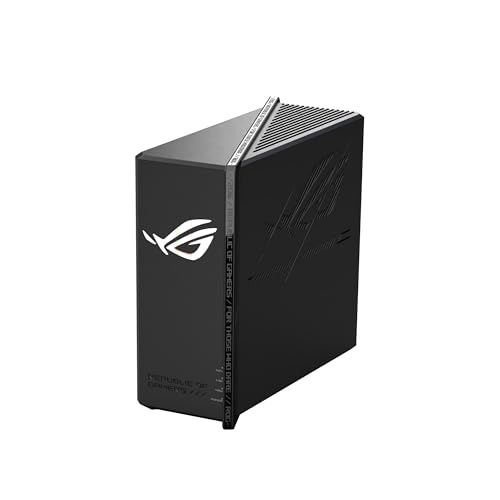
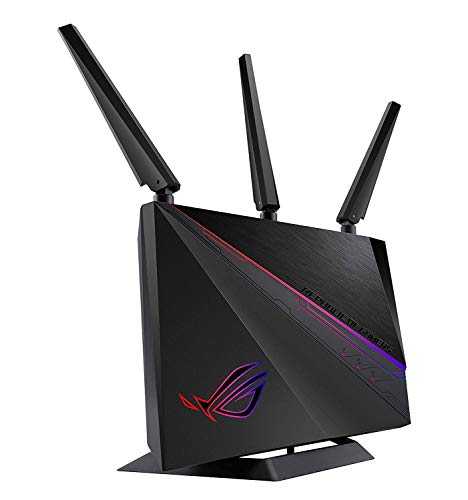
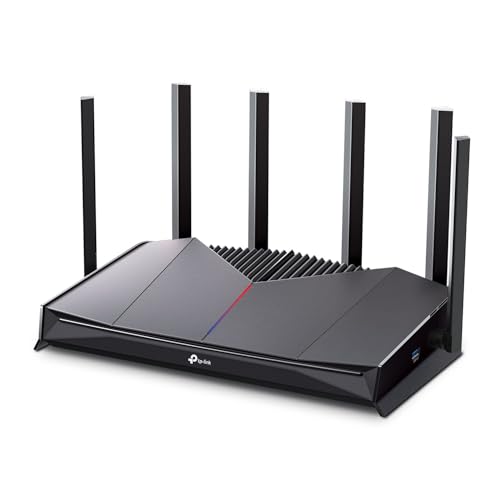

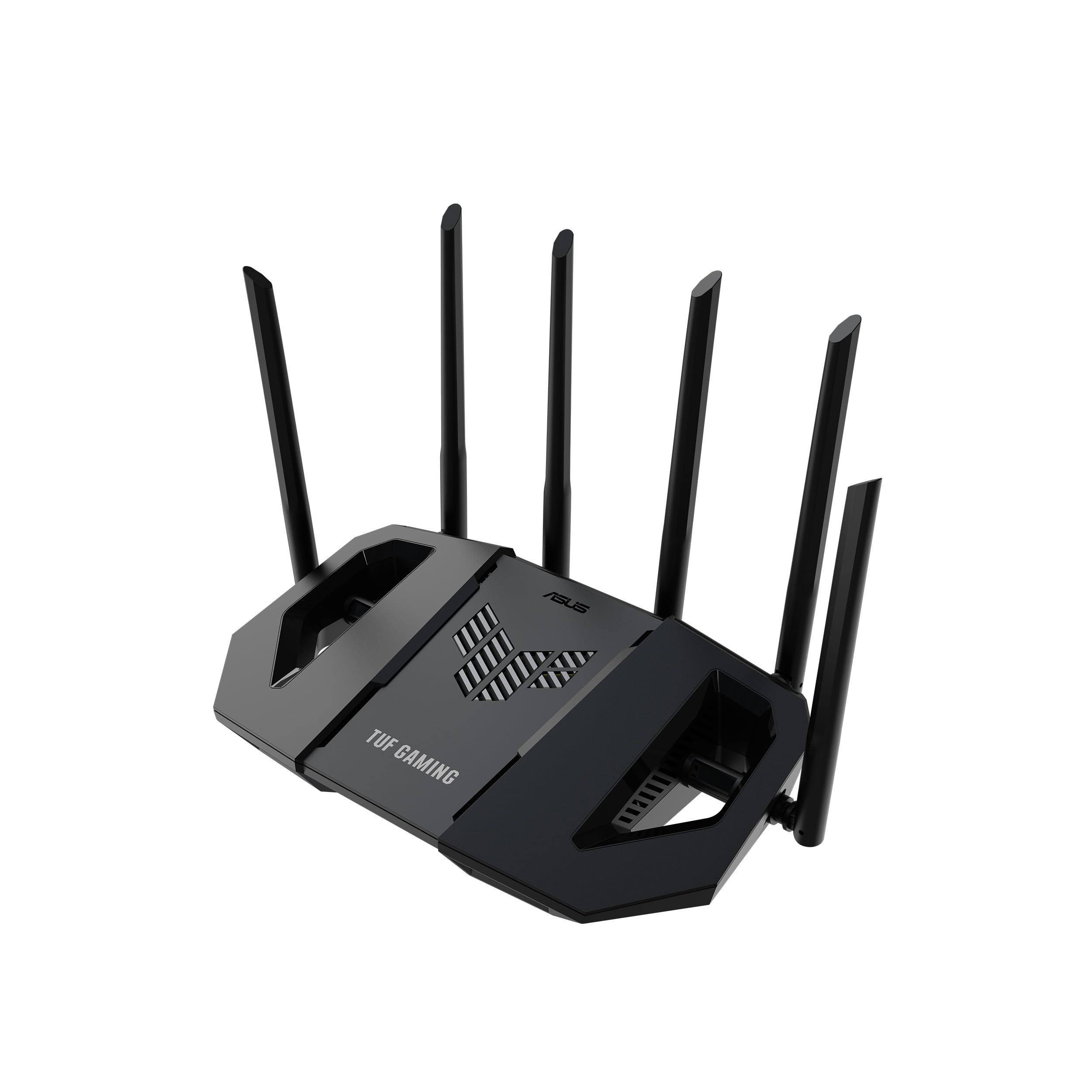


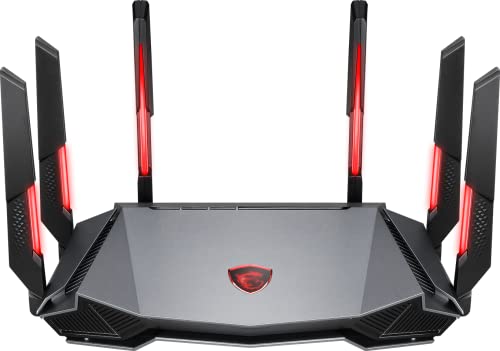

Why Gaming Traffic Needs Are Different From Everyday Browsing
Streaming a video or loading a webpage tolerates small delays without anyone noticing. Online gaming does not: even 20 to 30 milliseconds of extra lag can be the difference between landing a shot and missing it, or getting hit by an attack you should have dodged. A router built with gaming in mind prioritizes low, consistent latency over raw throughput, which is a different engineering goal than what most consumer routers optimize for.
Household traffic from streaming, video calls, and smart home devices competes for the same bandwidth as your game session. Without proper traffic management, a large download or a 4K stream elsewhere in the house can spike your in-game ping at the worst possible moment.
Quality of Service and Traffic Prioritization
Quality of Service, usually shortened to QoS, lets a router prioritize gaming traffic over less time-sensitive traffic like downloads or streaming. A router with dedicated gaming QoS, sometimes branded as a gaming mode or device prioritization, actively detects gaming packets and pushes them ahead of the queue instead of treating all traffic equally.
This matters most in busy households, where someone else streaming video or a device running a large update can otherwise cause noticeable ping spikes during a match. Look specifically for automatic gaming traffic detection rather than a manual QoS setup that requires constant tweaking to stay effective.
Wired vs Wireless: Why Ethernet Still Wins for Competitive Play
A wired Ethernet connection remains more stable and lower latency than even the best Wi-Fi setup, since it avoids interference, signal drop-off, and the overhead of wireless protocols entirely. For genuinely competitive play, running a cable to your gaming PC or console is still the single biggest latency improvement available, regardless of how good the router is.
When wired isn't practical, a router's wireless gaming performance still matters. Multiple dedicated antennas and beamforming technology, which focuses the wireless signal directly toward connected devices rather than broadcasting evenly in all directions, noticeably improves wireless stability for gaming compared to a basic single-antenna router.
Wi-Fi Standards and Real-World Latency
Wi-Fi 6 and the newer Wi-Fi 6E and Wi-Fi 7 standards reduce latency and handle many connected devices far better than older Wi-Fi 5 hardware, particularly in homes with a lot of smart devices competing for the same network. Wi-Fi 6E and 7 add access to the 6GHz band, which is far less congested than the crowded 2.4GHz and 5GHz bands most neighboring networks also use.
For anyone gaming wirelessly in a dense apartment building with many overlapping networks, this extra band can meaningfully reduce interference-related lag spikes that a standard dual-band router simply cannot avoid.
Handling Multiple Devices and Mesh Coverage
A household with many connected devices, from phones and laptops to smart TVs and consoles, needs a router built to handle simultaneous connections without everything slowing down together. Routers with a dedicated multi-core processor manage this far better than budget hardware trying to juggle the same load on weaker internals.
For larger homes, a mesh gaming router system extends stable coverage to rooms far from the main router, which matters if your gaming setup is not right next to where your internet enters the house. Standard single-unit routers often leave distant rooms with a much weaker, less stable signal.
Router Placement and Firmware Updates
Even the best hardware underperforms if placed poorly. Keep the router elevated and away from thick walls, metal cabinets, or large appliances that block signal, and avoid tucking it inside an entertainment center where heat and interference both build up. Central placement in the home, rather than a corner near where the internet line enters, generally gives more even coverage to every room.
Keeping router firmware updated matters more for gaming performance than most buyers realize, since manufacturers regularly patch bugs affecting connection stability and QoS behavior. A gaming router running outdated firmware can perform noticeably worse than the same hardware fully updated, so checking for updates after setup and periodically afterward is worth the few minutes it takes.
Frequently Asked Questions
Does a gaming router actually reduce lag?
A gaming router can reduce lag caused by network congestion and traffic prioritization, but it cannot fix latency caused by distance to a game server or your internet provider's own network. It helps most with local network congestion, not the connection between you and the game server itself.
Is a wired connection really better than a good gaming router's Wi-Fi?
Yes, a wired Ethernet connection is still more stable and lower latency than wireless, even with a high-end gaming router, because it avoids interference and wireless overhead entirely. Wireless gaming performance has improved a lot, but wired remains the more consistent option when it's practical to run a cable.
Do I need Wi-Fi 6E or 7 for gaming, or is Wi-Fi 6 enough?
Wi-Fi 6 handles most home gaming setups well. Wi-Fi 6E and 7 matter more in dense apartment buildings with heavy network congestion, where access to the less crowded 6GHz band meaningfully reduces interference.
What is QoS and do I need to configure it manually?
QoS prioritizes certain traffic, like gaming packets, over less time-sensitive traffic on your network. Look for a router with automatic gaming traffic detection rather than one that requires manual, ongoing configuration to stay effective.
Do I need a mesh system if I only game in one room?
Not necessarily. A mesh system mainly helps if your gaming setup is far from where your internet enters the home, or if other rooms need reliable coverage too. A single well-placed router is often enough for a single dedicated gaming room close to the main connection point.
Bottom Line
The right gaming router comes down to consistent low latency and smart traffic handling, not just a high advertised speed number. Prioritize automatic QoS, strong wireless performance if wired isn't an option, and mesh coverage only if your home actually needs it. Even with the best router available, a wired connection remains the most reliable way to minimize lag for serious competitive play.
Related reading: best gaming desks.


