
Best Hardware for Local LLM in 2026: GPU, Memory, and System Guide
Disclosure: We may earn a commission when you buy through links on this page, at no extra cost to you. As an Amazon Associate I earn from qualifying purchases. Learn more

Running a local LLM on your own hardware has crossed from hobbyist experiment to practical operational choice. Open-weight models like Llama 4, Qwen 3, DeepSeek V4, Gemma 4, and Mistral Medium are now genuinely competitive with closed-API alternatives for a wide range of real-world tasks. Teams are bringing inference in-house faster than at any point since the large language model era began, driven by cost predictability, data privacy, and freedom from API rate limits.
Choosing the best hardware for local LLM inference requires understanding one principle above all others: performance is almost entirely determined by memory bandwidth and VRAM capacity, not by raw compute in TFLOPS or processor clock speed.

The One Rule That Governs Local LLM Hardware
When generating tokens with a large language model at batch size one, the process requires reading every model weight from memory once per token. This means your token generation speed is bounded by how fast your hardware can move data from memory to compute cores, not by how many tensor operations per second those cores can perform. A GPU with high compute but modest memory bandwidth will still generate tokens slowly, because the compute cores spend most of their time waiting on memory.
This is why VRAM capacity and memory bandwidth are the two specifications that matter most when selecting hardware for local LLM workloads. Everything else is secondary.
VRAM Requirements by Model Size
Understanding how much VRAM your target model requires at your preferred quantization level is the starting point for any local LLM hardware decision. As a practical reference for 2026:
A 7B parameter model at Q4 quantization requires approximately 4 to 5GB of VRAM. At Q8, that rises to 8 to 9GB. A 13B model at Q4 needs roughly 9GB. Most 70B models require 35 to 48GB depending on quantization level. The general rule of thumb is approximately 0.6GB per billion parameters at 4-bit quantization.
The single most important performance threshold in local LLM inference is whether your entire model fits in GPU VRAM. Once any portion of the model spills to CPU RAM, token generation speeds drop dramatically, often by a factor of five to ten times or more.
Best GPU Options for Local LLM in 2026
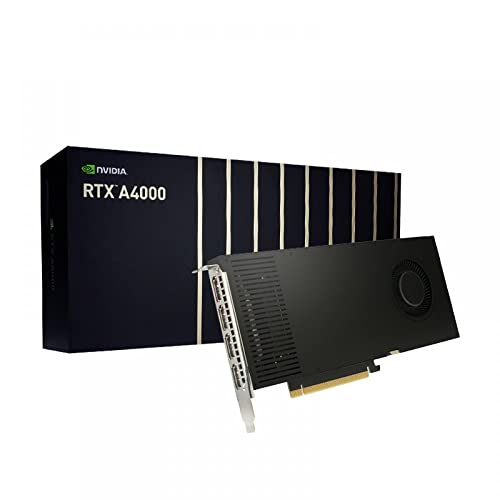
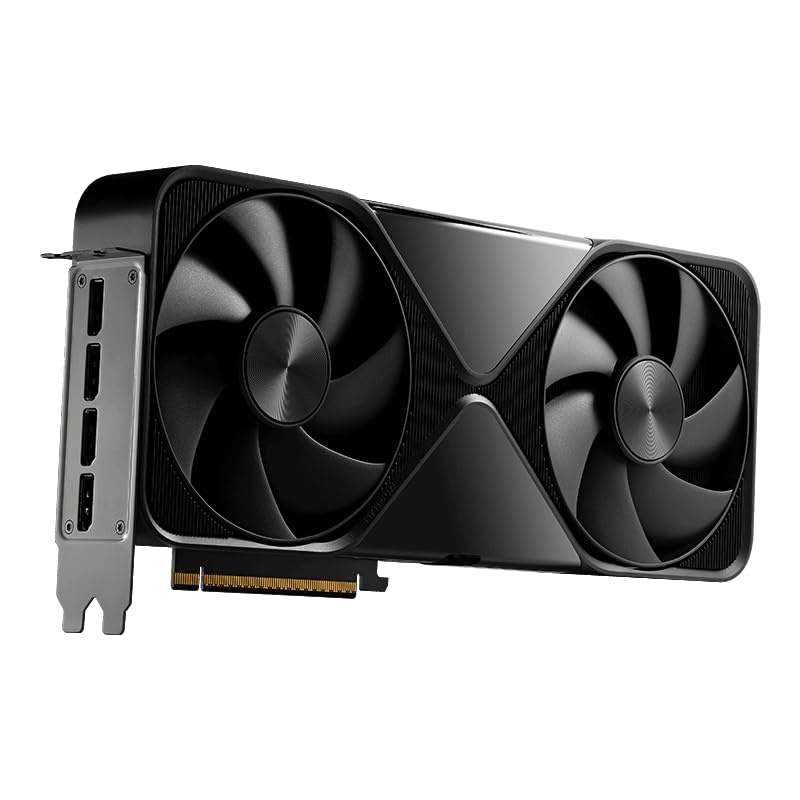
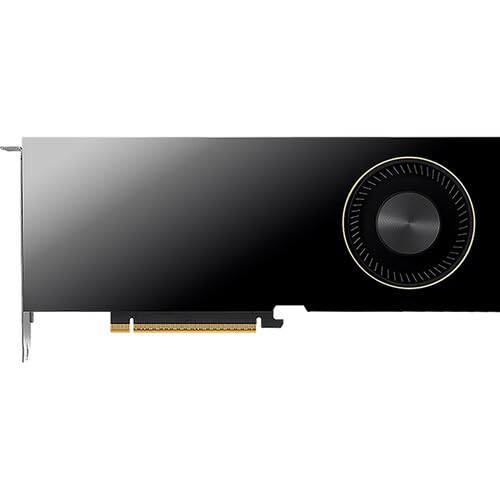
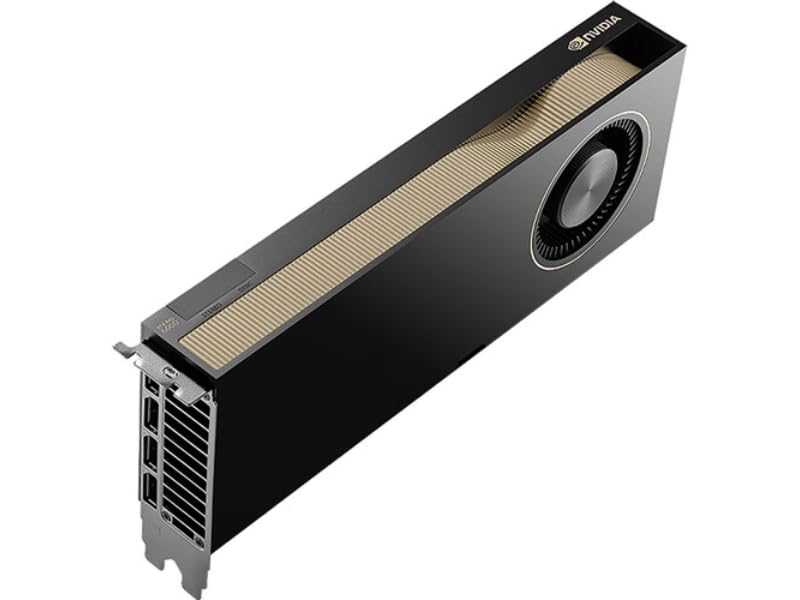
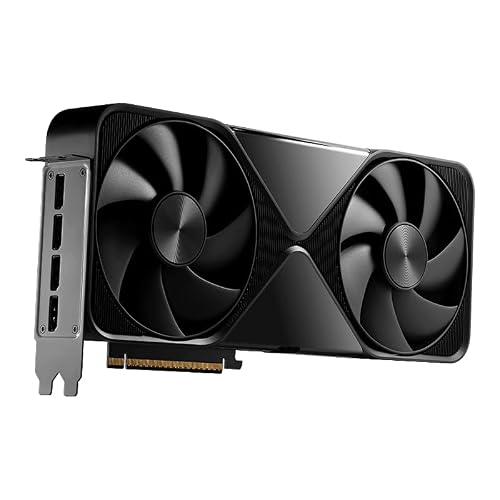
NVIDIA RTX PRO 6000 Blackwell: Professional-Grade VRAM
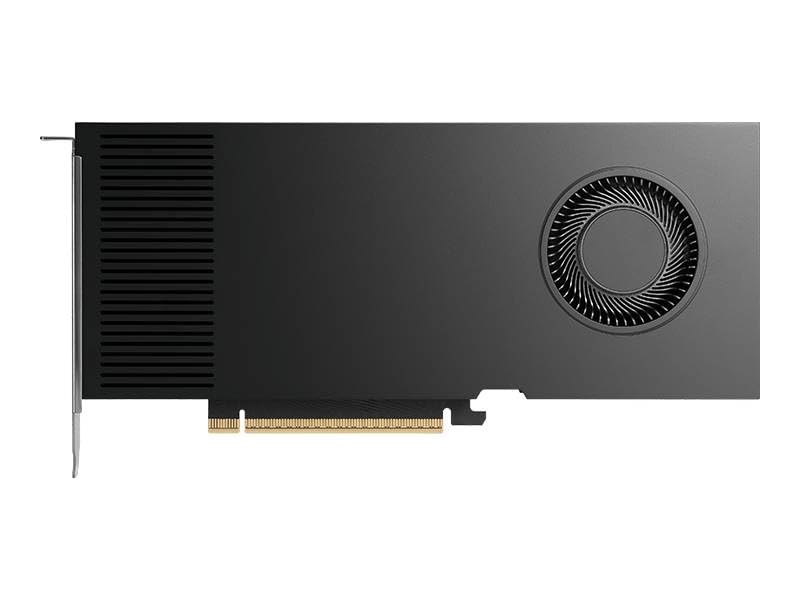
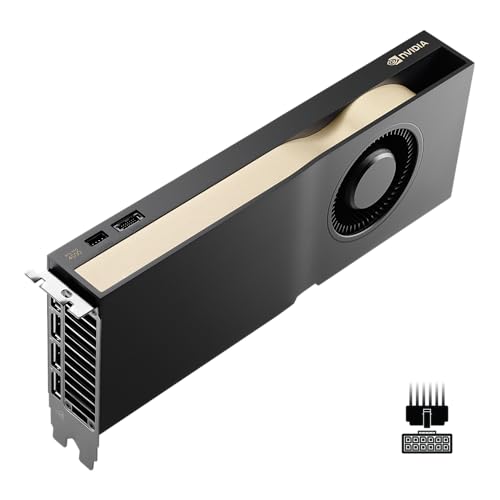
The RTX PRO 6000 Blackwell Workstation Edition with 96GB of GDDR7 ECC memory represents a step into professional GPU territory. Independent benchmarks in 2026 show approximately 32 tokens per second on Llama 3.1 70B and Llama 3.3 70B, delivered reliably at full ECC memory integrity. This card is for teams that need to run 70B models without quantization compression, maintain consistent production quality, or serve multiple users from a single node.
AMD RX 9070 XT: The Best-Value Alternative for Linux Users
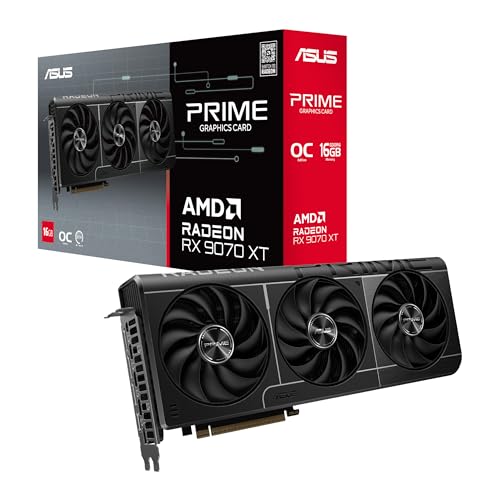
The AMD RX 9070 XT with 16GB of GDDR6 VRAM at approximately $500 MSRP is the strongest budget local LLM GPU option for users comfortable on Linux. ROCm 7.x support is official from launch, and Ollama, LM Studio, and llama.cpp all run reliably on this architecture. Windows support for AMD GPU inference remains inconsistent, so this recommendation is specifically for Linux-first deployments. For 7B to 13B model workloads on a constrained budget, the RX 9070 XT provides strong value.
Apple Silicon Mac: Unified Memory for Large Model Loading
Apple's M-series chips use a unified memory architecture that fundamentally changes the local LLM equation. Because CPU, GPU, and Neural Engine all share the same memory pool, the ceiling for model loading is the total installed RAM, not a separate VRAM limit. An M4 Pro Mac with 24GB handles 7B to 13B models comfortably. An M4 Max with 128GB of unified memory can run quantized 70B models entirely in memory, delivering 69 or more tokens per second on models like Gemma 4.
Apple Silicon Mac systems are the most power-efficient path to serious local LLM inference, drawing roughly 65 watts under full load at near-silent operation. The tradeoff is the CUDA ecosystem. Tools built around CUDA libraries or requiring ROCm will not run natively.
Complete Hardware Builds for Local LLM by Budget
Entry-level local LLM system (7B models, $600 to $1,200): An AMD RX 9070 XT or NVIDIA RTX 5070 with 16GB VRAM, paired with 32GB of DDR5 system RAM and a PCIe Gen 4 NVMe SSD, provides a genuine entry point for local 7B model inference. At this tier, 16GB of VRAM is the new sweet spot for running the best current single-GPU models like Qwen3.6-27B in quantized form.
High-capacity inference server (70B+ models, $5,000+): For teams needing to run 70B models without aggressive quantization, or serve multiple concurrent users, a multi-GPU build or a system with the RTX PRO 6000 and 96GB of VRAM is the appropriate tier. Alternatively, a high-unified-memory Mac Studio with 192GB or more handles very large quantized models with exceptional power efficiency.
Software Stack for Local LLM Inference
Hardware selection only matters in context of the software that sits on top of it. In 2026, the leading tools for self-hosted LLM inference are Ollama for ease of setup and broad model library support, LM Studio for a GUI-based desktop experience, llama.cpp for maximum hardware compatibility including non-NVIDIA platforms, vLLM for production-grade serving with OpenAI-compatible API endpoints, and Open WebUI for a browser-based control interface over multiple backends.
The right tool depends on your deployment model. For personal local inference, Ollama or LM Studio gets you running in minutes. For serving models to a team or integrating into production pipelines, vLLM with a proper API endpoint is the appropriate choice.
Key Takeaways for Choosing Local LLM Hardware
The best hardware for local LLM inference in 2026 is the configuration that fits your target model in VRAM with enough memory bandwidth to generate tokens at a speed that is useful for your workflow. Start with the model you want to run, calculate the VRAM requirement at your target quantization level, then choose the GPU or unified memory system that fits that model comfortably. Everything else in the build should support that primary decision.