
BenQ vs Quntis Light Bar: Which Is Better in 2026?
Disclosure: We may earn a commission when you buy through links on this page, at no extra cost to you. As an Amazon Associate I earn from qualifying purchases. Learn more

A benq vs quntis light bar comparison of glare control, backlight, sensors, curved monitor fit, and price, with bars from both brands.
BenQ built its name on glare free monitor lamps, while Quntis sells a broad range of cheaper bars with extra effects. This benq vs quntis light bar comparison explains how the two brands differ and which suits your desk and budget.
The product table near the top lists bars from both brands, plus Xiaomi as a budget reference. Use it to compare prices, then read the sections below to decide.


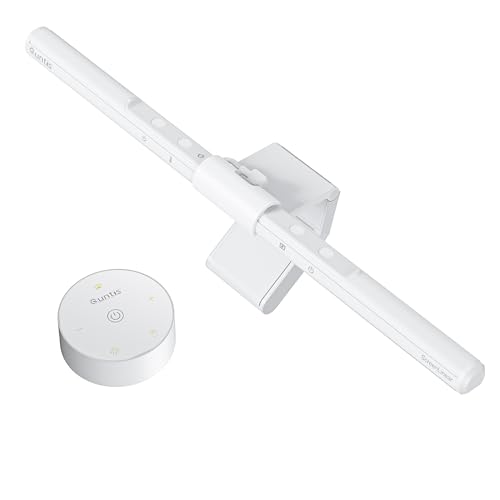
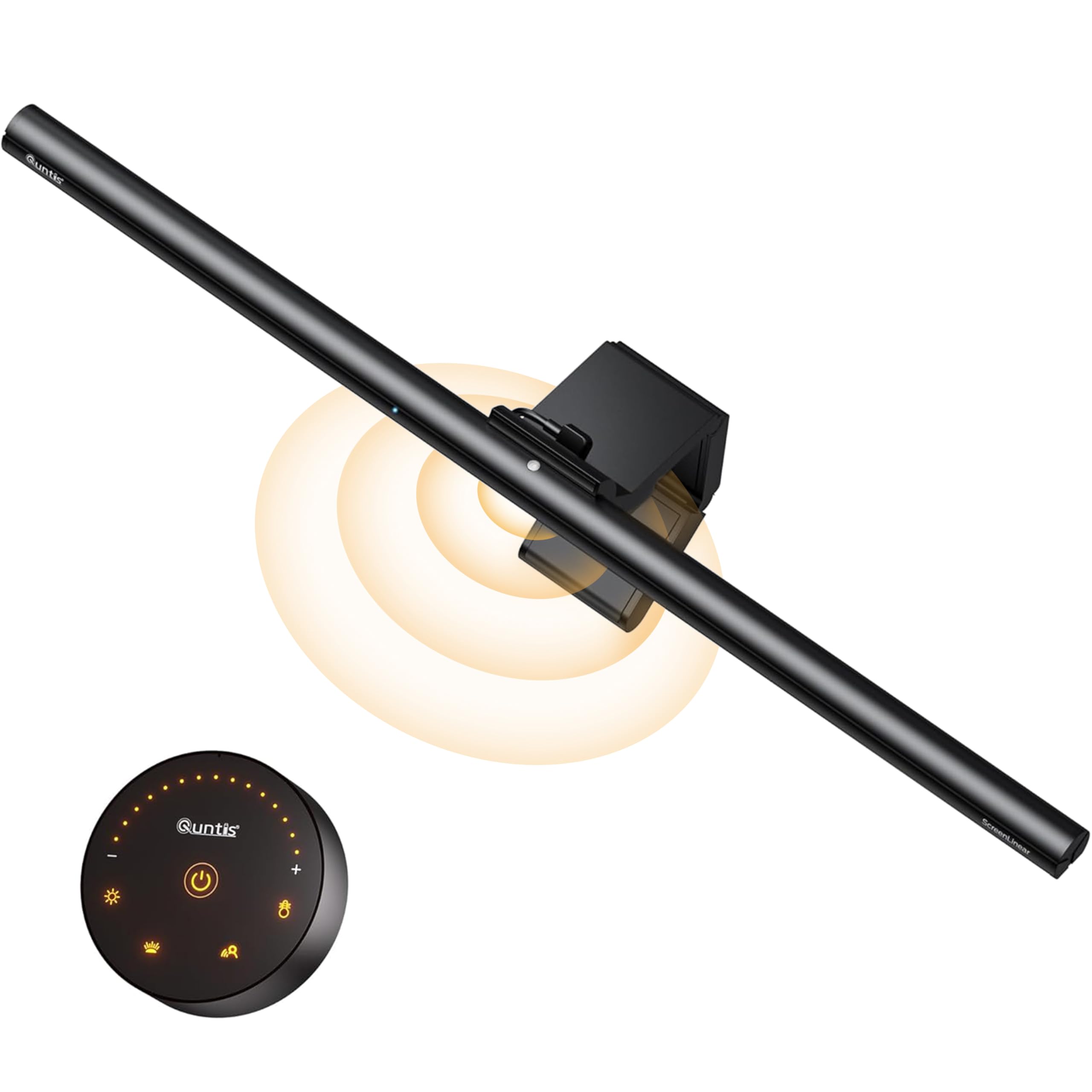

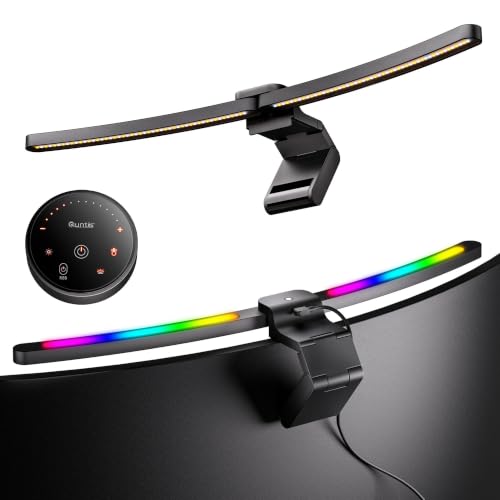
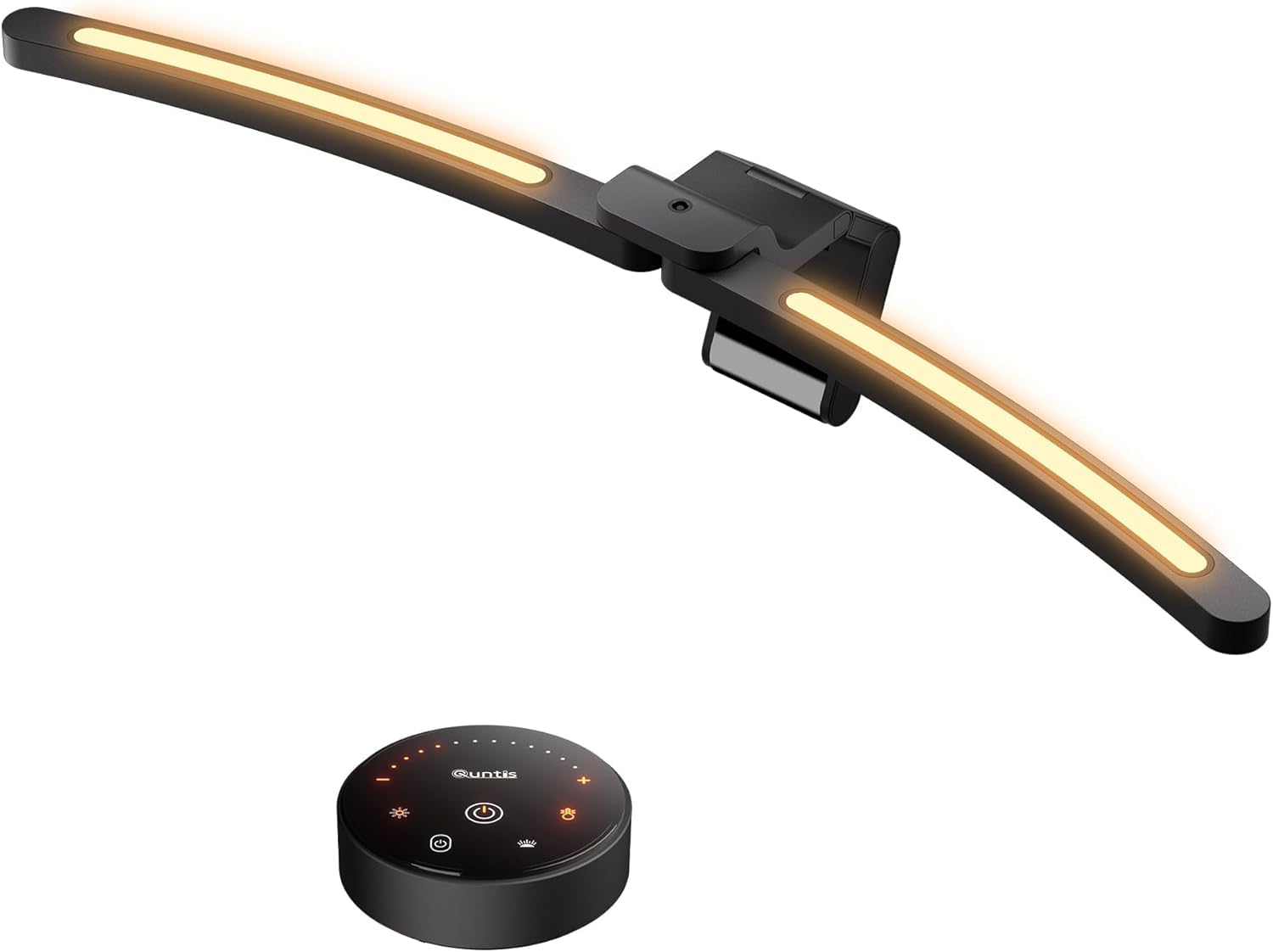
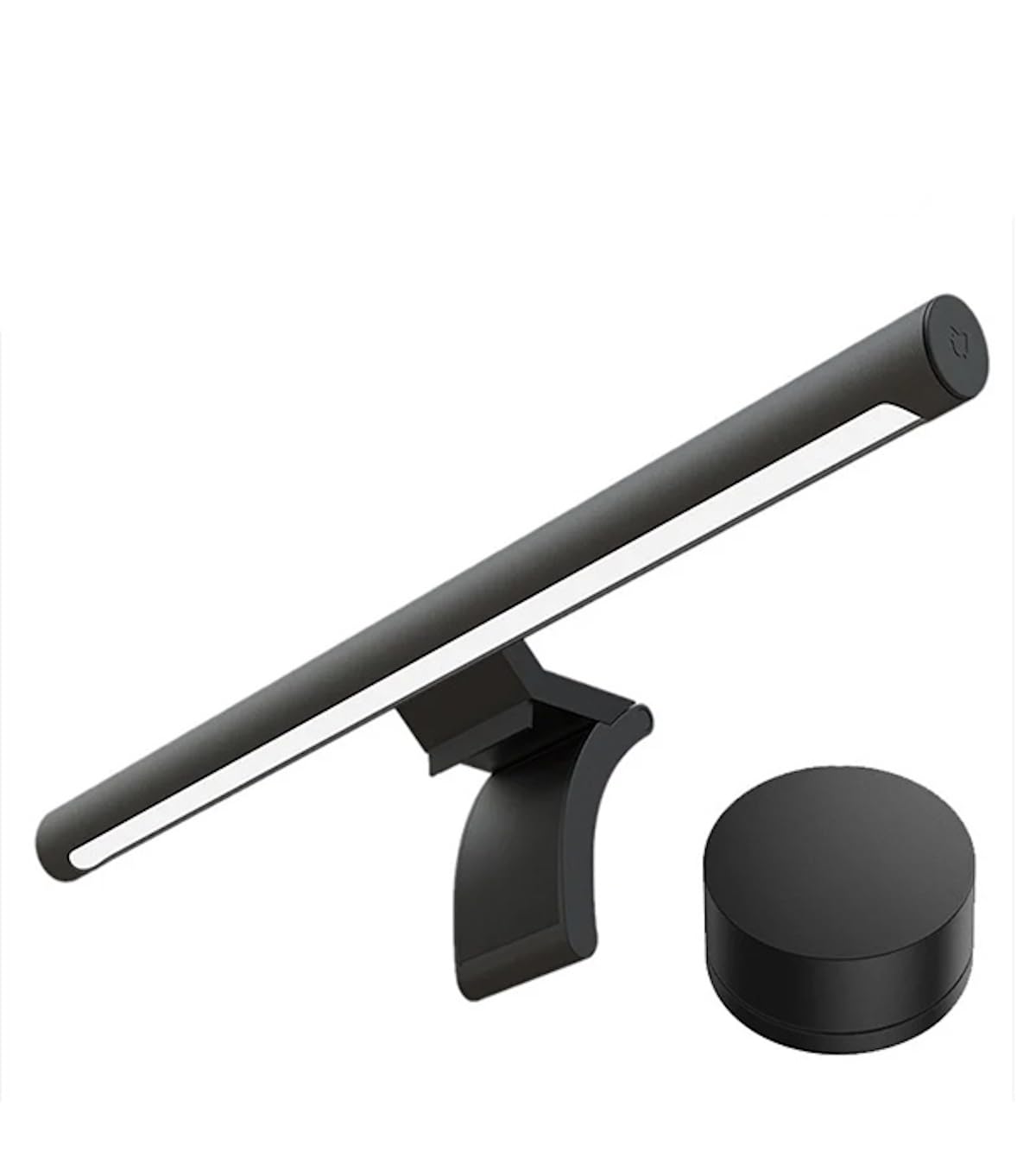
BenQ vs Quntis Light Bar: Design Philosophy
BenQ focuses on one job: lighting the desk without reflecting on the screen. Its asymmetric optics, clamp design, and sensors are refined over several generations. Quntis offers more variety, including bars with RGB backlight, radar motion sensors, and curved models for ultrawide monitors.
That means BenQ is the safer pick for a clean, professional look, and Quntis is the better pick for features at a lower price.
Lighting Quality
BenQ's bars quote high central brightness, wide spread, and a high color rendering index on the premium models. Quntis bars list eye care lighting and stepless dimming, and many include a backlight to reduce contrast with the wall.
Both can light a desk well. The difference lies in how evenly the light spreads and whether any glare reaches the screen. Read buyer comments for hot spots or uneven lighting.
Controls and Smart Features
BenQ uses buttons or a wireless dial, with motion and ambient sensors on higher models. Quntis uses touch controls, a radar motion sensor on some models, and RGB effects for gaming desks.
Think about how you want to control the light. A dial is convenient, while touch controls are fine for occasional changes.
Fit and Compatibility
BenQ lists wide monitor thickness ranges and curve support up to 1800R. Quntis offers dedicated curved bars for 34 inch and wider monitors, which helps with ultrawide screens. Check the clamp range and the screen shape before you buy either brand.
Ensure that the bar does not block a webcam on top, and check whether the clamp holds firmly on a thin monitor.
Price and Value
BenQ bars cost more, often two or three times as much as Quntis models. The extra money buys refined optics, build quality, and support. Quntis offers more features per dollar, with trade offs in finish and long term support.
If you use your desk all day, the BenQ is easier to justify. If you want a simple upgrade over a desk lamp, a Quntis bar is a smart purchase.
Which Brand Fits Which Buyer
- Choose BenQ for glare free lighting and a premium finish.
- Choose Quntis for budget friendly features and RGB effects.
- Choose by monitor shape, since curved screens may need a specific bar.
Read more in the BenQ ScreenBar Pro review, the Xiaomi Mi Computer Monitor Light Bar review, and the best monitor light bar guide.
Gaming Desks and Ambiance
Gamers often prefer a bar with an RGB backlight that matches the room. Quntis has many such models, while BenQ keeps its backlight neutral. If you want colorful effects, Quntis delivers, and if you want a calm workspace, BenQ is the safer choice.
Consider how the light affects your focus. Strong colors can distract during work, so keep a neutral setting for office tasks.
Build Quality and Long Term Reliability
A light bar sits at the top of a monitor for years, so the clamp, the hinge, and the cable matter. BenQ bars use a patterned clamp designed to hold on monitors with unusual backs, and the finish tends to match office equipment. Quntis bars vary by model, with some using lightweight plastic and others a metal frame, so read the details for the exact bar you consider.
Check the warranty period and where claims are handled. A longer warranty on a cheaper bar can be worth more than a premium finish, while a bar with no clear support is a risk at any price.
Installation Notes for Both Brands
Most bars sit on top of the monitor with a counterweight that hooks over the back. Make sure the top edge of your monitor is flat enough, and check the thickness range. Curved and very thin monitors can be tricky, so look for a bar that lists your type explicitly.
Power usually comes by USB. Plug into the monitor if a port is free, or use a small wall adapter. Clip the cable behind the monitor, and avoid pulling on it when you adjust the bar.
Using the Light Day to Day
Set the brightness so the desk is lit comfortably without making the screen look dim by comparison. During the day, a neutral or cool white works well. In the evening, switch to a warmer color to ease the transition to sleep. If your bar has a backlight, keep it modest so the wall behind the monitor glows softly rather than distracting you.
Try the auto dimming or motion features for a week before deciding whether you like them. Some people enjoy a light that follows them, and others prefer manual control.
Mistakes to Avoid
Do not buy the cheapest bar without checking your monitor's shape. Do not assume RGB effects are good for focus. Do not forget to compare the warranty, and do not expect a light bar to fix a poorly placed monitor. Glare often comes from window light, and moving the monitor can help more than any lamp.
Questions to Ask Before You Order
How thick is the top of your monitor, and is it curved? Do you want a backlight, a motion sensor, or a wireless dial? How much are you willing to spend, and for how many years do you expect to use the bar? Matching your answers to the table above narrows the choice to two or three bars.
FAQs
Is BenQ better than Quntis?
BenQ is more refined and costs more. Quntis offers more features for less money.
Which is better for ultrawide monitors?
Quntis sells dedicated curved bars for wide screens, and BenQ lists curve support too.
Do both reduce glare?
Both aim to, but BenQ's asymmetric design is the benchmark.
Is RGB useful?
It is fun for gaming desks but not needed for work.
When you weigh benq vs quntis light bar, decide between polish and price, and use the table above to compare current models. Prices and availability can change, so check the product page before ordering.


