
Best 10 Inch Tablets: Android, Fire or Windows (2026)
Disclosure: We may earn a commission when you buy through links on this page, at no extra cost to you. As an Amazon Associate I earn from qualifying purchases. Learn more

First-time tablet buyers: how to choose the best 10 inch tablets by operating system, screen, real memory, battery and software updates.
A 10 inch tablet is the comfortable middle: large enough for reading, video and split-screen work, small enough to hold on a couch or carry in a bag. The best 10 inch tablets balance screen quality, speed, battery and software support, and the right one depends on whether you want a media tablet, a study tool, a kids device or a light laptop replacement.
This guide is for first-time buyers. It explains the operating systems, the specs that matter and the ones that are mostly marketing. The product table lists Android, Fire and Windows tablets in this size.

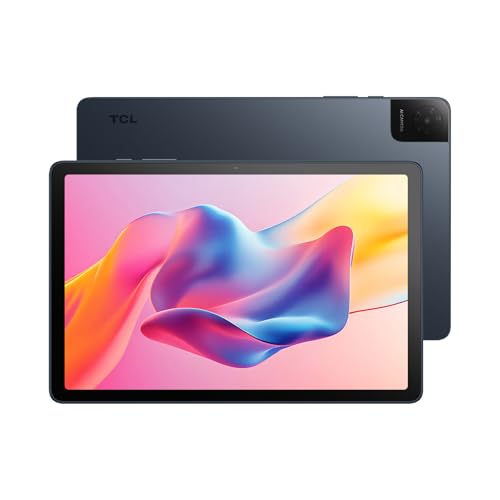
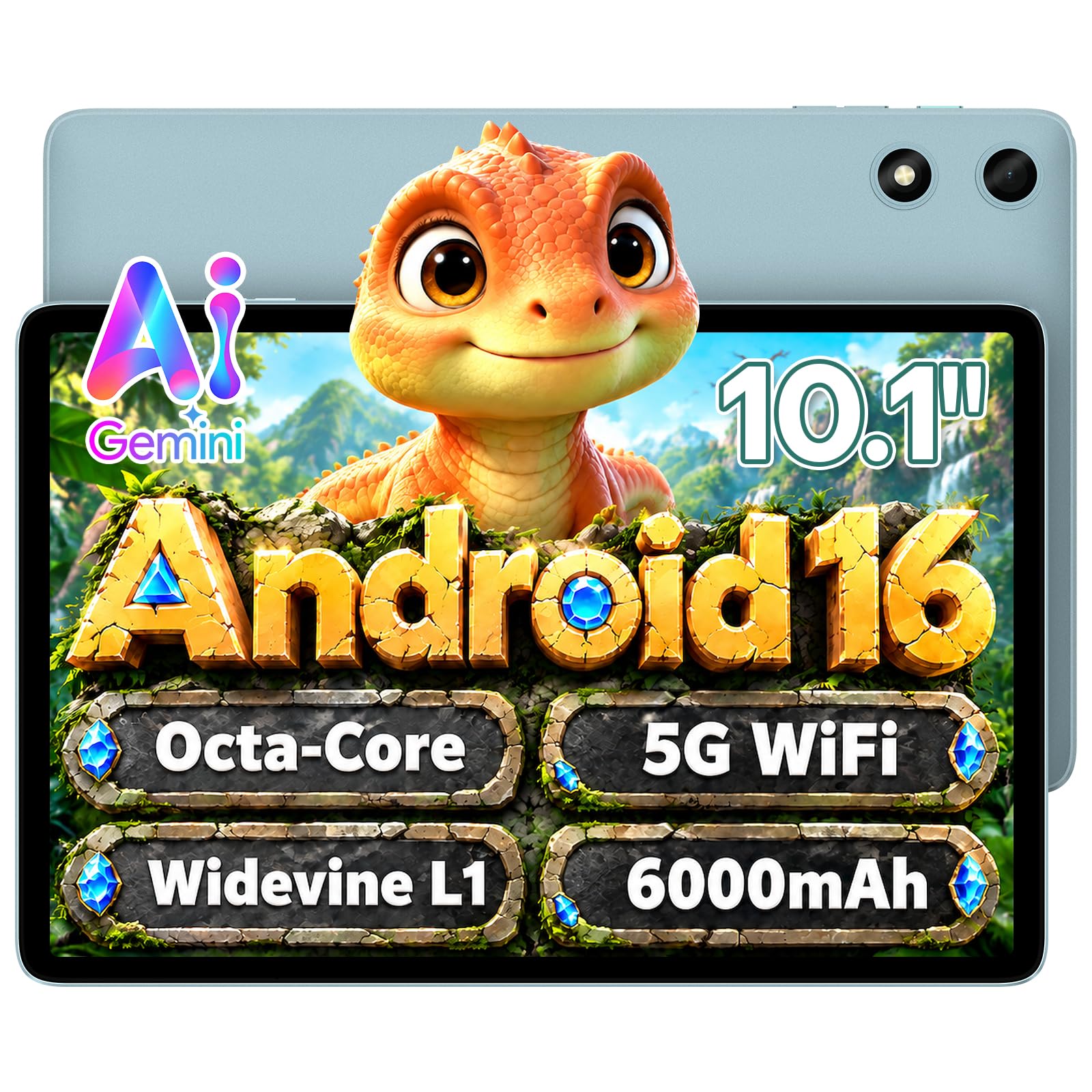


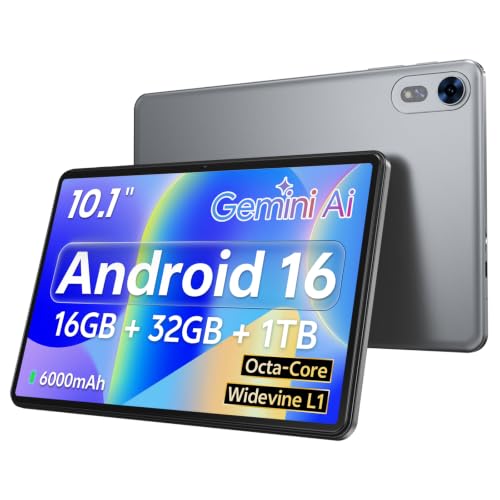


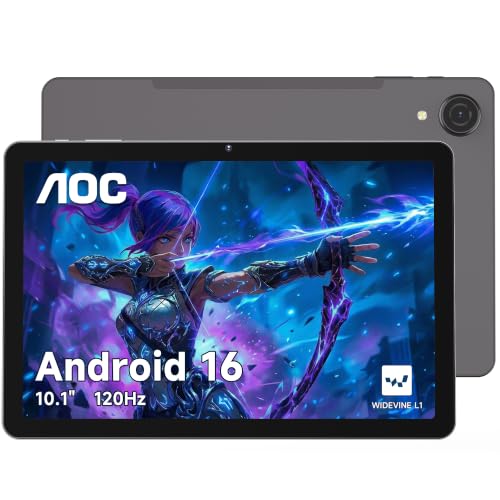

Why Ten Inches?
Screens around 10 inches show full web pages, comics, textbooks and video at a comfortable size. They fit on a plane tray, and with a case and keyboard they behave like a small laptop. Smaller tablets are easier to hold with one hand but cramp text and split-screen apps, and larger ones feel heavy for reading in bed.
Android, Fire or Windows?
- Android tablets run a wide range of apps and come in many price tiers, from simple media tablets to premium models.
- Fire tablets are Amazon's low-cost line, tuned for video, books and a simple home screen, with fewer apps than full Android.
- Windows tablets run desktop software and suit people who need a full computer in tablet form, at higher prices and with more weight.
Screen Matters Most
You look at the screen all the time, so check the resolution and panel type. Full HD or higher gives sharper text than a basic HD panel. IPS panels offer wide viewing angles. Brightness helps outdoors and near windows. A laminated screen looks closer to the glass, with less reflection. Read buyer photos for color and glare.
Performance and Memory
A tablet with a modern eight-core processor handles browsing, video and light games. Memory of 4GB works for simple use, and 8GB feels smoother with many apps. Be careful with listings that advertise "virtual" RAM added from storage, since this does not make the tablet as fast as real memory. Storage of 64GB is the practical minimum, and a microSD slot adds space cheaply.
Battery and Charging
Battery capacity, in milliamp-hours, gives a rough guide, but the screen and chip affect real use. Most 10 inch tablets last a day of mixed use. Check the charging port and whether a fast charger is included. A tablet that charges slowly is a nuisance if you use it daily.
Software Updates and Safety
Updates keep a tablet secure and compatible with apps. Name-brand tablets usually receive updates for longer. Unknown-brand tablets may stay on the original software. If you plan to use the tablet for banking or work, choose a maker with a clear update policy. For kids, enable parental controls and follow the manufacturer's instructions.
Cases, Keyboards and Pens
A case protects the screen and doubles as a stand. A keyboard case turns a tablet into a typing device. Pen support varies by model, so check the listing if you want to take handwritten notes. Make sure any accessory matches your tablet's exact model.
Choosing the Best 10 Inch Tablets
Decide what you will do on the tablet, then choose the operating system, then compare screen, memory and battery. Prices run from under $60 for basic Android models to $450 for Windows tablets and above $700 for rugged models. Spending more usually buys a better screen, longer updates and a sturdier build.
For related comparisons, see best inexpensive 10 inch tablets and best 10 inch windows tablets.
Reading, Video and Games
For reading, a tablet screen close to the size of a paperback page is easier on the eyes than a phone. Turn on a warm night mode in the evening, and raise the font size instead of squinting. For video, the wide 16:10 shape on many tablets shows films with only thin bars, and stereo speakers make a difference when you do not use headphones. For games, check the processor and memory, since casual puzzle games run on anything, while action games need a faster chip and a cooler body.
Kids, Students and Travelers
A child's tablet needs a thick case, a screen protector and parental controls. Students want a keyboard case, a long battery and a note-taking app. Travelers care about weight, offline downloads and a USB-C port that works with the charger they already carry. If the tablet will be shared in a household, create separate profiles so each person keeps their own apps and settings.
Eye Comfort and Daily Habits
Hold the tablet slightly below eye level and at a comfortable distance. Reduce brightness at night and take breaks from long sessions. A matte screen protector cuts glare, but it can soften the image a little. A stand makes video easier to watch than holding the tablet for an hour.
Returns and Warranty
Try the tablet during the return window with the apps you actually use. Check touch response across the whole screen, play a long video and look at battery drain overnight. Keep the packaging until you are sure, and register the warranty if the maker offers it.
Operating Systems Side by Side
| System | Best for | Watch out for |
|---|---|---|
| Android | Wide app choice, many price levels | Update support varies by maker |
| Fire | Video, books, family use | Fewer apps, ads on some screens |
| Windows | Desktop software, work files | Higher price, more weight |
If you already use an Android phone, an Android tablet keeps your apps and accounts familiar. If your household shops and streams through Amazon, a Fire tablet is the easy path. Choose Windows only when you need a program that does not run anywhere else.
Frequently Asked Questions
Is a tablet better than a laptop?
For reading, video and light tasks, a tablet is lighter and easier. For heavy typing and desktop software, a laptop is better.
How much storage do I need?
Sixty-four gigabytes works for light use. More helps with downloaded video and games.
Are cheap tablets worth it?
For simple use, yes. Expect slower performance and shorter updates.
Can I use a tablet for school?
Yes. Check that it supports the apps your school uses and consider a keyboard case.
Final Thoughts
Pick the operating system for your needs, check the screen first and plan for a case. The best 10 inch tablets feel pleasant daily and keep working after the first year. Prices and availability can change, so check the product page before ordering.


