
Best 10 Inch Tablets under 150: Budget Traps to Avoid (2026)
Disclosure: We may earn a commission when you buy through links on this page, at no extra cost to you. As an Amazon Associate I earn from qualifying purchases. Learn more

Budget shoppers: what to expect and what to avoid when choosing the best 10 inch tablets under 150, from real memory to storage and update support.
Under $150 you can get a tablet that does the basics well: streaming, reading, video calls and casual games. The best 10 inch tablets under 150 are the ones that avoid the common traps of the budget class, such as a dim screen, thin storage or inflated memory claims.
This guide explains what to expect at the price, which specs to trust and how to spot a bargain from a bad deal. The product table lists tablets with 10 inch screens between about $55 and $110.


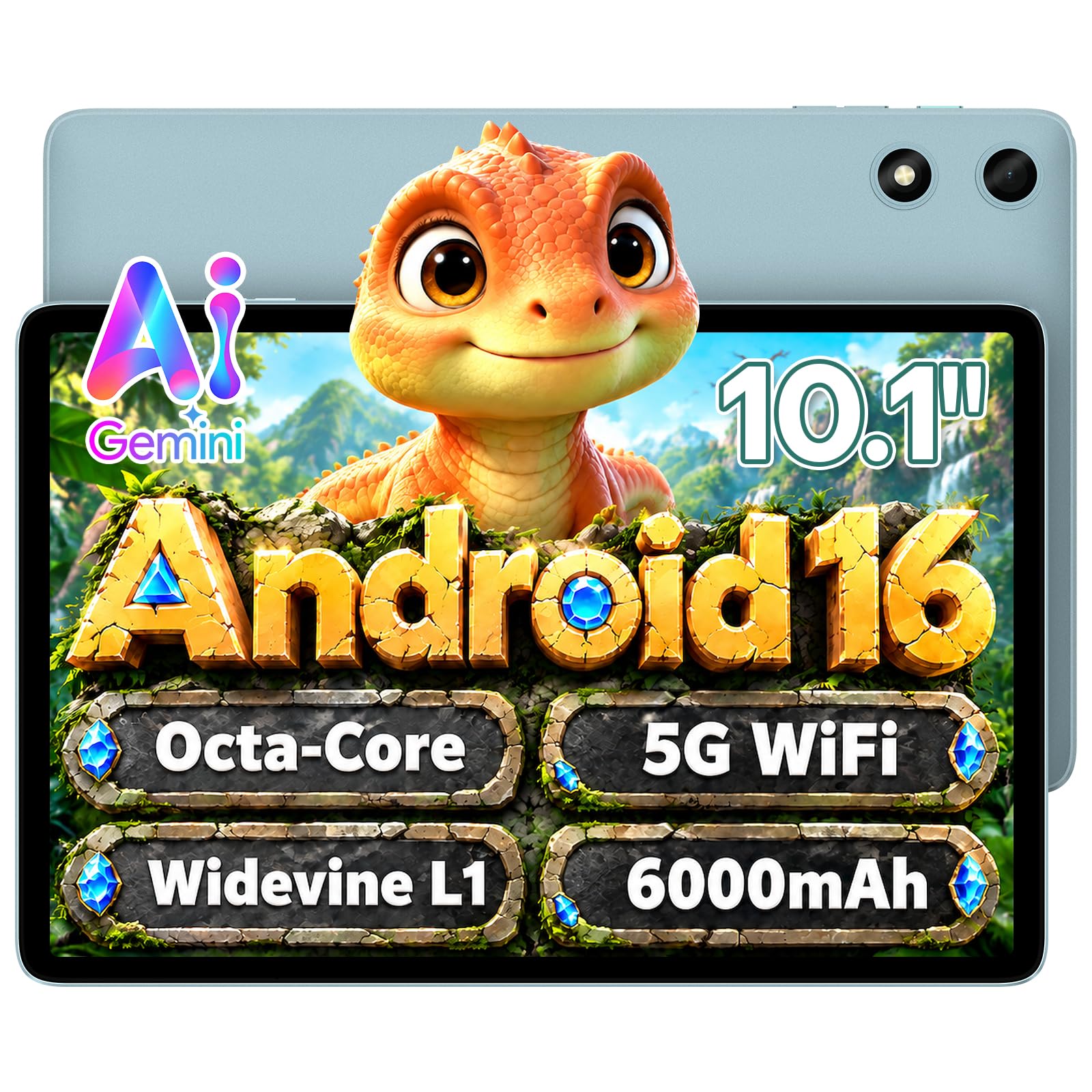

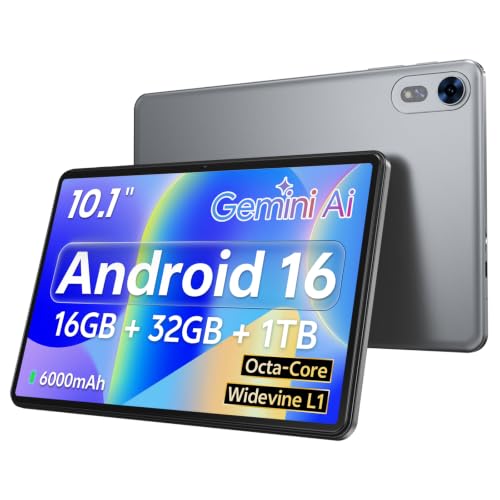
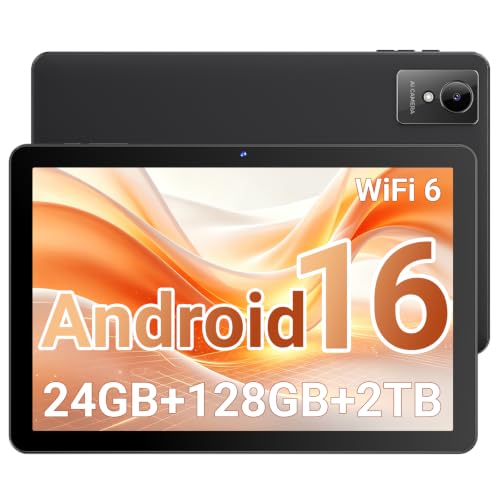
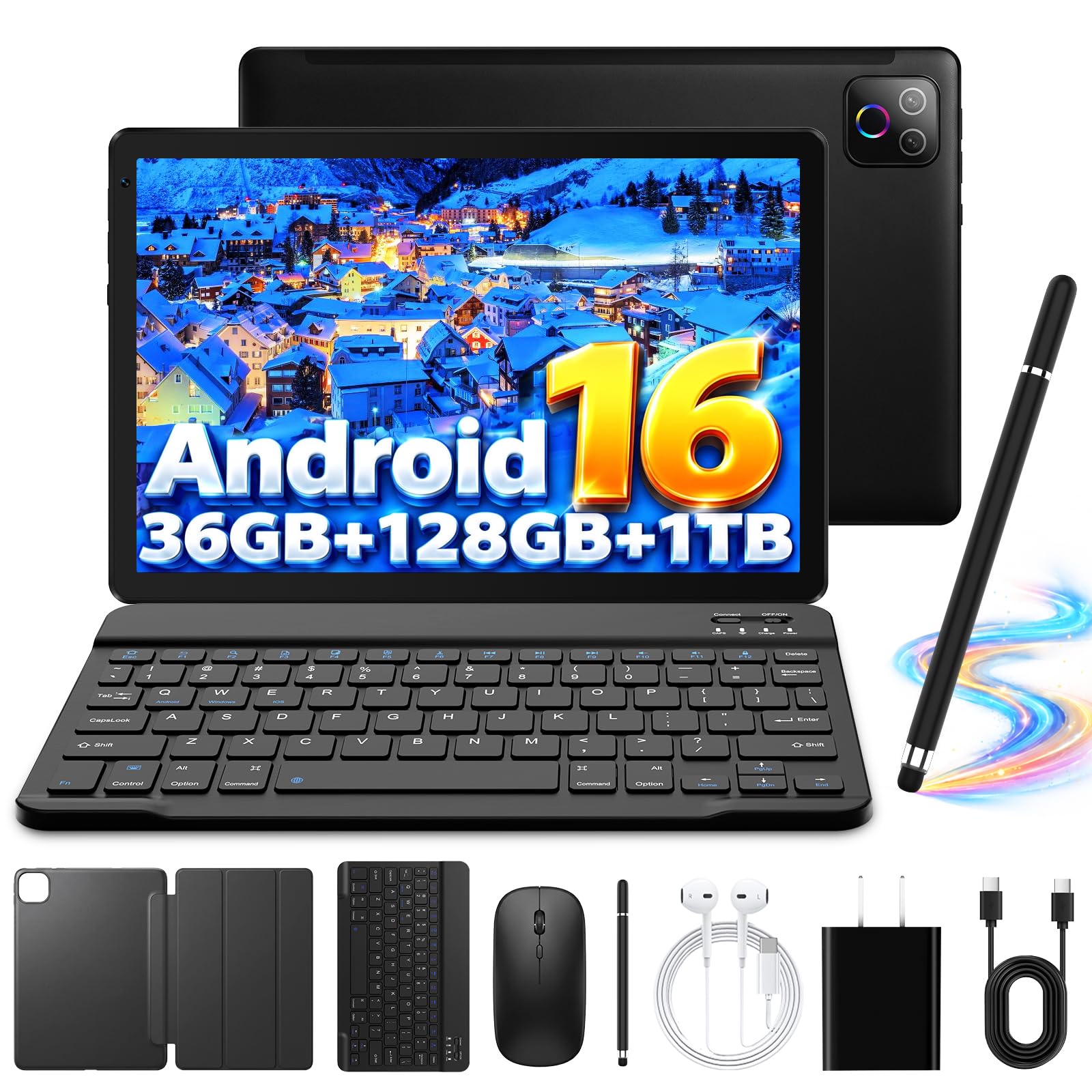


What $150 Buys
At this price, tablets typically have an HD or Full HD IPS screen, a mid-range eight-core processor and Android or Fire software. Expect plastic or metal-and-plastic bodies and cameras that suffice for video calls. Performance is fine for apps and video and limited for heavy games. Many listings include a case, a stylus or a keyboard, which can help or distract from quality.
Screen Resolution and Brightness
Many budget tablets use 1280 by 800 screens, which are fine for video and casual reading but look soft with small text. Full HD screens look sharper. Brightness matters if you use the tablet near windows. A good screen is the single biggest quality difference among cheap tablets.
Memory and Storage Claims
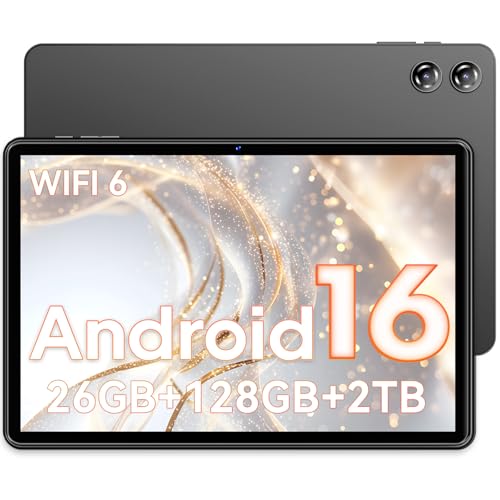
Listings often advertise large RAM figures by adding "virtual" memory taken from storage. Look at the real memory number, usually 4 to 8GB at this price, and the real storage, often 32 to 128GB. Plan to use a microSD card if you store lots of video. A tablet with more real storage avoids frequent cleanups.
Battery and Charging
Most tablets in this class have batteries around 6000 mAh, listed in the product title. That gives a day of light to moderate use. Check the charger: some come with slow chargers that take many hours. A tablet that charges by standard USB-C is easy to power from other chargers you already own.
Software and Updates
- Fire tablets run Amazon's system, with a simple interface and strong video and book support.
- Android tablets from smaller brands may run recent versions at launch but may not get updates later.
- Check whether Google apps are included if you want the Play Store.
Bundles and Extras
Keyboard bundles turn the tablet into a mini laptop, though budget keyboards are small. Stylus pens at this price are basic and not for drawing. A case is useful, but only if it fits the model. Do not pay extra for bundled accessories you will not use.
Kids and Family Use
For a child, look for a rugged case and parental controls. Follow the maker's instructions for safe use and set screen time limits. A kid-focused model costs a bit more but often includes a sturdy bumper. Check that the content you want is available on the platform.
Choosing the Best 10 Inch Tablets Under 150
Compare real memory, screen resolution, brand and software. Aim for a balance of quality and price, and look at buyer comments on touch response and battery life. Prices in the table fall mostly between $55 and $110, and spending toward $150 usually buys a more reliable brand or a sharper screen.
For related comparisons, see best 10 inch tablets under 200 and best tablets under 150.
Realistic Expectations for Speed
A budget tablet will open apps more slowly than a premium one and may pause when you switch between several programs. That is normal at this price. Close apps you are not using, keep the home screen simple and avoid live wallpapers. If the tablet runs a clean version of Android or Fire with few pre-installed extras, it will feel faster than one loaded with promotional apps.
Managing Storage
With 32 or 64GB of storage, space fills up quickly once the system takes its share. Use a microSD card for downloaded video, photos and books, move apps to the card if the tablet allows it and clear the cache now and then. Cloud services keep photos safe without using local space, while offline downloads from streaming apps are best saved to the card.
Warning Signs in Cheap Listings
- A memory figure that adds a small real number and a large virtual one.
- A processor described only as "octa-core" with no further detail.
- Bundles stuffed with accessories at a price that seems too good.
- No brand name and no information on software updates.
- Photos that show a different tablet from the one in the title.
Making a Cheap Tablet Last
A case and a screen protector are the best protection per dollar. Keep the battery between about 20 and 80 percent when you can, avoid charging in a hot car and install updates when they arrive. Treat the tablet as a simple tool and it will serve for a few years.
Android Versions, Brand Names and Updates
Product titles in this price class often announce a very recent Android version. That number tells you what the tablet shipped with, not how long it will receive security fixes. Brand reputation, a visible support page and a long list of buyer reviews are better guides. If the maker has no website or support contact, treat the tablet as disposable and avoid storing sensitive information on it.
Family tablets benefit from separate user profiles, so each person keeps their own apps and a child cannot reach a parent's accounts. Turn on a screen lock and install updates as soon as they are offered.
Tablet or Phone for Basic Tasks?
If you already own a large phone, a budget tablet earns its place through screen size: reading, recipes, maps in the car and video for children all work better on ten inches. If you rarely use more than a phone screen allows, the money may be better saved for a stronger tablet later.
Frequently Asked Questions
Are tablets under $150 any good?
For video, reading and basic apps, yes. They are less suited to heavy gaming or long-term professional use.
Is RAM in the title real?
Often part of it is virtual memory added from storage. Use the real RAM figure for comparison.
Do I need a SIM slot?
Only if you want cellular data. Wi-Fi tablets cost less.
Should I buy a bundle?
Only if you need the accessories and they fit well.
Final Thoughts
Look past the big numbers, focus on the screen and real memory and expect simple tasks. The best 10 inch tablets under 150 do the basics well and last a few years with sensible use. Prices and availability can change, so check the product page before ordering.


