
Best 100 Inch TVs: A First Time Buyer's Guide
Disclosure: We may earn a commission when you buy through links on this page, at no extra cost to you. As an Amazon Associate I earn from qualifying purchases. Learn more

A plain English guide to 98 and 100 inch TVs for first time buyers: specs, room fit, delivery, setup and three picks.
A 100 inch TV used to be a luxury reserved for dedicated home theaters, but prices have fallen so far that giant screens now cost about what a premium 75 inch TV did a few years ago. Buying one for the first time raises new questions, from whether it will fit through the door to how far away you should sit. This guide to the best 100 inch tvs starts with the basics, explains the specs in plain English and covers delivery and setup so you can buy with confidence.
The short answer: most first time buyers should choose a 98 or 100 inch Mini LED TV with full array local dimming, a native 120Hz or 144Hz panel, HDMI 2.1 and at least two eARC compatible audio options, which costs around $1,400 to $3,300; you need a viewing distance of roughly 8 to 12 feet, a wall or stand rated for 100 to 150 pounds and a delivery plan for a box nearly 8 feet wide.

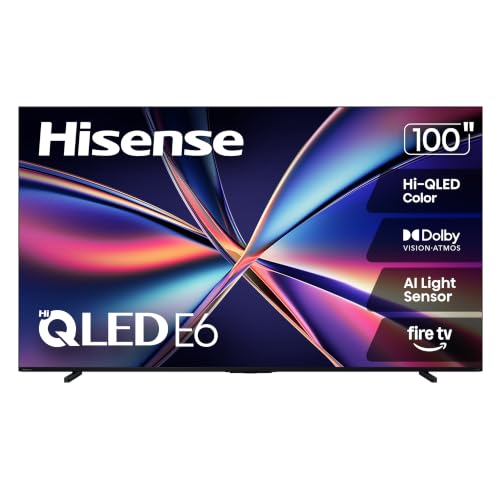

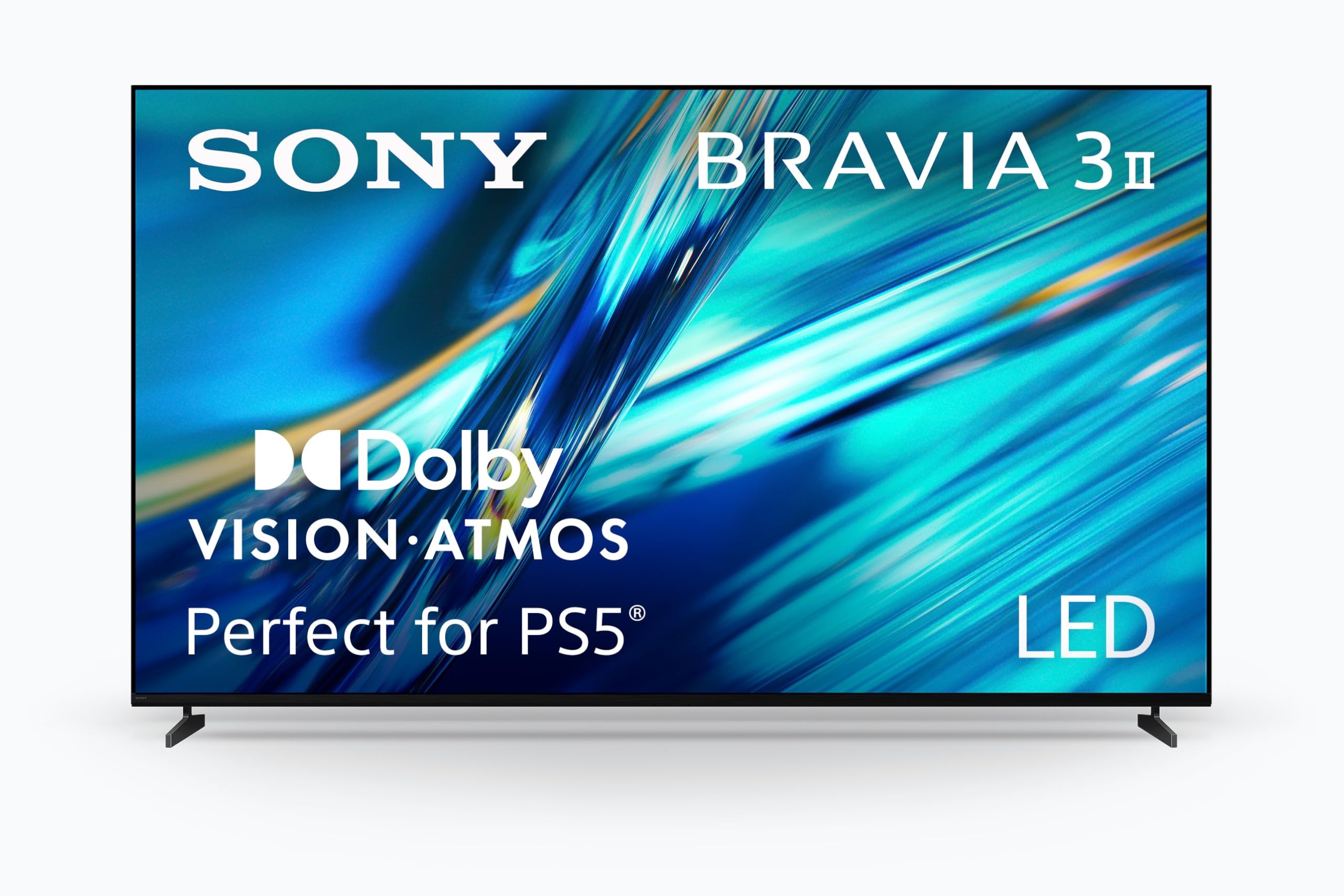
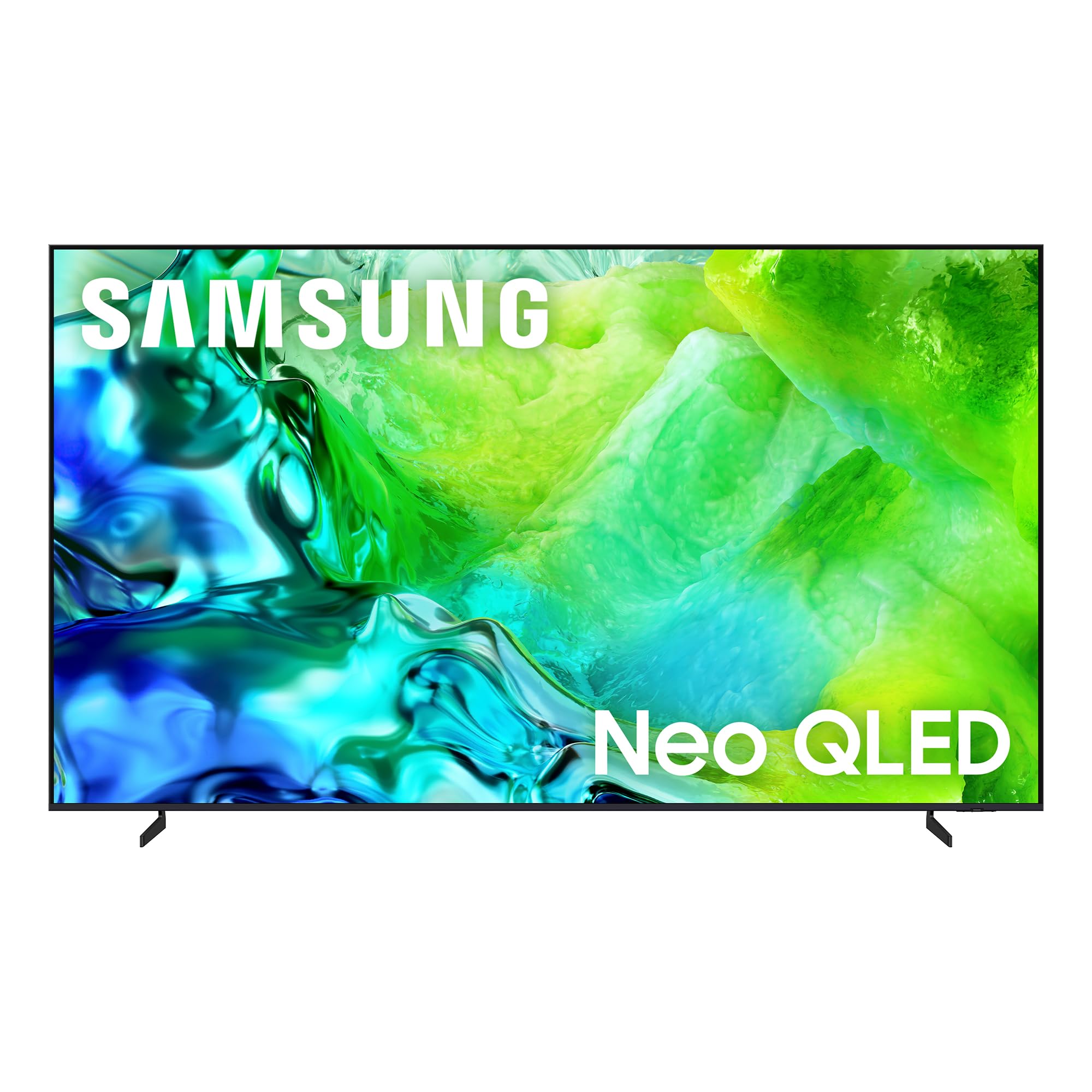
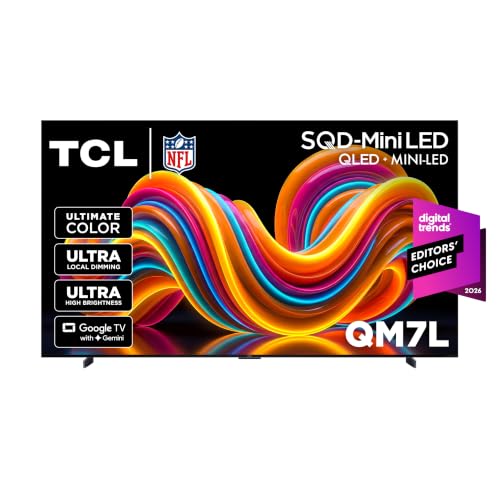
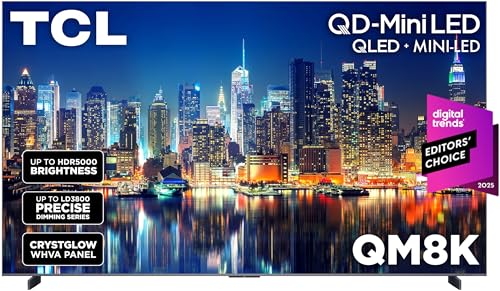

Top 3 Picks at a Glance
These three giant TVs from the product table above cover value, the lowest cost entry point and a true 100 inch Mini LED option.


100 Inch TVs 101: The Basics
A 100 inch TV measures 100 inches diagonally, roughly 87 inches wide and 49 inches tall, giving about twice the screen area of a 70 inch TV. Many brands sell 98 inch models alongside or instead of 100 inch versions; the difference is barely noticeable, and 98 inch TVs are often cheaper.
Like smaller TVs, 100 inch models use LCD panels lit by LEDs. Standard LED models use a basic backlight, while Mini LED models use thousands of tiny LEDs grouped into dimming zones for better contrast and brightness. OLED is rare at this size because large OLED panels remain extremely expensive. Almost every 100 inch TV is 4K, and most include smart platforms like Google TV, Fire TV, Roku, webOS or Tizen.
Because flaws are magnified on such a large screen, panel quality, local dimming and upscaling matter more than on a 55 inch TV. Lower resolution sources like cable TV can look soft, so good processing that sharpens and cleans up video is valuable.
Key Specs Explained in Plain English
Spec sheets can feel overwhelming. Here is what each major spec means and what level to choose for a 100 inch TV.
Panel Technology (LED, Mini LED, QLED)
The panel and backlight decide contrast and color. Standard LED TVs with edge or basic direct lighting are the cheapest at this size, but dark scenes can look gray and uneven on a screen this large. Mini LED TVs use many small LEDs with local dimming, producing deeper blacks, brighter highlights and better HDR.
QLED refers to a quantum dot layer that improves color brightness and range; many Mini LED TVs also use quantum dots. VA panels offer better contrast for dark rooms, while IPS style panels have wider viewing angles but less contrast. For most first time buyers, a Mini LED QLED TV offers the best balance of picture quality and price at 98 to 100 inches.
Refresh Rate and Response Time
Refresh rate measures how many times per second the picture updates. A native 120Hz or 144Hz panel shows smoother motion in sports, action films and games than a 60Hz panel, and the difference is easier to see on a giant screen. Be cautious of marketing terms like motion rate, which can double the real number.
Response time describes how quickly pixels change color. Faster response reduces blur behind moving objects. Gamers should look for native 120Hz or higher with low input lag in game mode.
Connectivity and Ports
TVs use HDMI ports rather than DisplayPort. Look for at least two HDMI 2.1 ports supporting 4K at 120Hz for consoles and PCs, plus an eARC port for sending lossless Dolby Atmos audio to a soundbar or receiver. USB ports support storage and accessories, and WiFi 6 or an ethernet port keeps 4K streaming stable.
Check port placement too. Side facing ports are easier to reach after wall mounting, which matters because moving a 100 pound TV to plug in a cable is not easy.
Adaptive Sync and Gaming Features
Gaming on a 100 inch screen is spectacular when the TV supports the right features. Variable refresh rate, including HDMI VRR, FreeSync and G Sync compatibility, prevents screen tearing. Auto low latency mode switches the TV into game mode automatically when a console starts. Native 120Hz or 144Hz panels let PS5, Xbox Series X and PCs run at higher frame rates for smoother gameplay.
HDR and Brightness
HDR expands the range of brightness and color. Dolby Vision, HDR10 and HDR10+ are the main formats; support for Dolby Vision and HDR10+ ensures you get the best version of streaming content. Brightness, measured in nits, matters more on large screens in bright rooms. Mini LED TVs often reach 1,000 nits or more in highlights, making HDR scenes pop, while basic LED models are much dimmer.
Will a 100 Inch TV Fit Your Room?
Before buying, measure carefully. A 100 inch TV is about 87 to 89 inches wide without a stand, so check your wall space, entertainment center and the spacing between windows and doors. Stands on large TVs are often feet at the edges, requiring furniture at least as wide as the TV, or a wall mount.
Viewing distance matters too. For 4K content, a comfortable distance is about 1 to 1.5 times the screen size, which means around 8.5 to 12.5 feet for a 100 inch TV. Sitting too close can make you move your head to follow action, while sitting much farther reduces the impact. Mount the TV so the center of the screen sits near seated eye level, usually lower than people expect for a screen this size.
100 Inch TV vs Projector
Projectors were once the only way to get a 100 inch picture. Today, 100 inch TVs offer much higher brightness, better contrast in lit rooms, built in smart platforms and no need for a screen or ceiling mount. They work well in living rooms with windows.
Projectors and ultra short throw projectors remain cheaper for very large images above 100 inches and can disappear when not in use. However, they need dark rooms or special ambient light rejecting screens for the best picture, and lamp or laser maintenance adds cost. For most living rooms, a 98 or 100 inch TV delivers a better day and night experience.
Rookie Mistakes to Avoid
- Not measuring doorways and stairs. The box can be around 95 inches long and 60 inches tall, so confirm it fits through hallways, doors and elevators.
- Ignoring wall strength. These TVs often weigh 100 to 150 pounds, so mount into studs or masonry with a heavy duty bracket rated for the weight.
- Buying a basic LED model for a bright room. Dim panels look washed out on a giant screen in sunny rooms.
- Relying on built in speakers. A large screen deserves sound to match, so budget for a soundbar or speaker system.
- Skipping delivery details. Choose white glove delivery or arrange helpers, since moving and unboxing a giant TV safely requires at least two people.
Getting Started: Setup and First Use
Unbox the TV with at least two people, lifting it by the frame rather than the screen, and keep it upright whenever possible. Attach the feet or mount bracket while the TV lies face down on its foam packaging, then lift it into place. Connect power, your streaming device or cable box and any consoles to the appropriate HDMI ports, using the eARC port for your soundbar.
Follow the on screen setup to connect to WiFi, sign in to your accounts and install updates. Then calibrate picture settings: turn off vivid mode and choose movie, filmmaker or calibrated mode for accurate colors, and turn off excessive motion smoothing for films. On rare OLED models, allow pixel refresh cycles to run when the TV is off. Enable game mode for consoles and confirm 4K 120Hz is active in the console's video settings.
Delivery, Mounting, and Budget Extras
Large TVs typically ship by freight carrier, and many retailers offer curbside, in home or white glove delivery. White glove services bring the TV inside, unbox it and remove packaging, which is worth the extra cost if you lack helpers. Inspect the TV for damage before signing for delivery.
Budget for extras. A heavy duty wall mount rated for 100 inch TVs costs around $80 to $250, and professional installation around $150 to $400. A good soundbar system adds $300 to $1,000 or more. An extended warranty may be worth considering since repairs on giant screens are costly. These extras can add 20 to 40 percent to the total cost.
How Much Do 100 Inch TVs Cost?
Giant TV prices fall into three rough bands. Around $1,300 to $1,800 buys entry level 98 and 100 inch models, including basic QLED sets and value Mini LED TVs. These deliver huge screens with 4K, smart platforms and often 120Hz or 144Hz panels, but contrast and brightness vary widely, so check for local dimming.
Around $2,000 to $3,500 is where most of the best 100 inch tvs sit for first time buyers. This range includes upgraded Mini LED TVs with more dimming zones, higher brightness, better processing and stronger HDR performance. They look excellent in both dark and bright rooms and handle sports and gaming smoothly.
Above around $4,000, premium models from Samsung, Sony and others add top tier processing, anti glare screens and even brighter, more refined Mini LED backlights. They suit enthusiasts who want the best possible picture. Holiday sales such as Black Friday and Super Bowl deals often cut prices on giant TVs significantly, so timing your purchase can save hundreds of dollars.
FAQs
IPS vs OLED: which is better for 100 inch TVs?
Neither is common at 100 inches; Mini LED with VA or wide angle panels is the practical choice. OLED TVs are extremely expensive at this size, while IPS style panels offer wide viewing angles but weaker contrast. Mini LED TVs combine high brightness, good contrast and reasonable prices, making them the best option for most buyers.
Is 4K worth it on a 100 inch TV?
Yes, 4K is essential on a 100 inch TV. At this size, 1080p content looks soft and pixelated, while 4K delivers sharp detail from normal viewing distances. Good upscaling helps lower resolution sources look better. 8K TVs exist but offer little benefit due to limited 8K content and high prices.
What size room do I need for a 100 inch TV?
You need a room where you can sit about 8.5 to 12.5 feet from the screen and a wall at least 8 feet wide. Living rooms, basements and dedicated media rooms often work well. Sitting closer is possible for gaming and immersive movies, but most people find this range comfortable for daily viewing.
How long do 100 inch TVs last?
Most 100 inch TVs last around seven to ten years with normal use. LED and Mini LED backlights are designed for many thousands of hours. Software support may end sooner, but a streaming device can keep apps current. Good ventilation and surge protection help extend lifespan.
Does refresh rate matter for non gamers?
Yes, refresh rate matters for sports and action movies, especially on a giant screen. A native 120Hz panel reduces motion blur during fast scenes, which is more noticeable at 100 inches. For dramas and news, 60Hz is acceptable, but most quality 100 inch TVs offer 120Hz or higher anyway.
The Bottom Line
A 100 inch TV transforms movie nights, sports and gaming, and prices are more accessible than ever. Focus on a Mini LED panel with strong brightness and local dimming, a native 120Hz or faster refresh rate and HDMI 2.1 ports, then plan for room size, delivery and mounting. First time buyers looking for value should consider 98 inch Mini LED models, while those who want a true 100 inch screen can step up to premium options.
Compare the best 100 inch tvs in the product table above to find the right giant screen for your room and budget.


