
Best 1440p Graphics Cards: Tiers, Video Memory and Fit in 2026
Disclosure: We may earn a commission when you buy through links on this page, at no extra cost to you. As an Amazon Associate I earn from qualifying purchases. Learn more

Which are the best 1440p graphics cards? See entry, mid and high tiers, why 16GB helps, and what to check before ordering.
The best 1440p graphics cards have enough speed to hold high frame rates at 2560 by 1440 and enough video memory to keep textures loaded in new games. This resolution sits between Full HD and 4K, so you do not need a flagship card, but the cheapest cards will struggle with the latest titles at high settings.
This guide explains how to match a card to a monitor, why video memory matters, and what to check about your power supply and case before ordering. The product table after the introduction lists in-stock cards from about $310 for entry level models to above $1,800 for the top tier.





What a 1440p Card Needs to Do
At 1440p a card renders about 78 percent more pixels than at Full HD, so it works noticeably harder. The aim is a frame rate that suits your monitor: about 60 for a basic screen, 100 to 144 for a standard gaming monitor and 165 or more for a fast one. A card that reaches those numbers at high settings gives a smooth picture without lowering quality much.
Upscaling technologies such as DLSS on Nvidia cards and FSR on AMD cards help here. They render at a lower resolution and sharpen the result, which raises frame rates with little visible loss. Frame generation adds extra frames on supported games. These tools stretch a card further, though they work best on a card that already runs the game decently.
Graphics Card Tiers at 1440p
Entry: for lighter games and tuned settings
Cards like the RTX 5060 and Intel Arc B580 class suit esports titles and older games at 1440p, and they play newer games with medium to high settings. They are the budget route into 1440p, with prices from about $310 to $570.
Mid range: the sweet spot
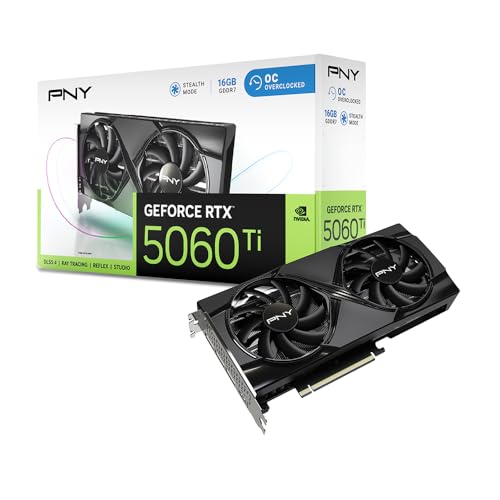
The RTX 5060 Ti and Radeon RX 9060 XT class cards, many with 16GB of memory, handle most current games at high settings and 100 frames or more. Prices run from roughly $680 to $860 in the table. This is where most buyers should look.
High end: for maximum settings and fast monitors
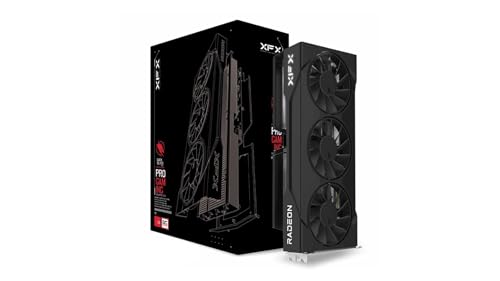
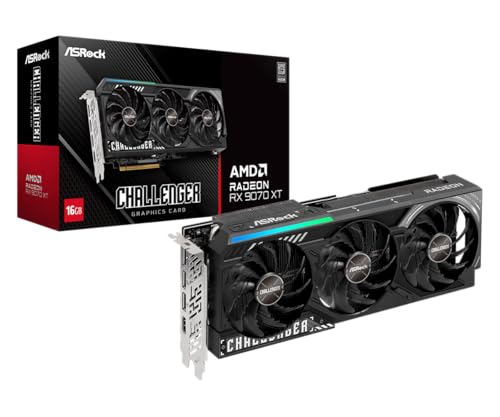
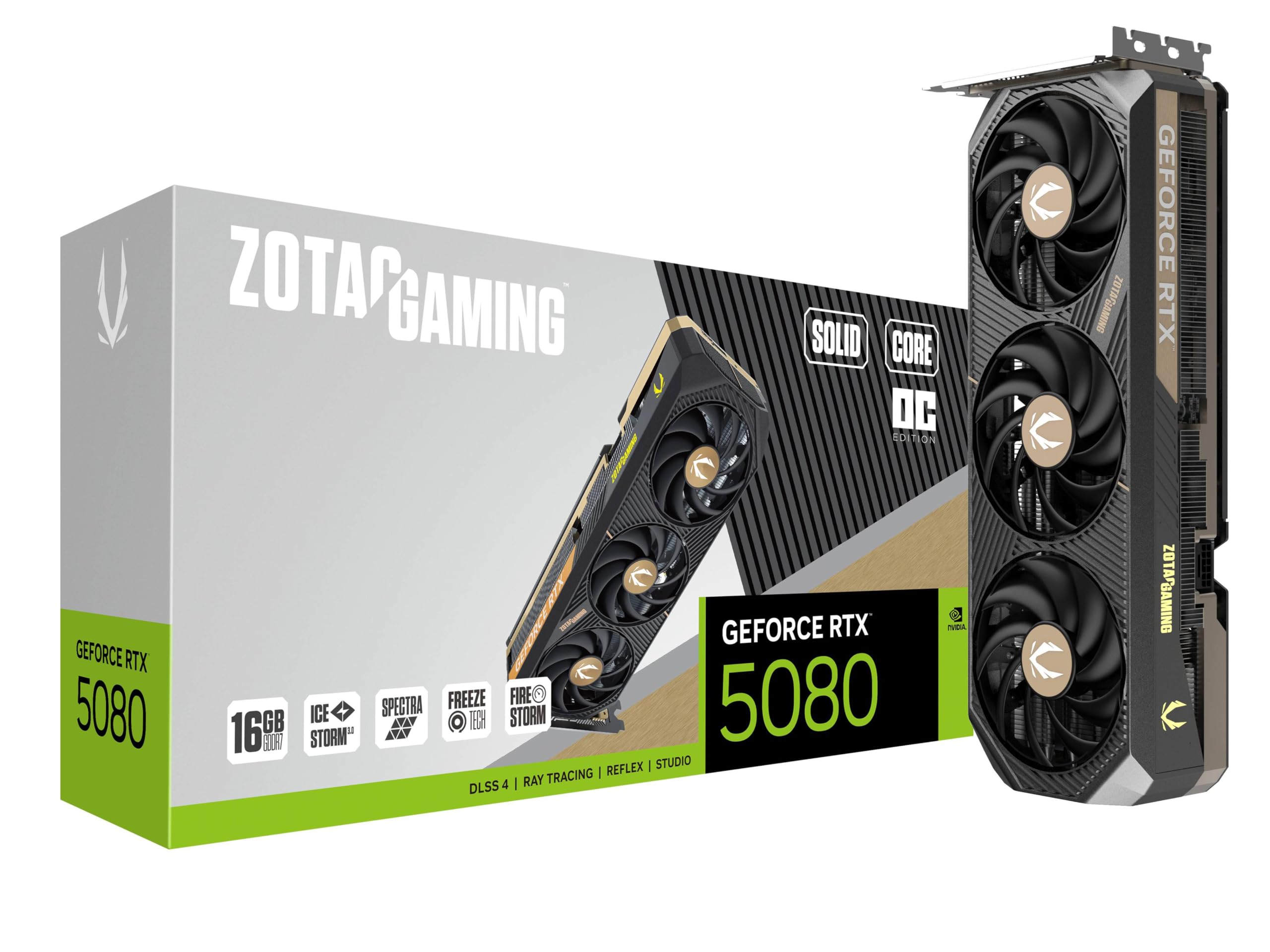
The Radeon RX 9070 XT and RTX 5070 Ti class give headroom for demanding games at very high refresh rates, and the RTX 5080 class goes beyond what 1440p needs. These cards cost $950 to over $1,800, and the value drops sharply above the 9070 XT or 5070 Ti class unless you also play at 4K.
Why Video Memory Matters
New games use a lot of video memory at 1440p with high texture quality. A card with less memory can stutter or force you to lower textures even when its processing power is fine. For that reason, many guides advise 12GB as a minimum and 16GB as a comfortable level for a card you plan to keep for several years. Where two cards share a name, check which memory size the listing includes before you buy.
Nvidia, AMD and Intel
Nvidia cards lead in ray tracing and offer DLSS with frame generation. AMD cards often give more raw speed and memory for the price, and FSR works on a wide range of hardware. Intel's Arc cards are a value choice at the low end. Choose by the games you play, the price you find and whether you use creative software that favors one brand. For more options on a budget, see the best affordable graphics cards and the best graphics cards for 1440p 144Hz, while graphics cards ranked gives a wider list.
Checks Before You Order
- Power supply: confirm wattage and the right connectors for your card.
- Case clearance: measure the card length and slot thickness against your case.
- Motherboard slot: PCIe 4.0 or 5.0 works, and older slots may limit speed slightly.
- Processor match: a very old processor can hold back a modern card.
- Monitor outputs: confirm DisplayPort or HDMI versions for high refresh rates.
Cooling, Noise and Brands
Cards from different makers share the same chip but vary in cooling, clocks and noise. Triple fan models run quieter and cooler than dual fan cards but need more room. Some cards stop their fans at low load for silent idling. A factory overclock adds a few percent in speed, which you rarely notice, so quiet cooling is a better reason to pay extra. Read buyer comments about coil whine and fan noise, as these vary between units.
Installing and Setting Up the Card
Switch off and unplug the computer, remove the side panel and release the old card's slot clip before pulling it out. Seat the new card firmly in the top slot, secure it to the case with screws and connect each power cable fully, using separate cables from the power supply where the card needs more than one. Do not daisy chain a single cable to two connectors unless the maker allows it.
After the first boot, install the latest driver from the maker, enable the correct refresh rate in the display settings and turn on adaptive sync. Check temperatures under load and adjust the fan curve if the case is warm. A little care at this stage keeps the best 1440p graphics cards running quietly and extends their life.
FAQs
How much video memory do I need for 1440p?
Twelve gigabytes is the workable minimum, and 16GB gives more room for future games.
Do I need a new power supply?
Check the card's recommended wattage and connectors in the listing and follow the maker's guidance, since a weak or old unit can cause crashes.
Will a 1440p card also work at 4K?
The higher tier cards can play many games at 4K with upscaling, but mid range cards will need lower settings.
Should I wait for the next generation?
Prices and new releases always change. If your current card limits you now, buy what suits your budget today.
Final Verdict
The best 1440p graphics cards offer 16GB of video memory, strong upscaling and cooling that fits your case. Use the product table to compare tiers, choose the mid range for most gamers and step up only for very high refresh rates.
Prices and availability can change, so check the product page before ordering.


