
Best 144Hz G Sync Monitors in 2026: A Practical Buyer's Guide
Disclosure: We may earn a commission when you buy through links on this page, at no extra cost to you. As an Amazon Associate I earn from qualifying purchases. Learn more

What to check before choosing the best 144hz g sync monitors: G-Sync tiers, compatibility and panel choices explained.
G-Sync is NVIDIA's adaptive sync technology, built to keep motion smooth when a game's frame rate rises and falls. The best 144hz g sync monitors combine that technology with a fast panel, so the picture stays tear-free and responsive whether you are running at 144 frames or well below.
The label comes in several flavors, from true hardware modules to broader compatibility certifications, and the differences affect price and behavior. This guide explains them, covers panel and size choices, and helps you read the product table above with a clear sense of what each G-Sync badge means.
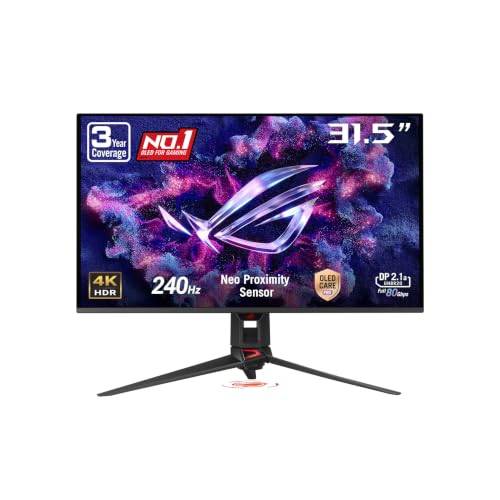
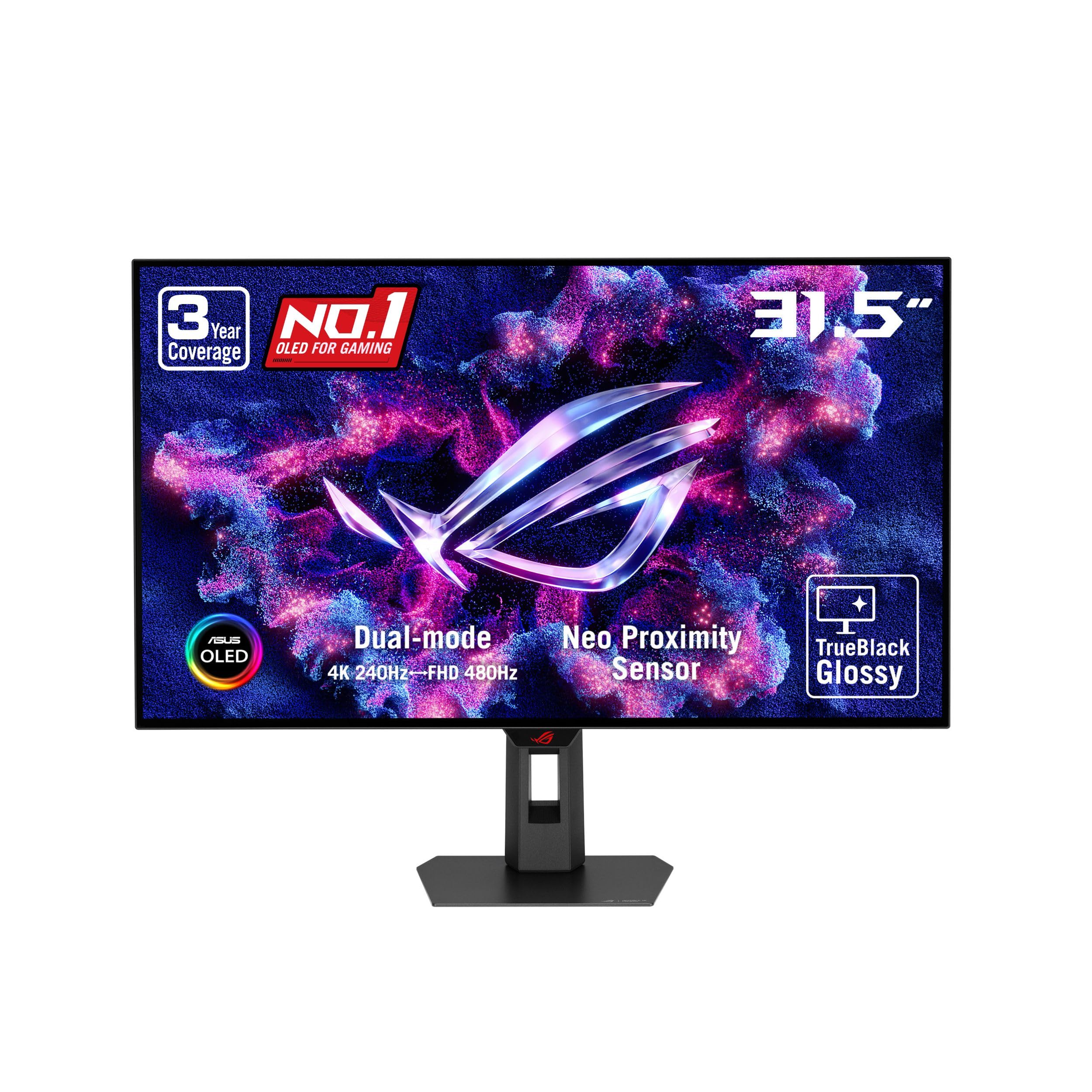
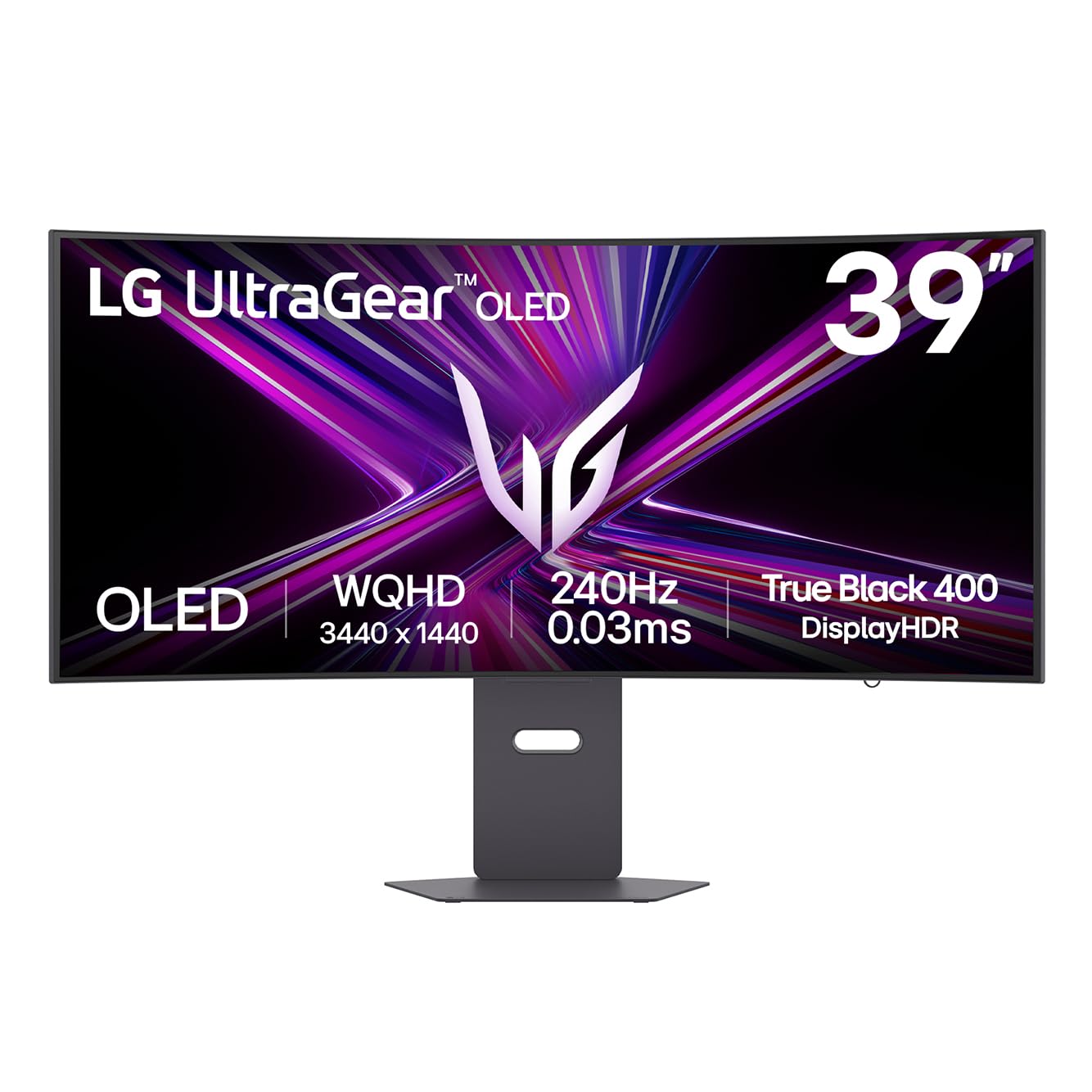
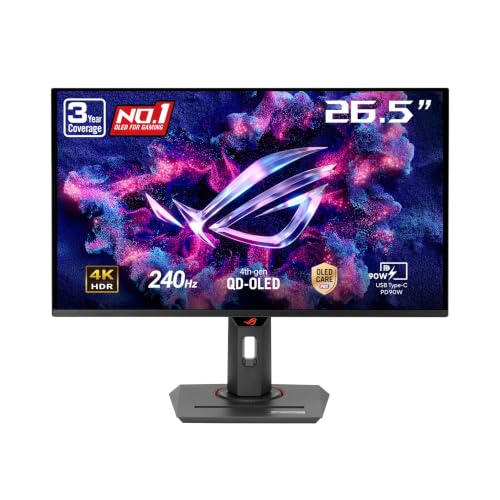


What G-Sync Does for Your Games
Without adaptive sync, a screen refreshes at a fixed pace while the graphics card produces frames at its own pace. When the two disagree, you see tearing or stutter. G-Sync lets the monitor refresh when a frame is ready, which smooths out dips and spikes in demanding scenes.
The benefit is most obvious when your frame rate sits below the monitor's maximum, which is true for most players in most games. At steady frame rates well above the refresh limit, the difference is much smaller.
G-Sync, G-Sync Compatible and Ultimate
True G-Sync monitors include a dedicated module that handles variable refresh, overdrive tuning and low framerate behavior. They tend to cost more but provide consistent results. G-Sync Compatible monitors use the standard adaptive sync technology and have been validated by NVIDIA to work well without artifacts. The Ultimate tier adds strict HDR requirements.
For most buyers, a G-Sync Compatible monitor is the better value. Choose a module-based or Ultimate model only if you want the full feature set and accept the higher price.
Will G-Sync Work With My Graphics Card?
G-Sync requires a supported NVIDIA graphics card. If you plan to switch to an AMD card later, a G-Sync Compatible monitor also works with FreeSync on that hardware, which makes it the flexible pick. Module-based monitors generally work with adaptive sync only on NVIDIA cards.
Use a DisplayPort connection for the best support. Some monitors also offer adaptive sync over HDMI, but behavior varies by model and graphics card generation.
Choosing Resolution and Size
Full HD at 144Hz suits modest hardware and competitive play. QHD gives a sharper image with a mid-range card and is a popular balance. 4K at high refresh rates demands a top-tier card but looks stunning on a capable system. Match the resolution to what your card can run comfortably above 100 frames per second.
For size, 24 to 25 inches suits tight desks and esports, 27 inches is the all-rounder, and 32 inches or ultrawide screens add immersion for single-player games.
Panel Technology and Picture Quality
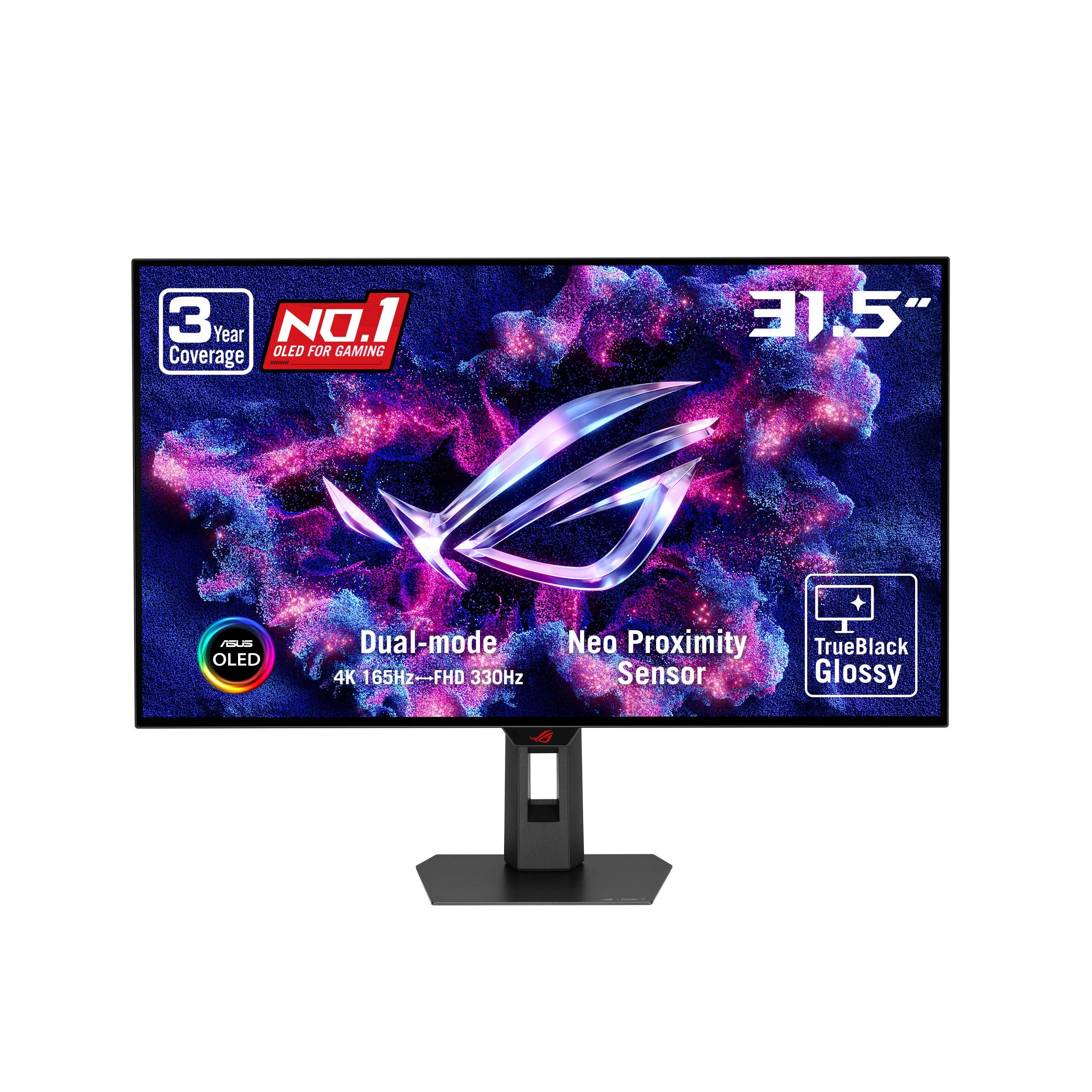
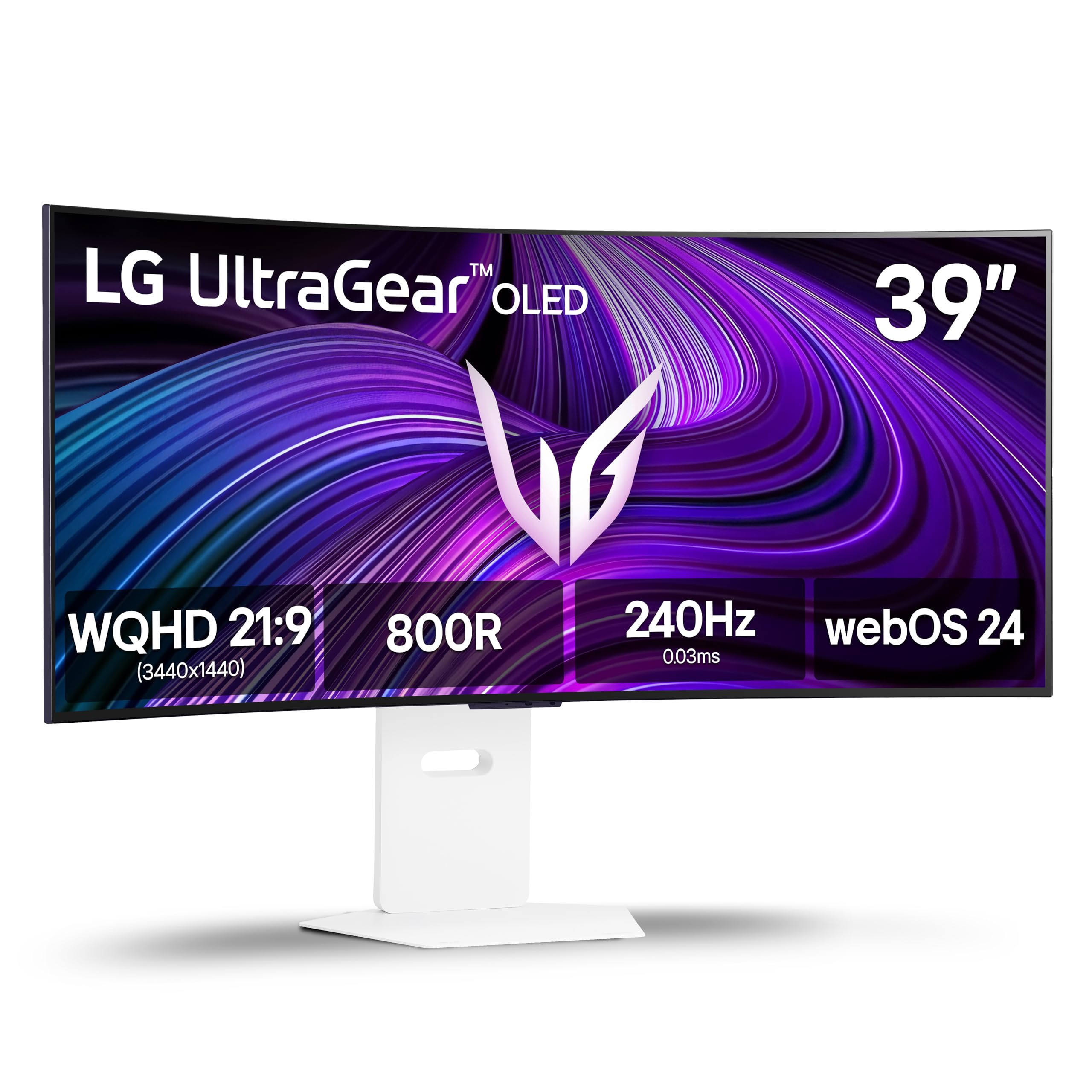
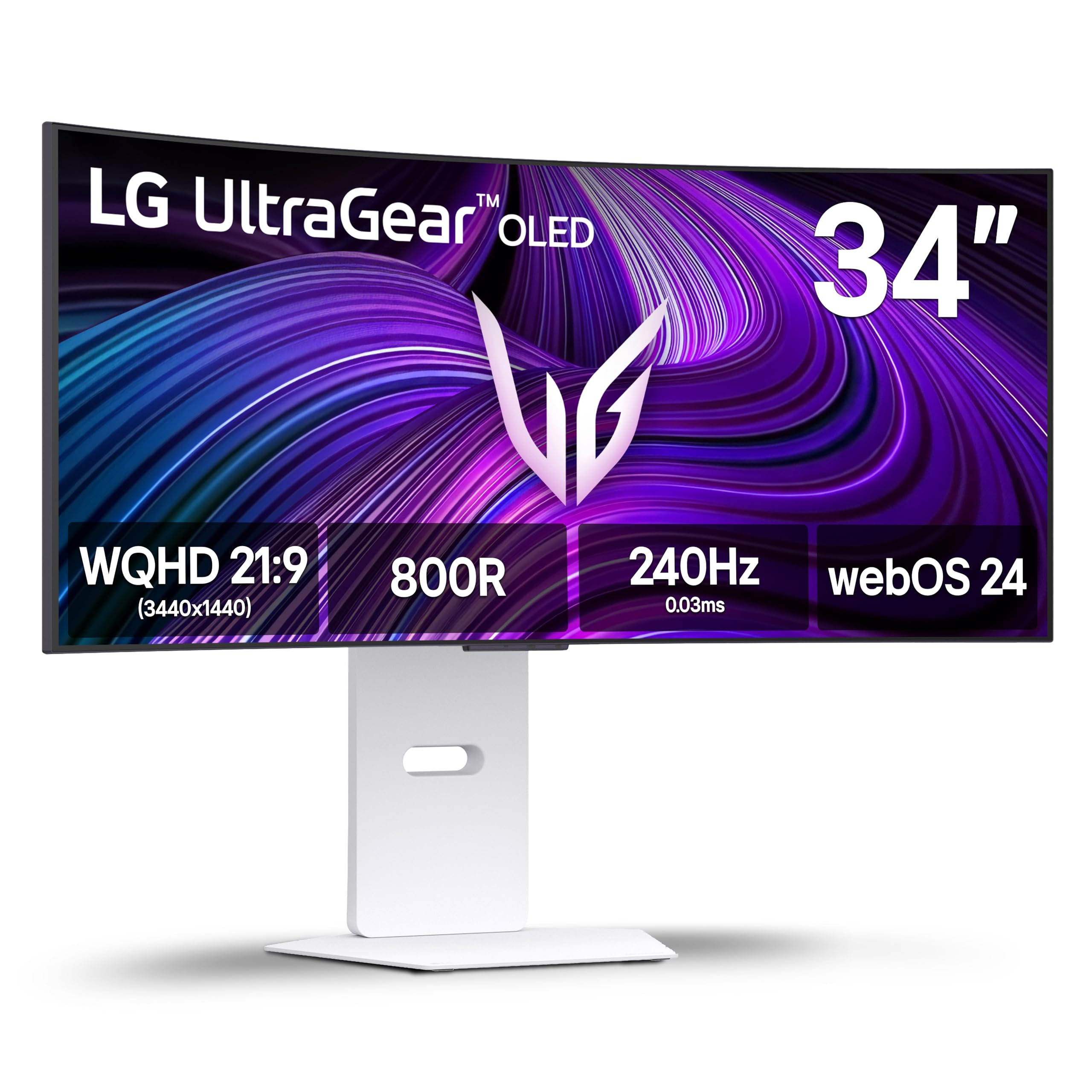
IPS panels give strong colors and viewing angles, VA panels give contrast, and OLED gives near-perfect blacks and extremely quick response. G-Sync is available on all of them, so choose the panel for how you play. Fast IPS is the dependable middle path.
OLED models appear among the newer G-Sync options and produce an impressive picture, though they cost more and need some care around static images.
Features That Complement G-Sync
- Variable overdrive, which adjusts pixel speed as the frame rate changes.
- A motion-clarity mode, used with care since it may limit adaptive sync.
- Low input delay in game mode.
- A stand that adjusts for height and tilt, or VESA mounting.
Not every model offers all of these, so compare listings with your own priorities in mind.
Setting G-Sync Up Correctly
Enable adaptive sync in the monitor menu, then open the NVIDIA control panel and tick the option to enable G-Sync for the display. Set the refresh rate to the maximum your screen supports, and limit frame rates a few frames below that limit for the best results in competitive games.
If you notice flicker in menus or loading screens, try locking the frame rate in those screens or updating the graphics driver. These small adjustments handle most issues.
Budget Versus Premium G-Sync Models
At the lower end, G-Sync Compatible monitors bring adaptive sync to Full HD and QHD panels for little more than the cost of a non-adaptive screen. These suit players who want smooth motion on a limited budget and who run a mid-range NVIDIA card. Expect simple stands and fewer extras, but a very similar day-to-day experience in games.
Premium models add brighter panels, HDR, better stands, USB hubs and sometimes OLED technology. They matter most if the monitor also serves for creative work or if you want the best picture available. If you only play competitive games, spending more rarely changes how smooth the game feels.
Checking Whether G-Sync Is Actually Working
After setup, the NVIDIA control panel shows whether G-Sync is enabled for the display. Many monitors also include an on-screen indicator you can switch on in the menu, which shows the current refresh rate as the frame rate changes. If the number moves with your game, the feature is active.
If it does not move, confirm that you are using DisplayPort, that the game is running in full screen or the correct windowed option and that no frame cap is holding the rate constant. A quick restart of the game often resolves a stubborn setting.
Related reading: best g sync monitors, best g sync monitors 1440p and best gaming monitors with g sync.
Frequently Asked Questions
Is G-Sync worth it?
If you play games with variable frame rates, yes. The smoothness is a clear improvement, and compatible models cost little more than non-adaptive ones.
Is G-Sync Compatible as good as G-Sync?
For most players, yes. Module-based models add extra tuning but cost more.
Can I use G-Sync with an AMD card?
Module-based monitors generally cannot. G-Sync Compatible models can use FreeSync on AMD hardware.
Do I need G-Sync at 144Hz?
It helps whenever your frame rate dips. If your system holds a steady 144 frames, the benefit is smaller.
Final Thoughts on the Best 144hz G Sync Monitors
The best 144hz g sync monitors pair reliable adaptive sync with a quick panel, in a size your hardware can drive. Decide how much of the feature set you need, confirm the connection and use the table above to compare current prices. Prices and availability can change, so check the product page before ordering.


