
Best 2K Gaming Monitors for 2026: Panels, Motion and Features for Every Genre
Disclosure: We may earn a commission when you buy through links on this page, at no extra cost to you. As an Amazon Associate I earn from qualifying purchases. Learn more

Different games reward different screens, so the best 2k gaming monitors vary: fast IPS for shooters, OLED or mini LED for cinematic games, curved VA for immersion.
Gaming at 2560 by 1440 pixels, often called 2K or QHD, is where many players land after trying both ends of the scale. It looks clearly sharper than 1080p, and it lets a mid-range to upper graphics card hold high frame rates, unlike 4K which asks for a top end card. The best 2k gaming monitors then differ by what they do best: motion clarity, contrast, color or immersion.
This guide helps you pick by the way you play. It covers the main panel technologies, how genre changes the best choice, what response and input lag mean, and how to avoid paying for features that your games will not use.

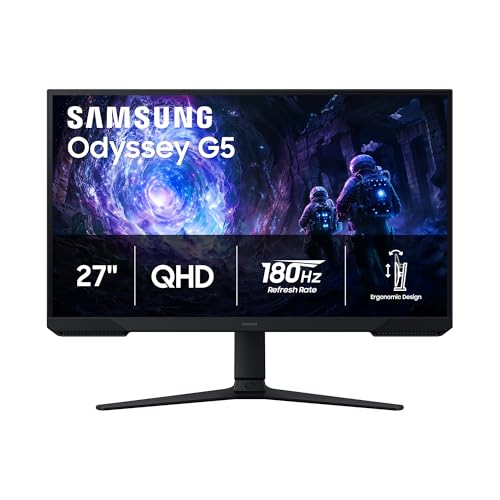


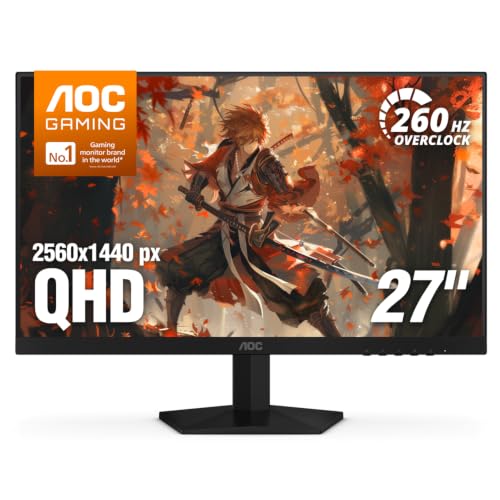
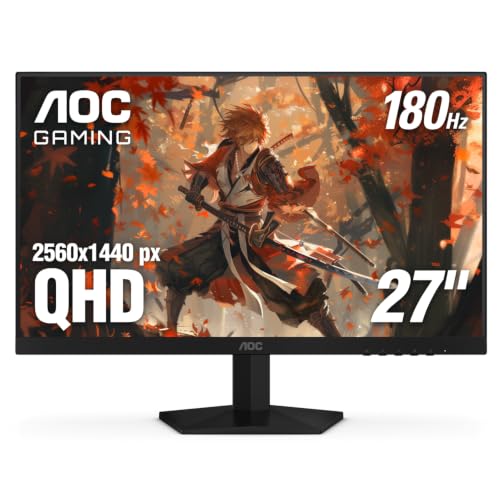
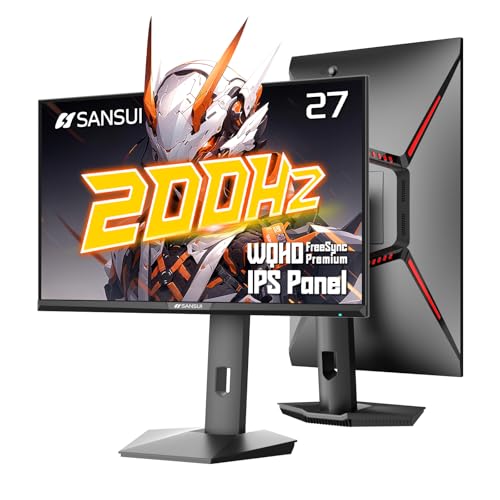
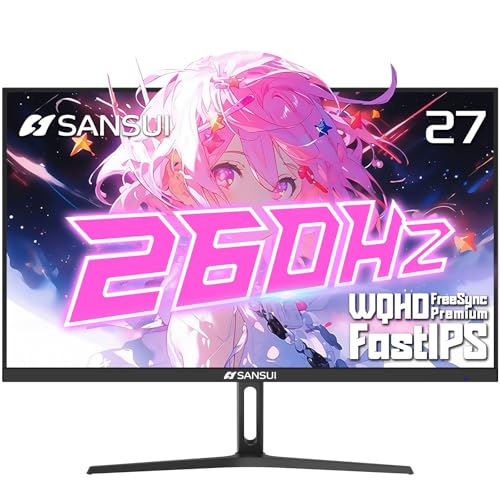

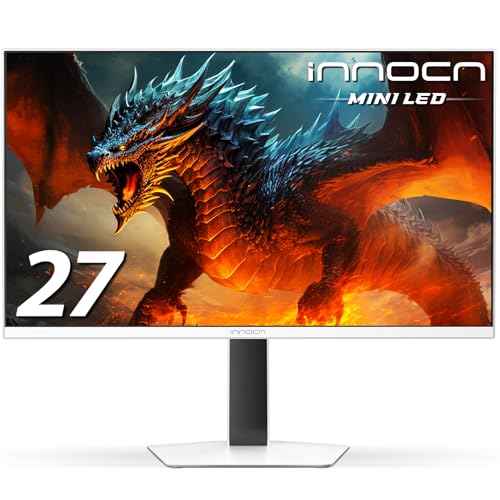
Fast IPS for Competitive Games
If you play shooters, battle royales or fighting games, a fast IPS panel with a high refresh rate is the safe choice. It offers quick pixel response, wide viewing angles and clean color, and it holds up under bright rooms. Refresh rates between 165 and 280 hertz are common at 1440p, and most players are happy with a rate their graphics card can sustain.
Keep an eye on the overdrive setting, which controls how aggressively pixels change. The middle setting usually gives the cleanest motion. Competitive players may also want a motion blur reduction mode, though it often disables variable refresh rate.
VA and Curved Panels for Immersion
VA panels deliver strong contrast and deep blacks, so dark games feel moodier. Many are curved, which adds to the immersion in racing games, flight simulators and open world adventures. The downside is that some VA panels smear dark objects in fast scenes.
If you play fast shooters in bright rooms, IPS is the better choice, but for atmospheric single player games VA is excellent. Our guide to the 2K monitors covers more general use.
OLED and Mini LED for Cinematic Games
OLED panels light every pixel individually, so black is truly black and motion is extremely clean. They suit cinematic games and fast shooters, but cost more and need care with static elements such as taskbars. Mini LED backlights divide the screen into many zones and give very bright highlights, which is excellent for HDR games, though blooming can appear around bright objects.
If HDR matters to you, look for dimming zones or an OLED panel, and ignore basic HDR labels on edge lit screens. For more, see the PC monitors for gaming guide.
Response Time and Input Lag
Response time describes how fast pixels change. Input lag is the delay between pressing a button and seeing the result. Modern gaming screens have low input lag at their maximum refresh rate, and the difference between good models is small. Do not choose a monitor by response time alone, because the numbers are measured differently by each maker.
Use the in game frame counter and a stable frame rate to judge smoothness. A steady 144 frames on a 144 hertz screen feels better than an unstable 200 frames on a 240 hertz screen.
Sync, Ports and Console Use
Variable refresh rate removes tearing. Check for FreeSync and G-SYNC Compatible support and switch it on in both the screen menu and graphics driver. Use DisplayPort for the highest refresh rates on a PC. For consoles, an HDMI port with the right version lets you run at 120 hertz where supported.
If you use both a PC and a console, look for a screen with several inputs and fast switching. A USB hub on the monitor simplifies peripherals.
Size and Ergonomics
27 inches is the standard size for 1440p gaming. Smaller 24 to 25 inch screens suit competitive players, and 32 inch screens suit people who sit farther back. A stand with height adjustment keeps your posture healthy, and a VESA mount lets you add an arm.
Mistakes to Avoid
- Paying for HDR on a panel without local dimming.
- Choosing OLED for a work screen that shows static windows all day.
- Buying a very high refresh rate without a card to match.
- Ignoring VA smear in fast competitive games.
- Forgetting to enable variable refresh rate.
Matching the Screen to the Games You Play
Competitive shooters reward the fastest panel your hardware can feed, so pick high refresh and clean motion over deep contrast. Role playing and adventure games reward contrast and color, which favors VA, mini LED or OLED. Racing and flight simulators reward width and immersion, so a larger or curved model helps. Strategy and building games reward sharpness and screen space, where a 32 inch 1440p panel shines.
If you play a bit of everything, a fast IPS panel at 144 to 180 hertz is the safest all rounder. It handles every genre well enough, and it is the type most reviewers recommend as a first 1440p gaming screen.
Settings That Make a Difference
Once the monitor is on your desk, take ten minutes to tune it. Set the refresh rate to the maximum and turn on variable refresh rate. Choose a standard picture mode, lower the brightness for a dim room and try the middle overdrive setting. Cap the game's frame rate a few frames below the screen's limit, and use borderless windowed or fullscreen mode, whichever feels smoother.
If you play HDR games, enable HDR in the operating system only if the screen supports it, and calibrate with the built in tool. On screens without real HDR, switch it off and enjoy the standard picture, which usually looks better.
Frequently Asked Questions
Is 2K good for gaming?
Yes. It is sharper than 1080p and easier to run than 4K, so it suits most gaming PCs.
Which panel type is best?
Fast IPS for all round play, VA for contrast, OLED for the best motion and black levels.
Do I need HDR?
Only if you enjoy it and the screen has real dimming zones or OLED.
What refresh rate should I buy?
One your graphics card can reach, typically 144 to 240 hertz.
Final Thoughts
The best 2k gaming monitors are chosen by the way you play: fast IPS for competitive games, VA or curved for immersion, OLED or mini LED for rich HDR. Match the refresh rate to your hardware, use DisplayPort and set up variable refresh rate. Then enjoy the extra detail.
Prices and availability can change, so check the product page before ordering.


