
Best 144Hz 1ms Monitors in 2026: Buying Guide
Disclosure: We may earn a commission when you buy through links on this page, at no extra cost to you. As an Amazon Associate I earn from qualifying purchases. Learn more

What to check before choosing the best 144hz 1ms monitors: what the 1ms claim means and how to get clean motion.
"1ms" is one of the most repeated numbers in monitor marketing, and it rarely means what buyers think. The best 144hz 1ms monitors pair a smooth 144Hz refresh with a panel that can really keep up, so moving objects stay sharp instead of leaving trails behind them.
This guide explains what the 1ms figure measures, how it interacts with a 144Hz refresh rate, and which panel types and settings deliver the clearest motion. The product table above shows in-stock models; the sections below help you compare them sensibly.
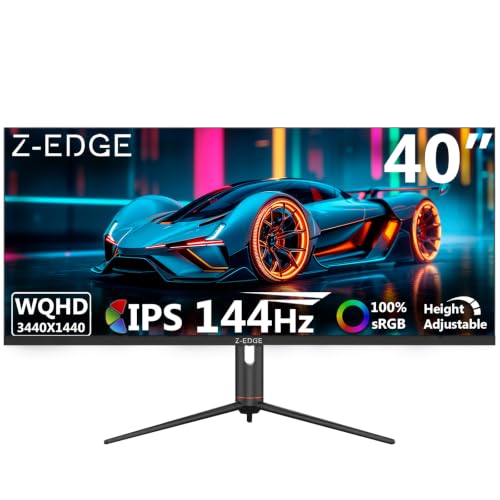

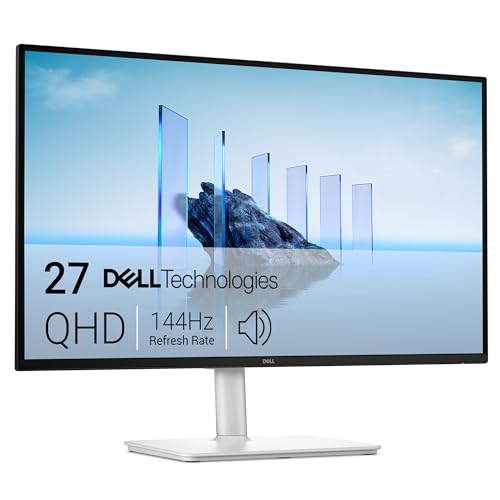
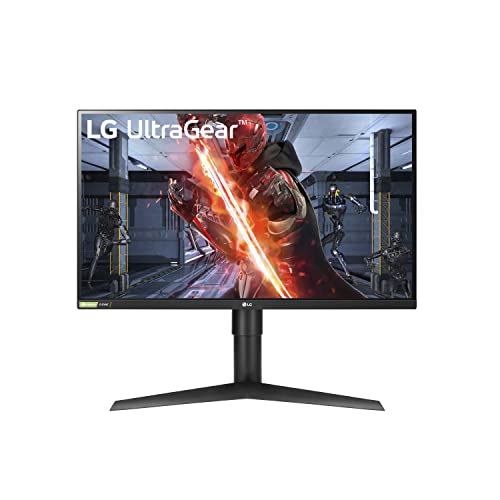


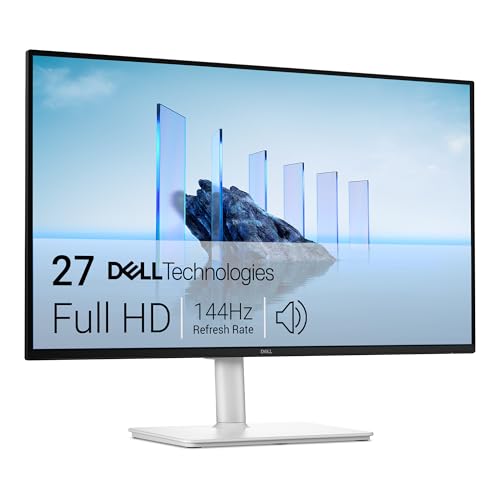

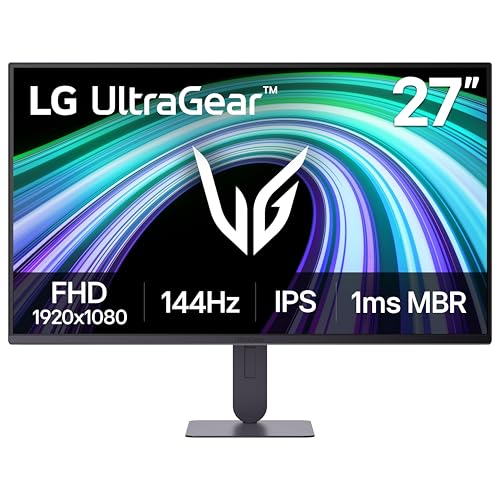
What the 1ms Claim Actually Means
Response time describes how quickly a pixel can change color. Makers often quote a gray-to-gray figure at the most favorable overdrive setting, or a moving picture response time that includes backlight strobing. Neither is a guarantee that every color change takes a single millisecond.
Use the number as a rough guide to the class of panel, not as an exact comparison. Two monitors both labeled 1ms can look quite different in motion, so buyer comments about smearing, trails and overshoot are more reliable than the headline.
How 144Hz and Response Time Work Together
At 144Hz, a new frame appears roughly every seven milliseconds. If the pixels cannot finish changing within that window, the previous frame lingers into the next one and the image smears. A fast panel finishes the change in time, which is why a high refresh rate and a quick response belong together.
A fast refresh rate on a slow panel gives smoother movement but a blurry result. A fast panel at 60Hz gives clearer frames but less fluid motion. The combination at 144Hz delivers both, which is why it became the standard for competitive play.
Panel Types: TN, IPS and VA
TN panels used to own the fastest response claims and still react quickly, but they offer weaker colors and narrower viewing angles. Modern fast IPS panels now match their speed while looking far better, which makes IPS the favorite for most buyers. VA panels offer strong contrast but can show dark-transition smearing if the overdrive is poorly tuned.
If you play fast shooters and care mostly about clarity, a fast IPS or a quality TN panel suits you. If you play slower games or watch video, VA contrast may matter more than raw speed.
Overdrive Settings and Overshoot
Overdrive pushes pixels to change faster by briefly applying extra voltage. Set too high, it creates overshoot, which appears as bright or dark halos behind moving objects. Many monitors offer several overdrive levels, and the highest level is often not the best one.
Try the middle setting first, then move a bright object across a dark background and look for trails or halos. Choose the lowest level that leaves no visible smear. This small adjustment often improves clarity more than switching to a pricier model.
Resolution and Size at 144Hz
Full HD at 144Hz is easy for most graphics cards and gives high frame rates in nearly every game. QHD adds sharpness and still reaches 144 frames in many titles with a mid-range card. A 24 to 25 inch screen suits competitive play, and 27 inches suits general gaming and everyday use.
Match resolution to your hardware. A powerful card lets you enjoy a sharper screen, while a modest card benefits more from a lower resolution that holds a steady 144 frames.
Adaptive Sync and Input Delay
Adaptive sync removes tearing when frame rates change, which keeps motion smooth in demanding scenes. Look for FreeSync or G-Sync compatible labels. Input delay matters too, and it is not the same as response time. Reviews and buyer notes about a monitor's game mode usually reveal how responsive it feels.
Turning off extra processing such as dynamic contrast and image enhancement reduces delay and gives a more predictable picture.
Connectivity and Practical Features
- DisplayPort for the highest refresh rates on a PC.
- HDMI for a console or second source.
- A stand with height adjustment, or VESA holes for an arm.
- A headphone jack for a wired headset.
These details matter day to day. Check them in the listing before choosing between two panels with similar response numbers.
Motion Clarity Features and Backlight Strobing
Some fast monitors add a strobing mode that flashes the backlight between frames to reduce perceived blur. It can make fast motion look strikingly clear, but it usually lowers brightness, can introduce flicker, and often works only at certain refresh rates or without adaptive sync. Treat it as an optional extra to try, not a reason to choose one monitor over another.
If you are sensitive to flicker, leave strobing off and rely on a well-tuned panel with a moderate overdrive setting. Clear motion without any backlight tricks is the safest result for long sessions.
How to Judge a Monitor in the First Hour
Run a simple moving-object pattern from a motion pattern website and watch for trails behind the objects at each overdrive level. Then play a fast game you know well, and notice whether crosshairs and distant targets stay crisp when you flick the mouse. If bright halos appear around moving objects, lower the overdrive.
Look at dark scenes too, since some panels smear dark gray transitions even when bright ones look clean. If a monitor behaves badly at every setting, use the return window while it is still open.
Related reading: best 144hz monitors, best 1440p 144hz monitors and best 4k 144hz monitors.
Frequently Asked Questions
Is 1ms response time real?
It is a best-case figure for certain color transitions. Real-world motion clarity depends on the whole panel and overdrive tuning, so read buyer feedback.
Is 144Hz enough for competitive gaming?
For most players, yes. It is a large step up from 60Hz, and many pros play at higher rates only when their hardware can supply the frames.
Should I use the highest overdrive setting?
Not always. The highest level can cause overshoot. Pick the lowest setting that leaves no visible trails.
IPS or TN for fast play?
Modern fast IPS panels are quick enough for most players and look much better. TN remains an option for those who value the lowest possible latency above everything else.
Final Thoughts on the Best 144hz 1ms Monitors
The best 144hz 1ms monitors pair a smooth refresh rate with a panel that moves cleanly, in a size and resolution your graphics card can drive. Tune the overdrive, confirm the ports you need and use the table above to compare current prices. Prices and availability can change, so check the product page before ordering.


