
Best 1ms Response Time Monitors for 2026: Fast Panels Explained
Disclosure: We may earn a commission when you buy through links on this page, at no extra cost to you. As an Amazon Associate I earn from qualifying purchases. Learn more

Best 1ms response time monitors for gaming: how to read the label, pair it with refresh rate and pick the right panel, size and resolution.
A fast panel is the single most advertised number on gaming monitors, and "1ms" shows up on almost every box. This guide to the best 1ms response time monitors explains what that figure actually measures, why two monitors with the same label can look different in motion, and which features deserve your budget alongside it.
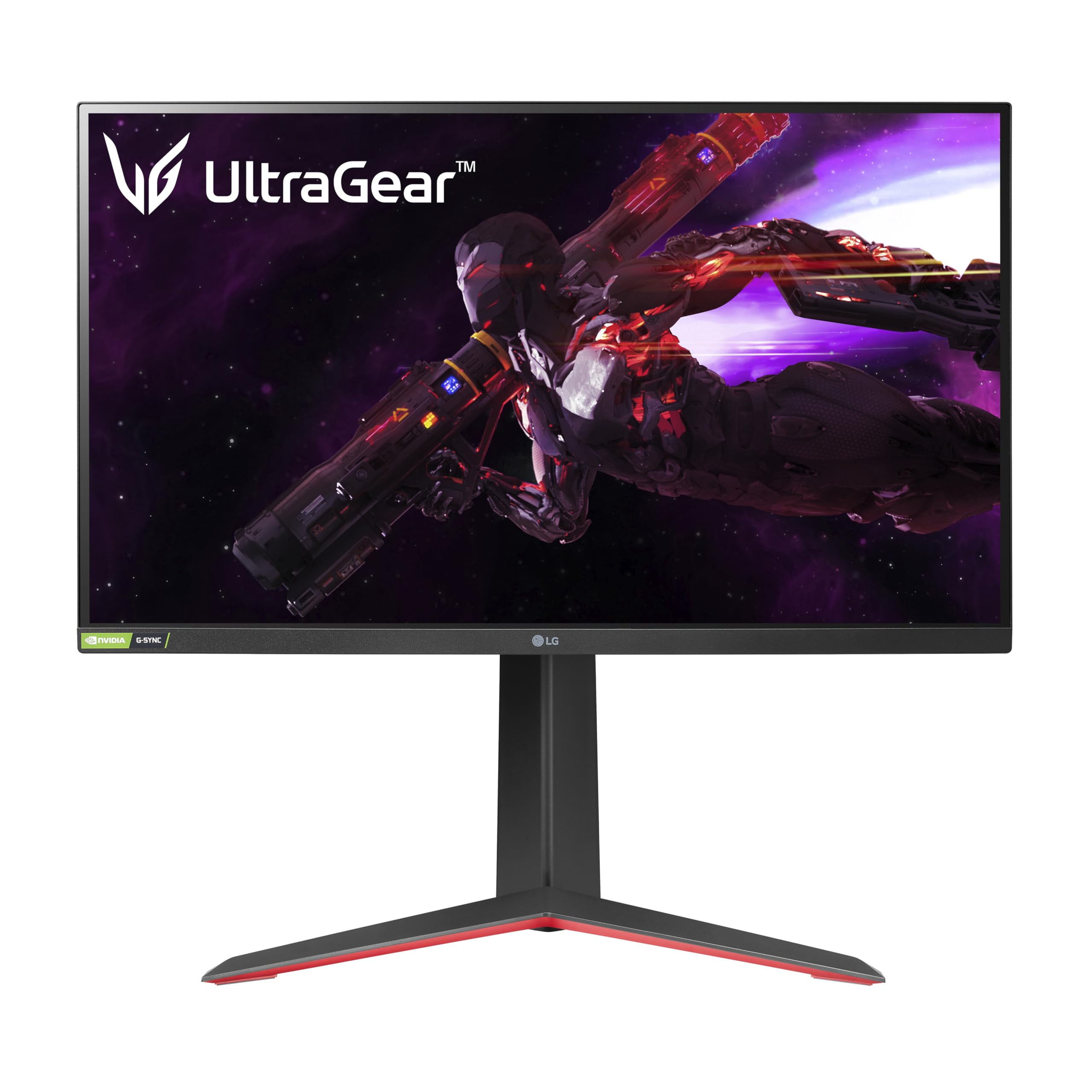
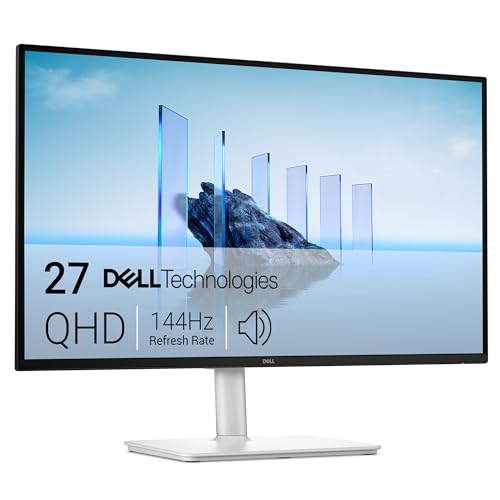
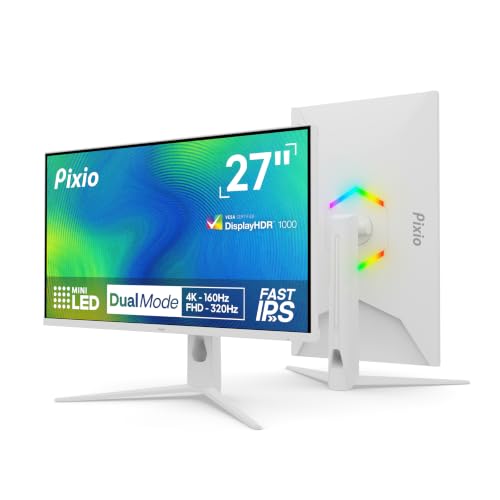
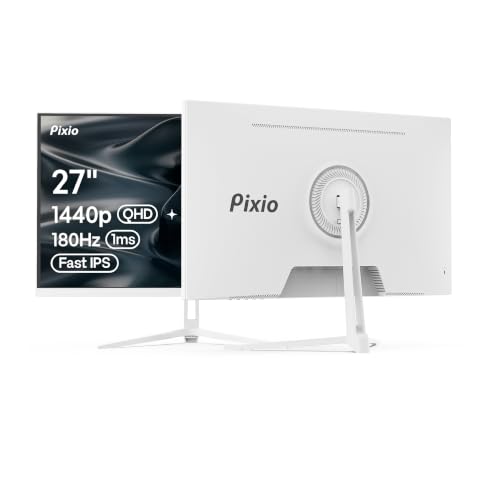
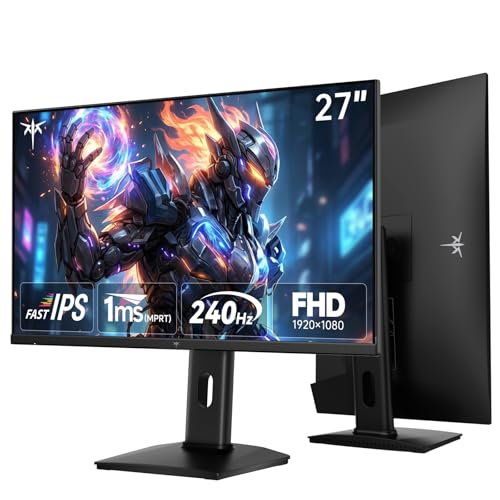
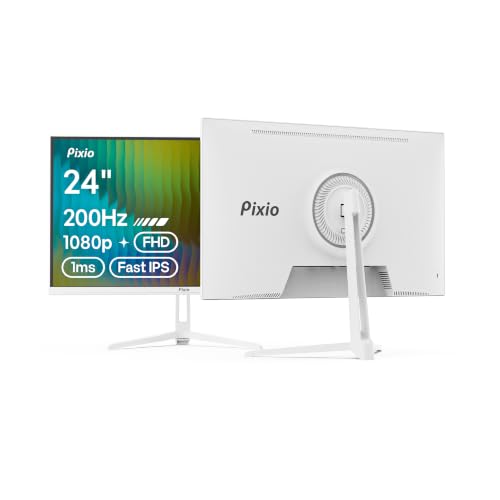
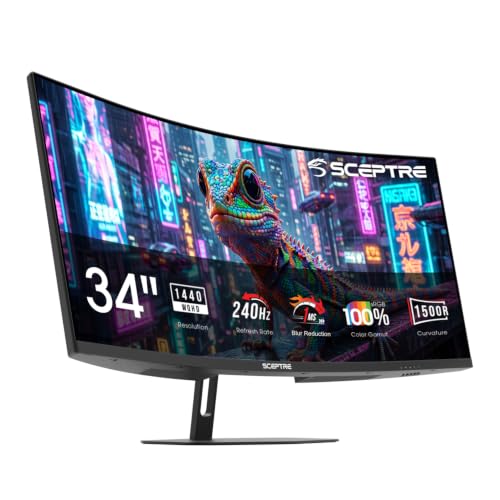
The product table lists 1ms monitors that are available new, from 24 inch esports panels to large curved and high resolution models. The sections below help you decide which combination of size, resolution and refresh rate suits your desk and your graphics card.




What 1ms Response Time Means
Response time is how long a pixel takes to change from one shade to another. Makers often quote grey to grey timing at the fastest overdrive setting, or a motion picture response time that uses a backlight strobe. Both can read 1ms, yet they describe different things.
In practice, a fast response reduces smearing behind moving objects, which matters in shooters, racing games and fast scrolling. For office work and video it is a nice extra rather than a need.
Refresh Rate Matters as Much
A monitor that responds in 1ms but refreshes at 60Hz still shows only sixty frames each second. Pair fast response with a higher refresh rate such as 144Hz, 180Hz or more, and motion looks clearly smoother. Check that your graphics card can feed that many frames at the resolution you choose, otherwise the extra hertz go unused.
Panel Types: IPS, VA and TN
IPS panels give good colour and wide viewing angles and are the common choice for fast gaming screens. VA panels offer deeper contrast and often cost less, but some show more ghosting in dark scenes even with a 1ms label. TN panels are the fastest but have narrower viewing angles and weaker colour.
If you play competitive games and care about colour, a fast IPS panel is the usual balance. If you play in a dark room and like contrast, a VA panel can look better as long as the overdrive setting is tuned.
Resolution and Size
Full HD on a 24 inch screen is the easy target for high frame rates. Quad HD at 27 inches is a popular step up in sharpness while staying within reach of mid range graphics cards. Ultra high definition looks excellent but asks much more of the card, and large curved or ultrawide screens suit immersion more than competitive play.
Pick the size by desk depth: a 32 inch panel needs more distance than a 24 inch one, and a screen that is too large makes it hard to see the whole image at a glance.
Adaptive Sync
FreeSync and G-Sync compatible modes match the monitor refresh to the frame rate from your card and stop tearing. Nearly every fast gaming monitor offers one of them. Confirm that your graphics card supports the same mode, and connect with DisplayPort when the listing says that port carries the full refresh rate.
Overdrive Settings
Most monitors let you pick overdrive levels such as normal, fast and extreme. Pushing the setting to the maximum can cause inverse ghosting, a bright trail that looks worse than the blur it was meant to fix. Start at the middle setting and move up only if motion still looks smeared.
Picking by Game Type
Fast shooters and racing titles reward the highest refresh rate your card can sustain, so a 24 or 27 inch Full HD or Quad HD screen at 180Hz or more is the focused choice. Open world and story games gain more from sharper pictures, so a larger Quad HD or ultra high definition panel with a moderate refresh rate looks richer. If you split time between work and play, a 27 inch Quad HD IPS screen is the safest all rounder, since text stays crisp and motion stays smooth.
Ports and Stand
Read the port list for HDMI version and DisplayPort. A monitor with HDMI 2.1 helps console players who want high refresh rates, while DisplayPort is the safe choice on a PC. A stand that tilts, swivels and adjusts height saves a lot of neck strain, and a VESA mount pattern lets you use a monitor arm.
Console and PC Use
For consoles, check which refresh rates and resolutions the monitor accepts on HDMI. For PC, DisplayPort usually gives the cleanest result. Both benefit from low input lag, a figure many makers do not publish, so rely on buyer reports for that.
Setup and Care Tips
- Set the refresh rate in your operating system and graphics driver, since monitors often default to 60Hz.
- Turn on the adaptive sync option in the monitor menu and the driver.
- Use the cable that came in the box, or a certified DisplayPort cable.
- Clean the screen with a dry microfibre cloth, and a slightly damp one for marks.
- Keep air space around the back vents.
Frequently Asked Questions
Is 1ms really noticeable?
The step from slow office panels to fast ones is easy to see in motion. Between two different 1ms labelled monitors the difference is small and depends on panel type and overdrive.
Do I need 1ms for office work?
No. It helps in games and fast video, but office tasks look the same on any modern panel.
Is a VA panel with 1ms as fast as an IPS?
Not always. VA can smear in dark scenes, so look for buyer comments on ghosting.
Should I choose refresh rate or response time?
Both. A high refresh rate with slow response still blurs, and fast response with a low refresh rate still looks choppy.
Will a 1ms monitor work with a console?
Yes, if its ports and refresh rates match what your console outputs. Check the HDMI version on the listing.
How do I choose the best 1ms response time monitors?
Start with the refresh rate your graphics card can reach, then choose panel type and size, and treat the 1ms label as the last filter.
Final Verdict
Choose the best 1ms response time monitors by combining fast response with a refresh rate your graphics card can reach, a panel type that suits your room and a resolution that fits your desk. Compare the options in the product table, set overdrive carefully, and treat the 1ms label as one part of a good gaming screen rather than the whole story. Prices and availability change, so check the product page before ordering.


