Best 2K TVs: What 2K Means on a TV and Which 1080p Sets Make Sense for 2026
Disclosure: We may earn a commission when you buy through links on this page, at no extra cost to you. As an Amazon Associate I earn from qualifying purchases. Learn more

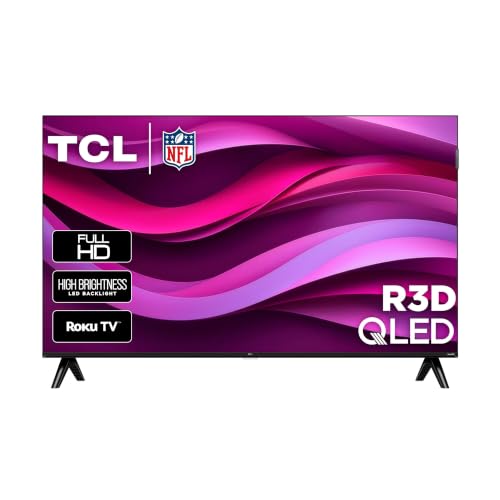
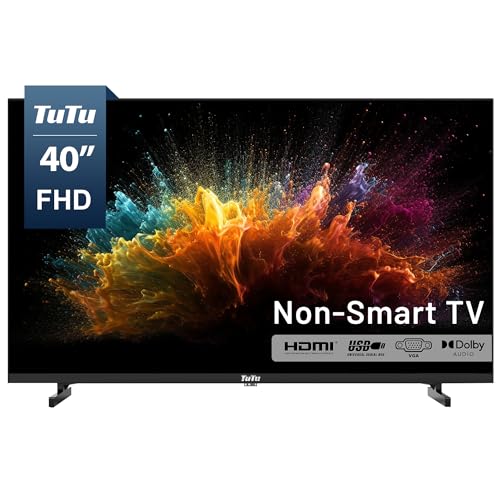
On a television, 2K normally means Full HD, so the best 2k tvs are 1080p sets for small rooms where a smart platform and the right size matter more than pixels.
The label 2K gets used loosely on television listings. Cinema people use it for a picture about 2,000 pixels wide, and on consumer sets it almost always means Full HD, also called 1080p, at 1920 by 1080 pixels. That is the resolution of most small televisions sold today. If you search for the best 2k tvs, you are in practice looking for a good 1080p set, often 32 to 43 inches, for a bedroom, kitchen, dorm or secondary room.
This guide explains what 2K means on a TV, where a Full HD set is the right choice, what to check about smart platforms and ports, and how to pick a size and mount for the room.
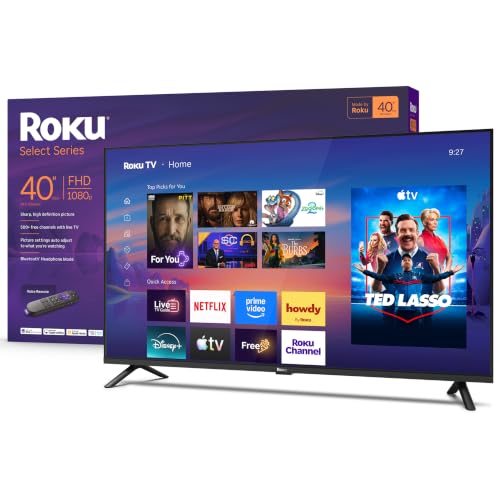
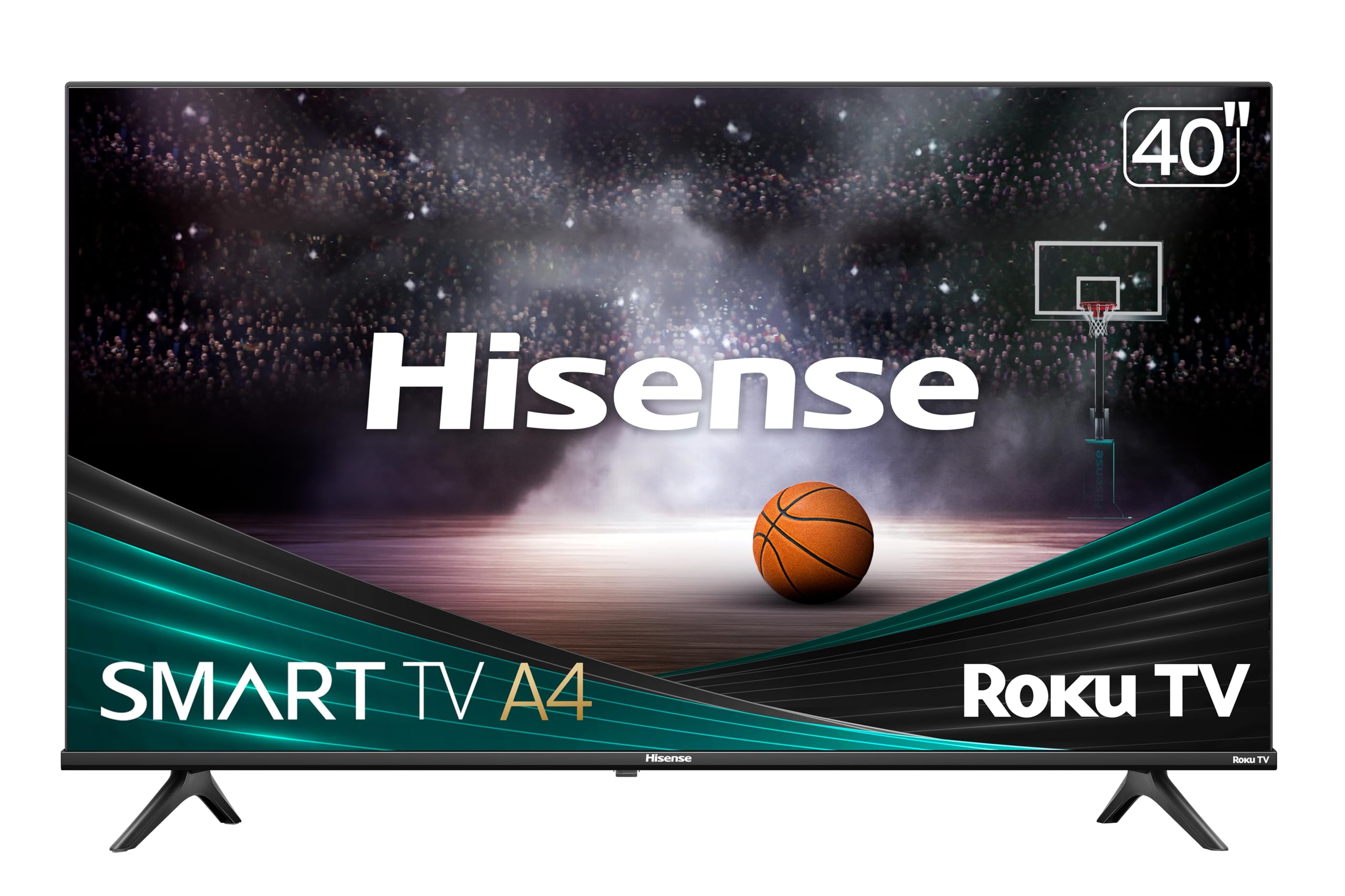
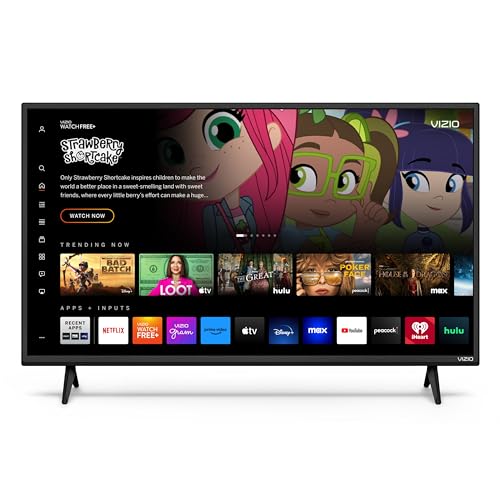
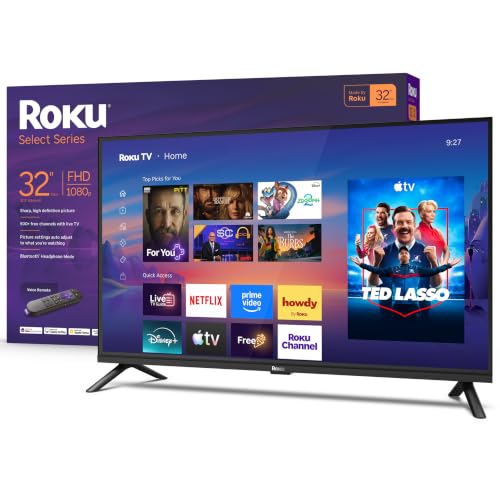



What 2K Means on a Television
A 1080p picture contains about two million pixels. A 4K set has four times as many, and a 720p set has less than half. On a small screen viewed from a normal distance, the difference between 1080p and 4K is hard to see, which is why Full HD remains common below about 40 inches. If a listing says 2K, check for 1920 by 1080 or 1080p in the specifications to be sure.
Some listings use 2K for 2560 by 1440, as on monitors. That resolution is rare in TVs. Treat the 1080p reading as the default and confirm in the details. Our guide to the smart TVs covers all resolutions.
Where a Full HD TV Makes Sense
A 1080p TV is a sensible choice for a bedroom, a kitchen, a dorm room, a guest room or a home gym. In those rooms the screen is small, you sit within a few feet and you want a simple set with streaming apps. The price is low, the picture is clean and the set is light enough to put on a wall mount easily.
For a living room with a 55 inch screen or larger, 4K is the better choice, because pixels are visible at that size. If you plan to buy a large set later, our pages on the OLED TVs and the best TVs show what the top end looks like.
Size and Viewing Distance
At 32 inches, a good seat is about four to six feet from the screen. At 40 to 43 inches, five to seven feet works well. Sit closer and you see pixel structure, sit farther and you lose detail. Measure the space and the shelf before you choose, since a 40 inch screen is wider than you might expect.
If you want a bigger picture but have limited space, a wall mount helps by saving shelf room. A tilting mount reduces glare if the screen sits above eye level.
Smart Platforms
Most 1080p televisions run a built in streaming platform. Roku, Fire TV, Google TV and Tizen style systems all give you apps, a search function and a remote with shortcuts. Pick the platform whose app store and interface you like, and check that it supports the services you use. A slow processor can make menus laggy, so read user reviews.
If you prefer a simple set, a non smart television still works when you plug in a streaming stick. That also lets you replace the stick when apps need an upgrade, which is useful because smart platforms age faster than panels.
Picture Settings and Sound
Choose the movie or cinema mode for a natural picture, turn off motion smoothing for films and lower the brightness in a dark room. Small sets have thin speakers, so a compact soundbar or headphones improve dialogue. Check that the set has an HDMI ARC port or an optical output for a soundbar.
Look at the number of HDMI ports. Two let you attach a console and a streaming device without swapping cables. A headphone jack is convenient for late night viewing.
Mounting and Placement
Check the VESA pattern on the back and the weight, and choose a mount rated above both. In a bedroom, mount the screen so that the center is at eye level when you lie in bed, which is usually lower than in a living room. In a kitchen, keep the screen away from steam and splashes.
Mistakes to Avoid
- Assuming 2K means a higher resolution than Full HD.
- Buying a 4K set for a tiny screen and paying for pixels you cannot see.
- Ignoring the smart platform and getting a slow interface.
- Choosing a mount without checking the hole pattern.
- Forgetting about sound and relying on thin speakers.
Upgrading Later and Cable Tips
A Full HD set stays useful for years, but plan for change. If you later move the TV to a larger room, you can pass it on to a bedroom or garage. Keep the box and manual for resale. Use the HDMI ports well: connect the streaming device to the ARC port if you want to run a soundbar, and a console to the second port.
Choose short, certified HDMI cables, and avoid bending them sharply behind a wall mount. If the picture flickers or drops, swap the cable before blaming the set. A power strip with surge protection extends the life of the TV and its attached gear.
Free Channels, Antennas and Streaming Habits
Many small sets include a digital tuner, which can pull free local channels with a simple antenna. If you rely on live news or sports, check that the tuner is included, and place the antenna near a window. For streaming, a wired connection is more stable than wifi if your router is nearby, and a few sets include an Ethernet port.
Think about the apps you actually use, and the number of profiles and remotes in the home. Set up parental controls if children watch, and disable features such as voice recording if you do not want them. A few minutes of setup makes a small TV feel simple to live with.
Frequently Asked Questions
Is a 2K TV the same as Full HD?
On most listings, yes. It means 1920 by 1080 pixels.
Is 1080p enough for a 40 inch TV?
Yes, for typical viewing distances. The extra detail of 4K is hard to see at that size.
Do I need a smart TV?
Not necessarily. A streaming stick turns any set into a smart one.
What size should I buy for a bedroom?
32 to 43 inches suits most bedrooms, depending on distance.
Final Thoughts
The best 2k tvs are Full HD sets that fit the room: pick the size by viewing distance, the smart platform by the apps you use and the mount by the room. For small spaces, 1080p gives a clean picture at a modest price.
Prices and availability can change, so check the product page before ordering.