Best 3D Printers for Beginners: Which One Fits the Way You Use It?
Disclosure: We may earn a commission when you buy through links on this page, at no extra cost to you. As an Amazon Associate I earn from qualifying purchases. Learn more

How to choose among the best 3d printers for beginners by user type, with the features that matter and mistakes to avoid.
The first 3D printer you buy shapes whether 3D printing becomes a lifelong hobby or a dusty box in the closet. A gamer who wants custom controller stands, a teacher printing classroom models and a remote worker designing desk organizers all need different things from a machine. Finding the best 3d printers for beginners is less about raw specs and more about matching the printer to the way you will use it.
This guide skips rankings and pairs printer styles with real users, then explains the features that matter, the mistakes new owners make and how to keep a printer running smoothly. The product table above lists beginner friendly models from compact starter printers to multicolor machines.


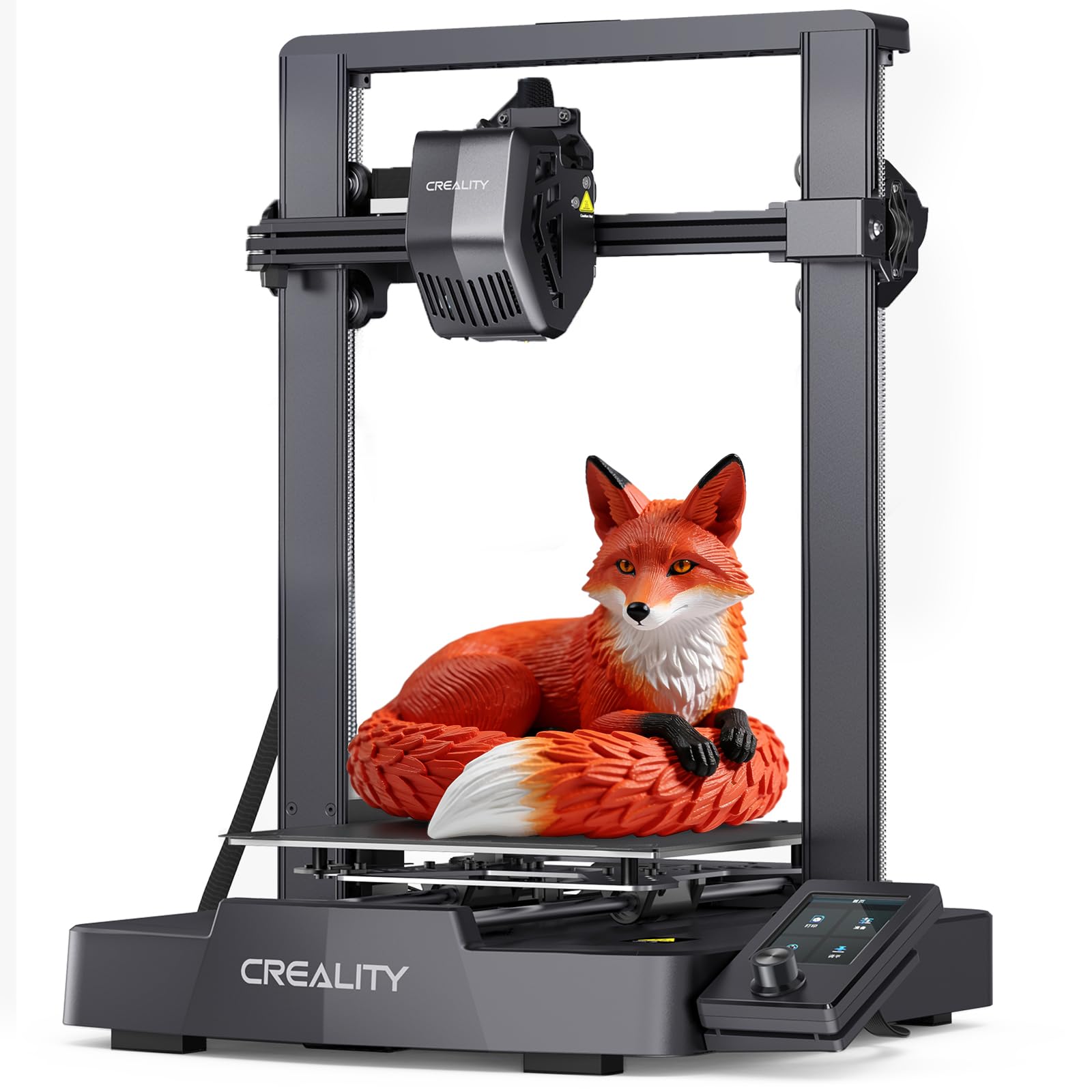

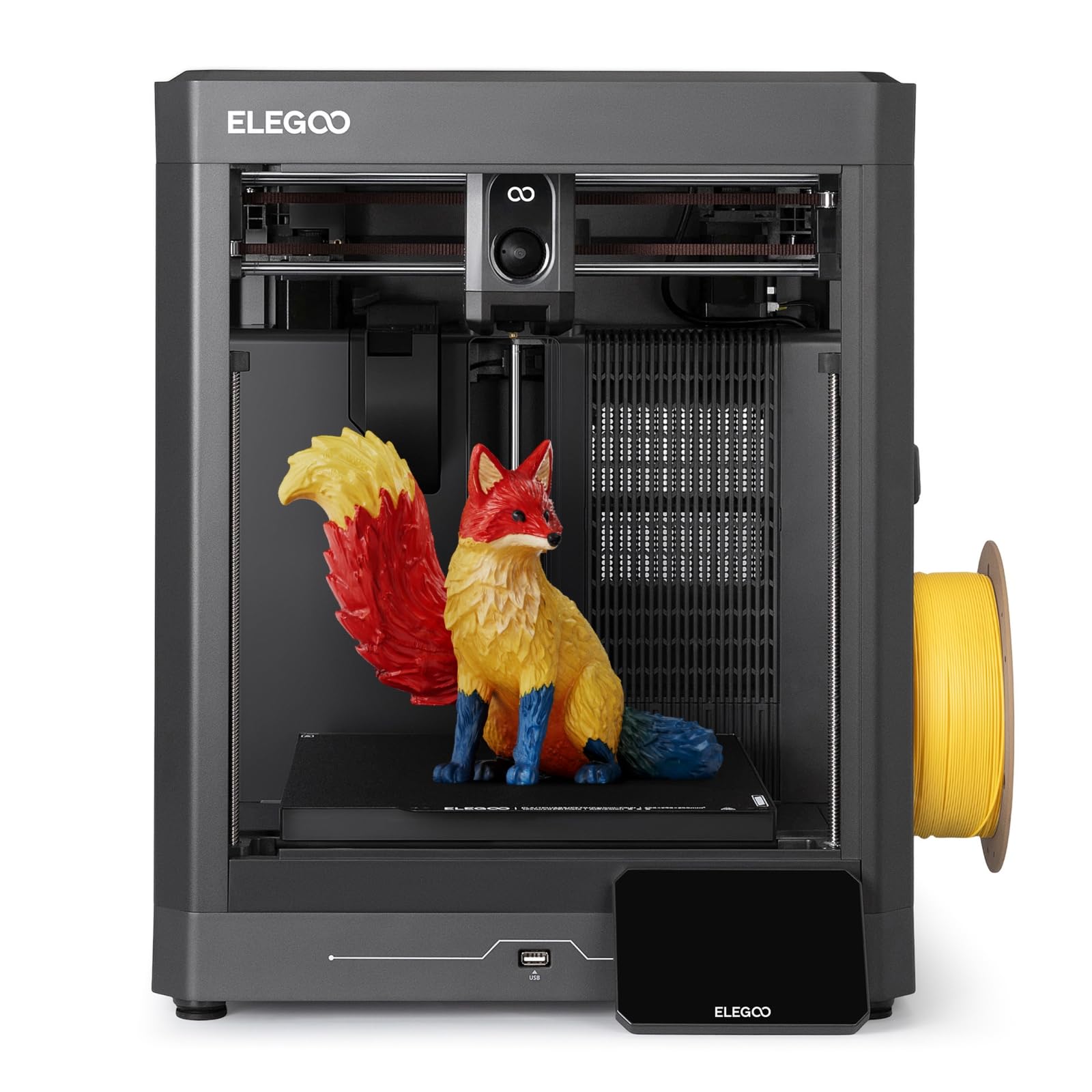
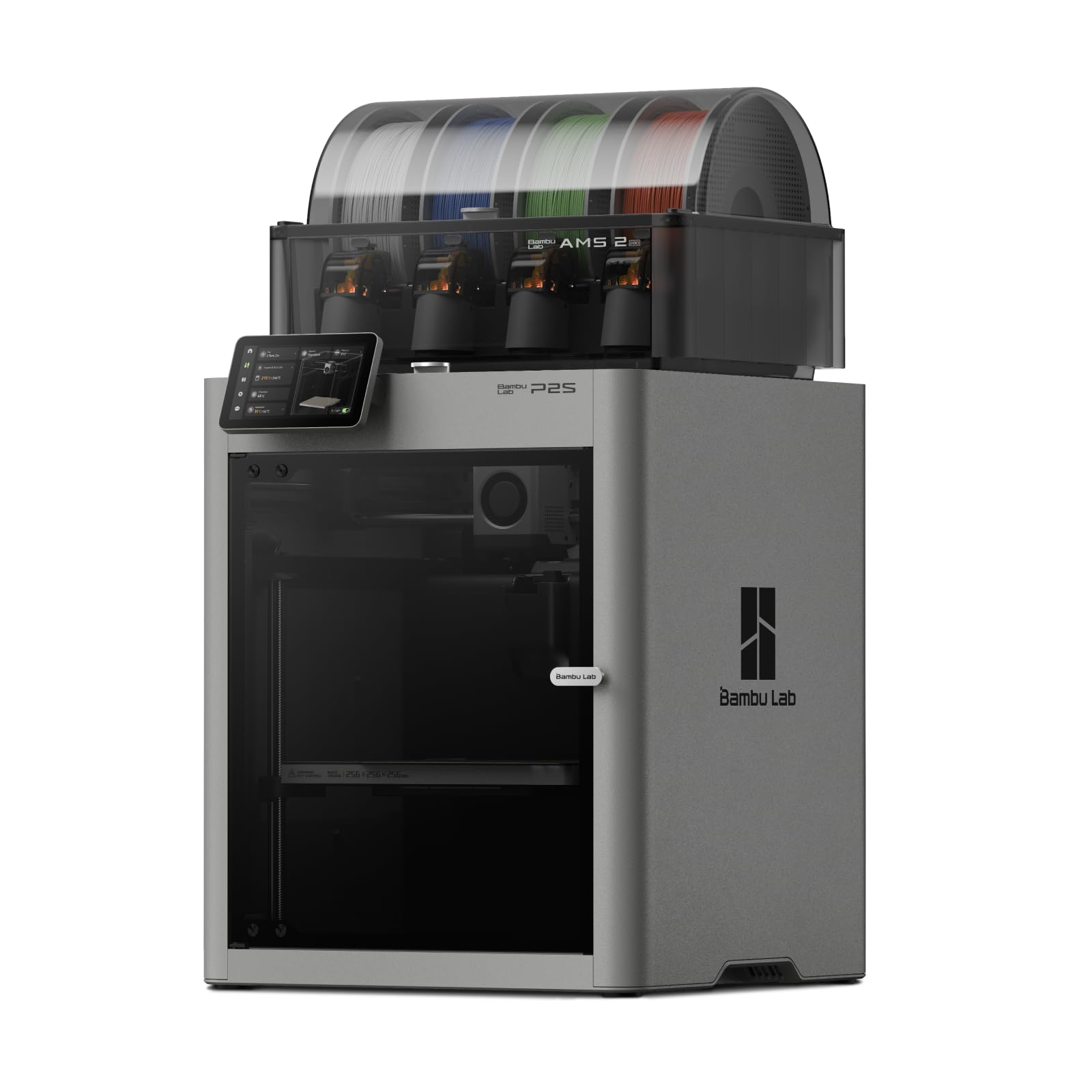
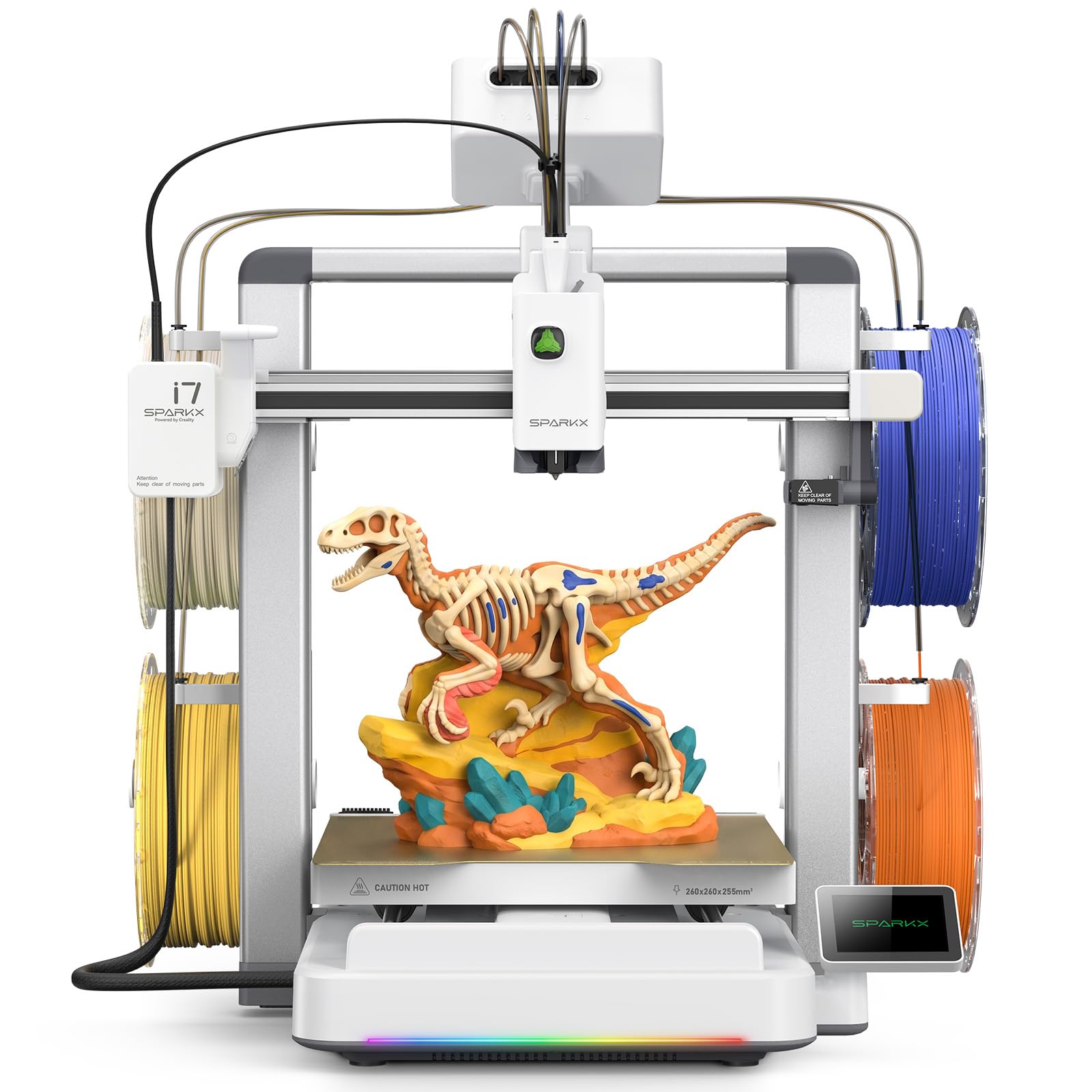
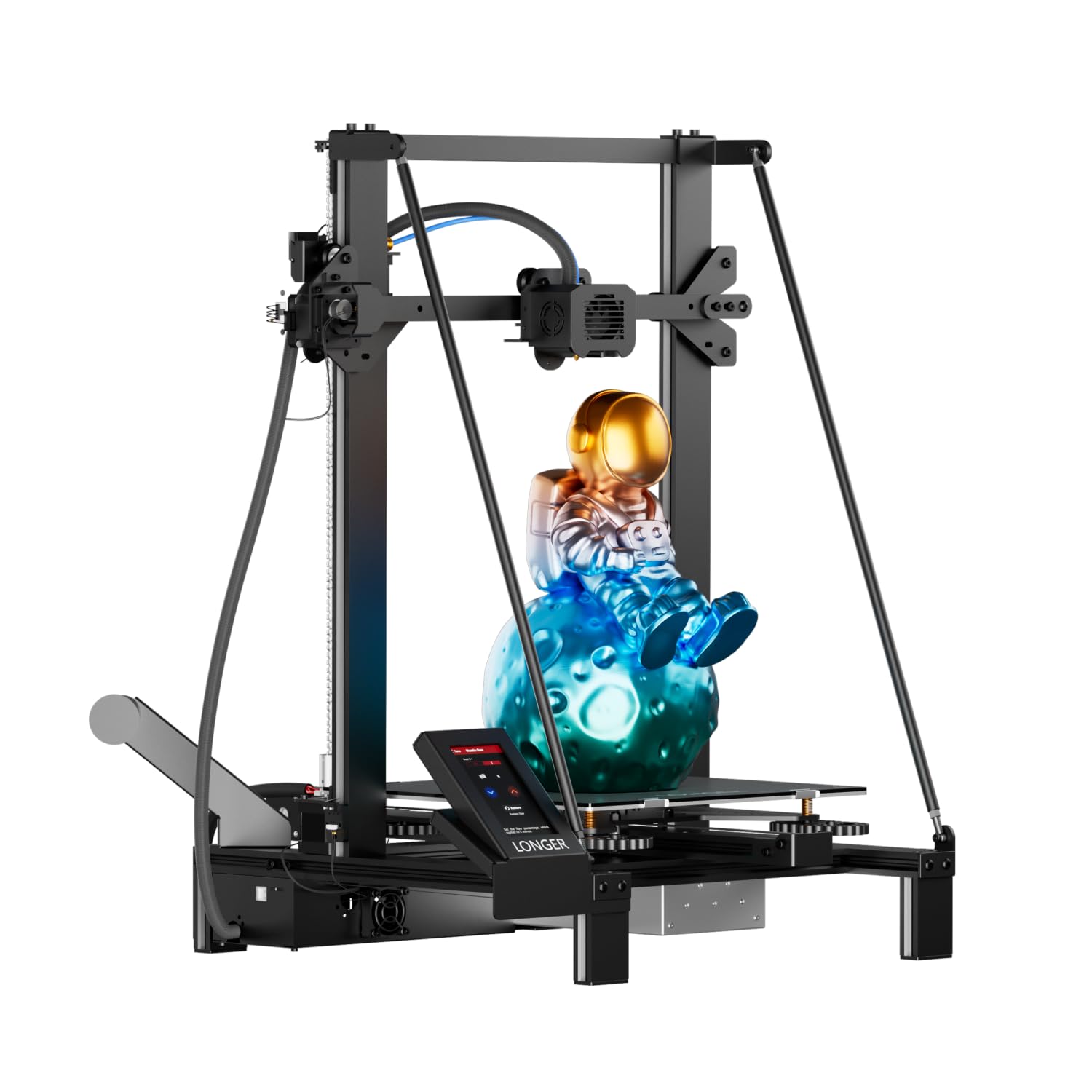

3D Printers for Beginners: Who Should Buy Which?
Most beginners fit one of three groups. Find yours first, then use the feature guide below to narrow your choice.
For Remote Workers and Creators
People who work from home often start 3D printing to solve small problems: cable clips, monitor risers, headphone hooks, drawer dividers and custom mounts for webcams and microphones. Creators add props, logo signs and gifts. This group benefits most from reliability and quiet operation, because the printer often sits in the same room as the desk.
Look for automatic calibration, a quiet mode and app or Wi Fi control so you can start prints and check progress from your laptop. An enclosed printer contains some noise and heat, while multicolor systems make branded signs and decorative pieces far easier. A build volume around 220 to 256 millimeters covers most desk projects.
Software matters here too. Printers with large model libraries and simple design tools let you print useful items immediately, then grow into designing your own parts in free CAD programs.
For Students and Everyday Users
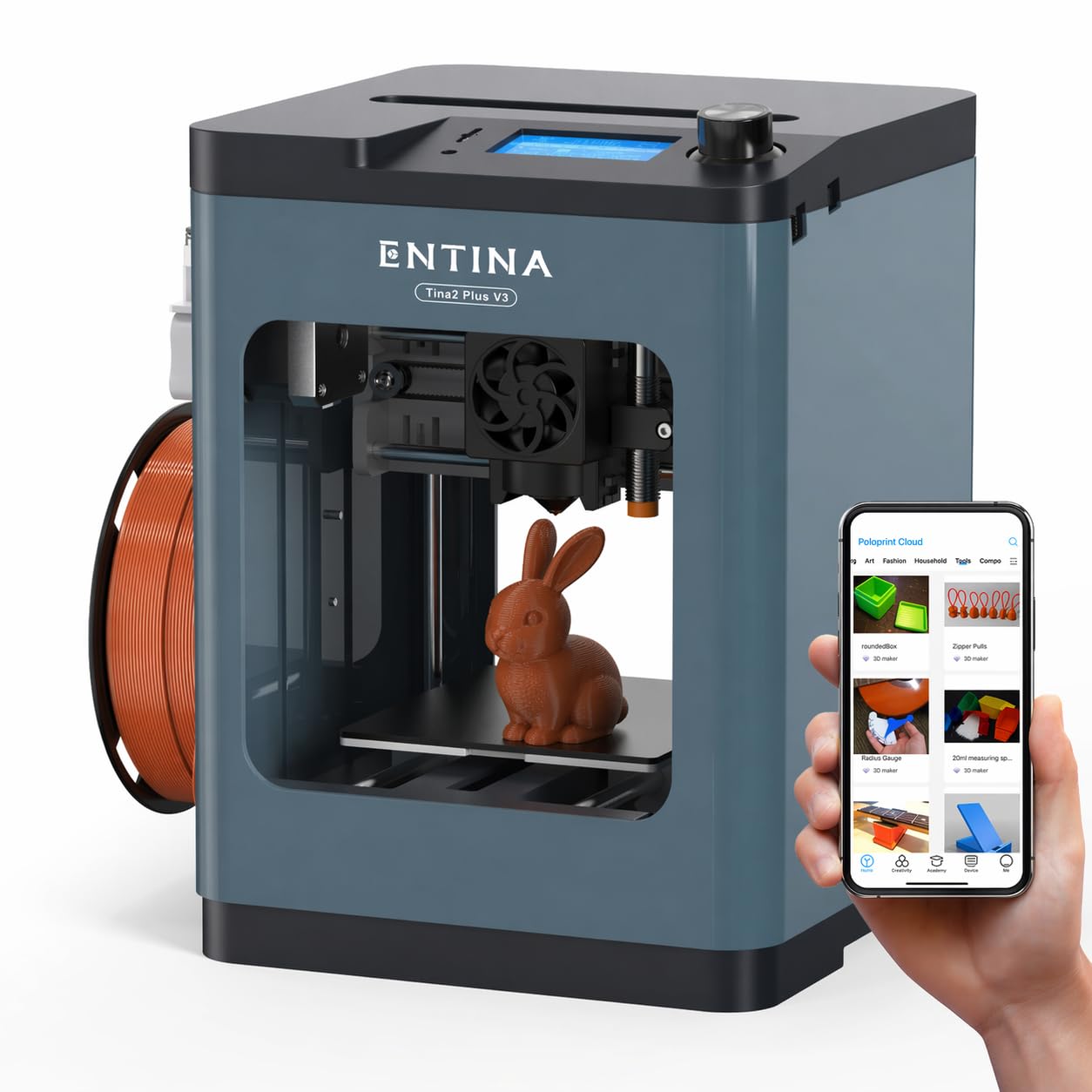
Students, families and casual hobbyists want something affordable, safe and easy. Compact starter printers and well known beginner models in the $190 to $300 range work well, especially those that arrive fully assembled and calibrate themselves. Kid friendly models add enclosed designs and simple apps with ready to print toys and school projects.
Prioritize safety features such as enclosed hot ends or guards, low temperature PLA printing and simple controls. A smaller build plate is fine for figurines, keychains and classroom models, and small printers fit on a desk or shelf.
For families, an app with a curated library of proven designs helps kids succeed quickly, which keeps them interested. Parents should supervise younger users around the hot nozzle and heated bed.
For Gamers and Power Users
Gamers and tech enthusiasts usually want speed, bigger builds and room to grow. Common projects include controller and headset stands, cosplay armor, tabletop miniatures, terrain pieces, PC case accessories and replacement parts for gear. Fast CoreXY or well tuned bed slinger printers with multicolor add ons suit this group.
Look for high print speeds with vibration compensation, direct drive extruders for flexible filaments, hotends that reach around 300°C for tougher materials and support for multi material systems. Larger build volumes help with helmets, armor pieces and big display models. Power users also appreciate open software that lets them tweak profiles.
Be realistic about time: even fast printers take hours for large cosplay parts, and supports need cleanup. A reliable printer with good cooling saves more time than raw top speed.
For Teachers and Makerspaces
Classrooms and makerspaces need printers that many people can use. Durable frames, simple interfaces, enclosed designs for safety and good manufacturer support matter most. Printers that work offline and with common slicer software fit school networks better. Spare parts and easy nozzle swaps keep printers running despite heavy use by many hands every week.
For Cosplayers and Prop Makers
Cosplayers print helmets, armor plates, props and accessories that are larger than typical household items. They benefit from larger build volumes, reliable long prints and the ability to print PETG or tougher materials for durability. Sanding, priming and painting are part of the process, so print quality matters less than size and reliability. Power loss recovery is essential for prints that run overnight.
For Tabletop Gamers
Tabletop gamers print miniatures, terrain, dice towers and storage inserts for board game boxes. Terrain and inserts print well on standard FDM printers, while very detailed miniatures look best on resin printers. Many tabletop fans start with FDM for terrain and add a resin printer later for figures.
Key Features to Compare
Once you know your group, compare printers on these features.
Connectivity and Mobile Printing
Modern beginner printers offer Wi Fi, cloud apps and phone control, letting you send prints, monitor progress with built in cameras and receive alerts when a print finishes or fails. Some also support USB drives and SD cards for offline printing. App libraries with thousands of ready models are a huge help for beginners.
Check whether the printer works without a cloud account if privacy or internet access matters to you, and whether it supports popular slicers such as Cura, PrusaSlicer or OrcaSlicer.
Printer Type
FDM printers, which melt plastic filament, are the best choice for nearly all beginners. They print functional parts, toys and decorations with affordable, easy to handle materials. Resin printers produce extremely fine detail for miniatures and jewelry but require gloves, ventilation, alcohol washing and UV curing.
Within FDM, bed slinger printers move the build plate back and forth and are affordable and easy to maintain. CoreXY printers move the print head in a fixed frame, enabling higher speeds, and are often enclosed. Both work well for beginners today.
Beginner Friendly Features That Matter
The features that make the biggest difference are automatic bed leveling and calibration, filament run out detection, power loss recovery, quick swap nozzles and clear touchscreens or apps. Pre assembled printers remove the hardest setup step. Good default profiles mean your first prints succeed without tuning.
Enclosures and lower operating noise matter for printers in bedrooms, offices and classrooms. Built in cameras and spaghetti detection catch failed prints early, saving filament and time.
Build Volume
Build volume determines the largest part you can print in one piece. Compact printers around 180 millimeters per side suit small models and desks. Standard volumes around 220 to 256 millimeters handle most household items and accessories. Large volumes around 300 millimeters or more suit cosplay and big projects but cost more and take more space.
Remember that large models can be split into parts and glued together, so you do not always need a giant printer for big projects.
Multicolor Printing
Multicolor systems feed several filament spools into one printer and switch colors automatically during a print. They make logos, signs, figures and decorative pieces far easier. They add cost and create purge waste during color changes, and prints take longer. Many printers let you add a multicolor unit later.
Noise Level
Printer noise comes from fans and motors. Newer printers with quiet stepper drivers and silent modes are far quieter than older models, though fans still hum during prints. If your printer will run in a home office or bedroom, look for quiet modes, enclosed designs and listed noise levels around 50 decibels or lower.
Brand Support and Community
A large user community means more tutorials, troubleshooting guides and printable upgrades. Brands that sell spare parts, publish maintenance guides and update firmware keep your printer useful for years. Check whether the manufacturer offers responsive support and an accessible warranty before buying.
Speed and Print Quality
Newer printers print much faster than older models thanks to better motion systems, cooling and firmware features like input shaping. Speed claims are often measured on simple shapes, so look for consistent quality at practical speeds. Good part cooling and a stable frame matter for clean overhangs and sharp details.
Filament and Materials for Beginners
PLA is the easiest material to start with. It prints at lower temperatures, sticks well to the bed, has little odor and comes in hundreds of colors and finishes, including silk, matte and glow in the dark. PETG is tougher and more heat resistant, good for parts that live in a car or garage. TPU is flexible, ideal for phone cases, grips and bumpers, though it prints more slowly.
ABS and ASA are strong and heat resistant but need enclosed printers and good ventilation because of fumes. Most beginners should stick with PLA and PETG for the first few months, then branch out. Buy 1.75 millimeter filament from reputable brands for consistent diameter and fewer clogs.
Price Tiers at a Glance
| Price Range | What You Typically Get | Best For |
|---|---|---|
| Under $200 | Compact or basic printers, sometimes partial assembly, smaller beds | Kids, curious beginners, tight budgets |
| $200 to $350 | Automatic calibration, fast motion, app control, standard build volume | Most beginners and families |
| $350 to $800 | Enclosures, multicolor systems, cameras, higher speeds | Creators, gamers, heavy users |
For most people, the middle tier delivers the best balance: reliable automatic setup and good speed without paying for features you may never use.
Safety and Ventilation
FDM printers have hot nozzles above 200°C and heated beds, so place them out of reach of young children and pets. Printing PLA in a ventilated room is generally considered low risk, while ABS and resin need more airflow or filtration. Never leave a brand new printer running unattended for long jobs until you are confident it works reliably, and keep the area around it clear of flammable materials.
Common Mistakes to Avoid When Buying 3D Printers
- Buying the cheapest kit: manual leveling and assembly frustrate many beginners; automatic calibration is worth paying for.
- Ignoring noise and fumes: place printers in ventilated spaces and away from bedrooms when possible.
- Choosing resin for functional parts: FDM is cheaper, cleaner and stronger for everyday items.
- Overbuying build volume: large printers cost more and take up space you may not need.
- Using damp filament: moisture causes stringing and weak prints; store filament dry.
- Skipping safety: keep hot nozzles and beds away from children and pets.
- Forgetting tools and supplies: budget for spare nozzles, a scraper, glue stick or plate cleaner and a few spools of filament.
- Expecting perfection immediately: some failed prints are normal while you learn bed adhesion and supports.
Care and Maintenance Tips
Your first week sets the tone. Start with the sample prints included on the printer or in the app, since they are tuned for that machine. Then try simple practical items such as hooks, cable organizers and phone stands before moving on to large or detailed models. Watch the first layer closely on every print, because most failures start there.
Clean the build plate regularly with warm soapy water or isopropyl alcohol to keep prints sticking. Store filament in sealed bags or boxes with desiccant. Check belts for proper tension and keep rods or rails clean and lightly lubricated according to the manual.
Replace nozzles when prints show inconsistent extrusion, and keep spare nozzles on hand. Update firmware and slicer software, and periodically check screws and wiring. Running a small calibration print every few weeks helps you spot issues early.
Keep a simple log of the settings that worked well for each filament brand and color. Different filaments behave slightly differently, and notes save you from repeating experiments. When something goes wrong, change one setting at a time so you can see what actually fixed the problem.
Finally, give the printer a stable home. A sturdy table that does not wobble improves print quality, and keeping the printer away from drafts, open windows and air conditioning vents prevents warping on larger parts.
3D Printers: Your Questions Answered
What makes 3D printers for beginners different?
Beginner 3D printers focus on ease of use: they arrive mostly or fully assembled, calibrate automatically, recover from power loss and include simple apps with ready to print models. Many have enclosed or safer designs and quick swap nozzles. The goal is successful first prints without technical tuning.
Is FDM or resin cheaper long term?
FDM printing is cheaper long term for most beginners. Filament costs less per part, requires no special cleaning supplies and creates little waste. Resin printing costs more per liter and needs gloves, alcohol and replacement films. Resin is worth it mainly for very detailed small models.
Can 3D printers make useful things around the house?
Yes. Beginners commonly print replacement knobs, battery holders, cable organizers, wall hooks, plant pots, tool holders and custom brackets. Online libraries contain millions of free designs for household fixes. Many owners find that a printer pays for itself by replacing small broken parts that would otherwise mean buying a whole new item.
Which 3D printer is easiest for beginners?
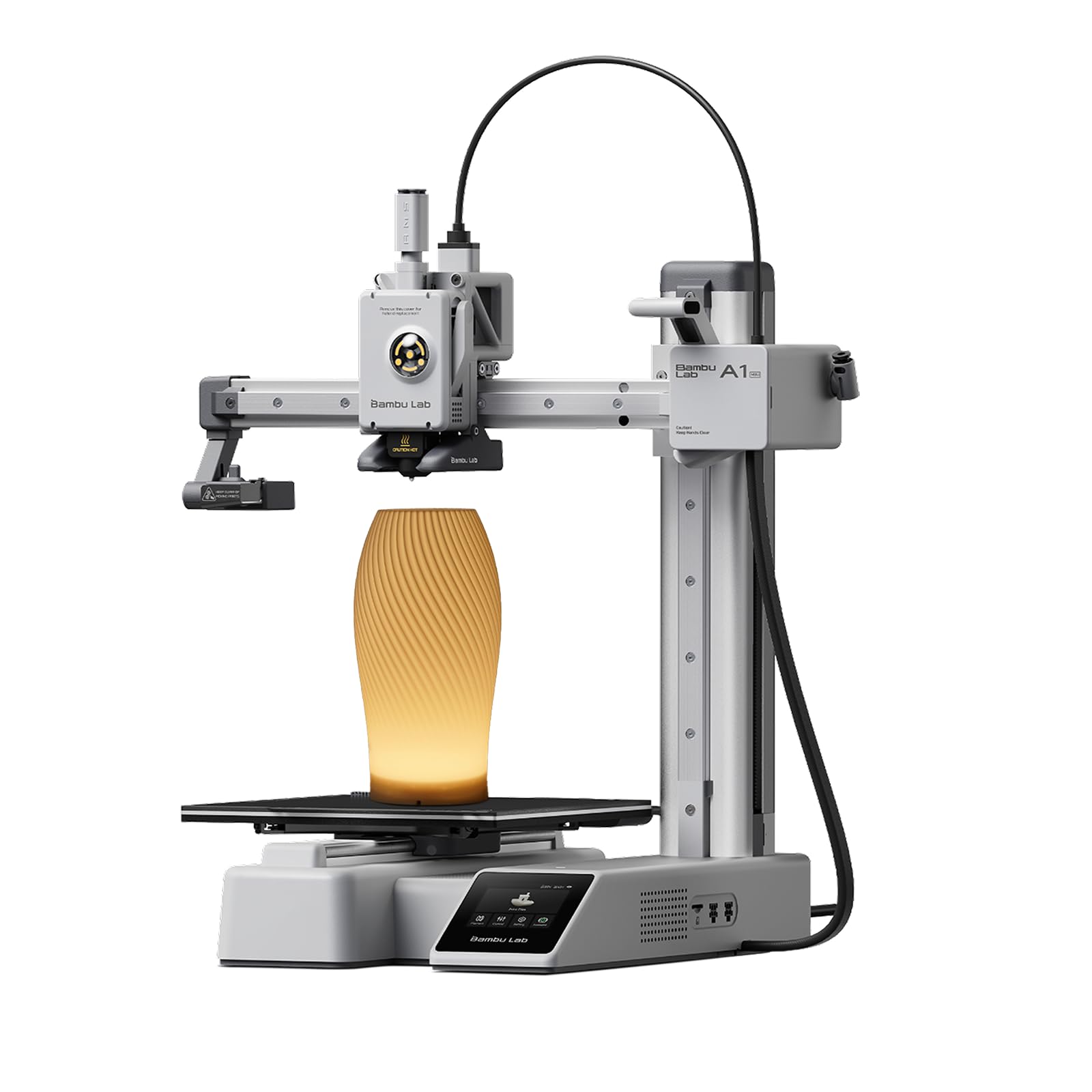
Printers with full automatic calibration, pre assembled frames and strong app ecosystems are easiest. Bambu Lab's A1 series and fully assembled starter printers like the Entina Tina2 series are popular examples. Choose one that matches the size of projects you plan to print.
Are multicolor 3D printers worth it?
Multicolor printers are worth it for decorative models, signs, toys and cosplay details. They add cost, waste some filament during color changes and take longer per print. For functional parts, a single color printer is simpler and cheaper, and many printers can add multicolor later.
How long does it take to learn 3D printing?
With a modern beginner printer, most people get successful prints on the first day. Learning to slice your own models, choose supports and fix common problems usually takes a few weeks of regular printing. Designing your own parts in CAD software is a longer journey, but many free tutorials make it approachable.
Do I need a computer to use a 3D printer?
Not always. Many beginner printers work from a phone app with a built in model library and cloud slicing. A computer helps when you want to use full featured slicers, customize settings or design your own models, so most hobbyists eventually use both.
What does cost per print mean?
Cost per print is the material cost of a single part, mostly the weight of filament used. A 30 gram keychain from a $20 per kilogram spool costs about 60 cents. Slicer software estimates filament use before printing, so you can price projects accurately.
Our Verdict
Match the printer to your projects. Remote workers and creators benefit from quiet, reliable printers with app control and optional multicolor, students and families from compact, fully assembled and safe designs and gamers and power users from fast printers with bigger builds and multi material support. Avoid cheap kits without automatic calibration, and store filament properly.
Whichever group you are in, the best 3d printers for beginners share a few traits: they calibrate themselves, come with good software and have support from a brand that sells spare parts. Start there and you will spend more time printing and less time troubleshooting.
Compare the models in the product table above with these guidelines, and you will find the best 3d printers for beginners for your needs. When you are ready to step up, see our guide to the best 3d printers.