
Best Dye Sublimation Printers by Budget: Smart Picks
Disclosure: We may earn a commission when you buy through links on this page, at no extra cost to you. As an Amazon Associate I earn from qualifying purchases. Learn more

Sublimation printers from around $400 to $2,500 sorted by tier, plus photo dye sub options, running costs and the features worth paying for.
Dye sublimation printers range from compact photo printers around $120 to wide format production machines costing many thousands of dollars, and the right choice depends entirely on what you plan to make. A hobbyist printing mugs and shirts at the kitchen table needs something very different from a small business filling daily orders or a photographer making long lasting 4x6 prints. This guide to the best dye sublimation printers breaks the market into budget, midrange and premium tiers so you can see where your money matters most.
The short answer: most crafters and new sublimation businesses should start with a purpose built 8.5 by 11 inch sublimation printer such as the Epson SureColor F170 or Sawgrass SG500, which cost around $400 to $660 with inks; step up to a 24 inch printer like the Epson SureColor F570 for larger designs and higher volume, and choose a compact dye sub photo printer if you only want durable photo prints.


Top 3 Picks by Budget
Each pick below comes from the product table above and represents the strongest value at its price level for sublimation crafting and small business work.


Best Budget Pick
The Epson SureColor F170, around $400, is the best starting point for hobbyists and side hustlers who want reliable, factory built sublimation printing without converting a regular inkjet. Its first strength is image quality from Epson's PrecisionCore printhead, which produces sharp details and smooth gradients on shirts, mugs, mousepads and coasters. Its second strength is convenience: it ships with a full set of genuine Epson sublimation inks certified by OEKO-TEX ECO PASSPORT, uses refillable bottles with auto stop filling and includes a 150 sheet enclosed paper tray that keeps dust off transfer sheets.
The limitation is connectivity; it works with Mac and Windows computers but does not support printing directly from mobile devices, and it is limited to letter size media.
Best Midrange Pick
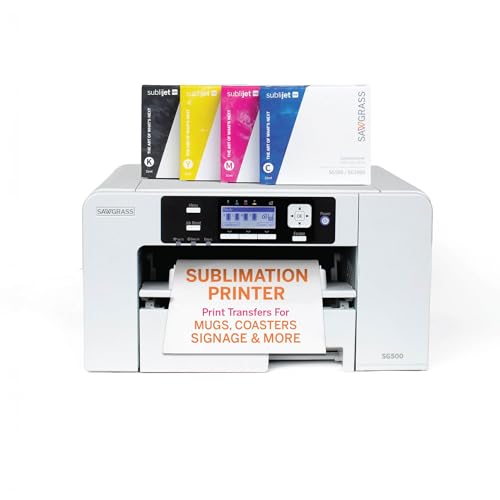
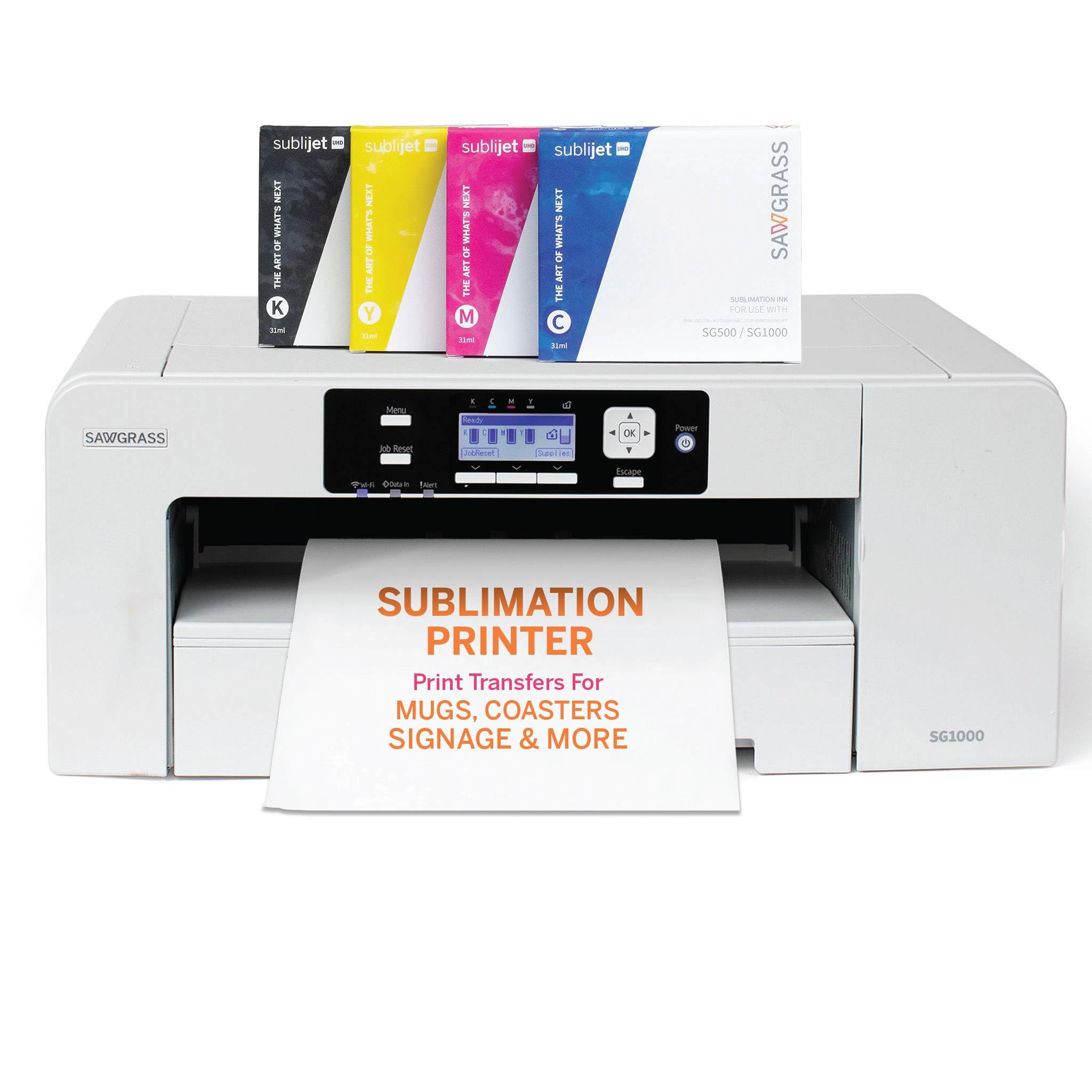
The Sawgrass SG500, around $660 with inks and paper, suits crafters and home based businesses who want a complete sublimation ecosystem with design software. Its first strength is the SubliJet UHD ink set, formulated for vivid, consistent color on both hard surfaces like tumblers and soft fabrics like polyester shirts. Its second strength is software support: the MySawgrass online design platform includes templates and color management, while WiFi connectivity and automatic printhead maintenance help keep the printer ready to use. It prints on media up to 8.5 by 14 inches.
The limitation is ongoing ink cost, since Sawgrass cartridges cost more per milliliter than bulk bottle inks used by some competitors.
Best Premium Pick
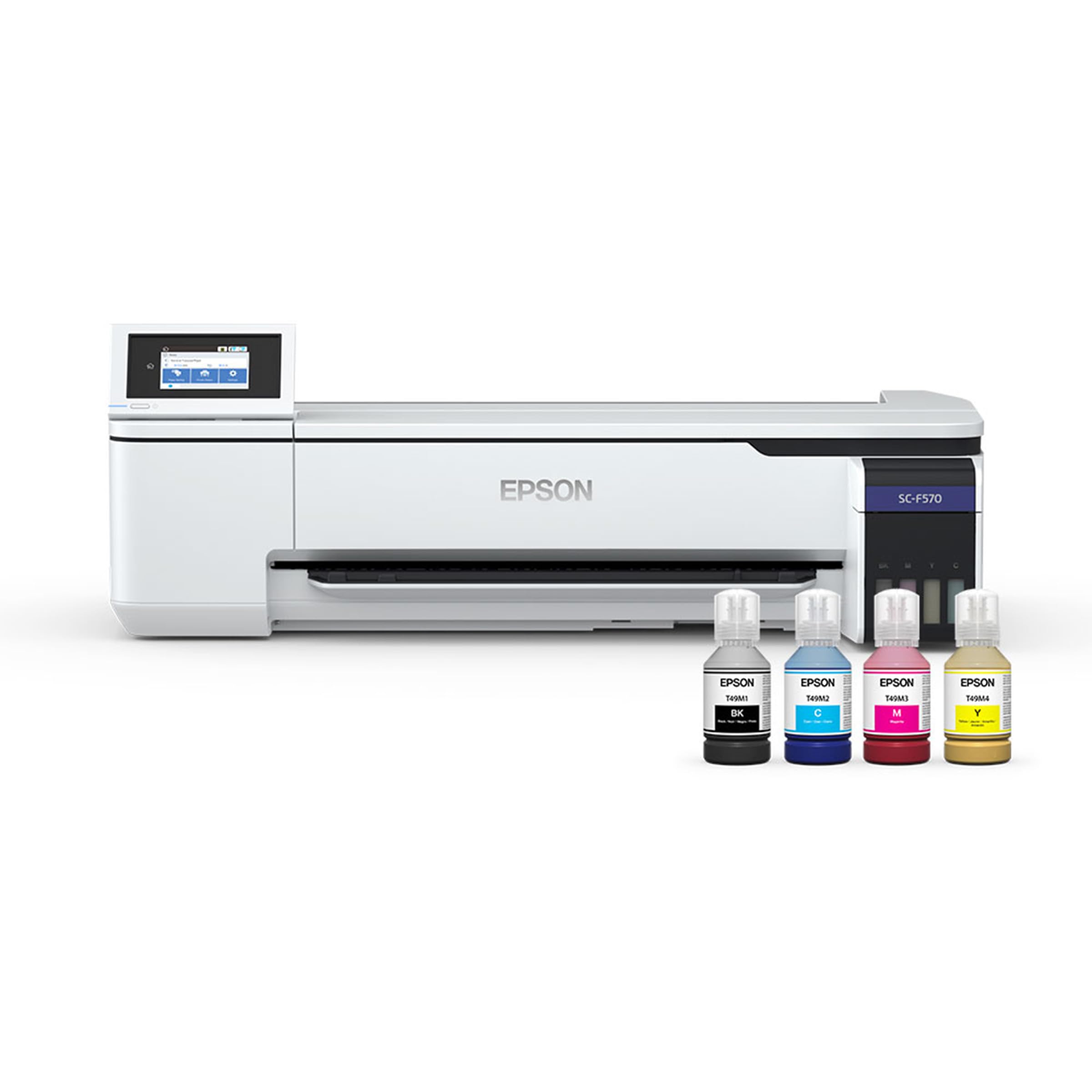
The Epson SureColor F570 bundle, around $2,500, is for growing businesses that need larger prints and higher throughput. Its first strength is a 24 inch print width, which handles full front shirt designs, banners, large signs and multiple mug wraps on a single sheet. Its second strength is roll media support and production oriented design, letting you print continuously with less manual paper loading than desktop models. The bundle includes a full ink set and remote installation support.
The limitation is size and cost. It needs a dedicated workspace and makes sense only when your volume justifies the investment.
What Your Money Gets You at Each Price Tier
Sublimation printer prices follow clear tiers on Amazon. Here is what each level typically delivers.
Budget Tier: What to Expect
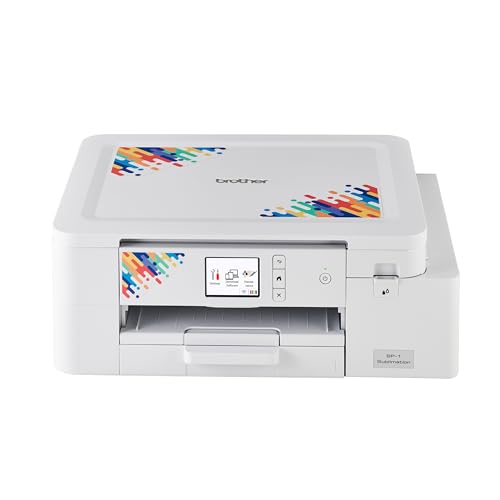
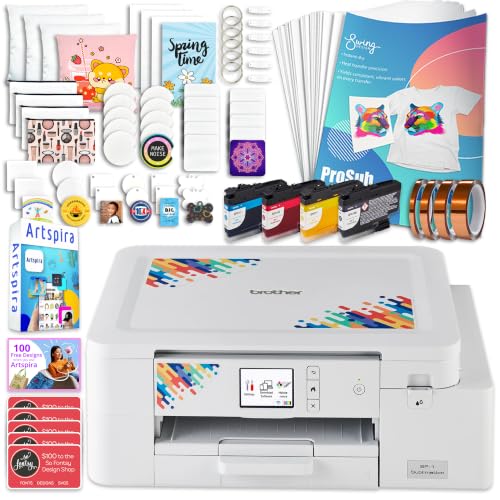
Budget sublimation setups cost around $120 to $450. At the low end, compact dye sub photo printers like the Canon SELPHY CP1500 and Kodak Dock Plus produce durable 4x6 photos using ribbon cartridges; they are not for mugs or shirts. For crafting, entry level sublimation printers around $380 to $450, such as the Brother sublimation printer and Epson SureColor F170, print letter size transfers for mugs, tumblers, shirts and coasters. Expect slower printing, smaller ink capacities and limited media sizes. These suit hobbyists, gift makers and people exploring a side business.
Midrange Tier: The Sweet Spot for Most Buyers
Midrange printers cost around $450 to $1,000. This tier adds stronger software, wireless printing, legal size media, better color management and more consistent results across different blanks. Bundles often include inks, transfer paper and design platforms. For most crafters selling on Etsy or at local markets, this is the sweet spot, combining reliable quality with manageable running costs and enough capacity for steady order volume.
Premium Tier: When Spending More Pays Off
Premium sublimation printers start around $1,500 and include 11 by 17 inch, 24 inch and 44 inch models. They print larger designs, run roll media, use high capacity ink systems and handle daily production with less downtime. Spending more pays off when you sell apparel at volume, print large signage or all over designs, or need faster turnaround to meet orders. Premium printers also lower ink cost per print, which matters at scale.
Features Worth Paying For (and Ones to Skip)
Focus your budget on features that improve results and save time when comparing the best dye sublimation printers.
Footprint and Noise
Desktop sublimation printers fit on a craft table, while 24 inch and larger models need a dedicated stand and room for roll media. Remember that sublimation also requires a heat press or mug press, which takes additional space and generates heat and odor during pressing. Most printers are quiet enough for home use, but presses and ventilation fans add noise. Measure your workspace before upgrading to a wide format printer.
Connectivity and Mobile Printing
USB and WiFi connections are standard on most sublimation printers, and some support ethernet for shared workshops. Mobile printing is convenient for photo dye sub printers, which often print directly from smartphone apps. For craft sublimation, design work usually happens on a computer with software like Sawgrass Creative Studio, Cricut Design Space or graphics programs, so mobile printing matters less.
Printer Type (Dedicated Sublimation, Converted Inkjet, Photo Dye Sub)
Dedicated sublimation printers ship ready to print with sublimation inks, warranties and color profiles. Converted inkjet printers, often Epson EcoTank models filled with third party sublimation ink, cost less upfront but usually void the warranty and require more color tuning. Photo dye sub printers use thermal ribbons to print photos directly and cannot make transfers for mugs or fabric. Dedicated sublimation printers are worth the extra cost for reliability and support.
Print Speed and Media Size
Desktop sublimation printers typically produce a letter size transfer in about one to two minutes at high quality, fine for hobbyists and small orders. Larger printers print faster and handle roll media for continuous production. Media size matters: letter size covers mugs and small shirt designs, legal size handles larger tumbler wraps, 11 by 17 inches suits full shirt fronts and 24 inches or wider enables banners and all over designs.
Features You Can Skip
Scanning and copying functions found on converted all in one inkjets add little value for sublimation. Built in screens and premium styling look nice but rarely improve output. Put that money toward a better heat press, quality transfer paper and polyester coated blanks, which affect results far more.
Choosing Dye Sublimation Printers for Your Situation
Best Dye Sublimation Printers for Photos
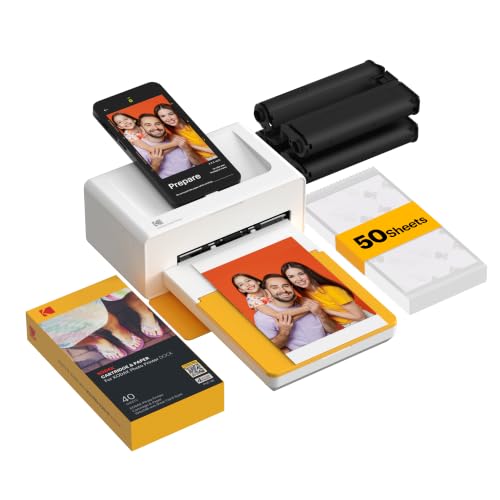
The best dye sublimation printers for photos are compact ribbon based printers that produce smudge proof, water resistant 4x6 prints with a protective overcoat. Look for app based printing, consistent color and affordable paper and ribbon packs. The Canon SELPHY CP1500 and Kodak Dock Plus are popular choices for family photos and events.
Best Production Dye Sublimation Printers: Where Your Money Goes
The best production dye sublimation printers put money into wide print widths, roll feeding and high capacity ink systems. These features cut per print costs and labor. A 24 inch printer like the Epson SureColor F570 is a common first production upgrade for growing shops.
Best Dye Sublimation Printers for Mugs: Where Your Money Goes
The best dye sublimation printers for mugs focus on accurate color, sharp detail and enough paper width for full wraps, usually letter or legal size. Pair the printer with a mug press or convection oven and sublimation coated mugs. Desktop printers like the Sawgrass SG500 handle mug and tumbler wraps easily.
Best 44inch Dye Sublimation Printers
The best 44inch dye sublimation printers serve high volume apparel, soft signage and all over print businesses. They require large calender or flatbed heat presses, dedicated floor space and professional installation. These machines suit established businesses with steady wholesale or commercial orders rather than hobbyists.
Best Large Format Dye Sublimation Printers: Where Your Money Goes
The best large format dye sublimation printers, from 24 to 64 inches wide, invest in printhead durability, ink delivery systems and roll handling. Wider printers allow nesting multiple designs on one roll, improving efficiency. Choose large format when desktop printers limit design size or volume.
Best Mid Level Dye Sublimation Printers
The best mid level dye sublimation printers balance cost and capability with 8.5 by 14 to 11 by 17 inch media, WiFi, reliable color profiles and moderate ink costs. They suit side businesses that have outgrown entry printers but are not ready for wide format production machines.
Long Term Costs to Factor In
The printer is only the beginning. Sublimation requires a heat press, which costs around $150 to $500 for a quality flat press and $100 to $300 for a mug press. Transfer paper, heat tape, protective paper and polyester coated blanks add ongoing costs. Ink is the largest recurring expense; bulk bottle systems generally cost less per print than cartridges.
Factor in maintenance too. Sublimation printers should be used regularly to prevent clogged printheads, and some run automatic cleaning cycles that consume ink. Warranty coverage is valuable, since printhead replacements are costly. For photo dye sub printers, the main ongoing cost is paper and ribbon packs, usually around 30 to 50 cents per 4x6 print.
How Sublimation Printing Works
Sublimation printing transfers ink into polyester fibers or polymer coatings using heat and pressure. First, you print a mirrored design onto special sublimation paper. Then a heat press heats the paper and blank to around 380 to 400 degrees Fahrenheit, turning the ink into gas that bonds with the polyester. When cooled, the design becomes part of the surface, resulting in vibrant, durable prints that do not crack or peel.
Sublimation works best on white or light colored polyester fabrics and coated hard surfaces like mugs, tumblers, metal panels and ceramic tiles. It does not work on cotton or dark fabrics without special coatings or transfer sheets. Understanding these limits helps you choose blanks and set realistic expectations for your projects.
Setting Up Your First Sublimation Workspace
Place your printer on a stable table away from direct sunlight and dust, ideally in a room with consistent humidity, since paper absorbs moisture that affects print quality. Set up your heat press on a heat resistant surface with good ventilation, and keep a lint roller, heat resistant tape, butcher paper and protective gloves nearby.
Install the manufacturer's color profile or ICC profile on your computer so printed colors match your screen. Print a sample sheet to confirm colors before pressing expensive blanks. Keep a log of press times, temperatures and pressure settings for each blank type, which saves time and prevents wasted materials as you take on new products.
Choosing a Heat Press to Match Your Printer
A sublimation printer is only half of the system; the heat press turns printed transfers into finished products. Clamshell presses open like a book and are compact and affordable, making them popular for beginners pressing shirts and coasters. Swing away presses move the heated platen aside, giving more working room and more even pressure for thicker items.
Mug presses wrap a heated element around mugs, while convection ovens and tumbler presses handle skinny tumblers and multiple items at once. Look for accurate digital temperature and time controls, even heat across the platen and adjustable pressure. A 15 by 15 inch press suits most shirt designs from letter and legal size printers, while larger 16 by 20 inch presses pair well with 11 by 17 inch and 24 inch printers.
Common Sublimation Mistakes to Avoid
- Forgetting to mirror the design. Sublimation transfers must be printed in reverse so the image reads correctly after pressing.
- Using the wrong blanks. Uncoated mugs and cotton shirts will not hold sublimation ink; buy sublimation ready blanks.
- Skipping color profiles. Without the correct profile, reds turn orange and skin tones look off.
- Letting the printer sit unused. Infrequent printing causes clogged nozzles; print a small design weekly.
- Not protecting the press. Use protective paper above and below transfers to prevent ink bleeding onto the platen.
Frequently Asked Questions
Can I convert a regular inkjet into a sublimation printer?
Yes, some inkjet printers can be converted with sublimation ink, but it has drawbacks. Conversion usually voids the warranty, requires custom color profiles and may produce inconsistent results. Dedicated sublimation printers cost more upfront but offer reliable color, support and peace of mind for businesses.
Are dedicated sublimation printers cheaper long term than converted printers?
Dedicated printers often cost similar or less long term once you factor in reliability and wasted materials. Converted printers save money upfront but can require extra troubleshooting and reprints. Dedicated models with bulk ink bottles, like the Epson SureColor F170, offer competitive running costs with factory support.
What does cost per print mean?
Cost per print is the total ink and paper cost for one transfer or photo. It helps compare printers beyond the purchase price. Bulk ink systems and larger printers usually lower cost per print, while cartridge based printers cost more per sheet. Include blank and heat press costs when pricing products for sale.
Can I sublimate on cotton shirts?
Standard sublimation does not work well on cotton. Sublimation ink bonds with polyester fibers, so 100 percent polyester or high polyester blends give the brightest results. For cotton, use sublimation transfer sheets, coatings or alternative methods like DTF printing.
Are dye sub photo printers worth it?
Yes, dye sub photo printers are worth it for durable, lab quality 4x6 prints at home. They produce smudge proof, water resistant photos with protective coatings that last for decades in albums. They are not suitable for crafting transfers, so choose a sublimation printer for mugs and shirts.
How long do sublimation prints last?
Sublimation prints last for years because the ink becomes part of the material. On polyester shirts, designs survive many washes without cracking or peeling. On mugs and tumblers, hand washing extends life, and UV exposure can gradually fade prints left in direct sunlight for long periods.
Is a sublimation business profitable?
A sublimation business can be profitable with careful pricing and niche products. Low material costs per item allow healthy margins on custom mugs, shirts and gifts. Success depends on design quality, marketing and tracking every cost, including ink, paper, blanks, shipping and your time.
Wrapping Up
The right sublimation printer depends on what you make and how much you produce. Hobbyists and new sellers should start with a dedicated letter size printer around $400, growing businesses benefit from midrange printers with stronger software and legal size media and production shops should invest in 24 inch or larger models. Factor in heat press, ink and blank costs from the start.
Compare the best dye sublimation printers in the product table above to find the right printer for your projects and budget.


