
Best And Affordable Laptops: Which One Fits the Way You Use It?
Disclosure: We may earn a commission when you buy through links on this page, at no extra cost to you. As an Amazon Associate I earn from qualifying purchases. Learn more

How to choose the best and affordable laptops by user type, specs and budget.
You do not need to spend $1,500 to get a laptop that handles school, work, streaming and light creative projects. Today's budget and midrange machines offer fast SSDs, capable processors and full HD screens for far less than flagship prices. But there is no single best cheap laptop for everyone. A remote worker, a student, a casual gamer and a frequent traveler each need different strengths. The best and affordable laptops put your money into the features you will actually use and skip the ones you will not.
This guide breaks down which affordable laptop suits which kind of user, the key features to compare, what you can realistically get on a budget, common mistakes and how to make your laptop last.
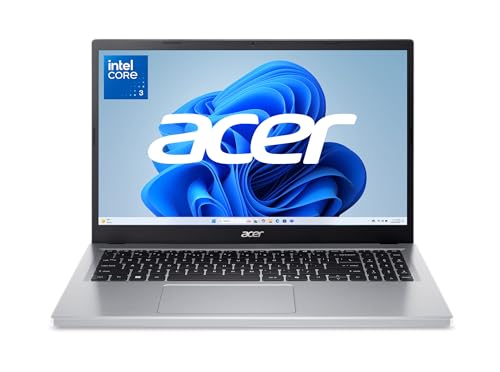




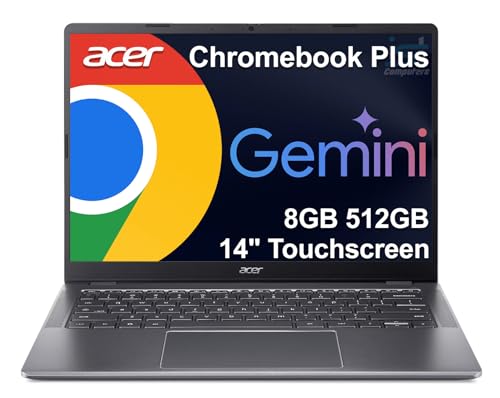
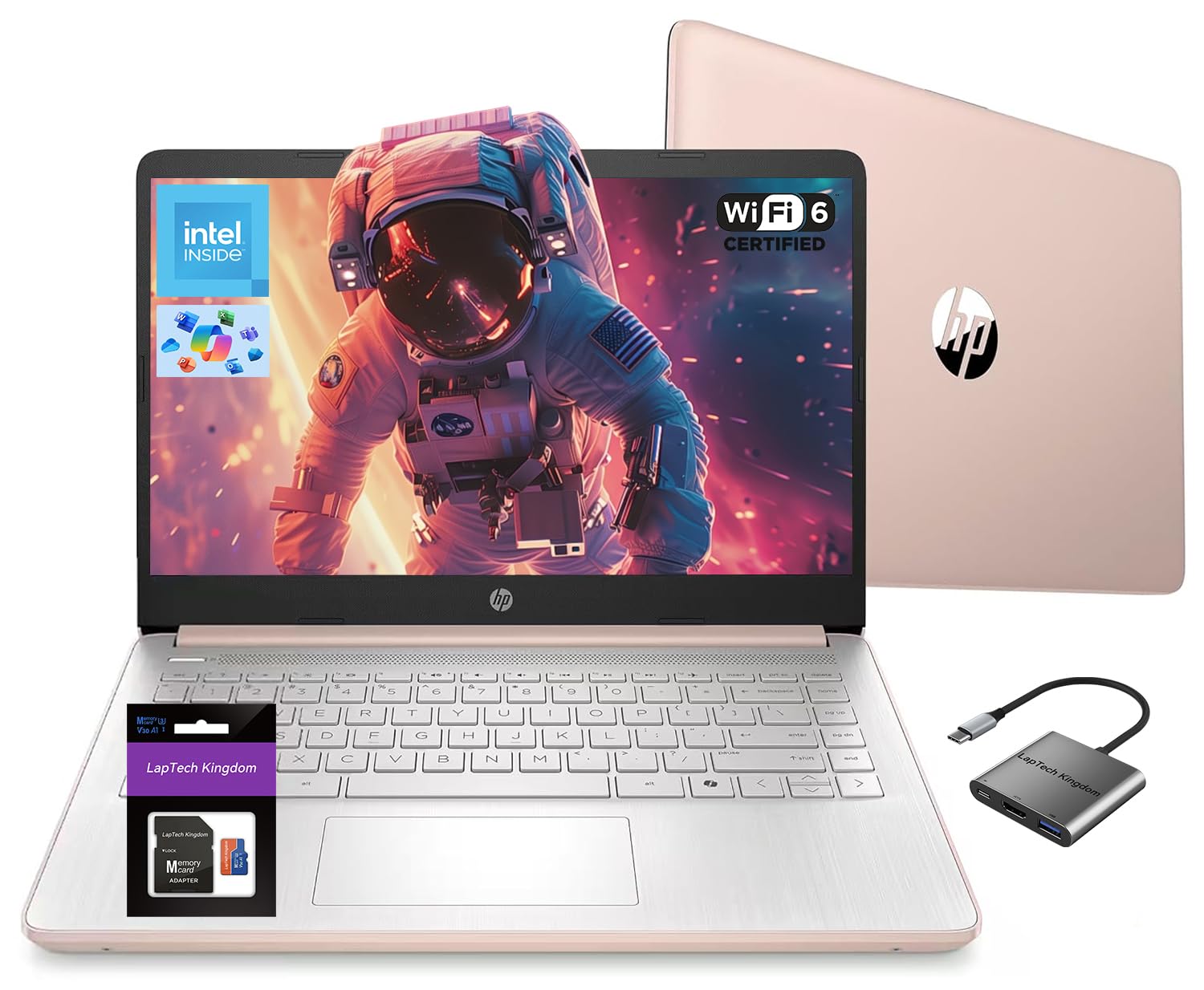


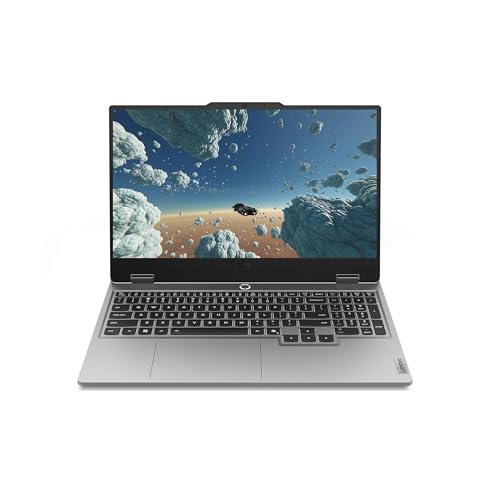
Who Should Buy Which Affordable Laptops?
Match the laptop to how you use it, and your money goes much further.
For Remote Workers and Creators
Remote workers spend hours on video calls, documents and browser tabs, so prioritize 16GB of RAM, a 1080p webcam, a comfortable keyboard and a bright, color accurate screen. A 14 to 16 inch display with at least 300 nits is easy on the eyes through the workday.
Creators who edit photos or short videos should look for a recent Ryzen 5 or 7, Intel Core i5 or i7, Core Ultra or Apple M series chip, plus 512GB of storage. Midrange machines around $550 to $1,000 cover most of these needs.
For Students and Everyday Users
Students and everyday users need long battery life, light weight and enough performance for research, writing and streaming. A laptop with 8GB to 16GB of RAM, an SSD and 8 or more hours of real battery life covers most coursework.
Chromebooks work well for students whose schools use Google apps, while Windows laptops and MacBooks support a wider range of software. Budget around $350 to $700.
For Gamers and Power Users
Gaming and heavy multitasking require a dedicated graphics card, at least 16GB of RAM and good cooling. Affordable gaming laptops with entry RTX graphics typically start around $700 to $1,000 and handle many modern games at 1080p.
Power users who run virtual machines, code or large spreadsheets benefit from 16GB to 32GB of RAM and fast processors, even without a gaming GPU. For more gaming specific picks, see our best affordable gaming laptops guide.
For Travelers and Commuters
Travelers need a light laptop, ideally under 3.5 pounds, with long battery life, USB C charging and a durable build. A 13 to 14 inch screen fits airplane tray tables and small bags.
Look for WiFi 6 or newer for crowded airport and hotel networks and a backlit keyboard for dim spaces. Ultraportables often cost a bit more, but the portability is worth it for frequent travel.
Picking the Right Affordable Laptops for Different Uses
Best and Most Affordable Laptops for Basic Use
The best and most affordable laptops for basic use cost around $300 to $450 and pair a Ryzen 3, Intel Core 3 or Intel N series processor with 8GB of RAM and an SSD. They handle email, documents, streaming and video calls. Look for a 1080p IPS display instead of a dim 720p screen.
Best Affordable Laptops for Office Work
For office work, aim for 16GB of RAM, a Ryzen 5 or Core i5 class chip and a full size keyboard with a number pad on 15.6 inch models. These usually cost $450 to $650.
Best Affordable Laptops for Students
Students benefit from light weight, long battery and webcams that look good in online classes. MacBook Air models often go on sale for students, while Windows ultrabooks and Chromebook Plus models offer cheaper options.
Key Features to Compare
A few specs decide how fast and how long an affordable laptop will serve you.
What You Can Realistically Get on a Budget
Around $350 buys an entry laptop with an Intel Core 3, N series or Ryzen 3 processor, 8GB of RAM, 128GB to 256GB of SSD storage and a 15.6 inch 1080p screen. Around $500 to $650 brings Ryzen 5 or 7 chips, 16GB of RAM and 512GB SSDs. Around $800 to $1,000 adds better builds, brighter screens and longer battery life, including MacBook Air models on sale.
Where not to compromise: always choose an SSD over a hard drive or eMMC storage, at least 8GB of RAM (16GB preferred) and a 1080p screen.
Weight and Portability
Budget 15.6 inch laptops typically weigh 3.5 to 4.5 pounds, while 13 to 14 inch models weigh 2.5 to 3.3 pounds. If you carry your laptop daily, the lighter option is worth a little extra money.
Processor and Performance Tier
For everyday tasks, recent Intel Core 3 or i3, AMD Ryzen 3 and Intel N series chips are adequate. For multitasking and light creative work, choose Ryzen 5 or 7, Intel Core i5 or i7, Core Ultra or Apple M series. Check the processor generation, since older chips in bargain laptops can be much slower.
Graphics: Integrated vs Dedicated GPU
Integrated graphics handle streaming, office apps, light photo editing and older or casual games. A dedicated GPU, such as an NVIDIA RTX series card, is needed for modern AAA games, 3D work and heavy video editing. Dedicated graphics add cost, weight and reduce battery life.
Operating System: Windows, macOS, ChromeOS
Windows offers the widest software and hardware choice. macOS on MacBooks offers excellent battery life and build quality but higher starting prices. ChromeOS is simple, secure and inexpensive but relies on web apps and Android apps. Choose based on the software you need.
Display Quality
Look for a 1080p (Full HD) IPS screen with at least 250 to 300 nits brightness. Cheap laptops sometimes use dim TN panels with poor viewing angles, which make long sessions uncomfortable.
Battery Life
Real world battery life varies widely. Efficient chips and smaller screens last longer; 8 to 10 hours suits students and travelers, while budget gaming laptops may last only 3 to 5 hours away from the outlet.
Ports and Connectivity
Check for USB C (ideally with charging), USB A for older accessories, HDMI for monitors and a headphone jack. WiFi 6 or newer helps with speed and congested networks.
Laptop Specs Cheat Sheet
| Use | Processor | RAM | Storage | Typical Price |
|---|---|---|---|---|
| Basic browsing and streaming | Core 3, N series, Ryzen 3 | 8GB | 256GB SSD | Around $300 to $450 |
| School and office | Ryzen 5, Core i5 | 16GB | 512GB SSD | Around $450 to $700 |
| Creators and power users | Ryzen 7, Core i7, Apple M series | 16GB to 32GB | 512GB to 1TB SSD | Around $700 to $1,100 |
| Gaming | Ryzen 7, Core i7 + RTX GPU | 16GB | 512GB to 1TB SSD | Around $800 to $1,300 |
Best and Affordable Laptops by Brand
Most of the best and affordable laptops come from a handful of brands, each with its own strengths at lower prices.
- Acer: the Aspire Go and Aspire lines offer some of the lowest prices for Ryzen and Intel laptops with 1080p screens. Great value, with plain builds.
- ASUS: Vivobook models balance price, slim designs and decent screens, including Snapdragon models with long battery life.
- Lenovo: IdeaPad laptops are known for comfortable keyboards and solid build quality, plus touchscreen options at midrange prices.
- HP: student and everyday laptops come in many sizes and often include touchscreens and good webcams.
- Apple: the MacBook Air starts higher but offers excellent battery life, build and resale value, and frequently goes on sale.
- Chromebook makers: Acer, Lenovo, HP and Samsung offer Chromebook Plus models with faster chips and better screens than basic Chromebooks.
New vs Refurbished vs Open Box
A new laptop gives you the full warranty and the latest battery, which matters if you plan to keep it for years. Manufacturer certified refurbished laptops are inspected, repaired if needed and usually include a warranty of 90 days to a year, often saving 15 to 30 percent. Open box laptops are returns sold at a discount; inspect them for missing accessories and battery wear. For the lowest risk, buy certified refurbished directly from the manufacturer or a major retailer with a clear return policy.
Accessories That Make a Budget Laptop Better
A few inexpensive add ons can make an affordable laptop feel like a more expensive one. A USB C hub adds ports for monitors and older accessories. An external monitor and keyboard turn a 14 inch laptop into a comfortable desk setup. A laptop stand raises the screen to eye level for better posture. A wireless mouse is faster than a touchpad for spreadsheets and editing, and a padded sleeve protects your investment on the go.
Common Mistakes to Avoid When Buying Affordable Laptops
- Buying on processor name alone: check the generation; an old Core i5 can be slower than a new Core 3.
- Accepting 4GB of RAM: it struggles with modern browsers and Windows 11.
- Choosing eMMC storage: slow and small; SSD storage is far faster.
- Ignoring the screen: a dim 720p or TN panel makes daily use unpleasant.
- Paying for a GPU you will not use: integrated graphics are fine for non gamers and save battery.
- Skipping the return policy: keyboards and screens are personal; buy where returns are easy.
When to Buy for the Best Price
Laptop prices drop most during back to school sales from July through September, Black Friday and Cyber Monday in late November and after new model launches when retailers clear older stock. Student discounts from Apple, Dell, HP, Lenovo and others can save another 5 to 10 percent. Certified refurbished laptops from manufacturers often include warranties and offer strong value.
How to Make Your Affordable Laptop Last Longer
- Keep the OS and drivers updated: updates fix bugs and improve battery life.
- Use battery care settings: limit charging to about 80 percent if you stay plugged in.
- Remove bloatware: uninstall preinstalled apps you do not use to free memory and storage.
- Keep vents clean: dust buildup causes overheating and slowdowns.
- Use a padded sleeve: protect the screen and hinges in a backpack.
- Back up regularly: cloud storage or an external drive protects your files.
Frequently Asked Questions
Is a dedicated GPU worth it?
Only if you play modern games, edit video or do 3D work. For school, office tasks and streaming, integrated graphics are enough and give better battery life. A dedicated GPU raises price, weight and heat.
Should I buy a laptop or a tablet?
A laptop is better for typing, multitasking and full desktop software. A tablet suits reading, streaming and handwritten notes. If you need both, consider a 2 in 1 laptop with a touchscreen.
How long should an affordable laptop last?
A well chosen affordable laptop should last about 3 to 5 years. Buying 16GB of RAM and an SSD helps it stay fast longer, and keeping it clean and updated extends its life.
How much RAM do I need?
8GB handles basic use, but 16GB is the sweet spot for multitasking, video calls and longevity. Gamers and creators may want 32GB. Many budget laptops have soldered RAM, so buy enough upfront.
Is a Chromebook enough for school?
For many students, yes, especially schools that use Google Classroom and Docs. Chromebooks are not ideal for programs that require Windows or macOS software, such as engineering or video editing.
Are refurbished laptops a good deal?
Yes, when certified by the manufacturer or a reputable seller with a warranty. Refurbished laptops often offer higher specs for the same price as new budget models.
What is the cheapest laptop worth buying?
Around $300 to $400 is the floor for a Windows laptop worth buying, with at least 8GB of RAM, an SSD and a 1080p screen. Below that, many machines have 4GB of RAM and slow eMMC storage that feel sluggish quickly. Chromebooks can be good value slightly cheaper.
Do affordable laptops come with Microsoft Office?
Most do not include a full Office license, though some include a trial or a one year Microsoft 365 subscription. Free alternatives like Google Docs and the web versions of Office cover most school and home needs.
Wrapping Up
Choose an affordable laptop by how you use it first, then make sure it has an SSD, enough RAM and a 1080p screen. Students and travelers benefit from light, long lasting machines, remote workers from 16GB of RAM and good webcams and gamers from dedicated graphics. Shop during major sales or consider certified refurbished models, and the best and affordable laptops will serve you well for years. Check the product table above for current models and prices.


