
Best Budget Laptop for AI Development in 2026: Top Picks Under $1,000
Disclosure: We may earn a commission when you buy through links on this page, at no extra cost to you. As an Amazon Associate I earn from qualifying purchases. Learn more

You do not need to spend $3,000 to get started with AI development. Some of the most productive early-career AI developers and machine learning students build their foundational skills on machines that cost a fraction of what premium configurations command. The key is knowing which specifications matter, which trade-offs to accept at a lower price point, and how to set up your workflow to use cloud GPU resources for heavy training while keeping local experimentation fast and responsive.
The budget laptop for AI development market has improved dramatically. In 2026, you can find 16GB of RAM, modern NPU-equipped processors, and even entry-level dedicated NVIDIA GPUs for under $1,000. The baseline has risen so significantly that machines in this price range outperform mid-range configurations from just a few years ago.

What to Prioritize in a Budget AI Development Laptop
At the under-$1,000 price point, trade-offs are real. The goal is to make the right trade-offs: prioritize specifications that directly impact your AI development workflow and accept compromises in areas that do not. Here is how to allocate your budget effectively:
RAM: The Non-Negotiable Specification. For AI and machine learning development in 2026, 16GB of RAM is the minimum. It handles everyday coding, light data science work, running models through cloud APIs, and basic local experimentation comfortably. 32GB is strongly preferred if you can find it within budget, as ML frameworks, Docker containers, and modern IDEs together consume memory aggressively. Never accept 8GB of RAM for any machine intended for AI development work. It will be a daily frustration from day one.
GPU: Entry-Level CUDA Access When Possible. An entry-level NVIDIA RTX GPU with 8GB of VRAM opens up genuine local inference capability for 7B parameter models and basic training experiments. At the under-$1,000 price point, the RTX 5050 and RTX 5060 represent the available NVIDIA options. If a dedicated GPU is not available within budget, plan to use cloud GPU services for training workloads and keep the local machine for coding, prototyping, and cloud-connected inference.
CPU: Modern Architecture Matters. Look for Intel Core Ultra or AMD Ryzen AI series processors. These include dedicated NPUs for on-device AI acceleration of lightweight tasks and are built on efficient modern architectures that do not throttle under sustained load as aggressively as older generation laptop chips.
Storage: NVMe SSD of at Least 512GB. An NVMe SSD is essential for fast model loading, dataset access, and virtual environment management. 512GB is the workable minimum; 1TB is strongly preferred if available within budget. Slow spinning hard drives or eMMC storage create meaningful bottlenecks in AI development workflows and should be avoided entirely.
Best Budget Laptops for AI Development in 2026
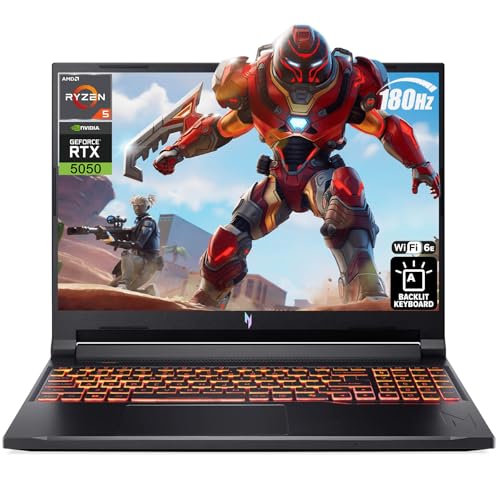
Acer Nitro V 16: Best Budget AI Laptop with Dedicated NVIDIA GPU
The Acer Nitro V 16 is one of the strongest budget laptops for AI development in 2026, offering an AMD Ryzen AI processor, 16GB of DDR5 RAM, and an NVIDIA RTX 5050 GPU for under $1,000. The entry-level RTX 5050 GPU provides genuine CUDA capability for running 7B parameter local models and experimenting with basic training workflows.
The 16-inch 1920x1200 display at 180Hz gives excellent screen real estate for coding. Battery life of eight to twelve hours under light use is better than typical for a gaming-adjacent design. For students and early-career AI developers who want real GPU access without exceeding a four-figure budget, this is the configuration to target.
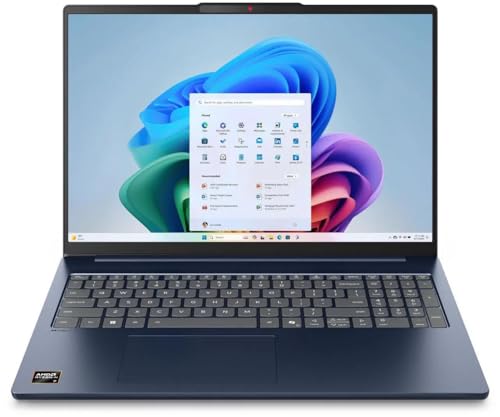
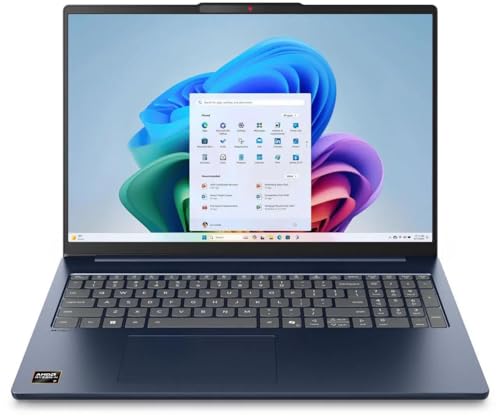
Lenovo IdeaPad Slim 5: Best Overall Budget AI Laptop
The Lenovo IdeaPad Slim 5 represents the most balanced budget AI development laptop in 2026, combining a modern Copilot+ capable processor, 16GB of RAM, and all-day battery life in a lightweight design under $800. For AI developers who primarily work through cloud GPU services for training and use their local machine for coding, prototyping, and connecting to remote compute, this configuration is exceptionally practical. The on-device NPU handles lightweight AI features from GitHub Copilot, Cursor, and similar developer tools without relying on the cloud.
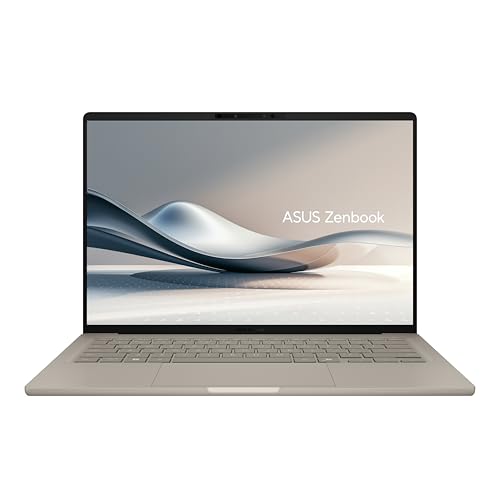
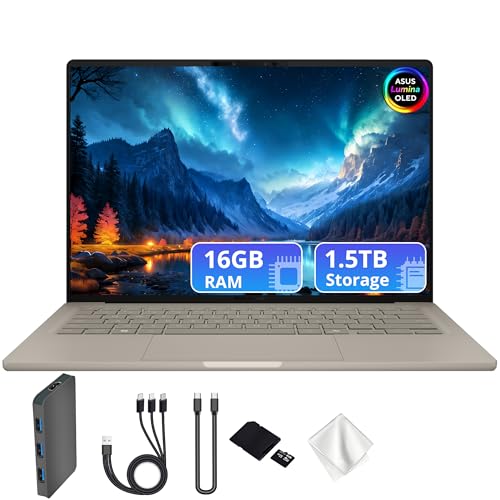
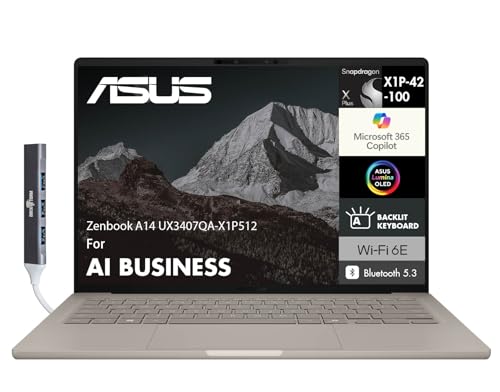
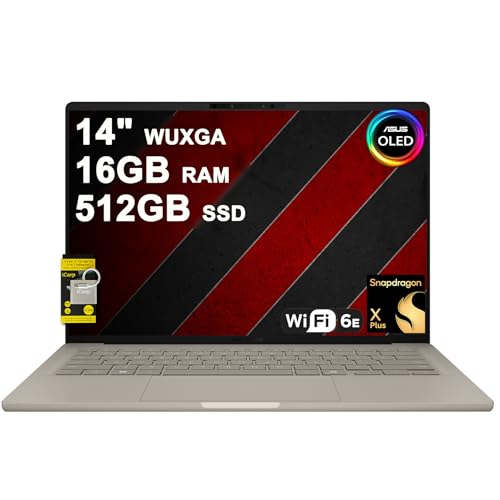
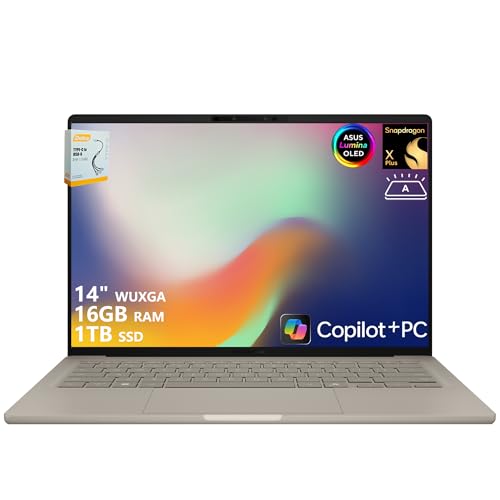
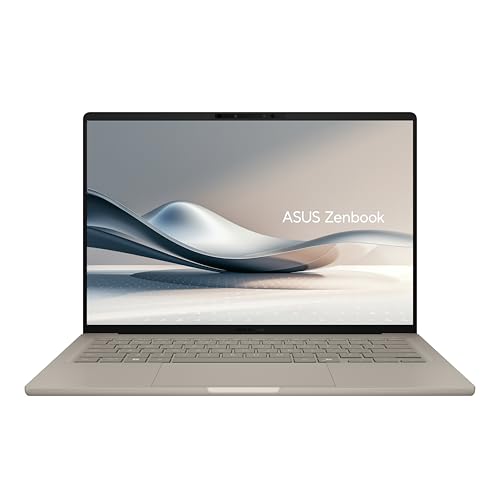
ASUS Zenbook A14: Ultraportable Budget AI Laptop
For developers who travel frequently or prioritize portability alongside solid AI development capability, the ASUS Zenbook A14 at approximately $699 delivers impressive battery life, a very lightweight chassis, and modern processor performance. It handles Python, VS Code, cloud-connected AI workflows, and lightweight local experimentation well. It is not the choice for local GPU training, but for most student and beginner AI and machine learning developers, cloud training with a fast, portable local machine is a perfectly productive workflow.
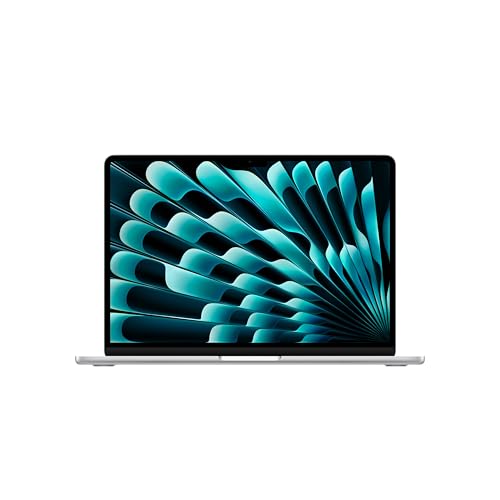
MacBook Air M4 (Refurbished): Premium Performance Under Budget
A refurbished MacBook Air M4 at $800 to $900 offers a compelling alternative for budget AI developers who can work within the Apple Silicon ecosystem. The M4 chip handles coding, data science notebooks, lightweight inference, and cloud-connected development workflows beautifully.
Battery life exceeds 15 hours of real use. The constraint remains CUDA: any workflow that depends on CUDA libraries requires an NVIDIA machine. For developers working primarily with Python, cloud platforms, and API-connected tools, the MacBook Air M4 refurbished is one of the best values in the budget segment.
Making the Most of a Budget AI Development Setup
A budget laptop for AI development works best when paired with a sensible workflow that uses the right resource for each task. Run your heavy model training on cloud GPU services such as Google Colab, Lambda Labs GPU Cloud, or Vast.ai, where you pay only for compute time used. Use your local laptop for coding, data preprocessing, model evaluation, API-connected inference, and prototyping that does not require GPU acceleration. This hybrid approach is how many professional AI engineers work even when they have access to high-end hardware.
The best budget laptop for AI development in 2026 is the one that does not let RAM, storage speed, or processing power become daily bottlenecks in your workflow. Get 16GB of RAM without compromise, prioritize NVMe storage, target a modern processor with NPU capability, and supplement with cloud GPU access for serious training workloads. That combination gets you genuinely productive in AI and machine learning development without requiring a high-end hardware investment upfront.


