
Best Hewlett Packard Laptops: Matching the Right Model to Your Routine
Disclosure: We may earn a commission when you buy through links on this page, at no extra cost to you. As an Amazon Associate I earn from qualifying purchases. Learn more

HP's laptop families explained and matched to remote workers, students, travelers and gamers, with features to compare.
HP sells more laptop families than almost any other brand, from budget Chromebooks and everyday OmniBooks to business EliteBooks and Victus and OMEN gaming machines. That variety is great, but it also makes choosing confusing, because there is no single HP laptop that suits everyone. This guide to the best hewlett packard laptops starts with how you work, study, travel or play, then explains which HP line and features fit your routine.
The short answer: remote workers and students should start with an HP OmniBook with an Intel Core Ultra, AMD Ryzen or Snapdragon chip, 16GB of RAM and a 512GB SSD; travelers should choose a light OmniBook X or Flip 2 in 1; gamers should pick a Victus for value or an OMEN for high end performance; and schools or kids on a budget can rely on an HP Chromebook Plus.

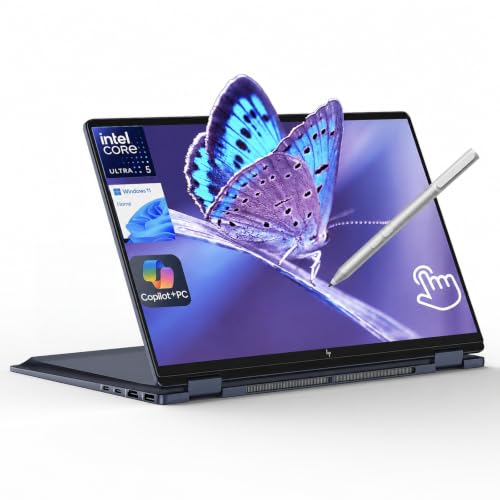

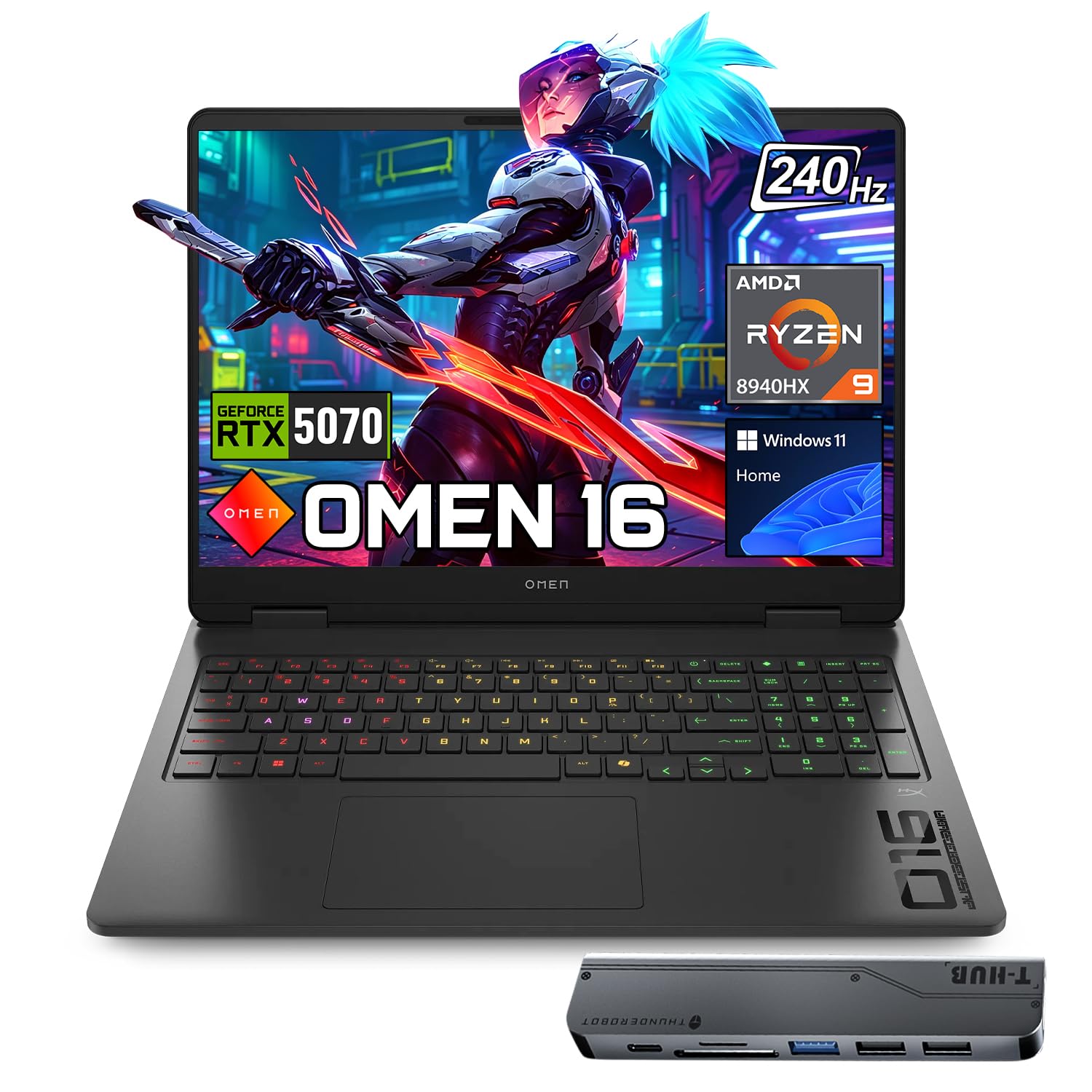


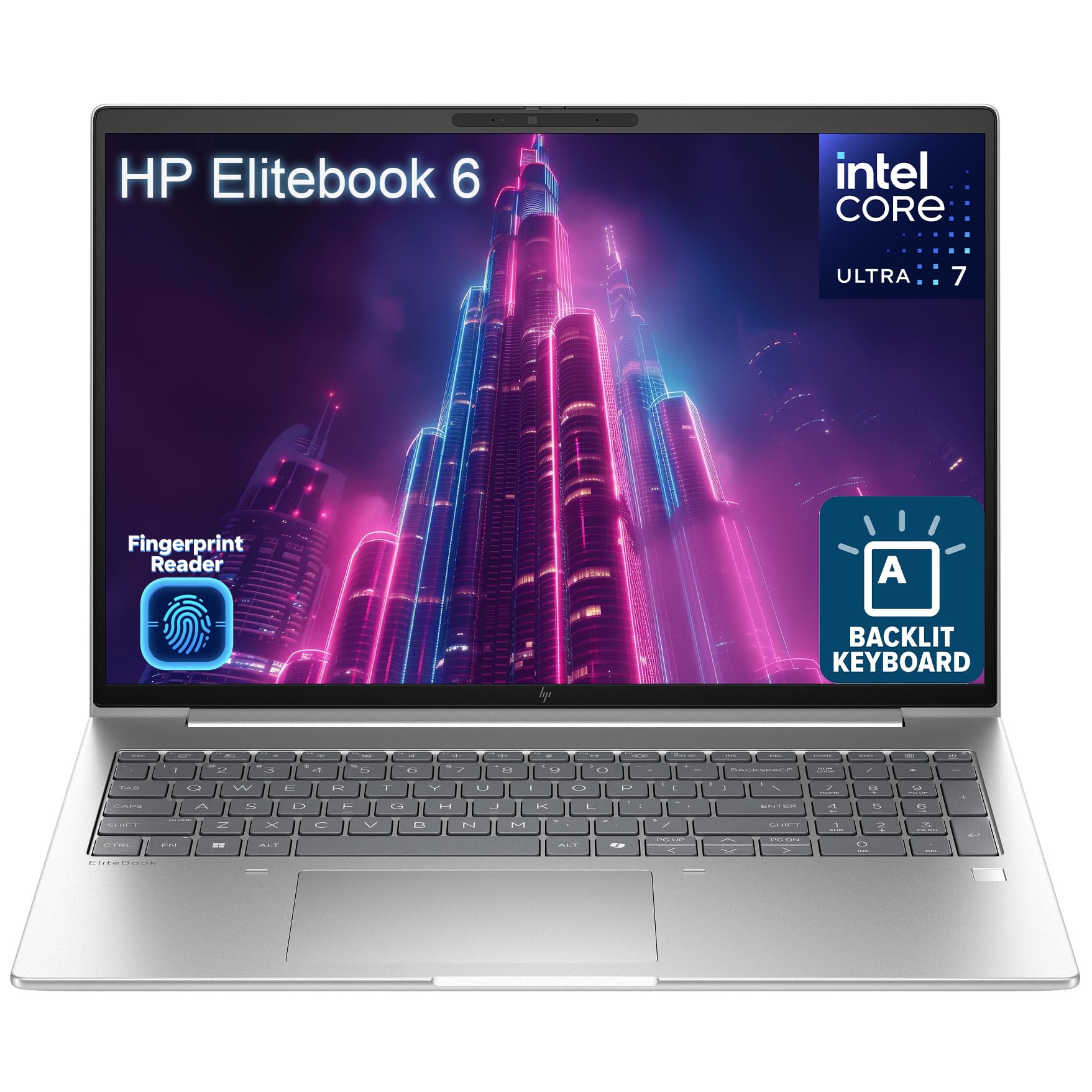
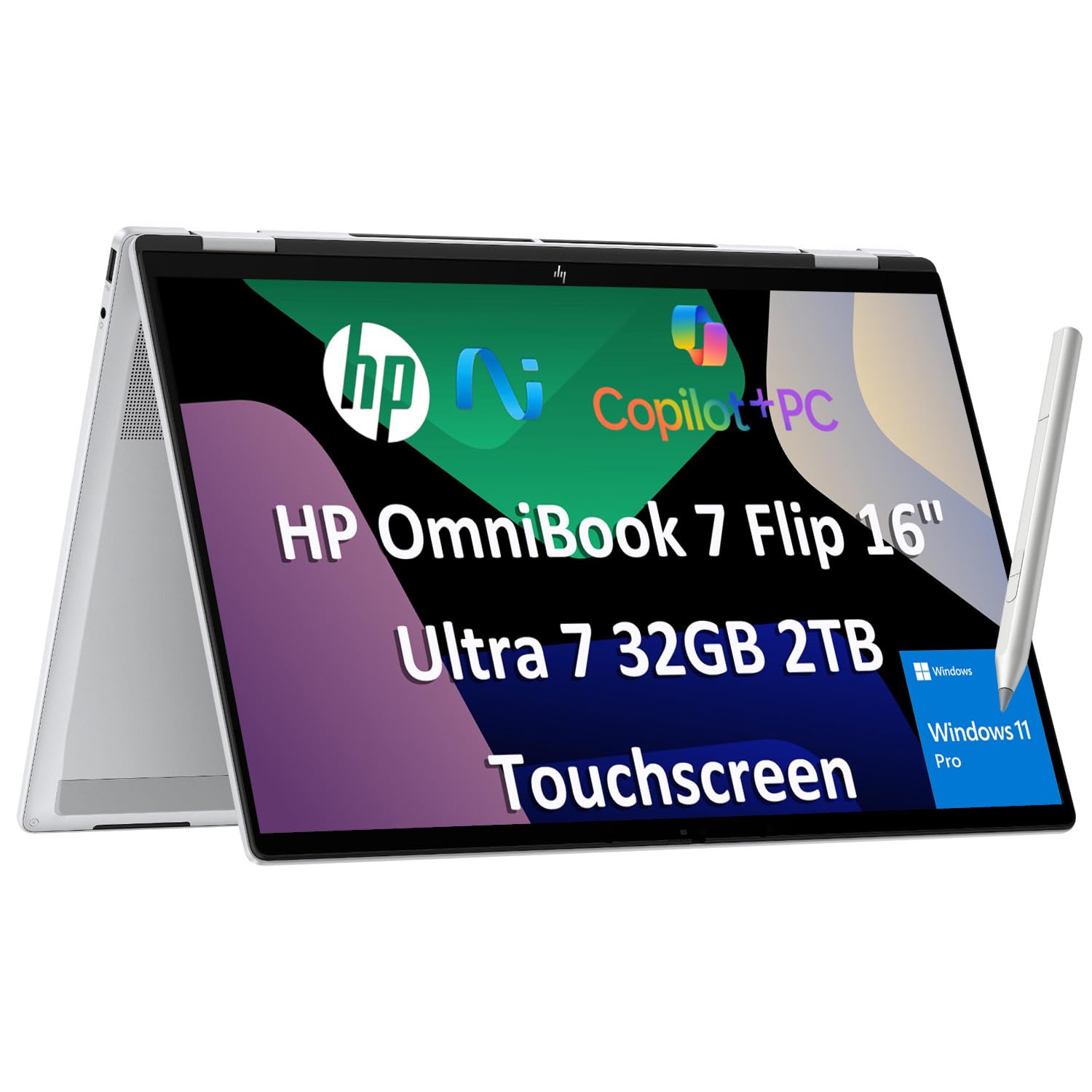
Top 3 Picks at a Glance
These three HP laptops from the product table above cover remote work, travel and budget gaming.


Who Should Buy Which Hewlett Packard Laptops?
HP's lineup breaks down into a few main families. OmniBook models are mainstream laptops for home, school and work, with Flip versions that convert into tablets. EliteBook laptops focus on business security and durability. Victus and OMEN laptops are built for gaming, and HP Chromebooks run ChromeOS for simple, affordable computing. Your routine decides which family fits.
For Remote Workers and Creators
Remote workers need reliable webcams, clear microphones, comfortable keyboards and screens large enough for multitasking. A 16 inch OmniBook with 16GB of RAM and a Core Ultra or Ryzen processor handles video calls, spreadsheets and light creative work with ease. Look for a 1080p or higher webcam with a privacy shutter, Windows Hello login and USB C ports with power delivery for docking to a monitor. Creators editing photos or video should consider 32GB of RAM and a color accurate display.
For Students and Everyday Users
Students want dependable performance, long battery life and a fair price. Fifteen and 16 inch HP laptops with Ryzen 7 or Core i5 processors, 16GB of RAM and a 512GB SSD cover essays, research, streaming and online classes. Younger students and schools that use Google Classroom can save money with an HP Chromebook Plus, which boots quickly and needs little maintenance.
For Travelers and Commuters
Travelers need light weight, all day battery and sturdy builds. HP OmniBook X and OmniBook Flip 14 inch models weigh around 3 pounds and charge over USB C, so one charger covers the laptop and phone. The Flip design converts into tablet mode for reading and watching shows on flights. Look for efficient Intel Core Ultra or Snapdragon chips for the longest battery life.
For Gamers and Power Users
Gamers should look at HP Victus and OMEN laptops. Victus models offer dedicated NVIDIA or AMD graphics, 144Hz displays and solid cooling at accessible prices, ideal for 1080p gaming. OMEN laptops step up to more powerful GPUs, faster high refresh QHD displays, premium cooling and better build quality for demanding titles and streaming. Power users who run engineering, video or data tools also benefit from OMEN performance.
For Business Owners and IT Teams
Businesses that manage sensitive data should consider HP EliteBook laptops, which add HP Wolf Security, enterprise management tools, durable chassis and Windows 11 Pro. They cost more but simplify fleet management and support.
Key Features to Compare
Once you know which HP family fits, compare models on the features below.
Processor and Performance Tier
HP offers Intel Core Ultra, AMD Ryzen and Qualcomm Snapdragon processors. For office work and school, Core Ultra 5, Ryzen 5 or Snapdragon X chips are plenty. Creators and multitaskers benefit from Core Ultra 7 or Ryzen 7. Gamers need higher wattage HX or HS processors paired with dedicated graphics. Snapdragon laptops deliver excellent battery life but may have compatibility limits with some older Windows software.
Weight and Portability
Fourteen inch OmniBook and EliteBook models weigh around 3 pounds, comfortable for daily commutes. Sixteen inch laptops weigh around 4 pounds and offer more screen space. Gaming laptops weigh 5 pounds or more with large chargers. If you carry your laptop every day, prioritize a 13 or 14 inch model with USB C charging.
Keyboard, Trackpad, and Build
HP's mainstream laptops offer comfortable keyboards with backlighting and number pads on 15 and 16 inch models. Premium OmniBook and EliteBook lines use aluminum builds and larger glass trackpads. Gaming laptops include RGB keyboards and anti ghosting. Check the keyboard layout, especially arrow keys and number pad, if you type heavily.
Operating System (Windows, ChromeOS)
Most HP laptops run Windows 11, offering broad software compatibility for work, school and gaming. EliteBooks often include Windows 11 Pro for business features. HP Chromebooks run ChromeOS, which is simple, secure and ideal for web based work and schools, but limited for specialized desktop software and gaming.
Display Size, Resolution, and Brightness
Choose 14 inches for portability or 16 inches for multitasking. A resolution of at least 1920 by 1200 keeps text sharp, while 2K and 3K screens look crisper. Brightness of 300 to 400 nits suits most indoor use. Gamers should look for 144Hz to 240Hz refresh rates, and creators may prefer OLED options for vibrant color.
Common Mistakes to Avoid When Buying Hewlett Packard Laptops
- Choosing on price alone. Very cheap configurations often have 8GB of RAM, slow storage or dim screens that age quickly.
- Ignoring the processor tier. Older or low power chips struggle with multitasking and video calls.
- Buying the wrong size. A 17 inch laptop is great on a desk but awkward to carry daily.
- Overlooking third party sellers. Some listings are reconfigured by resellers; confirm the warranty and seller reputation.
- Not checking the warranty. Consider extended HP Care Packs for laptops you rely on for work.
Tips to Get the Most From Your Hewlett Packard Laptop
Keep the OS, drivers and BIOS updated through Windows Update and the HP Support Assistant app. Avoid running at 100 percent charge all the time by enabling HP's battery care or adaptive charging settings. Use a padded sleeve when commuting to protect hinges and screens. Clean vents with compressed air every few months, especially on gaming laptops, and uninstall preloaded apps you do not use to free up memory and storage.
Understanding HP's Laptop Families
HP has reorganized its consumer laptops under the OmniBook name. OmniBook 3 and 5 models cover everyday use with good value, OmniBook 7 adds premium materials and larger displays, and OmniBook X represents the flagship ultraportable line. Flip versions add 360 degree hinges for tablet use.
Victus is HP's mainstream gaming line, focused on value and solid 1080p gaming, while OMEN is the premium gaming brand with higher performance and better cooling. EliteBook and ProBook serve business customers, and HP Chromebooks cover education and budget users. Knowing these names makes it easier to compare models quickly when shopping.
HP Software, Support, and Warranty
HP laptops include several utilities that are worth learning. HP Support Assistant handles driver and BIOS updates, runs hardware checks and shows warranty status. myHP lets you adjust display modes, audio settings and battery charging behavior, while OMEN Gaming Hub on gaming laptops controls performance modes, fan speeds and RGB lighting.
Standard HP laptops usually include a one year limited warranty. HP Care Packs extend coverage to two or three years and can add accidental damage protection, which is worth considering for students and travelers. Business EliteBooks often ship with longer warranties and on site service options. Register your laptop after purchase to speed up support requests.
Accessories That Pair Well With HP Laptops
A few accessories make HP laptops more versatile. A USB C dock connects external monitors, keyboards, ethernet and power through one cable, turning a laptop into a full desktop workstation. HP and third party pens add handwriting and drawing on Flip models. A padded sleeve or backpack protects your laptop on commutes.
Gamers benefit from a cooling pad, a wired or low latency wireless mouse and a headset with a clear microphone. Remote workers may want an external webcam and ring light for sharper video calls. Finally, a compact USB C power adapter with enough wattage keeps your laptop charged on the go.
How Much to Spend on an HP Laptop
Around $350 to $600 buys HP Chromebooks and entry Windows laptops, suitable for school work, browsing and streaming. Around $650 to $1,100 is the sweet spot for most people, including OmniBook 5 and OmniBook X Flip models with modern processors, 16GB of RAM and good displays, as well as Victus gaming laptops. Above around $1,400, premium OmniBook, EliteBook and OMEN models add top performance, better materials and advanced features.
Comparing the best hewlett packard laptops across these tiers, most buyers get the best value in the middle tier, balancing performance, battery life and build quality without paying for features they may not need.
Hewlett Packard Laptops: Your Questions Answered
Is a dedicated GPU worth it on an HP laptop?
A dedicated GPU is worth it if you play games, edit video or use 3D software. HP Victus and OMEN laptops include NVIDIA or AMD graphics for these tasks. For office work, school and streaming, integrated graphics in OmniBook laptops are more than enough and give better battery life.
How long should an HP laptop last?
An HP laptop should last around four to six years with normal use. Models with 16GB of RAM, modern processors and SSDs stay useful longer. Business EliteBooks often last longer thanks to sturdier builds. Regular updates, battery care and cleaning help extend lifespan.
How much RAM do I need?
Most people need 16GB of RAM in an HP laptop. It handles multitasking, video calls and school work smoothly. Choose 32GB for video editing, heavy creative work or gaming with streaming. Avoid 8GB on Windows laptops you plan to keep several years.
Is an HP Chromebook enough for school?
Yes, an HP Chromebook is enough for most school work. It handles Google Docs, Classroom, research and video calls at a low price with strong security. Check whether your school requires Windows or Mac software before buying.
Should I buy a laptop or a tablet?
Most people should buy a laptop, or an HP Flip 2 in 1 if they want both. Laptops offer full keyboards and desktop software for work and school, while tablets suit media and reading. HP Flip models combine both with touchscreens and pen support.
Are HP laptops good for gaming?
Yes, HP Victus and OMEN laptops are good for gaming. Victus models handle popular games at 1080p with high refresh displays at affordable prices, while OMEN laptops deliver higher frame rates, QHD displays and better cooling for demanding titles. Mainstream OmniBooks are better suited to light and cloud gaming.
Which HP laptop is best for college?
An HP OmniBook 5 or OmniBook X Flip is a great choice for most college students. They offer modern processors, 16GB of RAM, long battery life and light designs. Students in engineering or design programs may need more powerful models with dedicated graphics.
Is HP a reliable laptop brand?
HP is a reliable brand overall, with quality varying by product line. Premium OmniBook, EliteBook and OMEN models use sturdier materials and better components, while the cheapest configurations cut corners on screens and storage. Choosing a mainstream or premium line and registering the warranty gives the best experience.
Final Thoughts
HP makes a laptop for nearly every routine. Remote workers and students should start with an OmniBook, travelers will appreciate a light OmniBook X or Flip, gamers can choose Victus for value or OMEN for top performance and businesses benefit from EliteBook security. Focus on processor tier, 16GB of RAM and the right size for how you use your laptop.
Compare the best hewlett packard laptops in the product table above to find the right HP model for your routine and budget.


