Best Laptops for Schools by Budget: Smart Picks for 2026
Disclosure: We may earn a commission when you buy through links on this page, at no extra cost to you. As an Amazon Associate I earn from qualifying purchases. Learn more

School laptops sorted by budget, from Chromebooks to MacBook Air, with picks by grade level.
A school laptop needs to survive backpacks and busy classrooms, last a full day on a charge, run the apps teachers assign and fit the family budget. Prices span from under $250 for basic Chromebooks to well over $1,000 for premium laptops, and the most expensive machine is rarely the right one for a student. This guide to the best laptops for schools explains what each price tier delivers, which features are worth paying for and how to choose between Chromebooks, Windows laptops, MacBooks and tablets for elementary, middle school, high school and college students.
The short answer: younger students and anyone whose school uses Google Classroom will be well served by a durable Chromebook; high school and college students who need Microsoft Office, specialized software or more power should choose a midrange Windows laptop with 16GB of RAM and an SSD, and students who want long battery life and a premium build should consider a MacBook Air. Always check your school's device requirements before buying.



Top 3 Laptops for Schools by Budget
The Lenovo Chromebook 14 is our best budget pick, the Acer Aspire Go 15 is the best midrange pick and the Apple MacBook Air 13 inch with M4 is the best premium pick.
Best Budget Pick: Lenovo Chromebook 14
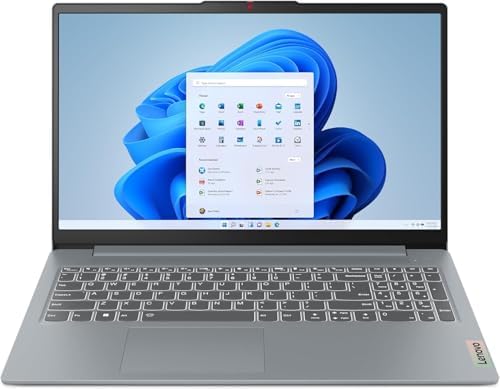
The Lenovo Chromebook 14 suits elementary and middle school students, and any student whose school runs on Google Workspace and Chrome apps. At around $289, it offers a 14 inch Full HD IPS touchscreen, an eight core MediaTek Kompanio 520 processor designed for long battery life and WiFi 6.
Its two standout strengths are the sharp, touch friendly screen, which is much nicer than the low resolution displays common on cheap laptops, and ChromeOS, which is fast, secure, updates automatically and backs up to the cloud. At about 2.9 pounds, it is easy to carry. The limitation is 4GB of RAM and limited onboard storage, so it is best for web based schoolwork rather than heavy apps.

Best Midrange Pick: Acer Aspire Go 15
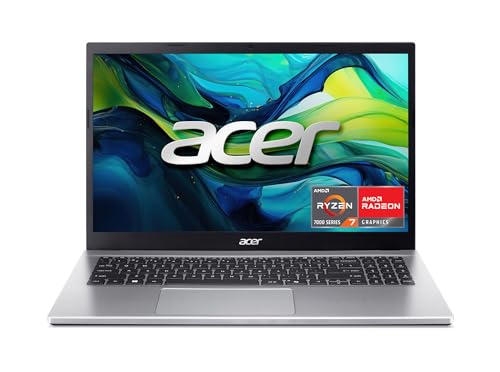
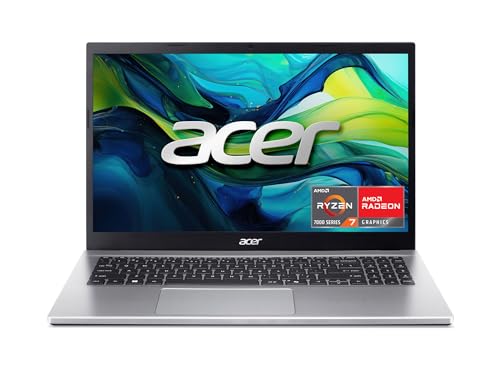
The Acer Aspire Go 15 suits high school and college students who need a Windows laptop for Microsoft Office, research, coding classes and multitasking. At around $550, it pairs a 15.6 inch Full HD IPS display with an AMD Ryzen 7 7730U processor and Radeon graphics.
Its strengths are a capable eight core processor that handles many browser tabs, documents and video calls, and a large screen with room for side by side windows. Windows runs nearly every school and college program. The limitation is a larger, heavier body than ultraportables, which matters for students who carry a laptop all day.
Best Premium Pick: Apple MacBook Air 13 Inch (M4)
The MacBook Air 13 inch with M4 suits college students and older teens who want a premium, lightweight laptop that lasts all day. At around $986, it combines Apple silicon performance with a 13.6 inch Liquid Retina display and support for Apple Intelligence features.
Its strengths are excellent battery life, a silent fanless design and a sturdy aluminum build that holds up for years, plus smooth performance for writing, research, photo editing and creative classes. The limitation is price, and some specialized engineering or school software runs only on Windows, so check requirements first.

What Your Money Gets You at Each Price Tier
Here is what to expect at each level.
Budget Tier: Around $200 to $350
Budget school laptops are mostly Chromebooks with entry processors, 4GB to 8GB of RAM and small eMMC storage. They boot quickly, run Google Classroom, Docs and web apps well and often last a full school day. Rugged education models add spill resistant keyboards and drop protection. The trade offs are limited storage, modest performance and smaller or lower resolution screens on the cheapest models.
Midrange Tier: Around $450 to $800
The sweet spot for most high school and college students. Expect Windows laptops or premium Chromebooks with modern Intel Core, Core Ultra or AMD Ryzen processors, 8GB to 16GB of RAM, SSD storage and Full HD screens. They handle Microsoft Office, multitasking, video calls and light creative work comfortably.
Premium Tier: Around $900 and Up
Premium laptops add lighter builds, longer battery life, better displays, faster storage and more performance for creative and technical courses. MacBook Air models and premium Windows ultrabooks live here. Spending more pays off for college students who will use the laptop for four years or study design, video, engineering or computer science.
Features Worth Paying For (and Ones to Skip)
Some features make a real difference for students; others are rarely needed.
Processor and Performance Tier
For web based schoolwork, an efficient ARM or entry Intel processor is enough. High school and college students benefit from midrange Intel Core i5 or Core Ultra 5, AMD Ryzen 5 or Apple M series chips, which keep multitasking smooth for years.
Memory and Storage
8GB of RAM is a sensible minimum for Windows laptops, and 16GB keeps them fast longer. Chromebooks run well on 4GB to 8GB. Choose an SSD of at least 256GB for Windows and macOS; Chromebooks rely on cloud storage, so smaller drives are fine.
Features That Matter for Schools
Durability matters more for students than almost any other buyers. Spill resistant keyboards, reinforced hinges, rubber bumpers and MIL STD 810 rated designs help laptops survive daily life. A good webcam and microphone help with online classes, and a comfortable keyboard matters for essays.
Battery Life in Real World Use
Look for at least 8 to 10 hours of real use so the laptop lasts through a school day without hunting for outlets. Chromebooks and MacBook Air models typically lead here.
Weight and Portability
Students carry laptops all day. Around 3 pounds or less is ideal for backpacks, and 13 to 14 inch screens balance portability and usability. 15.6 inch laptops are better for students who mostly work at a desk.
Skip: Gaming Hardware for Schoolwork
Dedicated graphics cards add weight, heat and cost and cut battery life. They are only worth it for students who need them for specific courses or who also game seriously.
Chromebook vs Windows vs MacBook for School
| Platform | Best For | Pros | Cons | Typical Price |
|---|---|---|---|---|
| Chromebook | K to 8, Google Classroom schools | Affordable, secure, simple, long battery | Limited offline and specialized apps | around $200 to $500 |
| Windows Laptop | High school, college, STEM | Runs nearly all software | Varies widely in quality | around $400 to $1,200 |
| MacBook | College, creative courses | Battery, build, longevity | Expensive, some Windows only apps | around $900 and up |
| Tablet With Keyboard | Note taking, younger kids | Light, touch and stylus | Less capable for essays and software | around $300 to $1,000 |
Picking the Right Laptops for Different Uses
Here is how the main options line up for different students.
Best PC Laptops for School
Windows PC laptops are the most flexible choice for high school and college, running Microsoft Office, coding tools, statistics programs and nearly any software a teacher assigns. Look for a midrange processor, 16GB of RAM, an SSD and a Full HD screen.
Best Affordable Laptops for School: Where Your Money Goes
On a tight budget, a Chromebook with a Full HD screen and 8GB of RAM if possible gives the best experience for the money. Avoid Windows laptops with 4GB of RAM and slow eMMC storage, which feel sluggish quickly.
Best Tablets or Laptops for School: Where Your Money Goes
Tablets with keyboards are great for younger students, note taking and reading, especially with a stylus. For essays, research and specialized software, a laptop is more practical. Many families choose a laptop for older students and a tablet for younger ones.
Best Small Laptops for School: Where Your Money Goes
11.6 to 13 inch laptops are lighter and easier for younger students to carry. Rugged 11.6 inch education Chromebooks are designed for classroom use, while 13 inch ultraportables suit older students.
Best Windows Laptops for School: Where Your Money Goes
Spend on processor, RAM and SSD first, then on screen quality and battery. A solid Windows laptop around $500 to $800 will serve most high school and college students for several years.
Best HP Laptops for School
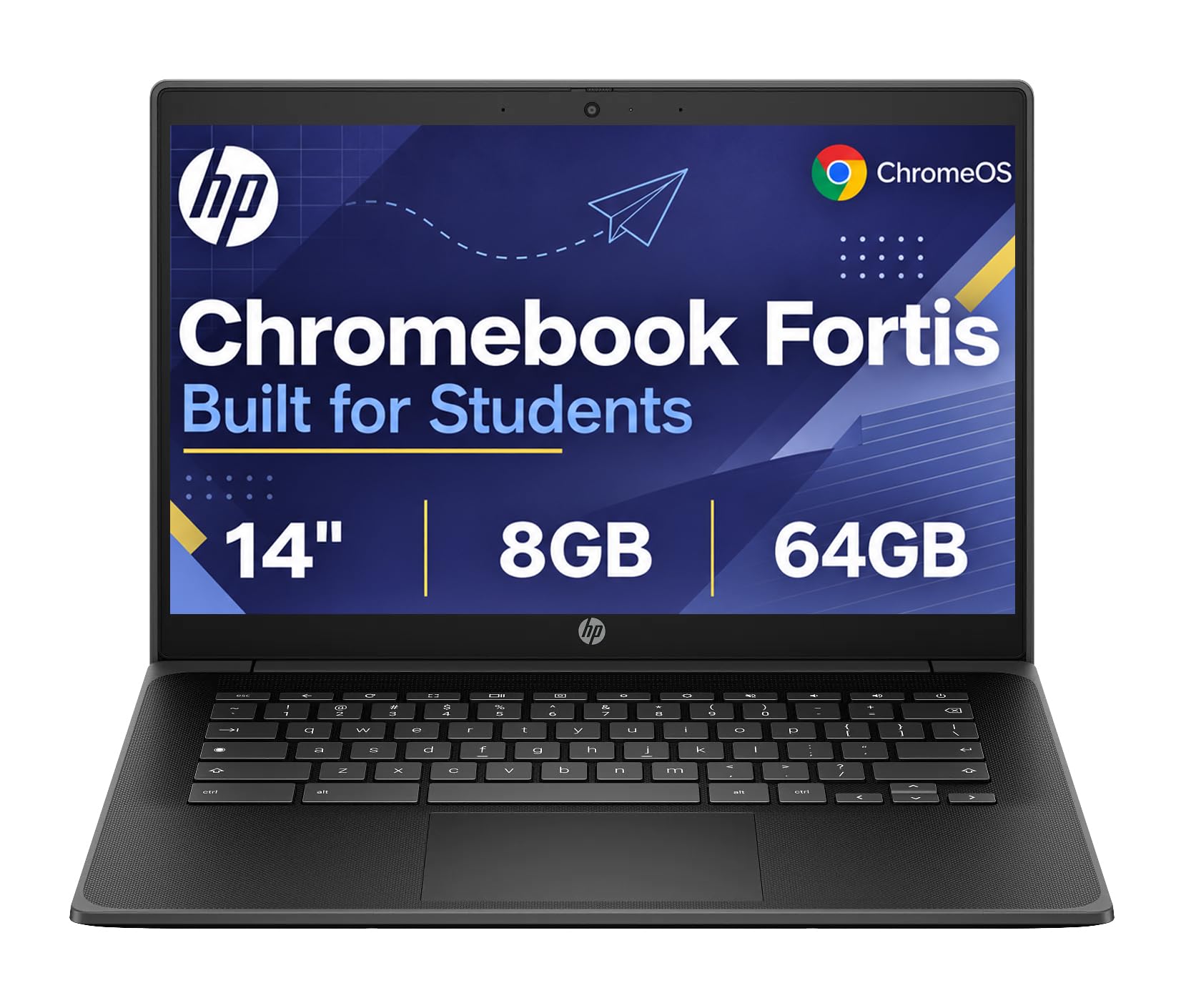
HP offers affordable Chromebooks for younger students, rugged Fortis education models built to survive classrooms and Pavilion and EliteBook lines for older students. HP Chromebooks are widely used in schools, which can make them a familiar choice.
Best Dell Laptops for School
Dell's Inspiron laptops cover budget to midrange Windows needs with plenty of configurations, while Latitude education models focus on durability and manageability. Dell's support network is helpful for families who want easy warranty service.
Best Portable Laptops for School
For maximum portability, look at laptops around 3 pounds or less with long battery life, such as the MacBook Air or slim 13 to 14 inch Windows ultrabooks. College students who walk across campus all day appreciate every ounce saved.
Laptops by Grade Level
The best laptops for schools change as students grow, so match the device to the grade.
Elementary students need durable, simple devices, so rugged Chromebooks or tablets with cases work best. Middle school students benefit from Chromebooks with better screens and keyboards for longer assignments. High school students often need Microsoft Office and more power for projects, making midrange Windows laptops or premium Chromebooks a good fit. College students should check their program's requirements and buy a laptop that will last four years, often a midrange Windows laptop or MacBook Air.
Protecting a Student Laptop
- A protective sleeve or hard shell case guards against drops and scratches.
- Accidental damage protection plans are worth considering for younger students.
- Cloud backups protect homework if the laptop is lost or broken.
- Parental controls and Family Link or Microsoft Family Safety help manage screen time.
- A labeled charger reduces mix ups at school.
Keeping Students Safe and Focused Online
A school laptop opens the door to the whole internet, so a little setup goes a long way. Chromebooks support Google Family Link for younger students, letting parents approve apps, filter websites and set daily limits. Windows offers Microsoft Family Safety with similar controls, and Macs include Screen Time. Many schools also manage their own devices with content filters. Beyond software, agree on simple household rules, such as charging laptops outside bedrooms overnight and keeping homework time separate from games and videos. For older students, talk about password safety, phishing emails and protecting personal information.
Durability Tips for Younger Students
Young students drop, kick and spill on laptops far more than adults do. Choose models with spill resistant keyboards and rubberized edges, and add a hard shell case or a padded sleeve with a handle. Teach kids to carry laptops closed with two hands, never by the screen, and to keep drinks away from the keyboard. A 180 degree hinge helps prevent damage when screens are pushed back too far. Consider an accidental damage protection plan, which often costs less than a single screen repair.
Check Your School's Requirements First
Many schools publish device guidelines, and some college programs specify minimum processors, RAM, operating systems or software. Engineering, architecture and computer science programs may need Windows for certain tools or more powerful hardware, while many liberal arts programs only require a web browser and office apps. Some K to 12 schools manage Chromebooks centrally and require a specific model or management license. A five minute check before buying avoids returns and frustration.
Setting Up a New School Laptop
- Sign in with the student's school account if the school uses Google Workspace or Microsoft 365.
- Install required apps, such as Office, a PDF reader and any course software.
- Turn on automatic updates and enable cloud backup for documents.
- Set up parental controls or family safety tools for younger students.
- Create a strong password or PIN and enable Find My Device features.
Accessories Students Actually Need
- A padded sleeve or laptop backpack for daily transport.
- Wired or wireless headphones with a mic for online lessons and quiet study.
- A compact mouse for longer projects and spreadsheets.
- A USB flash drive or cloud storage for backups and file sharing.
- A spare charger to keep at home or in a locker.
Common Mistakes When Buying a School Laptop
- Buying a gaming laptop that is heavy and has poor battery life for class.
- Choosing 4GB RAM Windows laptops that slow down within months.
- Ignoring Chromebook update dates, which limit how long the device gets security updates.
- Skipping a protective case for younger students.
- Not checking school software before choosing a platform.
When to Buy
Back to school season in July and August brings frequent laptop deals, and Black Friday and Cyber Monday often offer the deepest discounts of the year. Many manufacturers also offer education discounts for students, parents and teachers through their online stores, and some include free accessories or extended warranties. Buying a previous generation model can save money with little real world difference for schoolwork.
Long Term Costs to Factor In
Budget for a case, a mouse and possibly an extended warranty or accidental damage plan, especially for younger students. Microsoft 365 may be free through schools, so check before buying a subscription. Chromebooks receive automatic updates for a fixed period, so check the update expiration date when buying. A slightly more expensive laptop that lasts four years often costs less overall than replacing a cheaper one every two years.
FAQs
These are the questions parents and students ask most.
What features matter most in laptops for schools?
Durability, battery life, enough performance for assigned apps and compatibility with school requirements matter most. A comfortable keyboard and good webcam help with daily work and online classes.
How much RAM do I need?
Chromebooks run well with 4GB to 8GB. Windows laptops should have at least 8GB, and 16GB is better for high school and college multitasking.
Is a Chromebook enough for school?
For many K to 12 students and schools using Google Classroom, yes. College students and those needing specialized Windows or Mac software should choose a Windows laptop or MacBook.
Should I buy a laptop or a tablet?
Laptops are better for essays, research and software. Tablets suit younger students, reading and handwritten notes, especially with a keyboard and stylus.
How long should a school laptop last?
A well chosen laptop typically lasts three to five years for schoolwork. Chromebooks are limited by their automatic update expiration date, while Windows laptops and MacBooks often last longer with good care and enough RAM.
Is a touchscreen worth it?
For younger students and anyone who annotates notes or uses a stylus, a touchscreen is useful. For essays and research, a good keyboard matters more.
Is a dedicated GPU worth it for school?
Only for students in courses such as 3D design, engineering or game development, or who also want to game. Most students are better served by integrated graphics and longer battery life.
Final Thoughts
The three things that matter most are matching the platform to school requirements, getting enough RAM and storage for the student's age and courses and choosing a durable, portable design with all day battery. Younger students will be well served by a Chromebook, high school and college students by a midrange Windows laptop and students wanting premium longevity by a MacBook Air. Use this guide to choose the best laptops for schools, then check the product table above for current prices. For older students, see the best laptops for colleges.