
Best Long Range Routers Wireless in 2026: Antenna Gain, Mesh Backhaul, and Buyer Guide
Disclosure: We may earn a commission when you buy through links on this page, at no extra cost to you. As an Amazon Associate I earn from qualifying purchases. Learn more

Wi-Fi dropping at the garage, deck or upstairs? This guide to the best long range routers wireless covers antennas, mesh backhaul and placement tips.
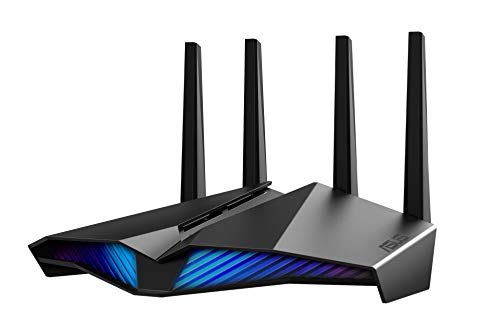
If your WiFi has to reach battery cameras on a detached garage, smart controllers by the garden shed, and laptops on a third floor balcony without dropping video calls, a basic dual band router will struggle. Past about forty feet of walls and interference, standard gateways lose most of their speed. Choosing the best long range routers wireless hardware means looking at radio chain density (4x4 versus 2x2), 4096 QAM modulation, and expandable multi node backhaul. The comparison table below shows the picks side by side.
A well chosen long range setup keeps usable throughput at the edge of your property while keeping latency low for streaming and gaming. Router placement matters as much as the hardware, so the sections below cover both features and practical tuning.





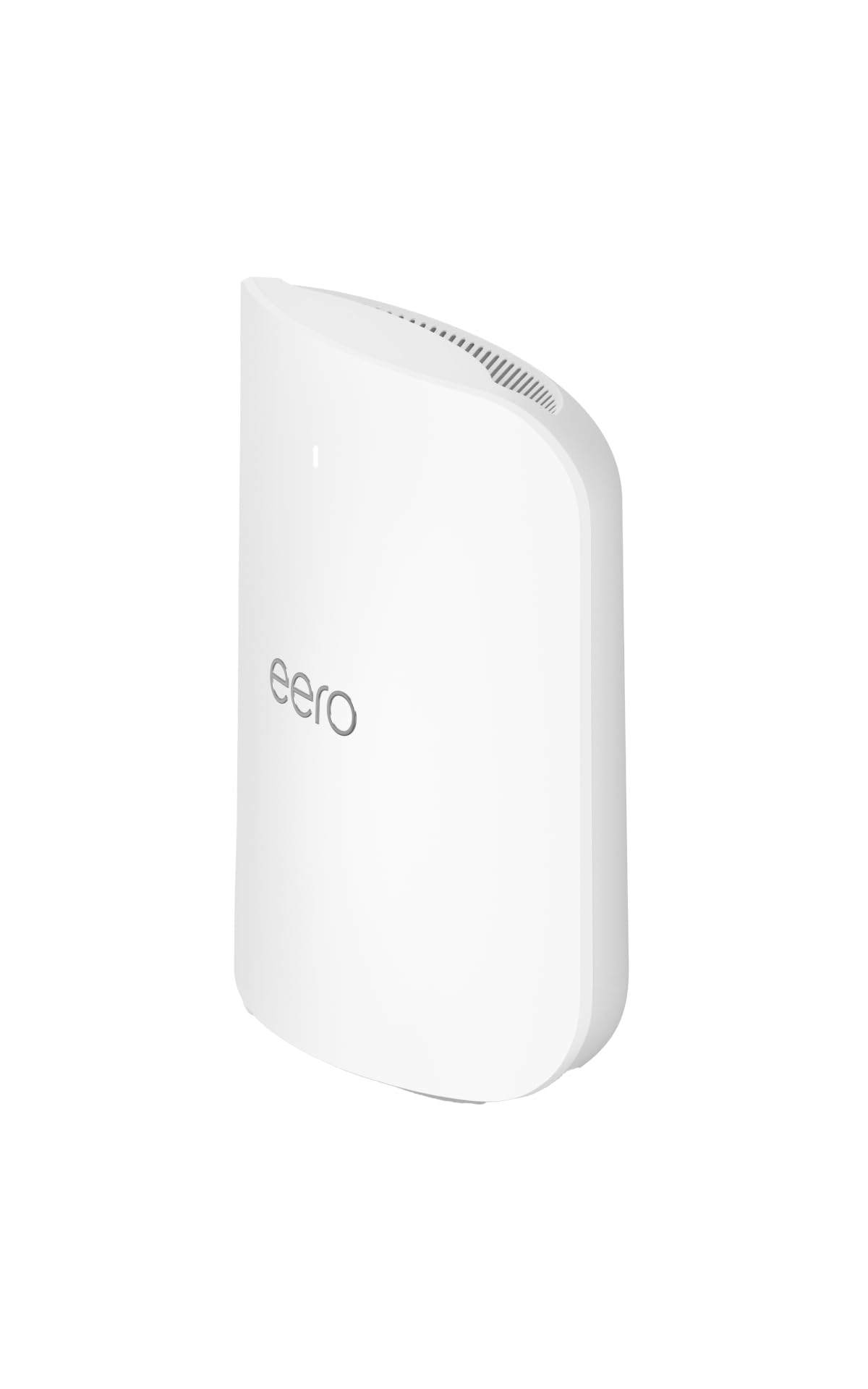
Matching a Wireless Long Range Router to Your Coverage Goal
Property Wide Reach for Outdoor Cameras, Detached Garages, and Patios
For outdoor cameras that go offline at the driveway gate, choose 4x4 radio chains on 2.4GHz and 5GHz plus an expandable node placed inside the closest exterior wall facing the yard. Several mesh brands also offer IP65 weatherproof outdoor satellite nodes that mount under an eave and can extend WiFi well across a backyard or farm lot.
High Density Wireless Homes With 50 to 100+ Connected Devices
A home with several 4K TVs, work laptops on video calls, consoles, and dozens of smart bulbs, thermostats and cameras needs airtime capacity more than raw signal. Cheap routers drop distant devices because the radio is congested, not because the signal is weak. Choose a Tri Band WiFi 6E or WiFi 7 router with OFDMA (Orthogonal Frequency Division Multiple Access) and a quad core processor, which splits channels into many small resource units so distant sensors stay connected.
Multi Floor Wireless Bridging Without Running Ethernet Cables
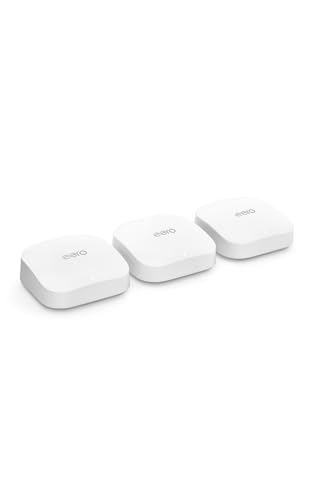
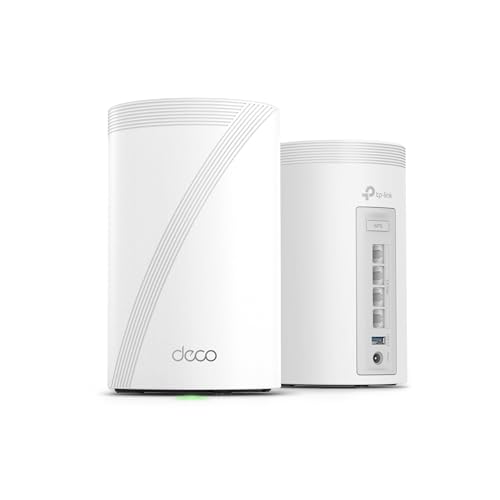
Renters who cannot drill through ceilings for Cat6 cable need a system that does not lose half its speed on every hop. Pick a Tri Band WiFi 6E or WiFi 7 mesh kit that dedicates the 6GHz radio (or WiFi 7 Multi Link Operation across 5GHz and 6GHz) to backhaul between units. That leaves the 2.4GHz and 5GHz bands free for your phones and laptops.
Key Wireless Technologies That Extend Real World Range
Spatial Streams and Diversity Gain: Why 4x4 Beats 2x2 at Long Distance
A 4x4 router usually holds a connection better than a 2x2 model at long distance. Radio waves bounce off walls, appliances and furniture and arrive slightly out of phase, which is called multipath interference and causes dead spots a few feet apart.
A 4x4 array (four transmit, four receive) uses spatial diversity and Maximum Ratio Combining to merge signals from four separated antennas. That extra diversity adds several dB of link margin, which can keep a far room connected where a 2x2 router stalls.
OFDMA and BSS Coloring for Neighbor Interference Rejection
BSS Coloring helps your router ignore weak signals from neighboring networks. In townhomes and apartments where a phone can see fifteen other networks, co channel interference quietly shrinks range, because a neighbor on the same channel drowns out your faint signal from down the hall.
WiFi 6E and WiFi 7 routers tag your packets with a digital color code, so the router can ignore background chatter from next door and transmit without waiting in line.
Range Boosting Features: High Power FEMs, Heat Sinks, and Extender Modes
The best range hardware sits beneath the plastic shell, in the radio frequency front end. Premium routers pair their main Qualcomm or Broadcom chipset with external Front End Modules (FEMs), copper heat sinks over the RF shields so amplifiers do not throttle on hot afternoons, and firmware that tightens error correction when a client moves far away.
Spec sheets rarely list these parts, so look for external antenna counts, stated coverage in square feet, and buyer feedback about far room stability.
Channel Width vs Distance: 20/40MHz vs 160/320MHz
Narrower channels reach farther, while wider channels are faster up close. Each doubling of channel width (20MHz to 40, 80, then 160MHz) raises the noise floor by about 3 dB.
That is why a smart setup keeps the 2.4GHz band at a clean 20MHz for wall penetration to cameras and smart plugs, while the 5GHz and 6GHz bands scale from 160MHz or 320MHz up close down to 80MHz or 40MHz at long range.
Seamless 802.11k/v/r Fast Roaming Across Expandable Nodes
If you cover a large property with two or three nodes, make sure the hardware supports 802.11k, 802.11v and 802.11r fast roaming. Without them, a phone often clings to a weak signal from the downstairs router even after you walk past an upstairs satellite.
With roaming standards enabled, an active video call hands over to the stronger node quickly and with few audio glitches.
Comparing Long Range Wireless Architectures Side by Side
The right choice between a high gain standalone router, an expandable router pair and a tri band mesh kit depends on how many obstacles sit between your modem and your farthest device. The figures below are rough planning ranges, not guarantees.
| Wireless Architecture | Max Practical Reach | Speed at Far Edge (60+ ft) | Setup & Roaming | Best Property Match |
|---|---|---|---|---|
| 4x4 High Gain Standalone Router | Up to 70 to 90 ft radius | 150 to 450 Mbps | Single SSID; zero node hops | Central modem in 1 to 2 story homes |
| Tri Band WiFi 6E/7 Mesh (2 to 3 Pk) | 120 to 200+ ft end to end | 300 to 900+ Mbps (near node) | App guided; 802.11k/v/r roaming | Multi floor, L shaped, corner modems |
| Indoor Mesh + Outdoor IP65 Node | Up to 300+ ft into yard | 200 to 600 Mbps outdoors | Unified home + yard network | Detached garages, pools, acreage |
| Single Band Plug In Extender | Adds about 30 ft (cuts speed about 50%) | 30 to 80 Mbps (high latency) | Separate "_EXT" network | Avoid (use mesh or EasyMesh instead) |
Price Tiers: What Your Budget Gets You
High Gain Dual Band WiFi 6 / Entry WiFi 7 Routers (Around $90 to $150)
Around $90 to $150 buys a standalone router with four to six external high gain antennas, often with a 2.5GbE WAN port. That is typically a clear range improvement over a basic ISP gateway. For a standard suburban house with the router in the living room, a single unit around $120 can cover the house and front driveway cameras.
Expandable Tri Band Routers and 2/3 Pack Mesh Systems (Around $175 to $360)
Around $175 to $360 unlocks Tri Band WiFi 6E and WiFi 7 systems with dedicated 6GHz or MLO backhaul. You can buy one powerful 8 antenna router that supports EasyMesh or AiMesh expansion, or a 2 to 3 pack mesh kit that often covers 5,000+ square feet out of the box.
Prosumer Multi Gig, Outdoor Mesh, and Quad Band Flagships (Around $380 to $750+)
From around $380 to $750 and up you get 4x4 streams on every band, 10GbE or 2.5GbE ports, PoE compatibility for ceiling or weatherproof outdoor access points, and VLAN segmentation to isolate smart home cameras. These suit large lots and heavy users, and are overkill for a small house.
Common Wireless Mistakes That Sabotage Long Range
- Forcing 2.4GHz channel width to 40MHz in a crowded neighborhood: The 2.4GHz band has only three non overlapping channels (1, 6 and 11). A 40MHz setting overlaps neighboring channels and creates interference that shrinks outdoor range, so lock it to 20MHz on channel 1, 6 or 11.
- Mounting outdoor cameras on aluminum siding or metal soffits: A metal surface behind a camera antenna reflects and detunes its small 2.4GHz radio. Use a plastic spacer block and place an indoor mesh node within about 30 feet of that exterior wall.
- Daisy chaining three mesh nodes in a straight line: Every wireless hop adds latency and cuts throughput. Place the main router centrally so each satellite talks to it in a single hop.
- Leaving Airtime Fairness on when old smart plugs disconnect: Some legacy 2.4GHz plugs, printers and garage openers have buggy drivers that drop offline with it enabled. Turn it off on the 2.4GHz band if distant devices act flaky.
- Setting a router on a concrete floor or next to a fish tank: Water and masonry absorb 2.4GHz and 5GHz energy. Elevate nodes onto wooden shelves or wall mounts with clear sightlines down hallways.
How to Survey and Tune Your Wireless Range in 5 Minutes
A free WiFi analyzer app on your phone or laptop shows signal strength in dBm, a negative scale where numbers closer to zero are stronger. Walk to each problem room and note the reading.
- -30 dBm to -55 dBm: Maximum signal, typically the same room or one room away.
- -56 dBm to -67 dBm: Strong, reliable coverage, suitable for 4K streaming, video calls and gaming.
- -68 dBm to -75 dBm: Fringe range, workable for 2.4GHz smart plugs and 1080p cameras, but laptops should roam to a closer node.
- -78 dBm or worse: Dead zone where connections stall. Move the router or add a node roughly halfway between the router and the weak spot.
Repeat the walk after any change, since moving a router even six feet can shift readings noticeably.
Frequently Asked Questions
What wireless frequency gives the longest range: 2.4GHz, 5GHz, or 6GHz?
The 2.4GHz band gives the longest range. Lower frequencies have longer wavelengths that bend around obstacles and pass through walls with less loss. Expect 2.4GHz to reach backyards at modest speeds, 5GHz to offer the best everyday balance across several rooms, and 6GHz to deliver the fastest speeds over one or two rooms.
How can I get wireless internet out to a detached garage or workshop 100 feet away?
Use a mesh satellite inside the house facing the garage plus a second node in the garage window if you have a clear sightline. For longer distances or metal clad buildings, a pair of outdoor point to point bridge units mounted on the eaves can carry a focused beam to an access point inside the workshop. Such pairs often cost around $100.
Why do my wireless security cameras keep disconnecting even with a good router?
Most outdoor battery cameras use small, low power 2.4GHz antennas that struggle through brick, stucco or Low E glass. Create a dedicated 2.4GHz network at 20MHz width on channel 1, 6 or 11, and disable band steering and Airtime Fairness for that network. Moving a node closer to the camera also helps.
Does WiFi 7 have longer wireless range than WiFi 6?
Not in raw transmit power, since both follow the same regulatory limits. WiFi 7 improves effective range through Multi Link Operation, which uses 5GHz and 6GHz together for reliability, and through puncturing, which works around noisy parts of a channel instead of dropping all of it.
Are mesh WiFi systems slower than a single long range wireless router?
Not usually, except right next to the main router, where speeds are similar. At 50 to 90 feet through several walls, a tri band mesh often beats a single router because the satellite gives your laptop a short, strong link and uses a dedicated radio to reach the main unit.
Final Thoughts
Choosing the best long range routers wireless setup comes down to matching antenna diversity and node placement to your property. For compact or medium homes with a central router, a 4x4 Tri Band WiFi 6E or WiFi 7 router with external antennas and EasyMesh or AiMesh support is enough. For multi story homes, L shaped ranches and yards with cameras or detached garages, a tri band mesh system with a tuned 20MHz 2.4GHz network is the safer choice. Compare the picks in the table above and survey your own dead zones first.


