Best Mid Range Gaming Laptops for 2026: GPU Wattage, Displays, and Buyer Guide
Disclosure: We may earn a commission when you buy through links on this page, at no extra cost to you. As an Amazon Associate I earn from qualifying purchases. Learn more

Shopping for a gaming laptop around $850 to $1,450? Learn which GPU wattage, display, RAM and cooling specs matter most in the best mid range gaming laptops.
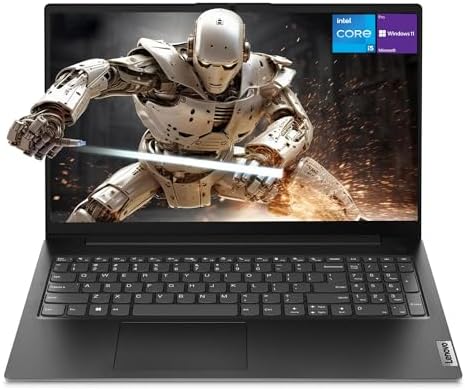
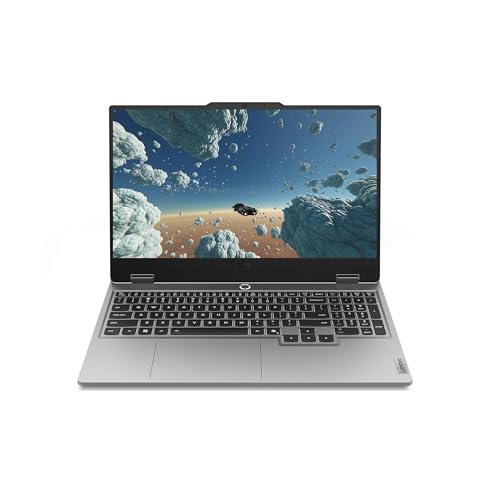
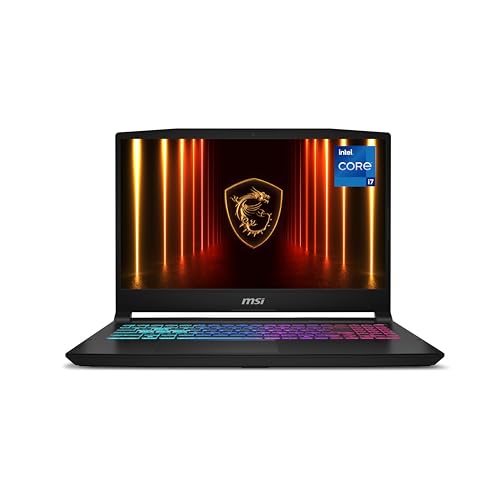
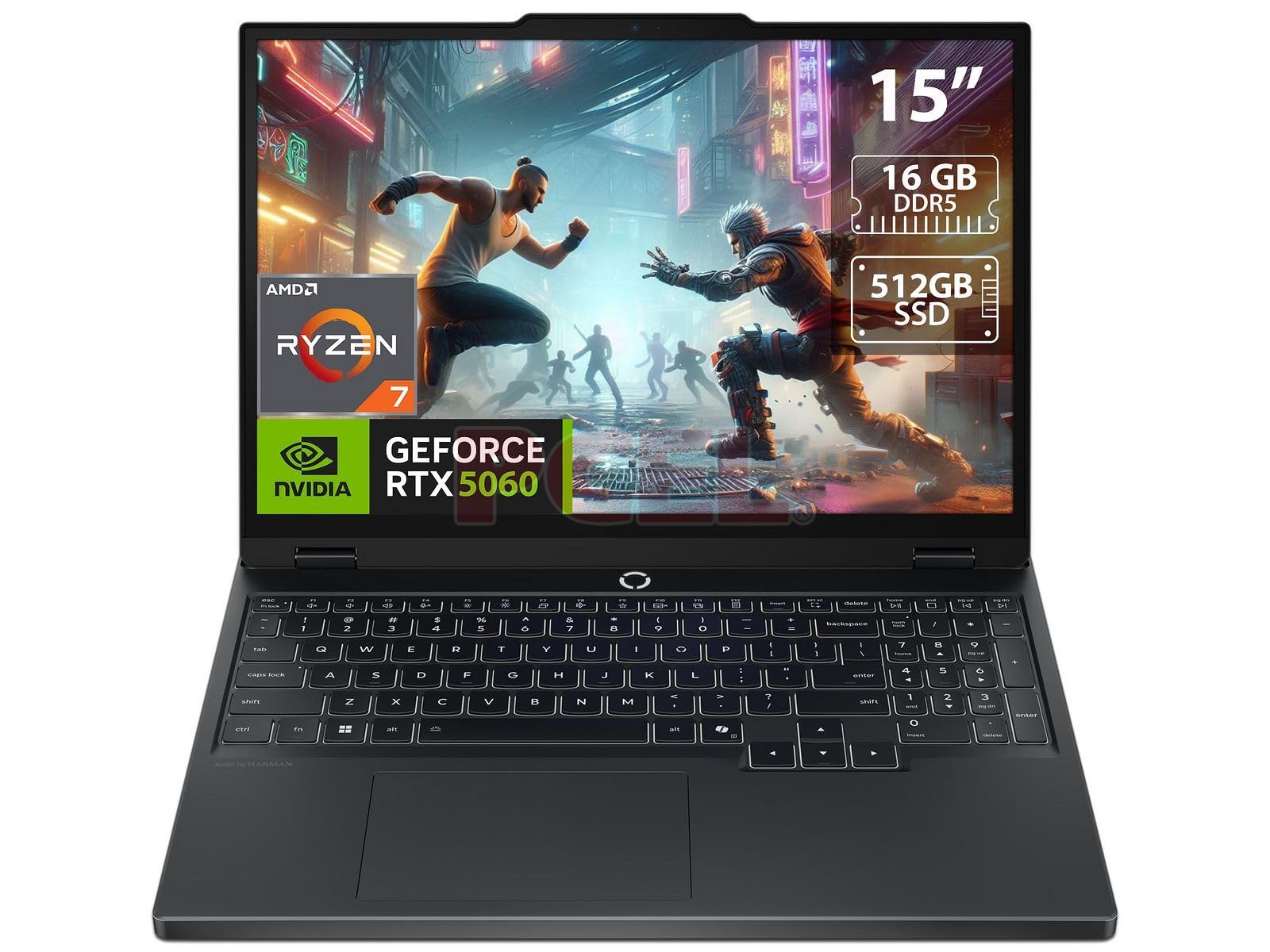
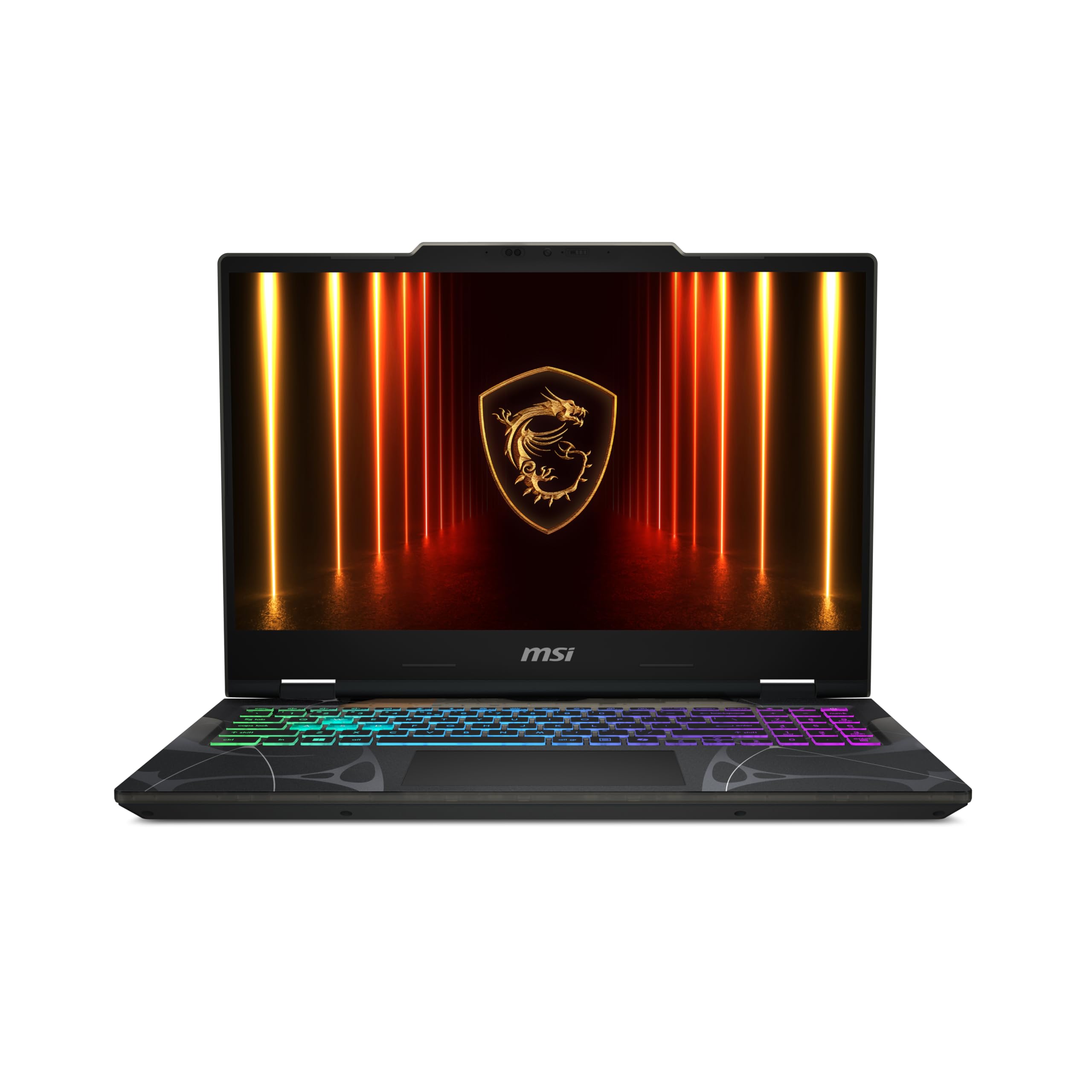
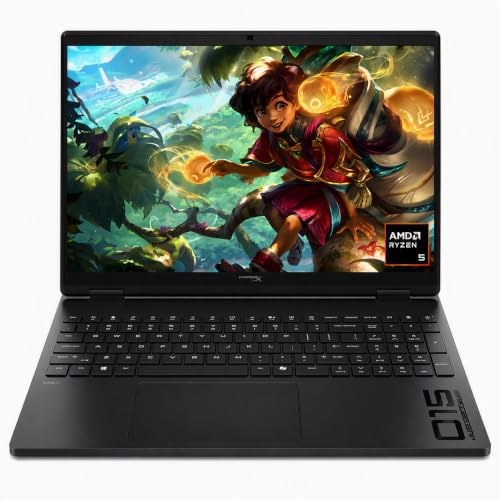
If you want smooth AAA gaming without paying flagship prices, the mid range bracket of roughly $850 to $1,450 is where frame rate per dollar is strongest. Entry machines around $550 often come with power starved graphics chips, dim screens that blur in fast shooters, and soldered memory. A flagship desktop replacement around $2,800 can cost double for a modest frame boost. Choosing the best mid range gaming laptops means looking past the GPU name printed on the palm rest and checking Total Graphics Power (TGP), MUX switch routing, and display color accuracy. The picks in the table below are worth comparing side by side with those specs in mind.
A well cooled mid range laptop handles modern AAA titles at 1080p or 1440p, plus video editing and coursework. The mid range sweet spot is where the specs that matter most stop costing flagship money.




Who Should Buy Which Mid Range Gaming Laptop?
The right laptop depends on how you play and where you carry it. These three buyer profiles cover most shoppers.
AAA Single Player and 1440p (QHD) Visual Enthusiasts
If you play graphically demanding open world RPGs, ray traced adventures, and racing sims, look for a full wattage mid tier GPU (100W to 140W TGP) with at least 8GB to 12GB of GDDR6 VRAM. Pair it with a 16 inch 2560x1600 (QHD+) 165Hz or 240Hz IPS or OLED display. Frame generation and AI upscaling (such as DLSS or FSR) help these machines reach smooth frame rates at crisp QHD resolution.
Competitive Esports Players (Valorant, CS2, Apex, Fortnite)
Competitive players should prioritize strong CPU single core speed, a hardware MUX switch with Advanced Optimus, and a fast 165Hz to 240Hz panel with low gray to gray response times. Every millisecond of input latency and motion clarity counts here. A wired mouse with a low weight shell and a keyboard with fast actuation round out a tournament ready portable setup.
Students, Creators, and Hybrid Commuters
If your gaming laptop rides in a backpack every day, a bulky six pound 17 inch chassis with a two hour battery becomes a burden. Hybrid users should target a 14 inch or slim 15.6 / 16 inch aluminum chassis under about 4.6 pounds. Look for an efficient AMD Ryzen HS or Intel Core Ultra / HX processor, a 75 to 90 watt hour battery, and USB C Power Delivery charging so the heavy power brick can stay at your desk during class.
Key Features That Separate Real Performers From Thermal Bottlenecks
Total Graphics Power (TGP) Wattage: Why Two Identical GPUs Perform Differently
TGP is the maximum wattage a laptop lets its GPU draw, and it explains why two laptops with the same graphics card name can perform very differently. The gap can reach 25 to 35 percent in games. A thin, poorly cooled chassis may cap its GPU at 45W or 65W, whereas a well engineered mid range chassis feeds the same chip 100W to 140W (including Dynamic Boost). Always check the manufacturer spec sheet for a TGP of 100W or more on 15 and 16 inch gaming laptops.
VRAM Capacity: 6GB vs 8GB vs 12GB in Modern AAA Games
Aim for at least 8GB of VRAM, and 12GB if you can find it in an upper mid tier model. Modern Unreal Engine 5 titles and high resolution texture packs consume video memory quickly. A 6GB card still handles esports titles like Valorant, League of Legends, and Rocket League at 1080p. Newer AAA games with Ultra textures at 1440p can overflow a 6GB buffer and cause stutter, so extra VRAM gives you headroom for future releases.
Hardware MUX Switch and NVIDIA Advanced Optimus
A MUX (Multiplexer) switch is a hardware chip that wires the dedicated GPU straight to the display. By default, many laptops route frames through the processor's integrated graphics to save battery, a detour that can cost roughly 8 to 15 percent of frame rate in competitive games. Advanced Optimus goes one step further by flipping that switch automatically when you launch a game, with no reboot required.
Display Quality: Avoid the Dim "45% NTSC / 250 Nit" Screen Trap
Choose a panel with 100% sRGB (or 100% DCI P3) coverage and at least 300 to 500 nits of brightness. Many sub $1,000 gaming laptops pair a fast GPU with a dim 144Hz screen covering only about 45% of the NTSC color space (roughly 62% sRGB) at 250 nits. On those panels colors look dull and slow pixel response leaves trails behind moving targets. Variable refresh rate support (G Sync or FreeSync) and a taller 16:10 aspect ratio (1920x1200 or 2560x1600) are worthwhile extras.
Dual Channel DDR5 RAM and Dual M.2 NVMe SSD Slots
Upgradable memory and storage save money over the life of the laptop, since single player games often exceed 100 gigabytes per install. Verify that the laptop has two accessible SO DIMM DDR5 slots (or ships with 16GB to 32GB of dual channel RAM rather than soldered 8GB) and two M.2 PCIe NVMe SSD slots. A free second M.2 slot lets you remove the bottom cover and add a 2TB game drive in a few minutes.
Comparing Mid Range Gaming Laptop Form Factors
Screen size sets the balance between cooling headroom and backpack weight. The table below summarizes typical ranges for each chassis size.
| Laptop Form Factor | Typical Weight | GPU TGP Headroom | Portability & Battery | Best Buyer Match |
|---|---|---|---|---|
| 14 Inch Compact Gaming | 3.5 to 4.1 lbs | 75W to 105W TGP | Highest (fits any bag; 7 to 9 hrs) | Students, commuters, and travelers |
| 15.6 / 16 Inch Core Mid Range | 4.8 to 5.5 lbs | 105W to 140W (Full power) | Moderate (4 to 7 hrs off plug) | Most gamers wanting max FPS per dollar |
| 17.3 / 18 Inch Big Screen | 6.0 to 6.8 lbs | 115W to 140W (Cool & quiet) | Low (desk bound replacement) | Dorm desks and immersive screen size fans |
Price Tiers in the Mid Range Gaming Laptop Market
Mid range pricing breaks into three useful steps, and each one adds specific hardware you can verify on the spec sheet.
Entry Mid Range 1080p / 1200p Workhorses (Around $800 to $1,050)
At around $800 to $1,050, expect 15.6 and 16 inch laptops with 8GB VRAM GPUs running at 90W to 115W TGP, 6 or 8 core Ryzen or Core i5/i7 processors, 16GB of DDR5 RAM, and 512GB to 1TB NVMe SSDs. Read screen specs carefully in this tier. Select configurations with the 100% sRGB 165Hz panel rather than the base 144Hz panel.
Core QHD+ Sweet Spot (Around $1,050 to $1,350)
Stepping up to around $1,050 to $1,350 typically unlocks full 115W to 140W TGP graphics and hardware MUX switches with Advanced Optimus. You also see bright 350 to 500 nit 2560x1600 165Hz or 240Hz displays, aluminum lids, vapor chamber or multi heatpipe cooling, and 1TB of storage out of the box.
Upper Mid Range Aluminum and OLED Hybrids (Around $1,350 to $1,650)
Between roughly $1,350 and $1,650, laptops add higher tier GPU silicon (or 12GB VRAM configurations) and 240Hz OLED or Mini LED HDR displays with very fast response times. Many also include 32GB of factory DDR5 memory, per key RGB keyboards, and CNC aluminum frames.
Common Mistakes to Avoid With Gaming Laptops
- Playing demanding AAA games on battery power: Laptop batteries cannot deliver the 180 to 240 watts a gaming CPU and GPU want at full boost, so unplugging typically throttles frame rates heavily. Always plug in the charger when gaming.
- Setting a gaming laptop on a bed comforter or pillow: Soft bedding blocks the bottom intake vents, driving internal temperatures up and causing thermal throttling quickly. Game on a hard desk or an elevated laptop stand.
- Buying a laptop with only 8GB of single channel RAM: Single channel 8GB starves modern CPUs and causes stutter in open world games. Start with 16GB (two 8GB sticks) or 32GB of dual channel RAM.
- Ignoring fan noise profiles in the control software: "Turbo" or "Extreme" modes spin fans loudly for a very small frame gain. Switching to "Performance" or "Balanced" mode usually cuts noise noticeably while keeping most of the frame rate.
- Leaving the refresh rate at 60Hz after setup: When plugged in, open Windows Display, then Advanced Display Settings, and confirm the screen runs at its full 165Hz or 240Hz refresh setting.
- Skipping the specifications for TGP: Retail listings often show only the GPU name. If the wattage is not published, check the maker's support page or buyer reviews before you order.
Cooling, Battery Health, and Maintenance Tips
The cheapest way to lower CPU and GPU temperatures is to raise the back of the laptop about one inch with a collapsible aluminum stand (or even two bottle caps). Lifting the rear intake grills off the desk improves airflow into the fans without needing a noisy USB cooling pad.
If your laptop stays plugged in most of the time as a desktop replacement, open the manufacturer's control utility (such as Vantage, G Helper / Armoury Crate, or OMEN Gaming Hub) and turn on a battery conservation mode that caps charging at around 80 percent. Holding a lithium ion battery below full charge, especially under high heat, helps preserve its capacity over the years.
Once every six to nine months, remove the bottom panel and blow dust out of the heatsink fins with compressed air, holding the fan blades still with a finger so they do not overspin. Also refresh graphics drivers and BIOS updates from the maker, since these often improve fan curves and power behavior.
Frequently Asked Questions
What is TGP on a gaming laptop and why does it matter so much?
TGP stands for Total Graphics Power, the wattage a laptop lets its GPU draw. Makers can configure the same mobile graphics chip anywhere from about 45 to 140 watts. A full power 115W to 140W mid range GPU can easily beat a higher tier model that has been throttled to 60W inside an ultra thin chassis.
Is 16GB of RAM enough for a mid range gaming laptop, or do I need 32GB?
Dual channel 16GB of DDR5 is enough for most current games at 1080p and 1440p with Discord and a browser running. If you play heavily modded games, flight simulators, or edit 4K video, 32GB is worth it. Upgrading the two SO DIMM slots yourself often costs around $75.
Are 1080p or 1440p screens better on a 16 inch gaming laptop?
On a 16 inch display, 2560x1600 (QHD+) looks noticeably sharper for text, productivity, and cinematic games, and it usually comes on a brighter, 100% sRGB panel. Because DLSS and FSR upscaling are widely supported, you can render at a lower internal resolution and still get a clean image.
Why do gaming laptops have short battery life when unplugged?
Gaming laptops drain quickly because the dedicated GPU can stay awake and draw power even during light tasks. Switching to Hybrid / Optimus (Eco) mode turns off the dedicated GPU on battery and uses the efficient integrated graphics. On Ryzen HS and Core Ultra models this can stretch battery life to several hours.
Is it safe for a gaming laptop CPU to reach 85 to 90 degrees Celsius while gaming?
Yes, modern mobile gaming processors from AMD and Intel are designed to boost up to a thermal target in the high 80s to mid 90s Celsius under heavy load before they regulate. Elevating the rear of the laptop and cleaning dust from the vents regularly helps keep sustained clock speeds high.
Final Thoughts
Choosing the best mid range gaming laptops comes down to verifying full GPU TGP wattage (100W to 140W), a hardware MUX switch, at least 8GB of VRAM, and a bright 100% sRGB 165Hz or faster display. For maximum frame rates per dollar at a desk, pick a 15.6 or 16 inch chassis with upgradable DDR5 and M.2 slots. If you carry your rig across campus every day, choose a compact 14 inch or slim 16 inch aluminum model with USB C charging. Compare the picks in the table above with these specs in hand.