
The Best Mid Range Gaming Monitors for 2026: High Refresh Display Guide
Disclosure: We may earn a commission when you buy through links on this page, at no extra cost to you. As an Amazon Associate I earn from qualifying purchases. Learn more

Choosing among the best mid range gaming monitors for 1440p play? Compare panel types, refresh rates, response times, HDR and stands before you buy.
A fast graphics card or console only shows its strength if the display keeps up. A sluggish, washed out monitor with ghosting blurs fast motion and hides detail in dark scenes. The best mid range gaming monitors hit the practical sweet spot for most players: 1440p Quad HD resolution, 144Hz to 240Hz refresh rates, wide color gamuts and quick pixel response, all at a price well below flagship screens (often around $250 to $450).
This guide suits players who want smooth competitive motion without giving up color. It compares Fast IPS and VA panels, explains variable refresh rate, looks at what HDR can realistically do at this price, and covers stand ergonomics and setup habits. The picks in the table show current models that match these specs.
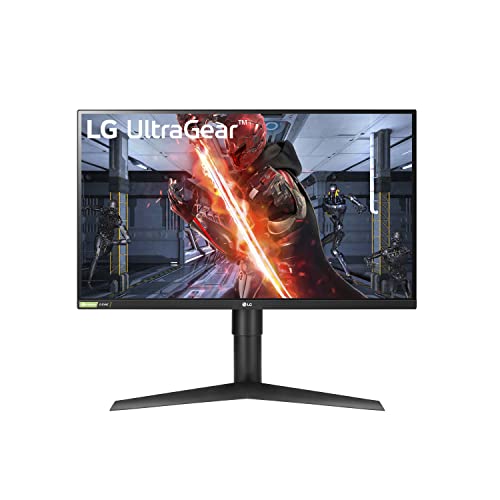

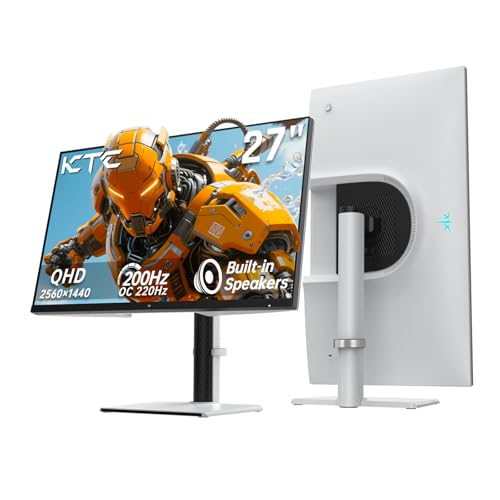

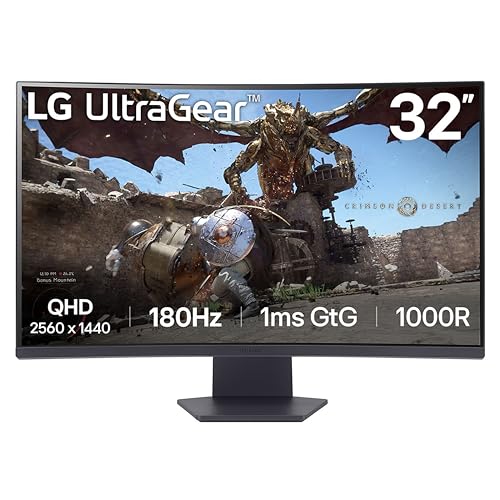


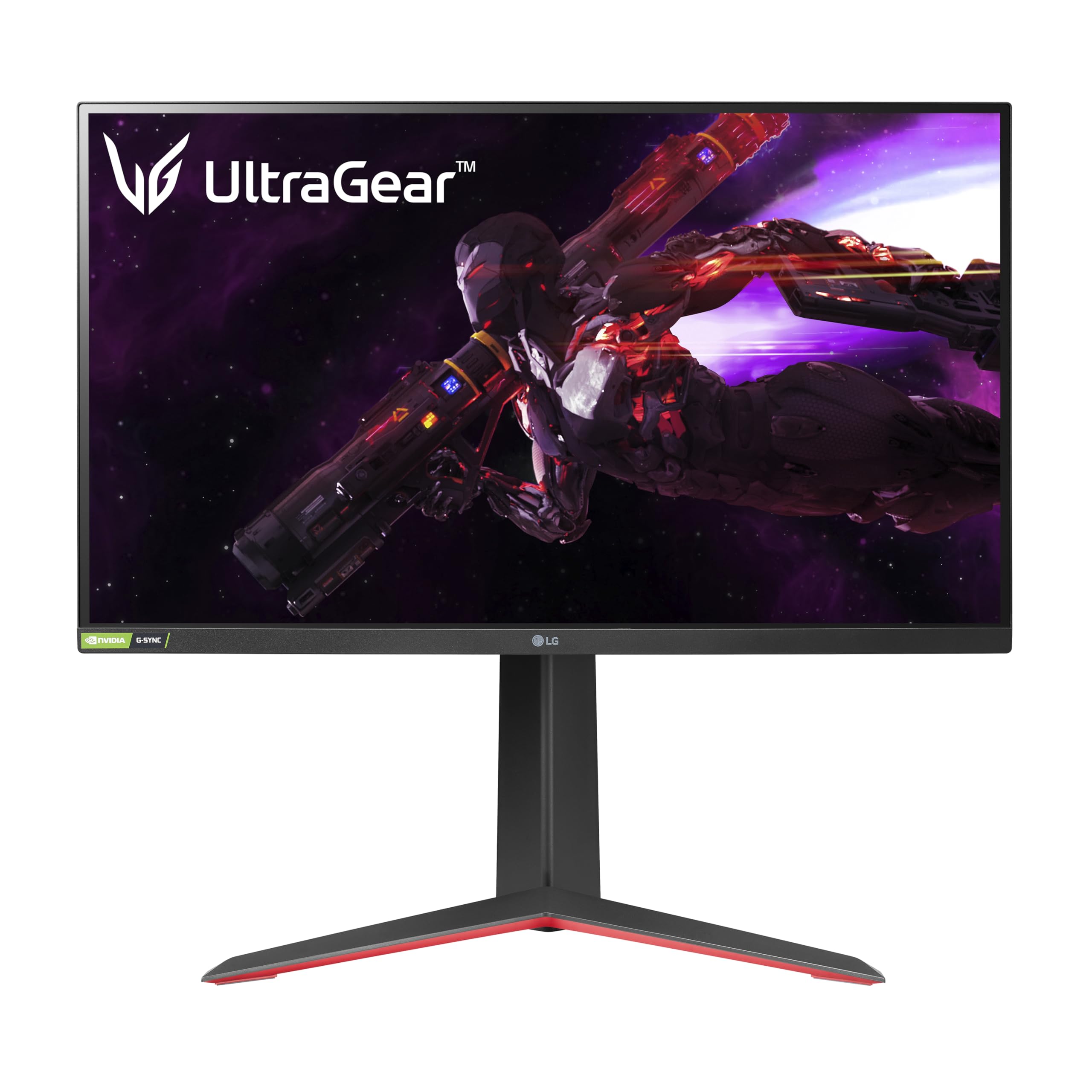
How to Choose the Best Mid Range Gaming Monitors: Buying Guide
Judge a gaming monitor on pixel density, panel type, refresh rate, response time, sync support and stand design. Check each of these before you commit, because a great headline spec can hide weak points elsewhere.
Also think about the rest of your desk. If you are building around the screen, the first rule is to measure. Check desk depth and width, since a 27 inch monitor needs roughly 20 to 24 inches of depth for comfortable viewing.
Resolution and Screen Size: The 27 Inch 1440p Sweet Spot
1440p (2560 by 1440 pixels) on a 27 inch display is the best balance for most gamers. 1080p looks soft at that size, while 4K demands a much more expensive graphics card.
At 27 inches, 1440p gives roughly 109 pixels per inch. Text is sharp, distant targets resolve cleanly, and a mid tier graphics card can hold high frame rates in most games.
Panel Technology: Fast IPS vs Curved VA Panels
Fast IPS suits competitive play and color work, while VA suits dark, cinematic games. Choose by the genres you play most:
- Fast IPS (In Plane Switching): Offers quick grey to grey transitions (often listed at 1ms), wide viewing angles and strong color coverage, frequently near DCI P3. Contrast is typically around 1000:1, so blacks look more grey in a dark room.
- Curved VA (Vertical Alignment): Typically reaches 3000:1 to 4000:1 static contrast for deeper blacks, often on 1500R curved screens. Some VA panels show more smearing in dark transitions than IPS.
Refresh Rate: 144Hz vs 165Hz vs 240Hz
Refresh rate is how many times per second the screen updates the image. Higher is smoother, but returns shrink as numbers climb.
- 144Hz to 165Hz: More than double the smoothness of a 60Hz screen, which makes aiming, camera panning and tracking feel natural. This is the best value range for most players.
- 240Hz: Favored by competitive shooter players for lower latency and clearer motion. Your graphics card must actually produce frames near that rate to benefit.
Variable Refresh Rate: NVIDIA G Sync and AMD FreeSync Premium
Variable refresh rate stops screen tearing by matching the monitor to your graphics card's frame rate. Tearing shows up as horizontal lines when the two fall out of sync.
Look for monitors with the maker's stated AMD FreeSync Premium or NVIDIA G Sync Compatible support. Either keeps motion smooth when frame rates rise and fall during busy scenes.
Pixel Response Times and Motion Blur Reduction
Pixel response time is how fast a pixel changes color, measured in milliseconds, and it is separate from refresh rate. A listed 1ms grey to grey figure is a good target, though real world results vary with overdrive settings.
Some monitors add backlight strobing (often called MPRT or motion blur reduction) to cut perceived blur. It usually lowers brightness and often cannot run together with variable refresh rate, so treat it as an optional extra.
Ergonomic Stand Adjustability and Connectivity
A good stand lets you set the screen at eye level, which protects your neck over long sessions. Look for height adjustment of at least 100 mm to 130 mm, plus tilt, swivel and a 90 degree pivot. If the stand is weak, a VESA 100 mount lets you add an arm.
Check the rear ports too. Useful sets include two HDMI ports (2.0 or 2.1), DisplayPort 1.4, a USB hub and a 3.5 mm audio jack for headphones or speakers.
Black Equalizer and Dark Scene Shadow Enhancement
Shadow enhancement brightens dark areas of the image so you can spot enemies hiding in corners. It is sold under names like Black Equalizer or Shadow Boost.
The filter lifts shadows without blowing out bright areas, though pushed too far it can flatten the picture. Keep it on a low or medium level for single player games and raise it only for competitive matches.
Custom Gamer Profiles and Crosshair Overlays
Easy menu control saves time, so look for a physical joystick or button cluster under the bezel. Menus operated by tiny buttons are slow to use mid match.
Saved picture presets let you switch between a bright shooter mode, a richer mode for open world games and a neutral sRGB mode for daytime work. Some monitors also add an on screen crosshair for games without one, though some competitive communities frown on it.
Popular Mid Range Gaming Monitor Formats Compared
Three formats cover most mid range buyers, and the right one depends on your desk space and games.
Flat 27 Inch 1440p Fast IPS Monitors
This is the most versatile format, suiting shooters, general gaming and office work. Expect accurate color, fast response and straight lines that suit productivity.
Curved 32 Inch or 34 Inch Ultrawide Displays
Ultrawide panels use a 21:9 aspect ratio and a gentle curve that wraps your peripheral vision. They shine in racing, flight and open world games, but some competitive titles do not support the wide view well.
Compact 24.5 Inch 240Hz Esports Displays
These smaller screens keep the whole image within your central vision, which many tournament players prefer. Most are 1080p, so they trade sharpness for speed.
Essential Habits for Optimal Gaming Monitor Performance
A few simple settings and care steps help any monitor perform at its best.
- Enable the maximum refresh rate in Windows: New monitors often default to 60Hz. Open advanced display settings and select 144Hz, 165Hz or 240Hz manually.
- Use a DisplayPort cable: DisplayPort 1.4 handles high refresh, 1440p and variable refresh together on most monitors. Use the cable supplied in the box.
- Set pixel overdrive to Normal or Fast: The most extreme setting can cause inverse ghosting, which looks like bright halos behind moving objects.
- Clean gently: Use a dry microfiber cloth, or one slightly dampened with water. Avoid ammonia sprays, which can damage anti glare coatings.
Frequently Asked Questions
Is 1440p resolution significantly better than 1080p for gaming?
Yes, 1440p has about 78 percent more pixels than 1080p. Textures, text and distant details look clearly sharper, especially at 27 inches. It also avoids the heavy graphics card cost of 4K.
Can PS5 and Xbox Series X run at 1440p 120Hz?
Xbox Series X supports 1440p output at up to 120Hz, while the PS5 gained 1440p output through a later system update. Check that the monitor has an HDMI 2.1 port or equivalent support, and confirm the console's current settings before buying.
What is the difference between G Sync Compatible and native G Sync?
G Sync Compatible uses the open VESA Adaptive Sync standard, so it needs no special hardware module. Native G Sync uses a dedicated module and tends to cost more. For most mid range buyers, the compatible version prevents tearing well enough.
Is HDR worth using on mid range monitors?
Usually not much. Entry level HDR400 adds modest brightness but lacks local dimming, so the effect is limited. A good SDR image with wide color coverage often looks better at this price.
Which is better for a mid range budget, IPS or VA?
IPS is better for fast competitive games and accurate color, while VA is better for deep blacks in dark games. If you play a mix, a Fast IPS panel is the safer all rounder.
Final Thoughts
The best mid range gaming monitors combine a 27 inch 1440p panel, a 144Hz to 240Hz refresh rate, quick response and variable refresh support. Match the panel type to your games, check the stand and ports, and set the refresh rate correctly after setup. Compare the picks in the table to find the model that fits your desk and budget.


