
Best Samsung Tablets: A First Time Buyer's Guide
Disclosure: We may earn a commission when you buy through links on this page, at no extra cost to you. As an Amazon Associate I earn from qualifying purchases. Learn more
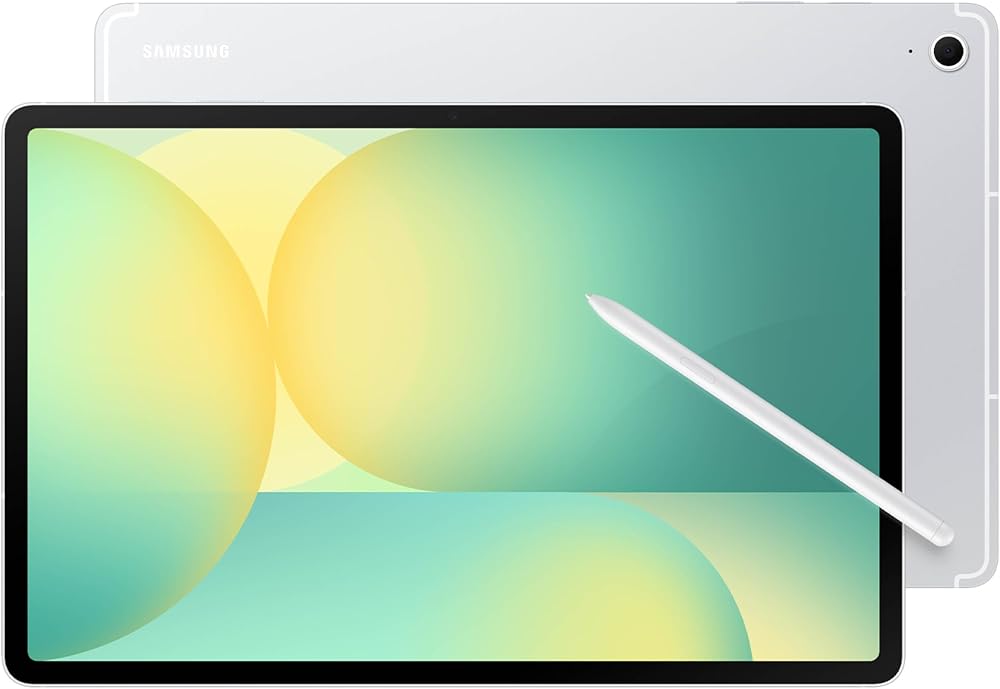
A plain English guide to Samsung Galaxy Tab series, specs and setup for first time tablet buyers, with three picks.
If you have never owned a tablet, Samsung's lineup can look like alphabet soup: Galaxy Tab A, Tab S FE, Tab S, Plus, Ultra and Kids Edition, all with different screens, storage and prices. The good news is that the range follows a simple logic once you know what each letter means. This guide to the best samsung tablets starts with the basics, explains the specs in plain English and finishes with practical setup tips, so you can buy with confidence.
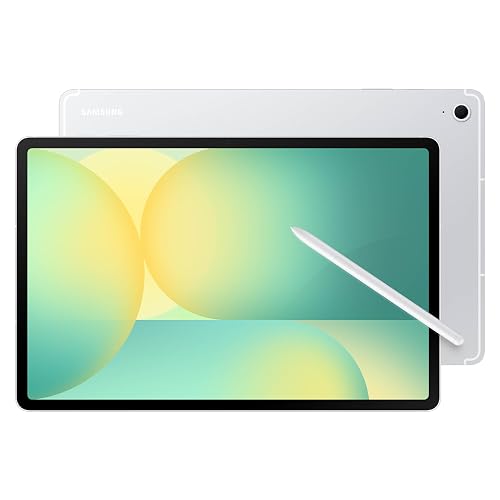
The short answer: most first time buyers should choose a Galaxy Tab S10 FE, which includes an S Pen, a sharp 10.9 inch display and water resistance for around $500; choose a Galaxy Tab A series model for streaming, reading and kids at around $200 to $350, and a Galaxy Tab S11 or S11 Ultra only if you want premium AMOLED screens and laptop style productivity.
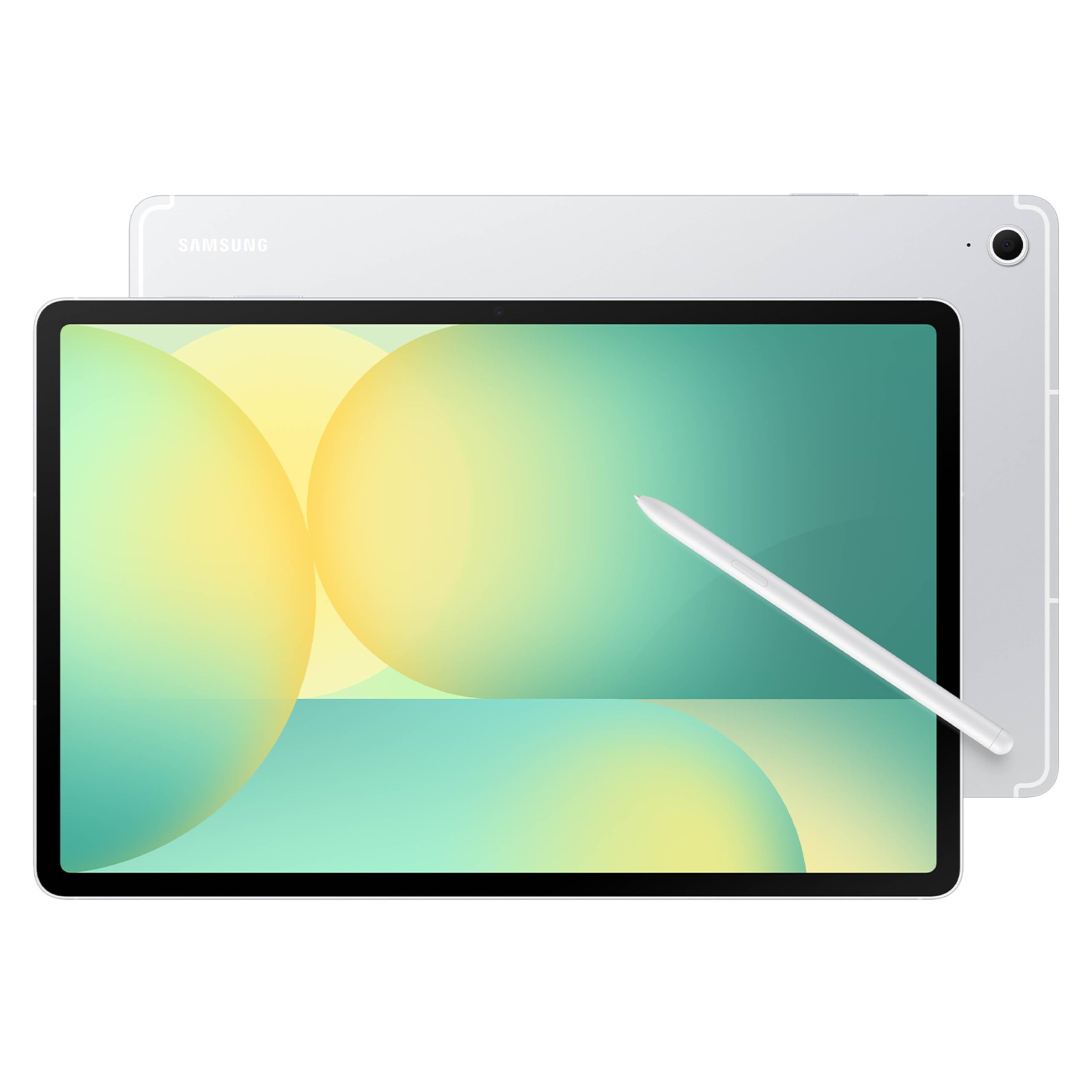
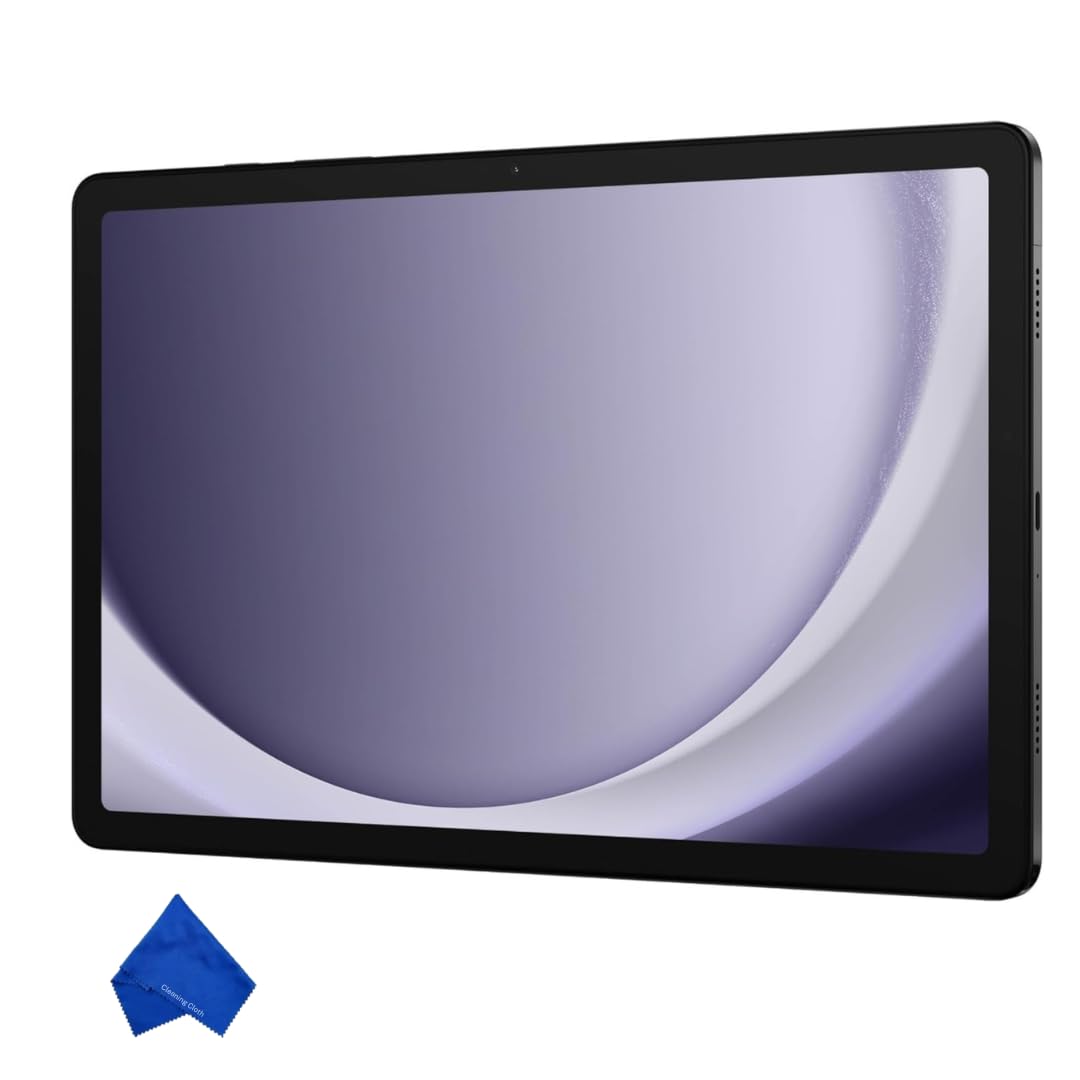
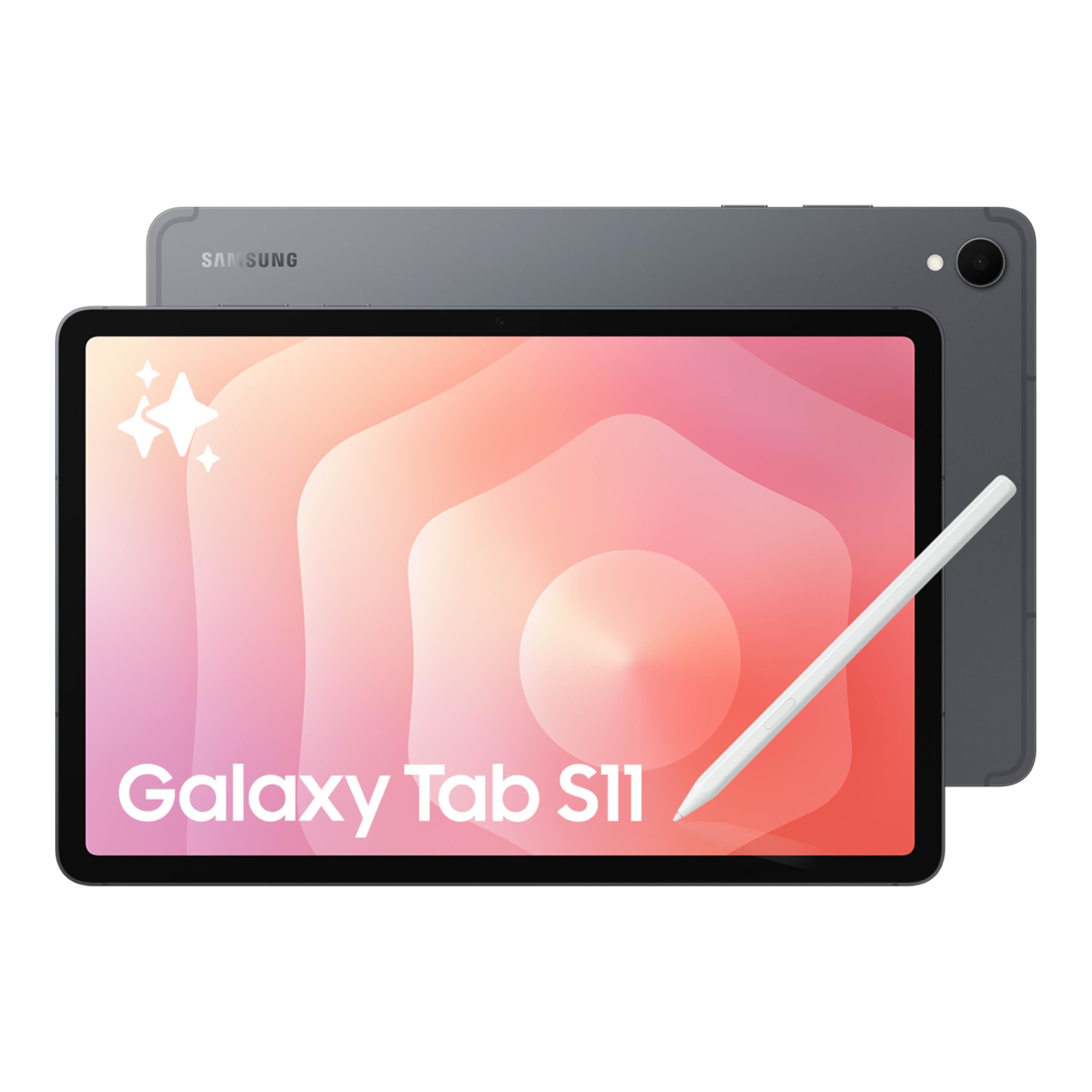

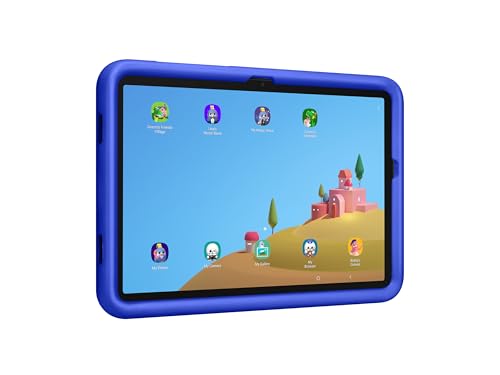

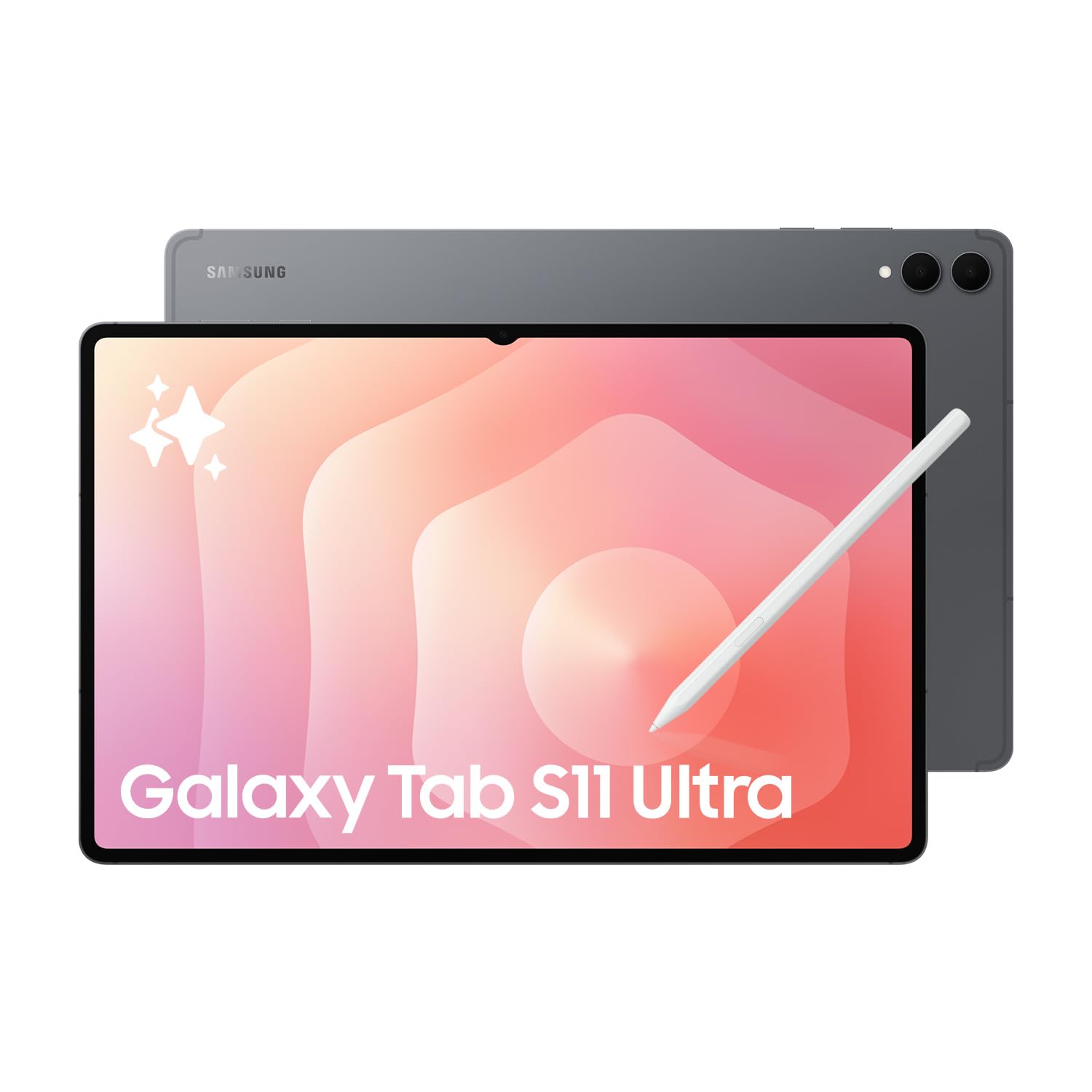

Top 3 Picks at a Glance
These three tablets cover the most common first time buyer needs: an all rounder, a budget friendly option and a premium choice.


Samsung Tablets 101: The Basics
Samsung tablets are touchscreen devices that run Android with Samsung's One UI software on top. They use the Google Play Store for apps, so anything you use on an Android phone, from Netflix and Spotify to Microsoft Office and Zoom, works on a Galaxy Tab. If you already own a Samsung phone, tablets sync messages, photos and notes with your Samsung account.
The lineup is split into three main families. The Galaxy Tab A series is the entry level option for streaming, reading, browsing and kids. The Galaxy Tab S FE series, where FE stands for Fan Edition, sits in the middle with an included S Pen stylus and better build quality. The Galaxy Tab S series is the flagship line, with AMOLED displays, faster chips and premium materials.
Within the S series, Plus models have larger screens, and Ultra models offer the biggest displays, around 14.6 inches. Samsung DeX is a mode that turns the tablet into a desktop style workspace with windows and a taskbar, especially useful with a keyboard cover.
Key Specs Explained in Plain English
Spec sheets can be confusing, but only a handful of numbers really matter. Here is what each means and what to look for.
Processor and Performance Tier
The processor, or chipset, is the tablet's brain. Samsung uses chips from Qualcomm Snapdragon, MediaTek and its own Exynos line. Tab A models use entry level chips that handle streaming, browsing and light games smoothly but can slow down with heavy multitasking. FE models use midrange chips that comfortably handle note taking, split screen apps and casual gaming.
Flagship Tab S models use the most powerful chips, ideal for video editing, demanding games and running several apps at once in DeX mode. For most first time buyers, an FE model offers plenty of speed.
Weight and Portability
Tablet weight affects how comfortable it feels to hold while reading or watching shows. Models around 11 inches typically weigh about 1 to 1.1 pounds, easy to carry in a bag or hold with one hand for short periods. Plus models around 12.4 to 13.1 inches weigh closer to 1.3 to 1.5 pounds, and Ultra models approach 1.7 pounds.
If you plan to read in bed or carry your tablet daily, an 11 inch model is the most comfortable choice. Larger screens are better for drawing, productivity and watching movies at a desk.
S Pen, Keyboard Covers, and Build
The S Pen is Samsung's stylus, used for handwritten notes, drawing and marking up PDFs. It comes in the box with FE and S series tablets but not with most Tab A models. The S Pen does not need charging on recent models, which makes it easy for beginners.
Samsung and third party brands sell keyboard covers that turn tablets into compact laptops. FE and S models use aluminum frames that feel sturdier than the plastic or metal blend on some budget models. Water resistance, rated IP68 on many FE and S models, adds protection against spills and rain.
Display Size, Resolution, and Brightness
Samsung tablets range from about 8.7 inches to 14.6 inches. Eleven inches is the sweet spot for most people, while 12.4 to 13.1 inch screens suit productivity and video. Tab A and FE models use LCD screens, which look bright and sharp. Flagship S models use AMOLED displays with deeper blacks, richer colors and better HDR for movies.
Refresh rate describes how smoothly the screen updates. Ninety hertz on FE models and 120 hertz on S models make scrolling and drawing feel smoother than the 60 or 90 hertz on budget tablets.
Ports and Connectivity
All current Samsung tablets charge through USB C, which also connects to accessories, external drives and some displays. Many Tab A and FE models include a microSD slot, letting you add inexpensive storage for movies and photos. Higher end S models support faster USB speeds for transferring large files.
Most tablets connect over WiFi, with WiFi 6 or WiFi 6E on newer models for faster, more stable connections. Some versions add 5G or LTE cellular service for internet anywhere, but they cost more and need a data plan. Bluetooth connects wireless headphones, keyboards and mice.
Battery Life in Real World Use
Samsung tablets typically last around 10 to 14 hours of video playback or browsing per charge, enough for a full day of school, work or travel. Heavy gaming, high screen brightness and video calls reduce that time. Larger tablets usually have bigger batteries but also bigger screens to power.
Fast charging over USB C refills batteries much faster, though some models ship without a charger in the box, so plan to buy a compatible USB C power adapter of around 25 to 45 watts.
Best Samsung Tablets for Specific Needs
Different users benefit from different models. Here is how to narrow down the options.
Best Samsung Tablets for Kids
The best samsung tablets for kids combine durability, parental controls and a reasonable price. Look for a protective kid friendly case, Samsung Kids mode with time limits and content filters, and expandable storage for downloaded shows and games. The Galaxy Tab A11+ Kids Edition bundles these features, while a standard Tab A model with a sturdy case also works well for older children.
Best Samsung Tablets for Business: Tips for First Time Buyers
The best samsung tablets for business offer strong performance, Samsung DeX for desktop style multitasking and support for keyboard covers. Look for at least 8GB of RAM, 256GB of storage and Samsung Knox security for protecting work data. FE+ or Tab S models with larger screens make spreadsheets and documents easier to manage.
Best for Students and Note Takers
Students benefit most from FE models with an included S Pen, which makes handwritten notes, annotating PDFs and drawing diagrams easy. Pair one with a keyboard cover for typing essays.
Best for Streaming and Reading
For Netflix, YouTube and ebooks, a Tab A model offers a big screen, good speakers and long battery life at a low price. Choose a flagship S model if you want the best AMOLED picture for movies.
Rookie Mistakes to Avoid
- Buying too little storage. A 64GB tablet fills quickly with apps, downloads and photos. Choose at least 128GB, or confirm a microSD slot is available.
- Assuming every model includes an S Pen. Most Tab A models do not include one, so check the box contents if you plan to take notes or draw.
- Forgetting a charger. Some models ship with only a cable. Budget for a USB C fast charger.
- Choosing the biggest screen by default. Ultra models are impressive but heavy and expensive; an 11 inch tablet suits most people better.
- Skipping a case. Tablets are easy to drop. A protective case or keyboard cover prevents cracked screens.
Getting Started: Setup and First Use
When you unbox your tablet, charge it fully, then power it on and follow the setup steps. Sign in with a Google account to access the Play Store and with a Samsung account to sync data from a Galaxy phone. Smart Switch can copy apps, photos and settings from an older device.
Keep the OS and firmware updated through Settings, since updates bring security fixes and new features. Turn on the battery protection setting, which limits charging to around 80 percent, to avoid keeping the battery at 100 percent all the time and extend its lifespan. Set up a screen lock with a PIN or fingerprint, and for kids, enable Samsung Kids or Google Family Link before handing the tablet over.
Finally, explore split screen multitasking and, on supported models, Samsung DeX, which make the tablet far more productive than many first time owners expect.
How Much to Spend on a Samsung Tablet
Samsung tablets fall into clear price bands, which helps first time buyers set a realistic budget. Galaxy Tab A models typically cost around $150 to $350. They suit streaming, reading, video calls and kids, but use slower chips and usually skip the S Pen.
FE models cost around $450 to $800 and are the sweet spot for most people. They add an included S Pen, water resistance on many models, better build quality and faster performance for multitasking and note taking. Flagship Galaxy Tab S models cost around $800 to $1,300 or more, delivering AMOLED displays, top performance and premium materials for creatives and professionals.
Remember to budget around $30 to $200 for accessories such as a case, keyboard cover, screen protector and charger. These extras make a big difference to how useful and durable the tablet is.
Samsung Tablets vs iPad: Which Should a First Time Buyer Choose?
Many first time buyers compare Galaxy Tabs with Apple's iPad. The best choice usually depends on the phone you already own. If you use an Android phone, especially a Galaxy, a Samsung tablet shares your apps, accounts and photos and works seamlessly with Galaxy Buds and watches. iPhone owners will find an iPad integrates more smoothly with iMessage, AirDrop and iCloud.
Samsung tablets offer some advantages for new buyers. FE and S models include the S Pen in the box, while Apple sells its pencil separately. Many Galaxy Tabs have microSD slots for cheap extra storage, and Samsung DeX offers a desktop style mode with resizable windows. Water resistance on many FE and S models also adds peace of mind around kids and kitchens.
iPads have a larger selection of tablet optimized apps, particularly for creative work, and strong resale value. Both platforms receive several years of updates on recent models, so either is a safe choice. If you want the most features for the money and use Android, a Samsung tablet is the natural fit.
Frequently Asked Questions
How long should a Samsung tablet last?
A Samsung tablet should last around four to six years with normal use. Samsung promises several years of Android and security updates on many recent models, with flagship and FE tablets receiving the longest support. Battery capacity gradually declines, but enabling battery protection and avoiding extreme heat helps. Budget models may feel slow sooner as apps become more demanding.
Is a dedicated GPU worth it?
Tablets do not use dedicated GPUs, so you do not need to worry about one. Graphics are built into the processor. Flagship Galaxy Tab S models have the most powerful integrated graphics for demanding games and video editing, while FE and A models handle casual games and streaming well. Choose a flagship model if gaming performance is a priority.
Should I buy a laptop or a tablet?
Buy a tablet if you mainly stream, read, take handwritten notes or browse, and a laptop if you type a lot or need desktop software. A Samsung tablet with a keyboard cover and DeX mode can handle email, documents and video calls, but laptops remain better for heavy multitasking, complex spreadsheets and specialized programs.
How much RAM do I need?
Most first time buyers need 6GB to 8GB of RAM in a Samsung tablet. That handles streaming, browsing and split screen apps smoothly. Choose 12GB or more if you plan to use DeX mode heavily, edit videos or keep many apps open. Budget models with 4GB work for single tasks like reading and video.
Is a Samsung tablet enough for school?
Yes, a Samsung tablet is enough for most school work, especially with an S Pen and keyboard. Students can take handwritten notes, read textbooks, join video classes and write papers in Google Docs or Microsoft Word. Check whether your school requires specific software or exam platforms that only run on laptops or Chromebooks.
Final Thoughts
Choosing a first Samsung tablet comes down to understanding the three series. Tab A models deliver value for streaming, reading and kids, FE models balance price and features with an included S Pen, and Tab S flagships offer premium screens and performance. Focus on screen size, storage of at least 128GB and whether you need the S Pen, then add a case and charger to complete your setup.
Compare the best samsung tablets in the product table above to find the right model for your needs and budget.


