
Alienware Aurora Review for 2026: Is the Gaming Desktop Worth It?
Disclosure: We may earn a commission when you buy through links on this page, at no extra cost to you. As an Amazon Associate I earn from qualifying purchases. Learn more

Alienware Aurora review covering ACT1250 and R16 desktops, RTX 5060 Ti to 5080 graphics, cooling options and who should buy one.
The Alienware Aurora is Dell's mainstream gaming desktop line, with a compact Legend-style tower, modern Intel processors and RTX graphics, and this alienware aurora review covers the generations, the specs worth knowing, the cooling options and who should buy one. It suits players who want a ready-to-run gaming PC with a warranty and onsite service, and who do not need a flagship machine.
The Aurora name also covers Alienware's 16-inch laptop line, which is a different product with its own guide. This review focuses on the desktop towers, from older R14 and R16 models to the newer ACT1250 generation.


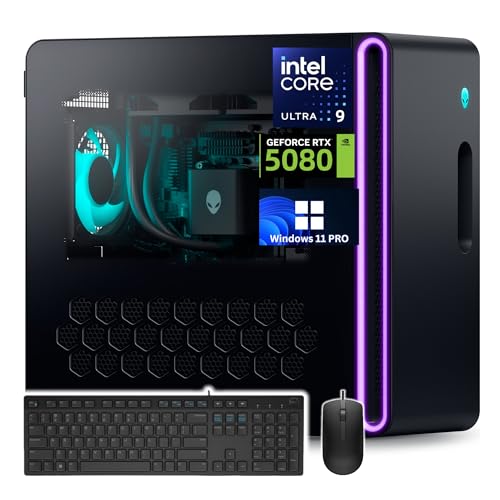

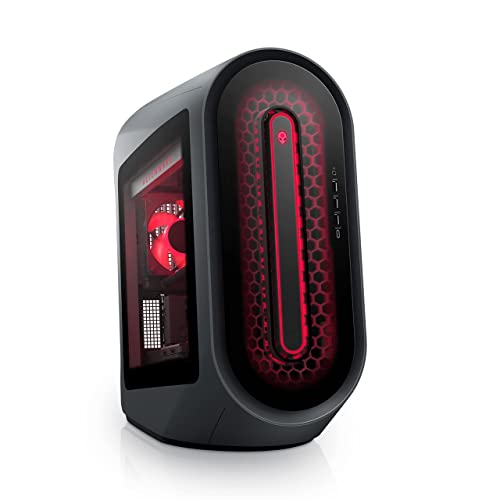
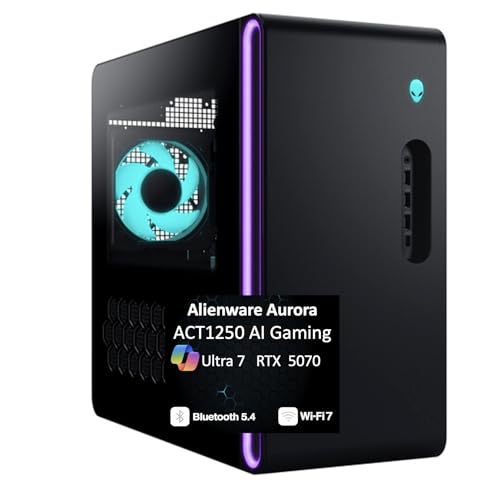
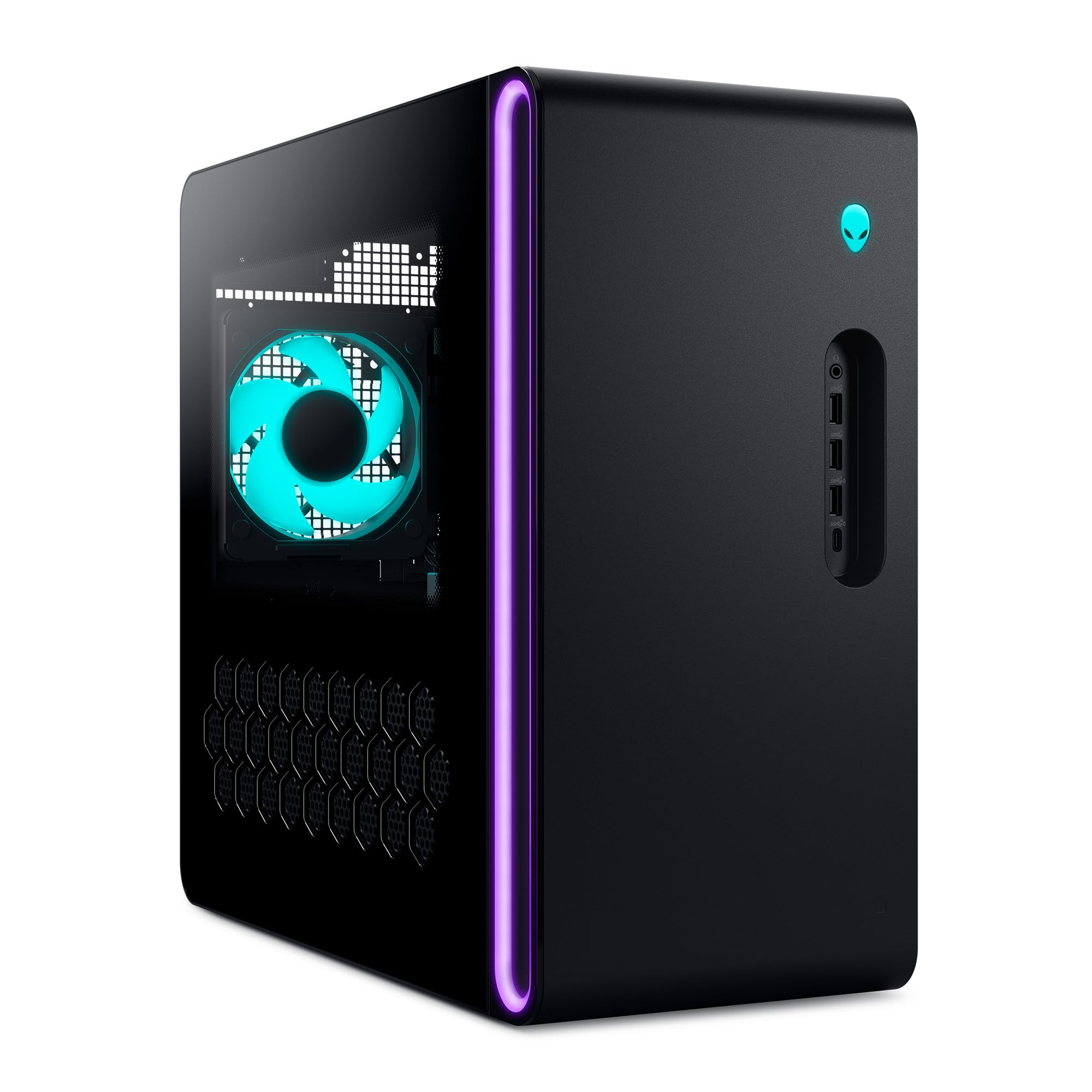
Alienware Aurora Review: Models and Prices
The current ACT1250 Aurora desktops list an Intel Core Ultra 7 265F or 265KF with RTX 5060 Ti, RTX 5070 and higher graphics, running Windows 11 Home with Wi-Fi 7 and 2.5Gb Ethernet. Prices on our hub run from around $1,700 for an RTX 5060 Ti version to around $3,600 for an RTX 5080 version with a Core Ultra 9 285 processor.
Older generations are also on sale. The Aurora R16 lists a Core i7 14700F with an RTX 4070 Super near $2,600, and a newer R16 listing pairs the Core Ultra 9 285K with an RTX 5080 for around $3,900. The older R14 lists a Ryzen 9 5900 with liquid cooling near $2,400.
Design and Cooling
The Legend 3 chassis has a matte basalt black finish with customizable AlienFX lighting zones, including a stadium lighting effect, and an optional clear side panel. It is smaller than the Area-51 tower, which makes it easier to fit on a desk or under one.
Cooling options include a 240mm liquid cooler for the processor on selected configurations, which Dell says improves thermal resistance in long sessions. The R16 listing says the design runs up to 20% quieter and 7% cooler than the previous generation. Compare the cooling line in each listing, because air cooled and liquid cooled versions both exist.
Performance by Graphics Card
An RTX 5060 Ti suits 1080p and 1440p gaming at high settings, and the RTX 5070 adds a comfortable margin at 1440p. The RTX 5080 is the choice for 4K play and for ray tracing at high settings. Most players will find the RTX 5070 version the best value, since it runs recent games at 1440p with DLSS without the price of a 5080.
Processors range from the Core Ultra 7 265F, a strong gaming chip, to the Core Ultra 9 285 and 285K for streaming and creative work.
Memory, Storage and Connectivity
Listings carry 32GB of DDR5 memory and 1TB to 2TB of SSD storage, with some reseller versions offering 64GB and 4TB. The R16 listing adds a 2TB hard drive for bulk storage. Connectivity includes Wi-Fi 7, Bluetooth and 2.5Gb Ethernet, including a Killer 2.5Gb port on the RTX 5070 listing.
The Alienware Command Center software controls lighting, performance modes and game profiles, so you can tune noise and speed for each use.
Service and Warranty
Alienware-sold listings include 1 year of onsite service, where Dell comes to your home or office for covered issues that cannot be fixed remotely. Reseller bundles, some of which add antivirus software or extra memory, may carry different terms, so check the seller details.
Aurora Compared With Other Gaming PCs
The Aurora competes with the HP Omen and with custom builds. Prebuilt PCs cost more than building from parts, but they include support and arrive ready to play. The Area-51 desktop is Alienware's higher end alternative, and our Alienware Area-51 desktop review covers it. For another prebuilt option, read the HP Omen 35L review, and see the best gaming pc guide.
Aurora Laptop or Aurora Desktop
If you landed here looking for the 16-inch Alienware 16 Aurora gaming laptop, it is a different product: a slim laptop with RTX 5050 to RTX 5070 graphics and a 16:10 display, with its own guide. The desktop Aurora trades portability for more performance per dollar, quieter cooling and an easier path to a bigger monitor setup. Choose the desktop if the machine will live on your desk, and the laptop if you need to move it.
Everyday Use and Maintenance
A prebuilt tower is easy to live with. Keep the front and rear vents clear, dust the filters and fans every few months, and update the graphics driver when new games launch. Use Command Center to switch to a quieter profile for office work, and a performance profile for gaming. If your Aurora includes liquid cooling, listen for pump noise at startup and check that the radiator fans spin up when the system is under load.
Who Should Buy the Alienware Aurora
Choose it if you want a ready-made, well supported gaming PC with a distinctive design and modern parts, at a mid-range price. It suits families, new PC gamers and anyone who values warranty service. Skip it if you want to upgrade heavily, since some Aurora generations use proprietary parts, or if you prefer a lower price from a custom build.
Buying Tips
- Choose the ACT1250 generation or the newer R16 for current graphics and Wi-Fi 7.
- Pick the RTX 5070 for the best balance of price and performance.
- Read the cooling line: choose liquid cooling for the Core Ultra 9 versions.
- Check memory: 32GB is a good minimum, 64GB helps creators.
- Prefer Alienware-sold listings for onsite service.
FAQ
Is the Alienware Aurora good for gaming?
Yes. It pairs modern Intel processors with RTX 50 series graphics and is built for gaming.
Is the Aurora upgradeable?
Some upgrades are possible, but parts such as the power supply and motherboard can be proprietary, so check the specs before planning a big upgrade.
What is the difference between Aurora and Area-51?
The Area-51 is the larger flagship with stronger cooling and a standard ATX build. The Aurora is the compact, lower priced line.
Does it come with Windows?
Yes. Listings show Windows 11 Home, and some reseller versions list Windows 11 Pro.
Final Verdict
This alienware aurora review finds a well supported gaming PC line that is a strong choice at the RTX 5070 level. Compare the generations in the table above, check the cooling and memory and pick an Alienware-sold version if you want onsite service.


