
Best 1080p Laptops Made Simple: Screen, Memory and Battery (2026)
Disclosure: We may earn a commission when you buy through links on this page, at no extra cost to you. As an Amazon Associate I earn from qualifying purchases. Learn more

Students, remote workers and creators: how to choose the best 1080p laptops by screen quality, memory, storage, battery life, weight and ports.
A Full HD screen is the baseline for a laptop you will actually enjoy using: text is sharp, video looks good and the price stays reasonable. The best 1080p laptops pair that screen with enough memory, a fast SSD and a battery that lasts through a day, and the right choice depends on whether you study, work, create or play.
This guide explains how to judge the parts that matter alongside the screen. The product table lists 14 to 17 inch laptops from affordable everyday models to higher-end business and gaming systems.





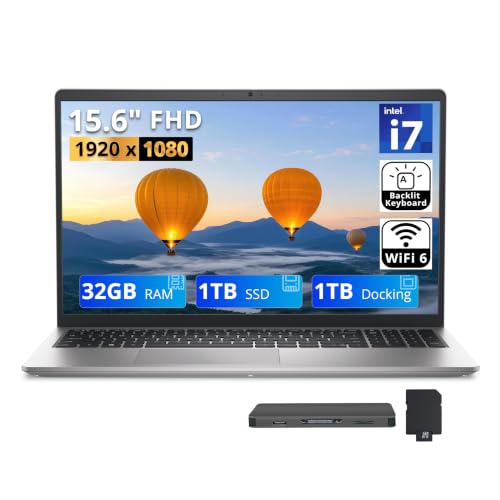
What a 1080p Screen Gives You
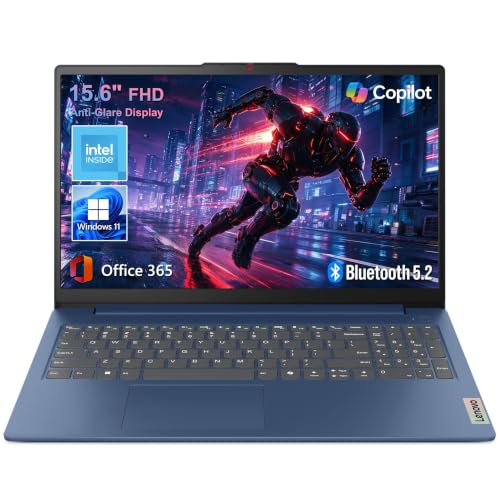
1080p is 1920 by 1080 pixels. On a 14 or 15.6 inch laptop that is sharp for documents, web pages and video. Lower resolution screens, often labeled HD, look soft and show less on the page, so avoid them if you read and write a lot. Higher resolution screens look crisper but use more battery and cost more.
Screen Quality Beyond Resolution
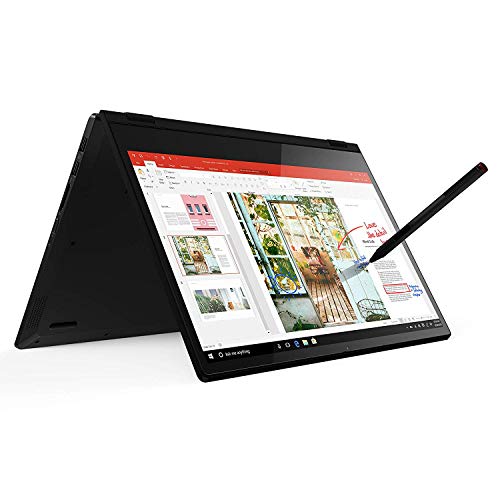
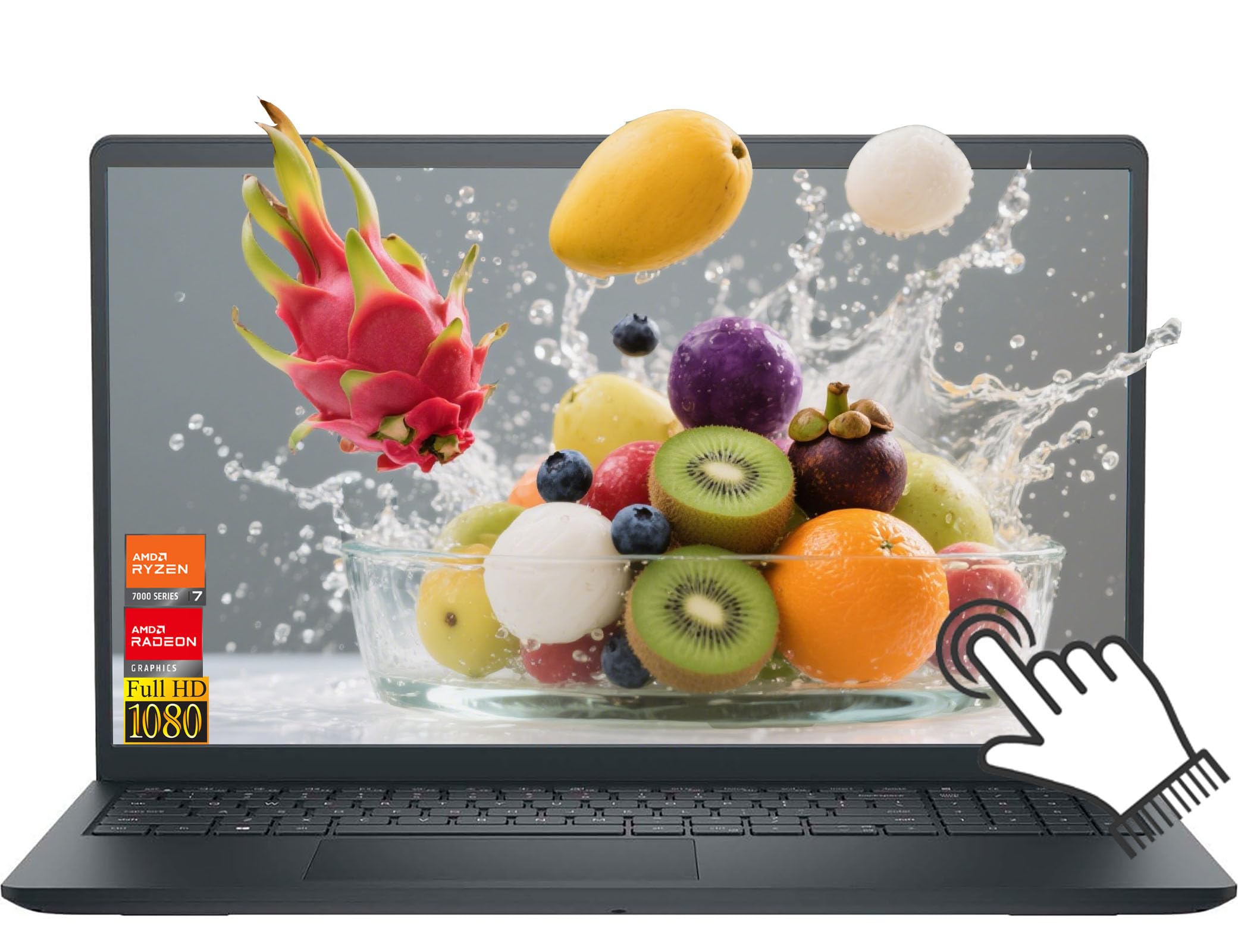
Resolution is only the start. IPS panels have wide viewing angles and better color than cheap TN panels. Brightness matters if you work near windows. A matte finish cuts reflections, and a glossy finish looks vivid indoors. Some listings state color coverage, which matters for photo editing. A touchscreen adds convenience for tablets and 2-in-1s but can reduce battery life.
Processor and Memory
- Everyday use: a recent mid-range processor handles browsing, documents and streaming.
- Multitasking: choose 16GB of memory so many tabs and apps stay responsive.
- Light creative work: a faster processor and 16GB help with photo and video editing.
- Gaming: add a dedicated graphics chip instead of relying on integrated graphics.
Eight gigabytes of memory is the practical minimum, but laptops with 4 or 6GB feel slow soon after you open a few programs. Check whether the memory is soldered or upgradeable.
Storage
An SSD makes boot and load times much faster than a hard drive. Check the capacity: 256GB fills up quickly, and 512GB is more comfortable. Some budget laptops use slower eMMC storage, which is acceptable for a simple Chromebook but poor for heavy use.
Battery Life and Weight
Look for maker claims, then discount them. Real battery life depends on brightness, workload and age. A thin, light laptop is easier to carry daily, while larger machines and gaming models are heavier and need bigger chargers. Check whether the laptop can charge through USB-C, which makes travel easier.
Keyboard, Trackpad and Ports
You will touch the keyboard and trackpad all day, so read buyer comments about comfort. A numeric keypad suits spreadsheets. Check ports: USB-A, USB-C, HDMI and a headphone jack cover most needs. A webcam and microphone matter for calls.
Windows, macOS or ChromeOS
Windows laptops offer the widest choice of software and prices. ChromeOS laptops are light and simple and suit browser-based work and students. Apple laptops provide strong battery life and a smooth system at higher prices. Pick the system that runs the programs you need.
Choosing the Best 1080p Laptops
Define your use and set a budget, then compare screens, memory, storage and weight. Prices in the table range from about $230 for simple models to $1,300 for higher-spec business and gaming machines. Avoid spending extra on features you will not use, and check warranty and return terms, since laptops can arrive with defects.
For related reading, see best laptops with 1080p webcam and best laptops for colleges.
Setting Up a New Laptop
Charge the laptop, install system updates and remove trial software you do not want. Turn on disk encryption and a strong password. Set the display scaling to a comfortable size, since 1080p on a small screen may need 125 percent scaling for text. Back up your files regularly.
Matching the Laptop to Your Day
A student who carries a laptop across campus values weight and battery above everything. A remote worker who sits at a desk can accept a heavier laptop with a bigger screen and more ports. A creator who edits photos wants a color-accurate screen and a faster processor. A gamer needs a dedicated graphics chip and good cooling. Write down the three things you do most, and choose the machine that makes those three pleasant.
Cooling, Noise and Build
Thin laptops can throttle under heavy loads, and gaming laptops are louder. Check buyer notes on fan noise and surface heat. A sturdy hinge, a rigid keyboard deck and a solid lid add years to a laptop's life. Metal bodies feel premium but can be heavy, and plastic can be perfectly durable if the build is tight.
Webcam, Speakers and Calls
If you spend hours on video calls, the webcam and microphones matter. A 1080p webcam looks much better than a 720p one, though lighting still matters more. Speakers on laptops are modest, so a headset improves calls and music. Check whether the webcam has a privacy shutter.
Wi-Fi, Ports and Docks
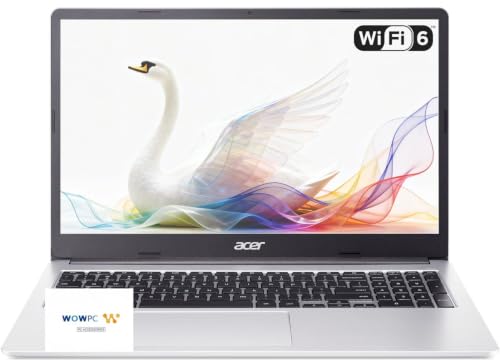
A laptop with current Wi-Fi gives better speed on a modern router. USB-C ports with display and charging support let a single cable connect a monitor, power and accessories. If you use a dock, check that your laptop supports it. A card reader helps photographers, and an Ethernet port helps on shaky Wi-Fi.
Warranty and Return Window
Check the screen for stuck pixels and uneven backlight, try the keyboard and trackpad and run a battery check during the first week. Update the system and drivers, and keep the box until you are certain. Look for warranty terms that cover the battery and the screen.
Price Tiers at a Glance
Simple everyday laptops start around $230 and run basic apps. The $400 to $700 range offers better build, faster processors and more memory. Above $800 you find premium business and gaming laptops with better screens and stronger parts. Spend on the screen, memory and storage before extras.
Frequently Asked Questions
Is 1080p enough on a laptop?
Yes. It is sharp on 14 to 16 inch screens and keeps battery use reasonable.
How much memory do I need?
Sixteen gigabytes is comfortable for most users. Eight is the practical minimum.
Is a touchscreen worth it?
Only if you use pen or touch. It adds cost and can shorten battery life.
Can a 1080p laptop be used for gaming?
Yes, if it has a dedicated graphics chip. Integrated graphics only handle light games.
Final Thoughts
Choose the screen, memory and storage that match your work. The best 1080p laptops offer a sharp display, steady performance and a battery that gets you through the day. Prices and availability can change, so check the product page before ordering.


