
The Best Mid Range Printers for 2026: Home and Small Office Guide
Disclosure: We may earn a commission when you buy through links on this page, at no extra cost to you. As an Amazon Associate I earn from qualifying purchases. Learn more

Families, students and home offices can pick the best mid range printers by comparing cost per page, ink tank vs laser, duplex and wireless.
Anyone who prints homework, shipping labels, contracts or family photos at home knows the cartridge trap: a cheap printer that costs more to feed than to buy. The best mid range printers avoid that trap by pairing refillable ink tanks or color laser engines with low cost per page, automatic duplexing and solid wireless connectivity, usually for a few hundred dollars.
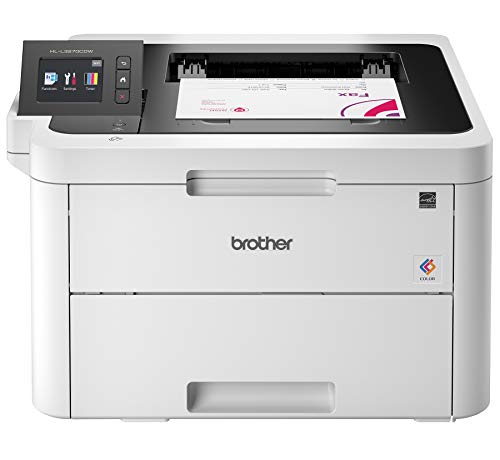
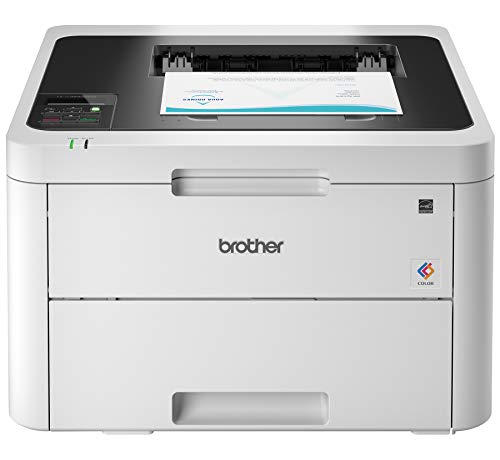
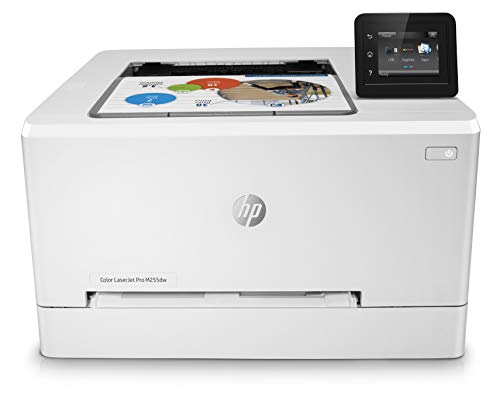
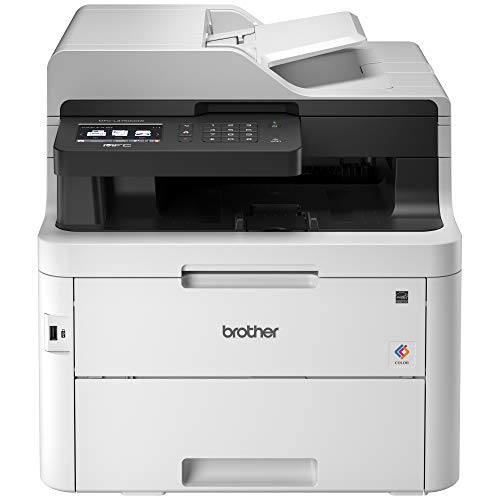
In this price tier, printers are built for steadier duty cycles, sharper text and easy printing from several devices at once. Ink tank models suit color-heavy households, while color lasers suit offices that print crisp documents in volume. Below you will find the features that matter, the main printer formats, maintenance habits, common mistakes and answers to frequent questions, and the picks in the table cover the options.


How to Choose the Best Mid Range Printers
Choose by running cost, paper handling and connectivity rather than by sticker price alone. Work through these core points before buying. If you mainly print at home, our guide to computer printers for home is a good companion read.
Printing Technology: Refillable Ink Tank vs Color Laser
The first decision is the print engine, because it sets your running costs and the kind of documents you print best.
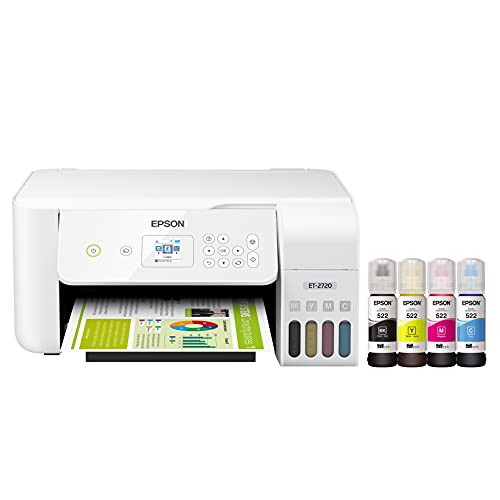
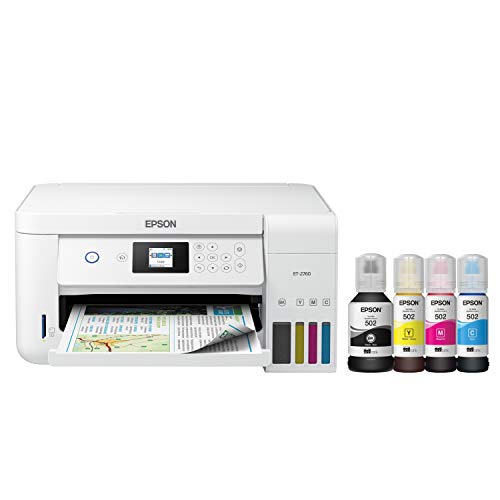
- Refillable ink tank (Smart Tank, EcoTank and similar): Large ink reservoirs are refilled from squeeze bottles instead of replacing cartridges. Running costs are far lower than with cartridge printers, which suits color graphics and photos.
- Color laser: Dry toner is fused onto paper by heated rollers. Text is sharp and smudge resistant, and toner does not dry out or clog if the printer sits idle for months.
If you print a handful of pages a month, a laser avoids the dried nozzle problem. If your printing is mostly color school projects and photos, an ink tank is usually the better fit.
Cost Per Page and Long Term Ownership
Cost per page (CPP) is the number that decides what a printer really costs. Divide the price of a replacement ink bottle or toner cartridge by its rated page yield, then compare models.
- Ink tanks: Typically well under a cent per black page and around a cent or less per color page, so the higher purchase price is often recovered within a year of regular family printing.
- Color lasers: Usually a few cents per black page and noticeably more per color page, but predictable for steady office volume.
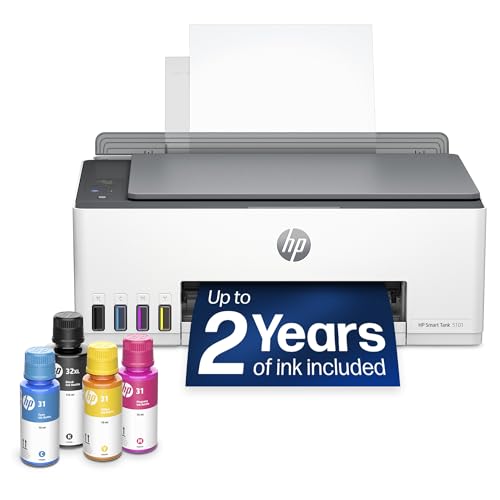
Also check whether the box ships with full ink bottles or only starter toner. Some printers include a year or more of ink, which changes the real first year cost noticeably.
Automatic Double Sided Printing
Automatic duplex printing means the printer flips the sheet itself and prints both sides in one job. It roughly halves paper use for research papers, contracts and study guides, and it saves you from flipping pages by hand.
Check the spec sheet carefully, because some printers offer only manual duplex, which asks you to reload the stack yourself.
Automatic Document Feeder and Scanning Glass
If you scan or copy often, look at both scanner parts. The flatbed glass handles photos, book pages and IDs, while the feeder handles stacks.
- Flatbed glass: Needed for fragile photos, thick pages and passports.
- Automatic document feeder (ADF): Holds a stack of loose sheets, often 30 to 50, for fast multi page PDFs. A duplex ADF scans both sides in a single pass.
Home offices that handle tax packets or signed forms get the most from an ADF. If you only scan the occasional receipt, the glass alone is enough and saves money.
Print Speed in Pages Per Minute
Look for the ISO pages per minute (ppm) rating, not the marketing "up to" figure. Budget inkjets often manage only six to eight pages per minute, which feels slow on long documents.
Mid range models commonly reach roughly 15 to 25 ppm in black and 10 to 15 ppm in color, enough to finish a 30 page report in a couple of minutes. Remember that first page out time and duplex printing are both slower than the headline number.
Wireless Connectivity: Dual Band Wi Fi, AirPrint and Apps
A good printer should be cable free. Look for dual band Wi Fi (2.4GHz and 5GHz) with Wi Fi Direct, plus Apple AirPrint and Mopria support for Android.
Those standards let phones, tablets and laptops print without installing special drivers. An Ethernet port is a useful extra for offices, because wired connections tend to stay stable when many people share one printer.
Replaceable Maintenance Boxes and Waste Ink
Inkjets purge small amounts of ink during cleaning cycles into an internal waste pad. When that pad fills, some cheap printers stop working with an error code.
Better ink tank models have a user replaceable maintenance box that you swap through a side door in under a minute. This extends the printer's life considerably and is worth checking before you buy.
Cardstock and Specialty Paper Feeding
If you print greeting cards, shipping labels or flashcards, check for a rear paper feed. Front cassettes bend sheets around tight rollers, which can jam stiff stock.
A rear straight path handles heavy cardstock, glossy photo paper and thicker envelopes with less curling. Always check the maker's stated maximum paper weight.
Popular Mid Range Printer Categories Compared
Three formats cover most households, so match one to your monthly print volume and the kind of pages you print.
All in One Family Ink Tank Printers
These combine large ink tanks, flatbed scanning, copying, duplexing and photo printing. They suit families with school age children, students and hobbyists who print a lot of color.
Compact Small Business Color Laser All in Ones
These add an ADF, larger paper trays, Ethernet and higher monthly duty cycles. They suit accountants, lawyers and home office owners who need sharp, smudge resistant text.
Dedicated Wireless Photo and Crafting Printers
These use five or six ink colors, often with a dedicated photo black or gray. They suit photographers and scrapbookers who want borderless prints, though text printing costs are usually higher than with ink tanks.
Common Buying Mistakes to Avoid
Most regrets come from judging a printer by its price tag instead of its daily use. A few checks before ordering prevent them.
- Ignoring the monthly duty cycle: A printer rated for a few hundred pages a month will wear out quickly in a busy office, so match the rating to your real volume.
- Buying on cartridge price alone: A low sticker price with small cartridges often costs more within a year than a pricier tank model.
- Skipping the footprint check: Measure your desk or shelf, and leave room above for the scanner lid and behind for the rear paper feed.
- Overlooking third party ink rules: Some makers lock out unbranded ink through firmware, so read the policy if you plan to use refills from other brands.
Essential Maintenance Habits for Clog Free Printing
Four simple habits keep inkjet printers running smoothly and prevent dried nozzles.
- Print a color test page weekly: Inkjet printheads can dry out if left idle for weeks, and a small weekly print keeps the nozzles clear.
- Power off with the button: Pulling the plug stops the printer from capping the printhead, which protects it from drying.
- Store paper flat and dry: Damp paper causes jams and ink bleed, so keep reams sealed until you load them.
- Run a cleaning cycle for streaks: If text shows white lines, run a nozzle check and cleaning from the maintenance menu, and avoid repeating it too often because it uses ink.
When refilling an ink tank, work over a paper towel, match each bottle to its colored tank, and stop when the level reaches the fill line. Overfilling is a common cause of leaks and messy printheads.
Frequently Asked Questions
Are refillable ink tank printers really cheaper to run than cartridge printers?
Yes, in most cases they cost far less per page. Replacement bottles are inexpensive and hold much more ink than a cartridge, so heavy printers recover the higher purchase price quickly.
Will laser printer toner dry out if I do not use it for months?
No, toner is a dry powder and does not dry out or clog a printhead. That makes a laser a good choice if you only print occasionally.
Can mid range ink tank printers print borderless glossy photos?
Many can, if the model lists borderless photo support. Check the supported photo sizes in the specifications and use proper photo paper for the best results.
What is the difference between Wi Fi and Wi Fi Direct on a printer?
Wi Fi connects the printer to your router so every device on the network can print. Wi Fi Direct creates a private link between the printer and a phone, so you can print without a router.
Final Thoughts
The best mid range printers bring low running costs, automatic duplexing and easy wireless printing to a home or small office. Pick an ink tank for color and photos or a color laser for steady document volume, then compare the picks in the table.


