Best Motherboards for Gaming in 2026: What to Check Before You Buy
Disclosure: We may earn a commission when you buy through links on this page, at no extra cost to you. As an Amazon Associate I earn from qualifying purchases. Learn more

A practical breakdown of chipset compatibility, VRM quality, and connectivity for choosing a gaming motherboard.
A motherboard rarely gets the attention it deserves in a gaming build, largely because it does not directly boost frame rates the way a graphics card does. But the best motherboards for gaming quietly determine what CPU and RAM you can run, how much upgrade room you have later, and whether your other components can actually perform at their rated specs. Getting this choice wrong means either paying for features you will never use or hitting a wall the first time you try to upgrade.
This guide focuses on the handful of specs that genuinely affect a gaming build's performance and longevity, rather than the marketing checklists that make budget and premium boards look more different than they actually are.


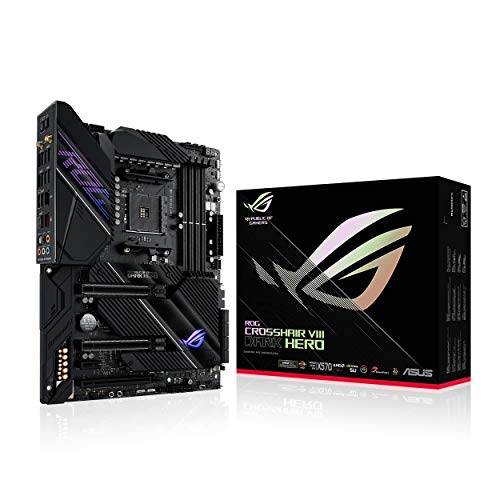
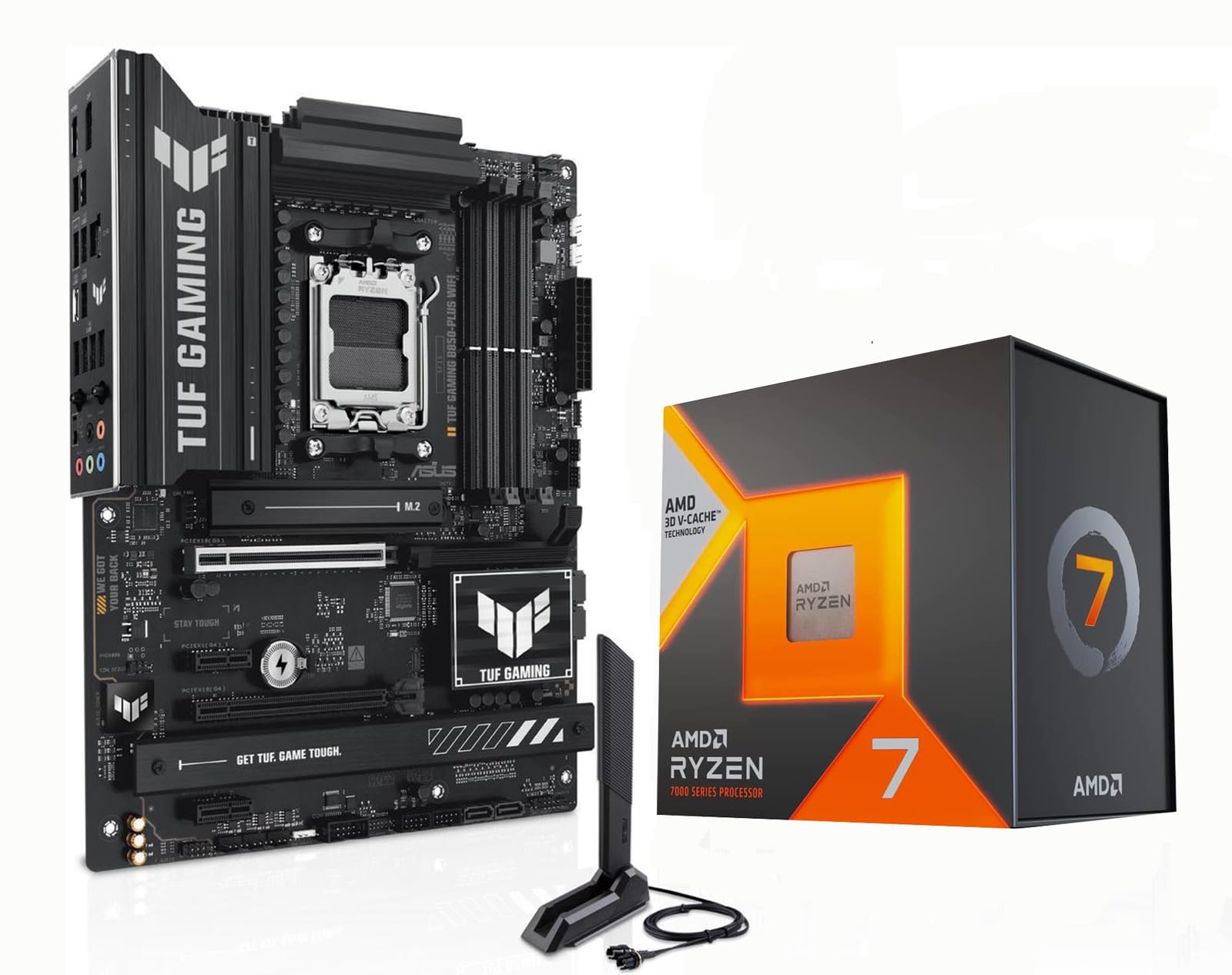


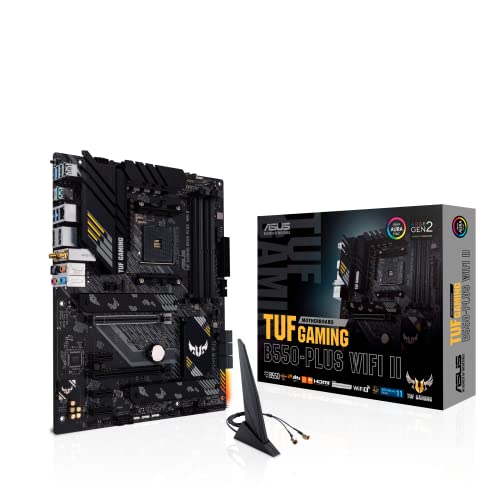
Chipset and CPU Compatibility Comes First
Every motherboard is built around a specific chipset that determines which CPU generation it supports, so this decision happens before anything else. Buying a board with the wrong chipset for your chosen CPU is the single most common and easily avoidable mistake in a new build.
Matching Chipset Tier to Your Build Goals
Chipsets within the same CPU generation are typically split into budget, mid-range, and premium tiers, each unlocking different levels of overclocking support, connectivity, and expansion. A budget chipset paired with a locked, non-overclockable CPU wastes no potential, but pairing a high-end unlocked CPU with a budget board limits how much of that CPU's performance you can actually access.
VRM Quality: The Spec Most Buyers Skip
The voltage regulator module, or VRM, delivers clean, stable power to the CPU, and its quality directly affects overclocking headroom and long-term stability under sustained load. A weak VRM on a board paired with a power-hungry CPU can throttle performance or run hotter than it should, even without any overclocking involved.
Board manufacturers do not always advertise VRM quality clearly, so checking independent reviews or teardown comparisons for your specific board is worth the extra research time, particularly if you are pairing it with a higher-end CPU.
Expansion Slots and M.2 Storage
Modern games and their texture-heavy installs benefit enormously from fast NVMe storage, and how many M.2 slots a board offers directly limits how much fast storage you can add later without external drives. Budget boards often include only one or two M.2 slots, while higher-tier boards offer three or more, sometimes with dedicated heatsinks to prevent thermal throttling under sustained load.
PCIe Slot Considerations
Most gaming builds only use the primary PCIe slot for the graphics card, but additional slots matter if you plan to add capture cards, extra storage controllers, or other expansion hardware down the line. Check the board's slot layout against your actual expansion plans rather than assuming more slots always means more usable ones once a large graphics card is installed.
Connectivity: Wi-Fi, USB, and Networking
Built-in Wi-Fi and Bluetooth save the cost and hassle of a separate expansion card, and are worth prioritizing if your setup is not hardwired to your router. USB port count and type also matter more than most buyers expect once you start counting a keyboard, mouse, headset, webcam, and any additional peripherals all competing for the same limited ports.
Networking speed is a smaller but real consideration for competitive online gaming, where a board with a higher-speed wired ethernet controller can shave meaningful latency compared to budget networking chips under heavy network load.
Form Factor and Case Fit
Motherboards come in several standard sizes, and choosing one that does not match your case is a build-ending mistake that is entirely avoidable with a quick spec check beforehand. Smaller form factors save space and enable compact builds but typically sacrifice expansion slots and M.2 storage capacity compared to full-size boards.
Full Size vs Compact Builds
A full-size board gives the most room for expansion and cooling clearance, while compact form factors are worth the tradeoffs only if a smaller case is genuinely a priority for your setup, such as a build meant to travel or fit in a tight space.
Frequently Asked Questions
Does a more expensive motherboard improve gaming performance directly?
Not directly. A motherboard primarily enables your CPU, RAM, and storage to perform at their rated specs rather than boosting frame rates on its own, so spending should scale with what your other components actually need.
How important is Wi-Fi built into a gaming motherboard?
It matters mainly for convenience if your setup is not wired directly to your router. A wired ethernet connection generally offers more stable, lower-latency performance for competitive gaming regardless of built-in Wi-Fi quality.
What happens if my motherboard doesn't support my CPU?
The system simply will not boot, or in some cases needs a BIOS update applied before the new CPU generation is recognized, which itself may require an older compatible CPU or a manufacturer's flash-back feature to perform.
Do I need multiple M.2 slots if I only use one drive now?
Only if you expect to add more fast storage later. If you are confident one drive covers your needs long-term, extra M.2 slots offer no real benefit beyond future flexibility.
Is a higher-tier chipset worth it if I'm not overclocking?
Generally no, since overclocking support is the main practical benefit of higher-tier chipsets. A mid-range board is usually the better value if you have no plans to overclock.
How long do motherboards typically last before needing replacement?
A quality board can last many years and multiple CPU upgrades within the same socket generation, though switching to a new CPU generation eventually requires a new motherboard to match.
Does motherboard size affect cooling performance?
Indirectly. Smaller boards have less physical space for spacing components apart, which can make heat management slightly more challenging in compact builds compared to full-size boards with more room to breathe.
Final Thoughts
The best gaming motherboard is whichever board correctly matches your chosen CPU's chipset, offers a VRM capable of handling that CPU reliably, and gives you the storage and connectivity your actual setup needs. Spending more only makes sense when it unlocks a feature you will genuinely use, not simply because a higher price implies better performance.
Related reading: best gaming desks.