
Best Pre Built Computers for Every Need: How to Pick the Right One
Disclosure: We may earn a commission when you buy through links on this page, at no extra cost to you. As an Amazon Associate I earn from qualifying purchases. Learn more

Towers, slim desktops and mini PCs compared for every need, with three picks and buying advice.
Buying a pre built computer saves you from choosing parts, assembling a PC and installing an operating system. You plug it in, sign in and start working, with one warranty covering the whole machine. Today's choice spans traditional towers, slim desktops that fit under a monitor and palm sized mini PCs that rival full desktops for everyday work. This guide to the best pre built computers helps you match the right type of desktop to the way you use it, from homework and spreadsheets to photo editing and home office multitasking.
The short answer: most home and office users are best served by a slim or small tower desktop with a current Intel Core Ultra or AMD Ryzen processor, 16GB of RAM and a 512GB SSD; budget buyers can get a capable mini PC for a few hundred dollars, and creators who edit photos or video should step up to 32GB of RAM or a powerful mini PC. Gamers should look at dedicated gaming PCs with discrete graphics instead.
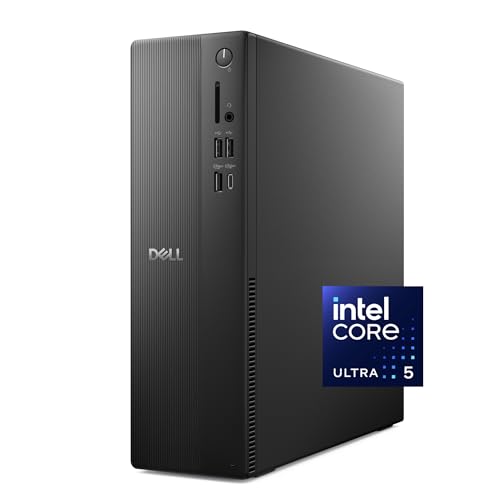
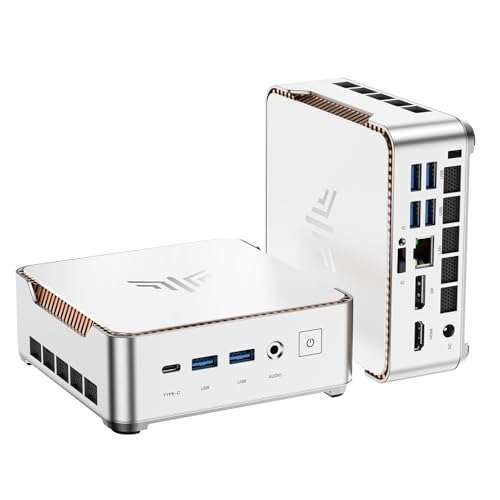
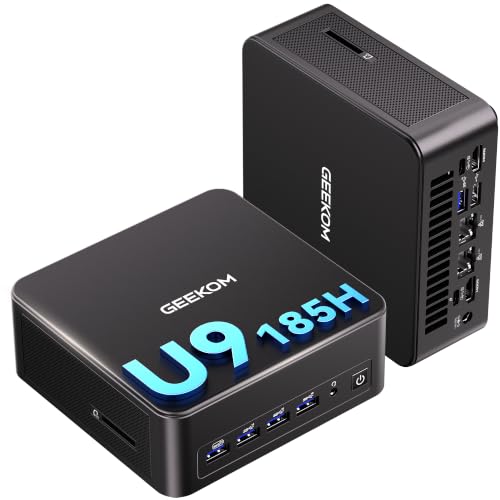
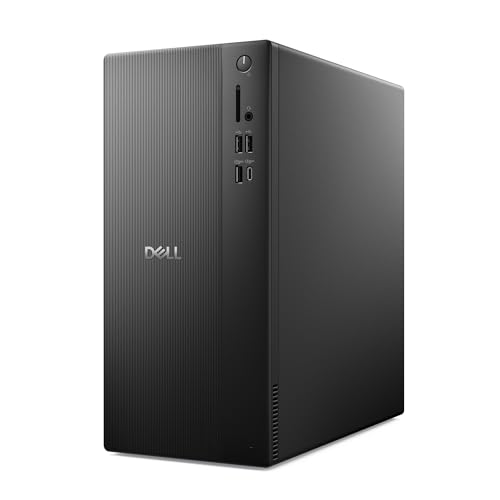

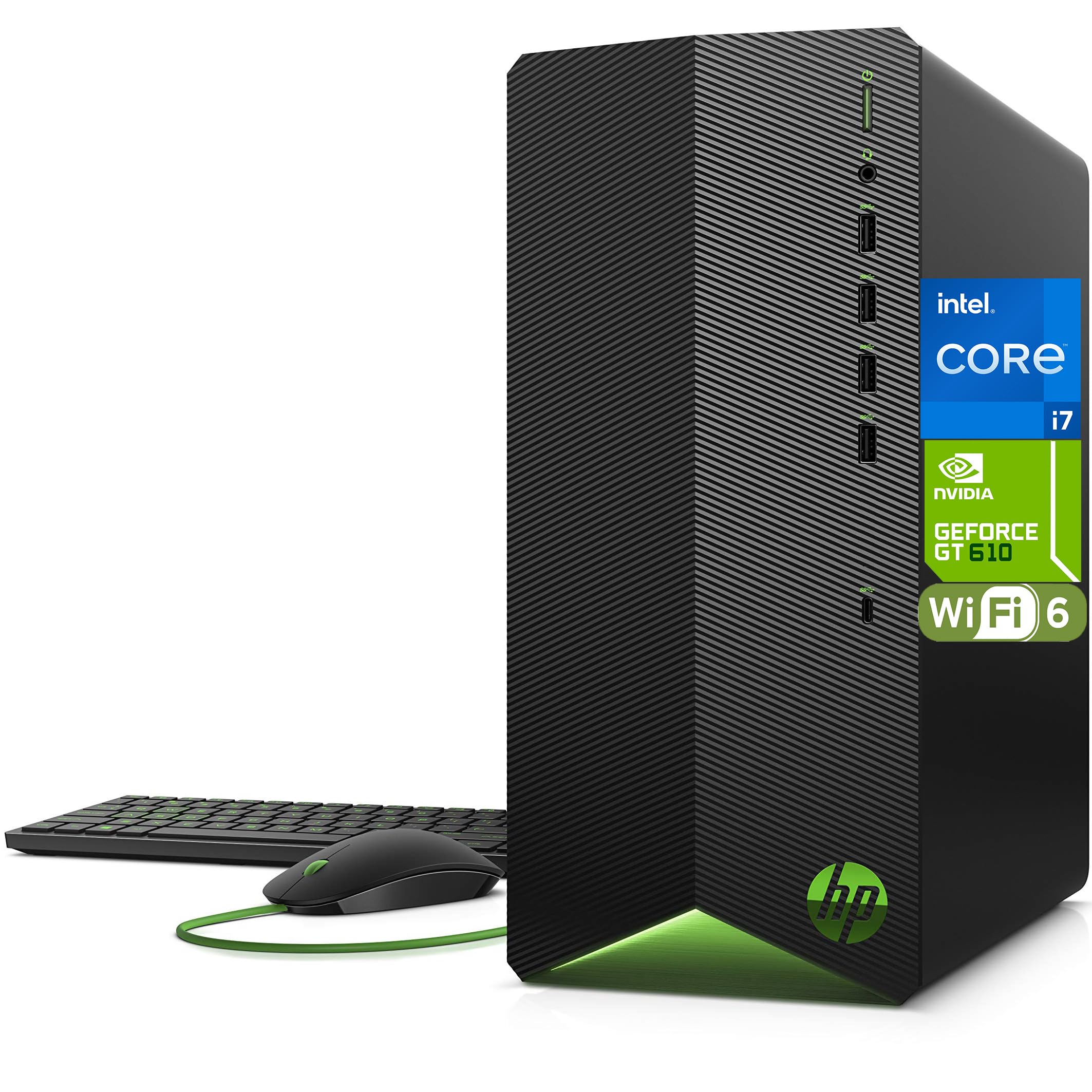
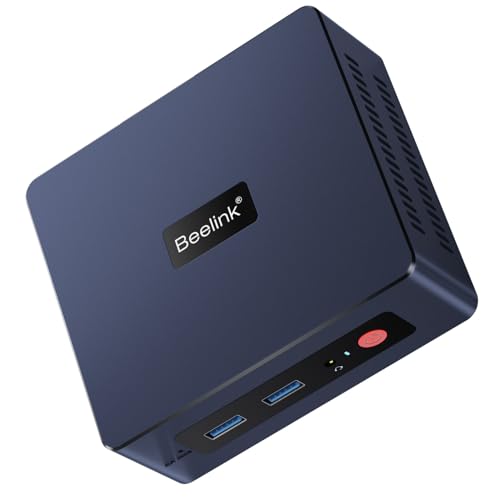
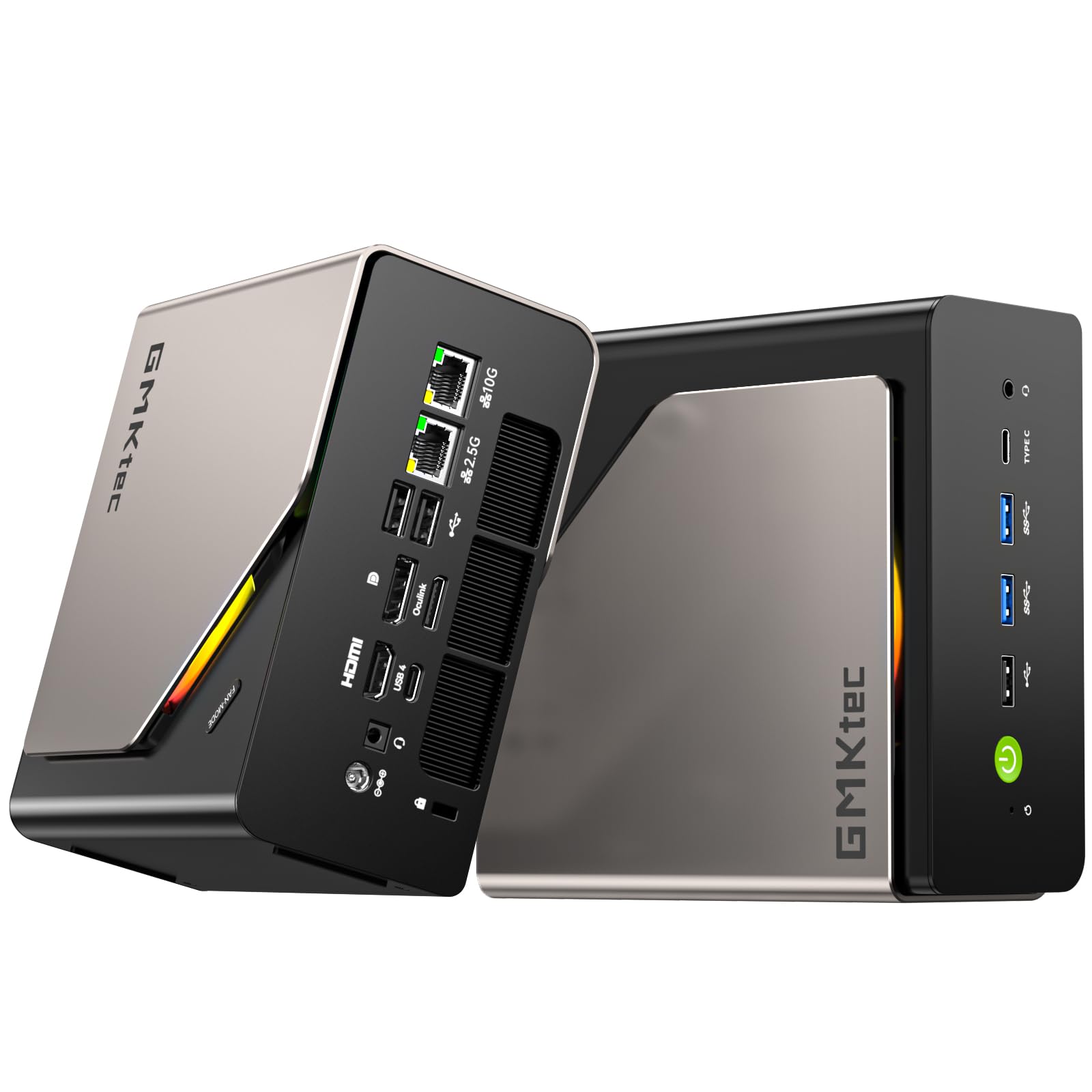
Our Top 3 Picks at a Glance
For a quick starting point, these three computers cover the most common needs.
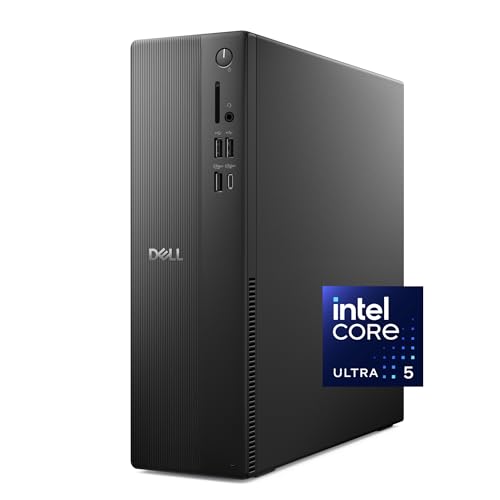
Best overall: the Dell Slim Desktop, around $865, pairs an Intel Core Ultra 5 225 processor with a 512GB SSD and Windows 11 Home, supports up to four FHD monitors or two 4K displays, offers tool less upgrades and includes one year of onsite service.
Best value: the KAMRUI Pinova P2 Mini PC, around $350, combines an AMD Ryzen 4300U four core processor with 16GB of RAM, a 512GB M.2 SSD and triple 4K display output through HDMI, DisplayPort and USB C.

Best compact powerhouse: the GEEKOM IT13 MAX Mini PC, around $799, packs an Intel Core Ultra 9 185H, 24GB of LPDDR5 memory, a 500GB SSD, dual Ethernet and quad display support into a small, quiet box with a three year warranty.

Who Should Buy Which Pre Built Computers?
The right desktop depends on your workload, space and budget.
For Students and Everyday Users
Homework, web browsing, streaming, video calls and office apps run smoothly on modest hardware. A mini PC or small desktop with a recent four to six core processor, 16GB of RAM and an SSD is plenty, and it costs far less than a high end laptop. Look for enough USB ports for a keyboard, mouse, webcam and printer, plus WiFi 6 or Ethernet. Mini PCs mount behind a monitor to free up desk space in bedrooms and dorms.
For Remote Workers and Creators
Home office workers who juggle many browser tabs, spreadsheets and video calls benefit from a faster processor, 16 to 32GB of RAM and support for two or more monitors. Creators editing photos or light video should prioritize RAM, fast SSD storage and processors with strong integrated graphics or a discrete GPU. Quiet cooling matters if the PC sits on your desk during calls.
For Travelers and Small Spaces
Mini PCs are small enough to slip into a bag, making them ideal for people who split time between home and office, run a second workstation or need a compact machine for a TV, kitchen or small apartment. Paired with a portable monitor, a mini PC can travel almost as easily as a laptop while offering more ports and easier upgrades.
For Businesses
Small businesses should look for Windows 11 Pro, a hardware TPM security chip, onsite service options and easy upgrades. Business lines from major brands often offer longer support and more consistent parts over time.
Key Features to Compare
These specs make the biggest difference to how a pre built computer feels day to day.
Processor (CPU)
The processor sets the pace for everything. For everyday use, a current Intel Core i3, Core Ultra 5, AMD Ryzen 3 or Ryzen 5 is ample. Multitaskers and creators benefit from Core i7, Core Ultra 7 or 9, or Ryzen 7 chips with more cores. Newer processors with built in NPUs accelerate some AI features in Windows and creative apps.
Memory (RAM)
8GB is the bare minimum today and can feel slow with many browser tabs. 16GB is the sweet spot for most people, and 32GB suits photo and video editing, virtual machines and heavy multitasking. Check whether RAM can be upgraded later; mini PCs with soldered LPDDR5 cannot.
Storage
Choose an SSD, ideally NVMe, for fast boot times and app launches. 512GB suits most users; 1TB or more helps if you store photos, videos or games locally. A spare drive bay or M.2 slot makes adding storage easy.
Graphics: Integrated vs Discrete
Integrated graphics in modern processors handle office work, streaming and light photo editing. Discrete graphics cards are needed for serious gaming, 3D work and heavy video editing, and they add cost, size and power use.
Cooling and Noise
Good cooling keeps performance steady and fans quiet. Slim desktops and mini PCs rely on efficient designs, so read noise details if the PC will sit on your desk. Towers usually run cooler and quieter under heavy loads thanks to larger fans.
Ports and Connectivity
Count USB A and USB C ports, display outputs and audio jacks. WiFi 6 or 6E and Bluetooth 5 make wireless setups easy, while Ethernet gives the most reliable connection.
Power Supply Quality
A quality power supply protects components and leaves headroom for upgrades such as adding a graphics card. Budget towers sometimes include small supplies that limit future upgrades.
Warranty, Support and Build Quality
Major brands offer one year warranties at minimum, with onsite or extended options. A three year warranty, like some mini PC makers offer, adds peace of mind. Tool less cases make upgrades and cleaning easier.
Tower vs Slim Desktop vs Mini PC
| Type | Best For | Pros | Cons | Typical Price |
|---|---|---|---|---|
| Full Tower | Upgraders, power users | Easy upgrades, best cooling, room for a GPU | Large, heavier | around $500 to $1,500+ |
| Slim Desktop | Home and office | Compact, some upgradability | Limited GPU options | around $450 to $1,000 |
| Mini PC | Small spaces, travel, budgets | Tiny, efficient, quiet | Limited upgrades and graphics | around $180 to $1,300 |
| All in One | Clean desks, families | Built in screen, minimal cables | Hard to upgrade or repair | around $600 to $2,000 |
Choose a tower if you want to upgrade parts over the years or might add a graphics card. Choose a slim desktop for a tidy office setup with room for a couple of upgrades. Choose a mini PC if space, noise and price matter most. All in ones suit families who want a single, simple device with the screen built in.
What Your Budget Buys
Around $200 to $400 buys a capable mini PC with a four to eight core processor, 16GB of RAM and a 512GB SSD, enough for school, browsing and office work. Between about $500 and $900, you get slim desktops and towers with current generation Intel Core or Core Ultra and AMD Ryzen processors, more ports, multiple monitor support and better warranties. Above about $1,000, expect 32GB of RAM, larger SSDs, top tier processors, premium mini PCs or entry discrete graphics for creative work. For most buyers, the best pre built computers fall in the middle range, where performance and longevity are balanced against price.
Windows Home vs Pro
Windows 11 Home covers everything most people need. Windows 11 Pro adds BitLocker drive encryption management, remote desktop hosting, group policy controls and easier management in business environments. Small businesses and remote workers who handle sensitive data may prefer Pro, while families and students can save with Home.
Monitors, Keyboards and Other Extras
Unlike laptops, desktops need separate peripherals. Some pre built computers include a basic wired keyboard and mouse, but a comfortable keyboard and mouse make a big difference over long days. Budget for a monitor if you do not already have one: a 24 to 27 inch 1080p or 1440p screen suits most home offices, and two monitors boost productivity for multitasking. A webcam and headset are worth adding for video calls, since desktops rarely include them.
Pre Built vs Building Your Own
Building a PC can save money and gives full control over parts, but it takes research, time and comfort with hardware. Pre built computers include Windows, a single warranty and support, and they often cost about the same as buying parts individually for office and home systems, since manufacturers buy components in bulk. For gaming PCs, building can sometimes save more, but pre builts have become very competitive during sales.
Common Mistakes to Avoid When Buying Pre Built Computers
- Settling for 8GB of RAM on a machine you plan to keep for years.
- Choosing a hard drive instead of an SSD for the main drive.
- Ignoring upgradability, especially soldered memory in mini PCs.
- Overlooking display outputs if you use two or more monitors.
- Buying a gaming PC you do not need, or an office PC for serious gaming.
- Forgetting peripherals; some PCs do not include a keyboard, mouse or monitor.
Setting Up a New Pre Built Computer
- Connect the monitor, keyboard, mouse and network before powering on.
- Complete Windows setup and sign in with your account.
- Run Windows Update and the manufacturer's driver update tool.
- Remove trial software you do not need to free up resources.
- Set up backups with cloud storage or an external drive.
- Enable BitLocker or device encryption for sensitive data.
How to Make Your Pre Built Computer Last Longer
Keep the computer in a ventilated space and clean dust from vents and fans every few months with compressed air. Use a surge protector, keep Windows and drivers updated and uninstall unused software. Adding RAM or a larger SSD can extend a desktop's useful life by years, and towers can often accept a graphics card later. Replace thermal paste only if temperatures climb and you are comfortable working inside PCs.
Frequently Asked Questions
These are the questions buyers ask most often.
Is it cheaper to build or buy a pre built PC?
For office and everyday computers, pre built is often similar in price or cheaper because manufacturers buy parts in bulk and include Windows. For gaming PCs, building can save money, but sales often make pre builts competitive.
How much RAM do I need?
16GB suits most people for browsing, office work and light editing. Choose 32GB for video editing, large spreadsheets or many virtual machines, and 8GB only for very light use.
Are mini PCs as good as desktops?
For everyday tasks, modern mini PCs perform similarly to small desktops while using less space and power. Towers still win for heavy workloads, upgrades and gaming with discrete graphics.
Can I add a graphics card to a pre built computer later?
Often, if it is a full tower with a spare PCIe slot and enough power supply capacity. Slim desktops may only fit low profile cards, and mini PCs usually cannot take a graphics card at all.
Should I buy a desktop or a laptop?
A desktop gives more performance, ports and upgrade options for the money and is more comfortable for long sessions with a large monitor. A laptop wins if you need to work in different places every day.
Air or liquid cooling: which is better?
For office and home PCs, air cooling is quiet and reliable. Liquid cooling mainly benefits high performance gaming and workstation PCs running hot processors for long periods.
How long will a pre built computer stay relevant?
A well specified desktop typically stays useful for five to seven years for everyday tasks, longer with RAM and storage upgrades.
Final Thoughts
The three things that matter most are a modern processor, at least 16GB of RAM with an SSD and a form factor that fits your space and upgrade plans. Most people will be happiest with a slim desktop from a major brand, budget buyers and small spaces suit mini PCs and creators should invest in more RAM and a stronger processor. Use this guide to choose the best pre built computers for your needs, then check the product table above for current prices. For gaming builds, see the best pre built gaming PC.


