
Best Routers for Range and Speed for 2026: WiFi 7, Multi Gig, and Buyer Guide
Disclosure: We may earn a commission when you buy through links on this page, at no extra cost to you. As an Amazon Associate I earn from qualifying purchases. Learn more

Wi-Fi dead zones and slow speeds on a fast internet plan? See how 4x4 antennas, 2.5G ports, and mesh backhaul decide the best routers for range and speed.
Anyone paying for a 1 gigabit or 2 gigabit fiber plan knows the frustration of a wireless signal that drops to a crawl two rooms away or buffers every time someone starts a 4K stream upstairs. The free gateway rented from an ISP usually hides tiny internal antennas and a congested dual band radio that struggles behind drywall and brick chimneys. Choosing the best routers for range and speed means pairing 4x4 beamforming antenna arrays with wide 160MHz or 320MHz channels and multi gigabit Ethernet ports. The picks in the table compare standalone and mesh options side by side.
In wireless physics, range and raw speed pull in opposite directions: lower 2.4GHz waves travel farthest through thick walls at slower speeds, while 5GHz and 6GHz waves deliver multi gigabit throughput over shorter distances. A great router balances both.


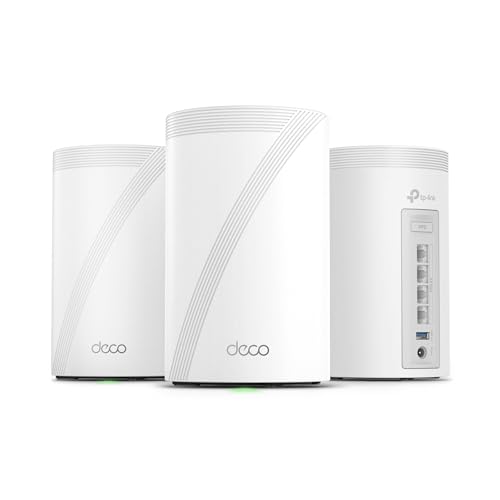


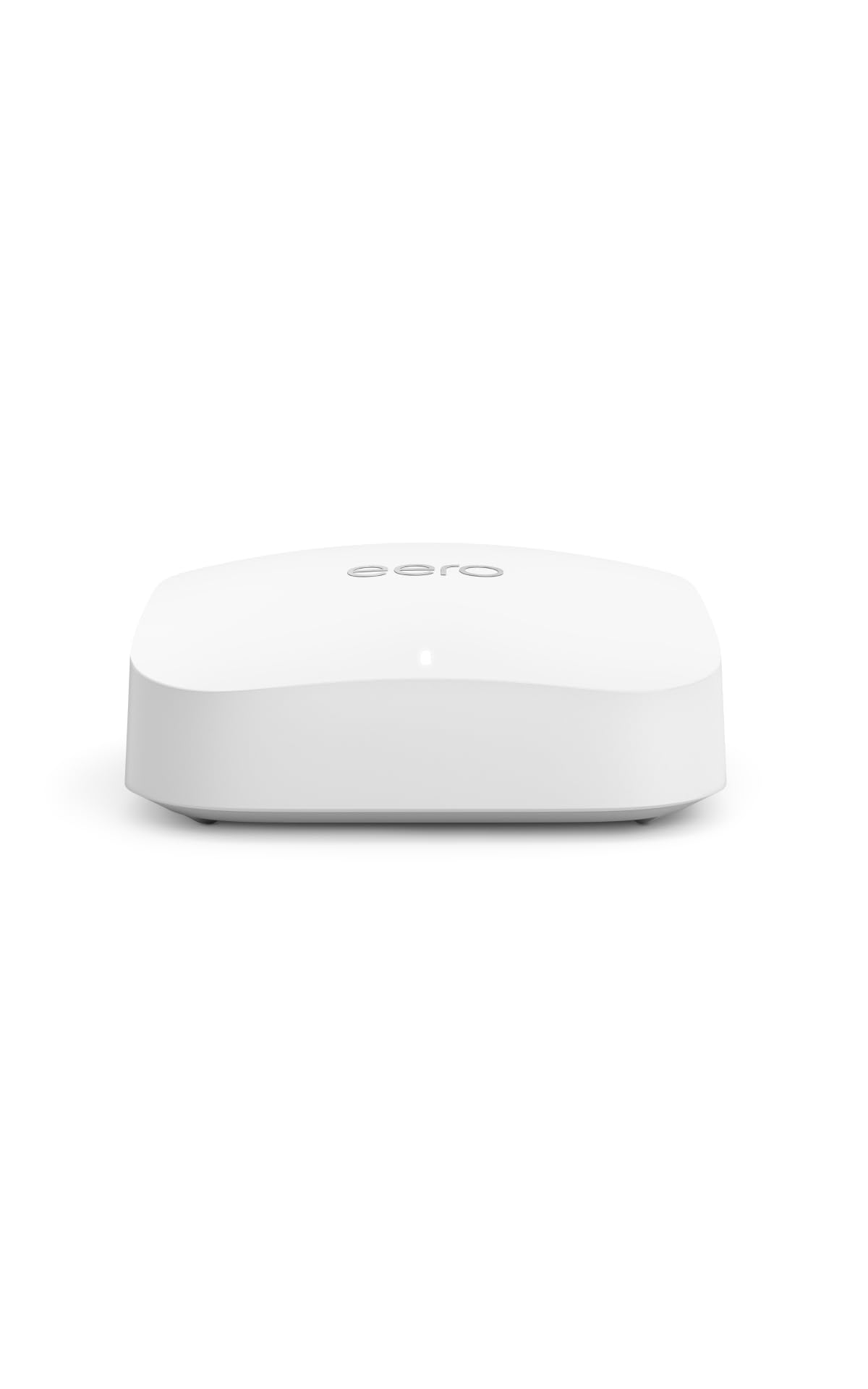
Who Should Buy Which High Speed Long Range Router?
Which router suits single story and medium two story homes (1,500 to 2,800 sq ft)?
A single high power standalone WiFi 6E or WiFi 7 router with external 4x4 beamforming antennas usually suits this size best. It works well when the modem sits near the center of a home with standard wood stud and drywall partitions.
Because there is no wireless hop between satellite nodes to cut bandwidth, a central standalone unit delivers low latency speed to every bedroom. It also tends to cost less than a comparable mesh kit.
Which router suits large multi story homes and brick or plaster walls (3,000+ sq ft)?
A 2 pack or 3 pack tri band WiFi 6E or WiFi 7 mesh system is the safer choice for homes over 3,000 square feet. No single router can exceed legal transmitter power limits or bend 5GHz and 6GHz waves around several corners of brick, concrete, or metal HVAC ductwork.
Look for a dedicated 6GHz or Multi Link Operation (MLO) wireless backhaul, or use wired Ethernet backhaul, so each wing of the house gets a fresh radio transmitter. Long ranch layouts and basements with the modem in a far corner benefit most.
Which router suits multi gig fiber subscribers and gamers?
Households on 1 Gbps to 5 Gbps fiber, or those running a local NAS or PC VR headset, need 2.5GbE or 10GbE ports plus the 6GHz band. A 1 gigabit Ethernet jack physically caps the whole house at roughly 940 Mbps no matter how fast the WiFi radio is.
Wired gaming PCs and media servers also benefit from a multi gig LAN port, since local transfers never touch the internet connection.
Key Technical Features That Boost Range and Speed
What are the differences between the 2.4GHz, 5GHz, and 6GHz bands?
Each band trades range for speed. Modern routers transmit on two, three, or four bands at once, and each penetrates walls differently:
- 2.4GHz (longest range, lowest speed): Longer wavelengths pass through several drywall walls to backyard cameras and garage door openers, but the band is narrow and crowded by neighbors, often giving around 100 to 300 Mbps in real life.
- 5GHz (everyday balance): Delivers roughly 400 to 1,200+ Mbps across one or two rooms using 80MHz or 160MHz channels.
- 6GHz (WiFi 6E and WiFi 7, fastest, shorter range): Offers a clean lane free of legacy device interference and ultra wide channels capable of 1.5 to 4.0+ Gbps. Because the waves are shorter, it shines in the same room or one room away, or as a fast link between mesh nodes.
How does WiFi 7 Multi Link Operation compare with WiFi 6 and 6E?
WiFi 7 (802.11be) adds Multi Link Operation, which lets compatible phones and laptops use the 5GHz and 6GHz bands at the same time. On WiFi 6 and 6E, a device connects to only one band at a time and must drop 6GHz and reconnect to 5GHz as you walk downstairs.
MLO raises peak speed and shifts data across whichever band has the cleanest signal, which helps effective range at mid distances. Your devices must also support WiFi 7 to get the full benefit.
Why do 4x4 MU MIMO streams and beamforming matter?
A 4x4 radio has four transmit and four receive chains, double a budget 2x2 design. Ignore inflated combined numbers like "AX6000" or "BE19000" and check the stream count on the primary 5GHz and 6GHz radios instead.
More chains allow explicit beamforming, where the router focuses its signal toward your laptop upstairs rather than spraying it into the ceiling. MU MIMO also lets the router talk to several devices at once instead of one after another.
How do front end modules and antenna placement affect range?
Two routers at the same legal power limit can differ in range because of their front end modules and low noise amplifiers. WiFi is a two way conversation: your router may be loud enough for a phone on the patio, but the phone's tiny antenna has to answer back.
Routers with sensitive receive amplifiers and well spaced antennas hear weak signals from distant phones more cleanly, which means fewer dropped packets at the edge of coverage.
Why do multi gig WAN and LAN ports matter?
They stop the wired connection from becoming the bottleneck. Many midrange routers advertise "3,000 Mbps WiFi" while the back panel carries only 1 Gigabit ports, so flip the router around before buying.
Choose at least one 2.5GbE WAN port and one 2.5GbE LAN port, so multi gig fiber plans, wired desktops, and wired mesh nodes never hit a 940 Mbps ceiling.
Comparing Long Range and High Speed Router Architectures
Matching the architecture to your square footage and wall construction keeps you from overpaying or leaving dead zones. The figures below are rough planning ranges, not guarantees.
| Router Architecture | Realistic Coverage | Peak Real World WiFi Speed | Best Home Layout |
|---|---|---|---|
| Standalone 4x4 WiFi 6/7 Router | Up to 2,500 to 3,000 sq ft | 900 to 2,400+ Mbps (near router) | Apartments, 1 to 2 story open wood/drywall homes |
| Tri Band WiFi 6E/7 Mesh (2 to 3 Pk) | 3,500 to 6,500+ sq ft | 800 to 1,800+ Mbps (house wide) | Large, multi story, L shaped, or plaster/brick homes |
| Standalone Expandable (AiMesh/EasyMesh) | 2,500 sq ft (scales to 5,000+) | 900 to 2,200+ Mbps | Homes starting with 1 router and adding a node later |
Price Tiers: What Your Budget Gets You
What do you get for around $90 to $160?
You get 4x4 dual band WiFi 6 and entry dual band WiFi 7 standalone routers, often with a 2.5GbE WAN port and external beamforming antennas. For plans up to 1 Gbps in a 1,500 to 2,400 square foot home, these clear dead rooms and beat most ISP rental boxes.
What do you get for around $180 to $350?
This range unlocks standalone tri band WiFi 6E and WiFi 7 routers, adding the 6GHz band with 160MHz or 320MHz channels and several 2.5GbE ports. It also covers 2 pack and 3 pack tri band mesh systems that can blanket 4,500+ square feet with single name roaming.
What do you get for around $380 to $750 and up?
Flagship routers and high end mesh kits add 10GbE ports, 4x4 streams across all bands, and quad core CPUs for VPN and traffic prioritization. Some also bundle network security suites, so check whether a subscription is required after the trial.
Common Mistakes That Kill WiFi Range and Speed
- Hiding the router in a metal cabinet, closet, or behind the TV: Metal, water pipes, mirrors, and a TV's metal backplate absorb and reflect radio waves. Place the router in the open at chest or shelf height near the center of the home.
- Buying a cheap plug in range extender: Single radio repeaters can cut speed roughly in half because they listen and rebroadcast on the same channel. A unified mesh system or an expandable EasyMesh or AiMesh node works better.
- Placing mesh nodes inside the dead zone itself: A node cannot amplify a signal it cannot receive. Put satellites about halfway between the main router and the dead zone, where the signal is still strong.
- Pointing every antenna sideways: Radio waves radiate outward like a flat donut around the antenna rod. Keep most antennas vertical for single story range and angle one or two at 30 to 45 degrees to reach another floor.
- Leaving the old ISP gateway WiFi on beside the new router: Two routers broadcasting inches apart cause interference and "Double NAT" gaming errors. Put the ISP gateway in bridge mode or IP passthrough so the new router handles routing and WiFi.
Placement, Channel Tuning, and Firmware Tips
Once the router is running, spend a few minutes in the admin settings. Enable 160MHz (or 320MHz on WiFi 7) channel width on the 5GHz and 6GHz bands, which can double throughput to modern laptops and phones, though it may reduce range slightly in crowded areas.
If your home has coax cables in the walls or Ethernet jacks in another room, connect mesh satellites by wired Ethernet or MoCA 2.5 coax adapters. A wired backhaul frees the wireless bands for your devices and keeps speed high in every corner.
Finally, turn on WPA3 (or WPA2/WPA3 transitional) security, which the 6GHz band requires, and enable automatic firmware updates so security patches and wireless drivers stay current.
Frequently Asked Questions
Is a standalone long range router or a mesh system better for range and speed?
A standalone router is better in smaller homes, and a mesh system is better in larger ones. In a single story or compact two story home under 2,600 square feet with a central router position, a high end standalone 4x4 router gives faster peak speeds per dollar. In homes over 3,000 square feet, with brick or plaster walls, or with the modem in a far corner, a tri band mesh system delivers better speed in distant bedrooms.
Should I buy a WiFi 6E or WiFi 7 router right now?
WiFi 7 is usually the better buy if you are purchasing a new router today. It includes the clean 6GHz band from WiFi 6E and adds 320MHz channels, 4K QAM modulation, and Multi Link Operation, while remaining backward compatible with older devices.
Do I need a new modem when I upgrade my WiFi router?
Not with fiber, but possibly with cable. On fiber, you plug the router's WAN port straight into the optical ONT with an Ethernet cable. On cable internet with an older rented DOCSIS 3.0 combo box, pairing the new router with a DOCSIS 3.1 modem that has a 2.5GbE port can unlock faster speeds and end rental fees.
Why am I only getting 500 Mbps over WiFi on a 1 Gigabit plan?
That is often normal for a typical 5GHz connection. With an 80MHz channel, a 2x2 phone or laptop, and a wall in between, around 500 to 650 Mbps is common after protocol overhead. To get closer to 900 Mbps or more, connect a WiFi 6E or WiFi 7 device to the 6GHz band (or 5GHz with 160MHz enabled) through a router with a 2.5GbE WAN port.
Can I add another router later instead of buying a full mesh kit?
Yes, many modern standalone routers support EasyMesh, AiMesh, or OneMesh. You can start with one powerful router, see how coverage works in your home, and add a compatible node later if a back patio or bonus room still has a weak signal.
Final Thoughts
Choosing the best routers for range and speed comes down to matching radio streams and placement to your floor plan. For homes up to 2,800 square feet, a standalone tri band WiFi 6E or WiFi 7 router with 4x4 MU MIMO antennas and 2.5GbE ports, placed centrally in the open, is usually enough. For large, multi story, or thick walled homes, a tri band mesh system with dedicated 6GHz or wired backhaul is the better investment. Use the picks in the table to find the option that fits your layout and your internet plan.


