
Best 3 Pack Case Fans for 2026: 120mm and 140mm Sets Compared
Disclosure: We may earn a commission when you buy through links on this page, at no extra cost to you. As an Amazon Associate I earn from qualifying purchases. Learn more

The best 3 pack case fans for PC airflow: how 120mm and 140mm differ, what PWM, ARGB and static pressure mean, and how to build a quiet, cool intake.
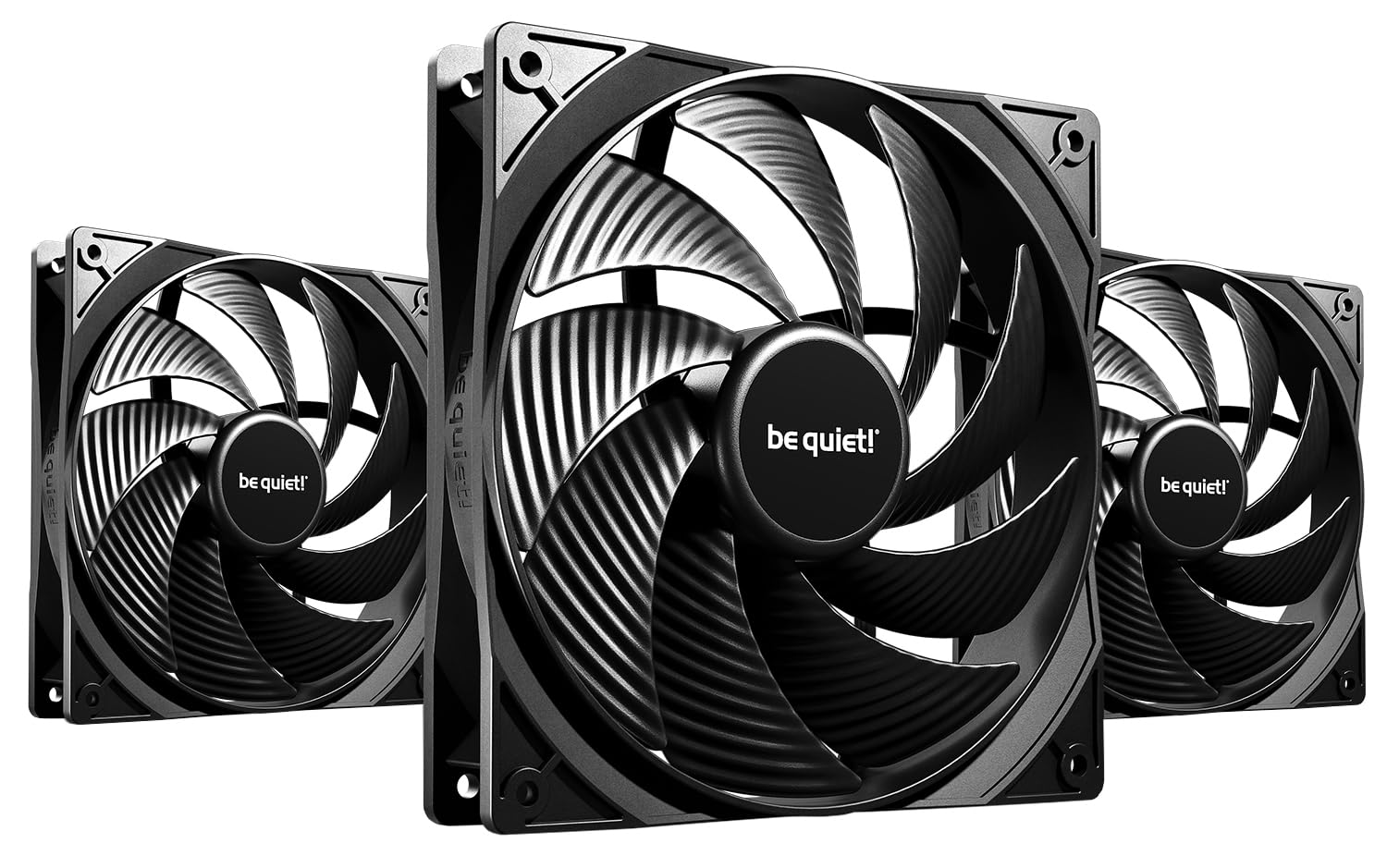
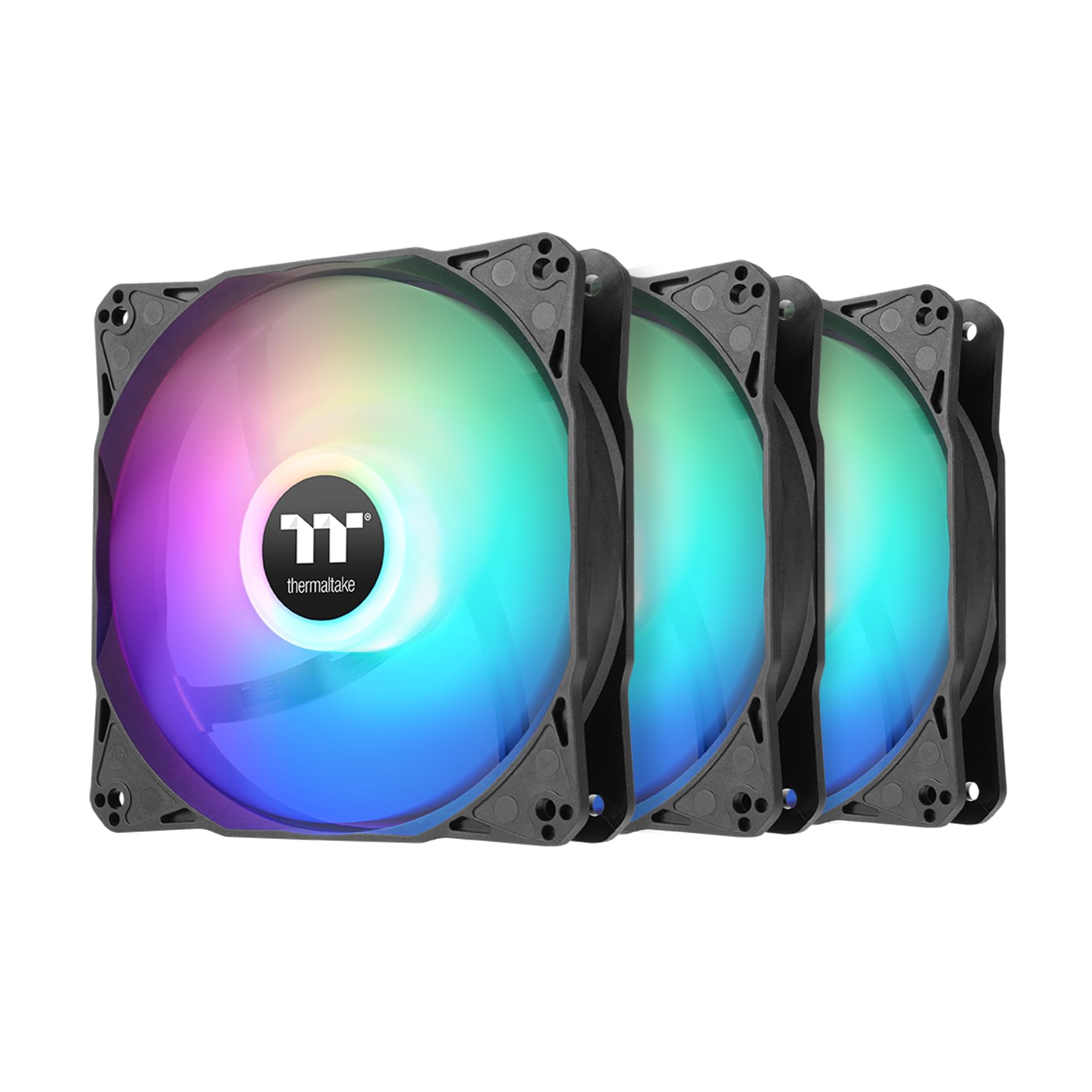
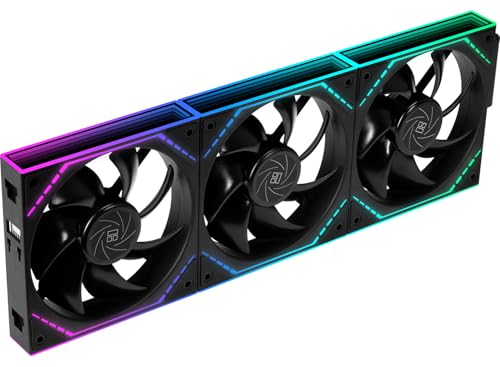
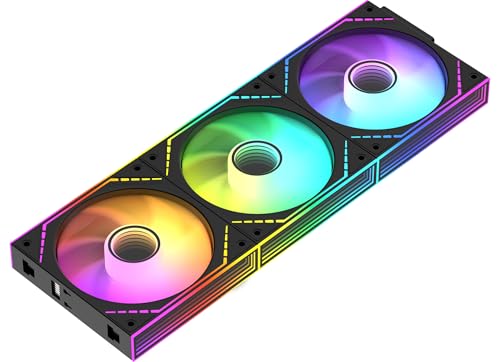
A pack of three fans covers the most common upgrade in a PC: a full front intake, a radiator set or a top exhaust bank. The best 3 pack case fans come in 120mm and 140mm sizes, with plain, RGB or ARGB lighting, and the price per fan is usually lower than buying them singly. The product table lists popular sets at a range of prices.
This guide explains the specs that matter, how to match a pack to your case and how to arrange the fans so the air flows the way you want it.


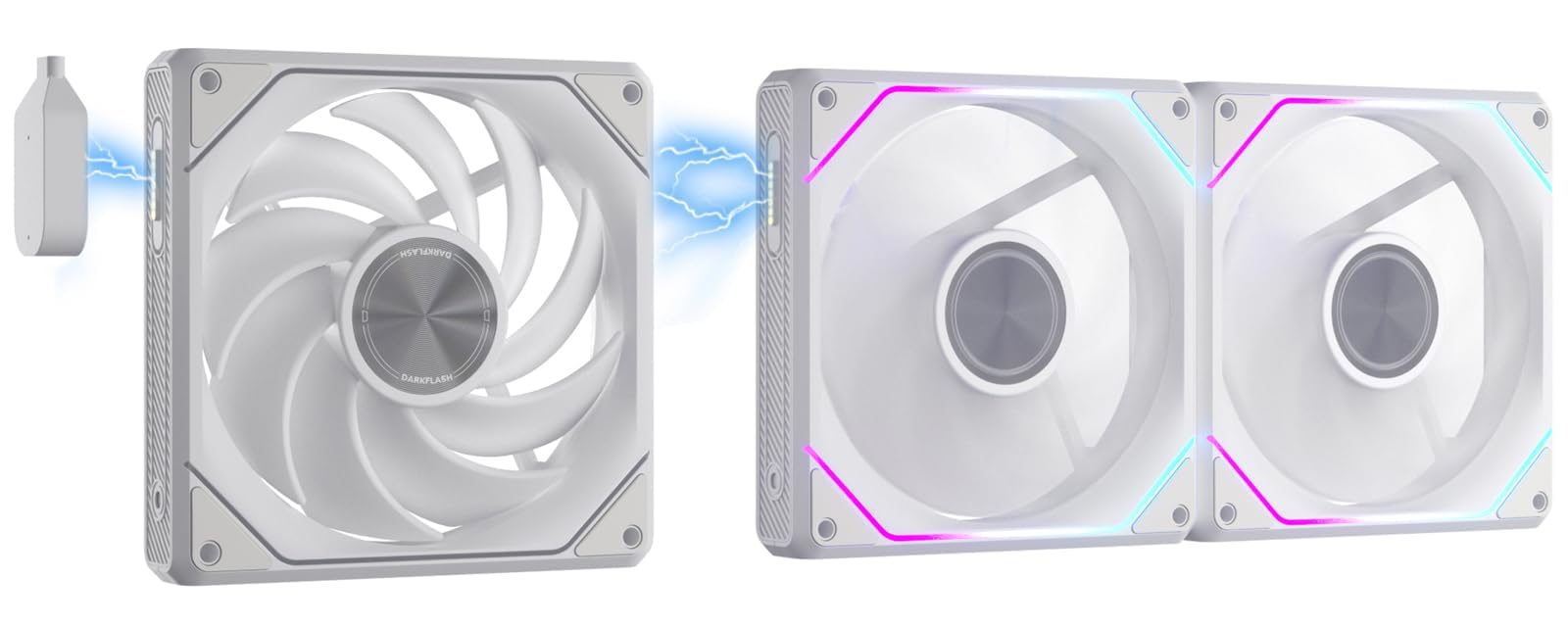
Pick the size first
The size is measured across the frame. A 120mm fan fits almost every case and radiator, while a 140mm fan moves more air at a lower speed, which usually means less noise. Check your case specifications to see which sizes it supports at each mount point. Many cases take 120mm or 140mm in the same spot, but some only take one of them.
Our guide to 120mm vs 140mm fans explains the trade-offs, and the 140mm case fan page lists the bigger option.
Airflow or static pressure?
Airflow fans move a lot of air in open spaces. Static pressure fans push air through resistance, such as a dust filter, a radiator or a dense heatsink. Case fans at a mesh front panel are fine with airflow focused designs, while radiators and tight filters prefer high static pressure. Many modern fans try to balance both. Read static pressure vs airflow for more detail.
How to choose the best 3 pack case fans
PWM or DC control
PWM fans use a four pin connector and let the motherboard change speed smoothly by temperature. Three pin DC fans vary voltage and work on older boards. PWM is the better choice for quiet systems, because the fans slow down at idle.
Lighting
Plain fans are cheapest and the quietest to shop for. RGB and ARGB packs add lighting, which can be synchronized with the motherboard software. ARGB fans use a three pin lighting connector, while older RGB uses a four pin one. Check that your board has the right header, and look for packs that include a controller or a hub.
Cabling and daisy chains
Some packs let you connect the three fans in a chain, so only one cable goes to the motherboard. This reduces clutter, especially for lights and fans on radiators.
Bearings and noise
Fluid dynamic and similar bearings run quietly and last longer than basic sleeve bearings. Look for the noise rating in decibels and the speed range. A fan that is quiet at low speed may still whine near its limit.
Where to place three fans
- Front intake: three fans pull cool air through the front, which is the classic setup for balanced airflow
- Radiator mount: a 360mm radiator uses three 120mm fans, so check that the pack is meant for radiators
- Top exhaust: three fans on the roof help to push hot air out, especially in cases with hot graphics cards
- Side intake: some cases let you mount fans on the side to feed the graphics card directly
Airflow flows from front to back and bottom to top. A neutral or slightly positive pressure reduces dust build-up, because more air enters through filters than leaks out through gaps.
Installing a fan pack
- Power down, unplug the PC and open the side panel
- Remove the old fans and note the direction of airflow arrows on the frame
- Mount the new fans with screws or rubber pins
- Connect the fan cables to a header or hub and tidy the cables
- Set the fan curve in the BIOS or software and check temperatures
Pay attention to the arrows on the fan frame, which show the airflow direction. A reverse blade fan flips the airflow and the lighting so the fan looks right when mounted on the rear of a case.
Noise, vibration and dust
Rubber pads or anti-vibration mounts stop the frame from humming against the case. Dust filters on the front and top keep the inside clean, and a quick clean every few months keeps airflow strong. If you hear clicking, check that no cable touches a blade. A fan that rattles at low speed may need a slightly higher minimum speed in the fan curve.
Fan curves and software
A fan curve tells the motherboard how fast to spin the fans at each temperature. A flat, gentle curve keeps the PC quiet during browsing and office work, then ramps up smoothly when a game warms the graphics card. Avoid steep curves that jump from silent to loud at a single temperature, because the sudden change is more annoying than a steady hum.
Most boards let you set curves in the BIOS, and some give a Windows app. Link the case fans to a mix of CPU and graphics temperatures if your board supports it, so that the case airflow responds to whichever part is hottest. Check the results with a monitoring tool and adjust a few percent at a time.
Positive or negative pressure
When intake fans move more air than exhaust fans, the case has positive pressure, and air leaks out of gaps. This keeps dust out because more air enters through filters. When exhaust is stronger, the case has negative pressure and pulls dust in through every gap. Most home builds do best with slightly positive pressure. With a 3 pack on the front as intake and one rear exhaust fan, you get a good balance in most cases.
How much to spend
A set of three basic fans costs very little, and for many builds they are enough. Mid-price packs bring better bearings, quieter motors and smarter cabling. Higher prices pay for lighting, premium finish and magnetic or daisy chain designs. If your PC runs hot, spend on static pressure and good bearings before lighting. See also the Arctic P12 Pro review for a popular value fan.
FAQ
Are three fans better than two?
For a front panel with mesh, three fans give even intake across the full height. For small cases, two fans may be enough.
Do case fans need to match the CPU cooler?
No, but matching looks tidy. Performance does not depend on a match.
Can I mix 120mm and 140mm fans?
Yes, if the case supports both. Keep the pack for a mount that suits one size.
How loud will they be?
At low speed, almost silent. At full speed, any fan is audible.
Final thoughts
The best 3 pack case fans give you a cleaner, cooler build for less than buying single fans. Pick the right size for your case, choose PWM control, decide whether you want lighting and set a sensible fan curve. Compare the packs in the product table.
Prices and availability can change, so check the product page before ordering.


