
Best Computer Mouse for Gaming: Every Type Explained Side by Side
Disclosure: We may earn a commission when you buy through links on this page, at no extra cost to you. As an Amazon Associate I earn from qualifying purchases. Learn more
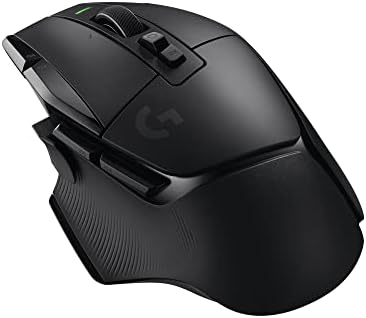
Every type of gaming mouse compared, with how to choose by grip, hand size, sensor, weight and connection.
Your mouse is the part of your setup you touch most, and in shooters, MOBAs and strategy games it directly affects how fast and accurately you can aim, click and react. Gaming mice differ in shape, weight, sensor, connection and button layout, and the right choice depends as much on your hand size and grip as on specs. The best computer mouse for gaming fits your hand comfortably, tracks precisely at the speed you play and has the buttons your favorite games need.
This guide explains every type of gaming mouse side by side, who should choose each, how to compare specs and how to keep your mouse performing well. Compare current models in the product table above.
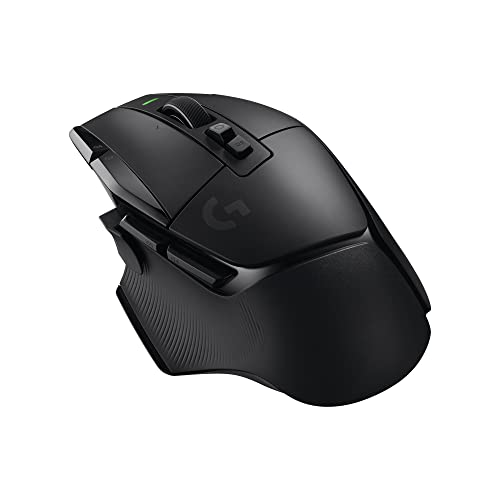






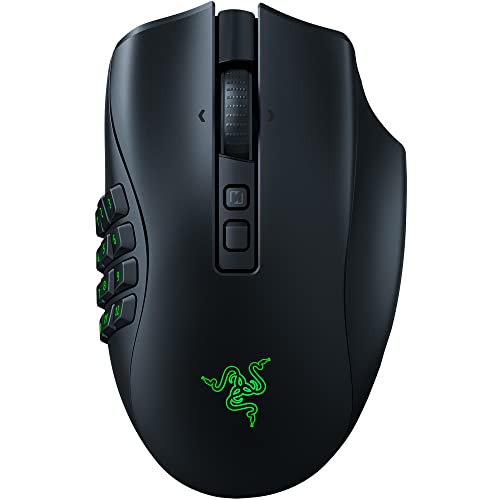
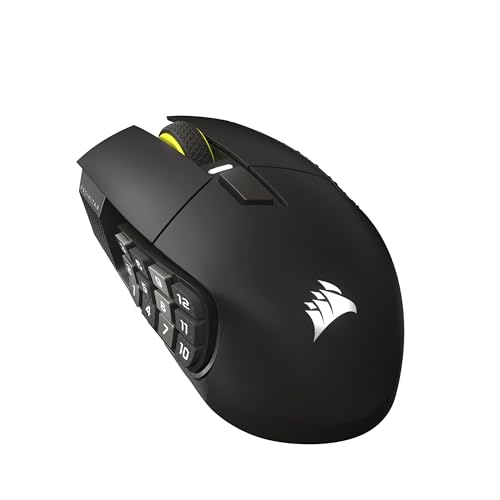
How Gaming Mice Compare to Other Options
Gaming mice come in several styles, and each suits a different kind of player. Here is how they compare.
Wired vs Wireless Gaming Mice
Wired gaming mice never need charging, cost less for the same sensor quality and have zero wireless interference, which is why some esports players still prefer them. Modern wireless gaming mice using a 2.4 GHz USB receiver match wired mice for latency in practice, while removing cable drag that can tug during fast flicks. Wireless mice cost more and need regular charging, though many now last 70 to 180 hours or more per charge. Bluetooth modes save battery for office work but add latency, so use the 2.4 GHz receiver for gaming.
Lightweight Esports Mice vs Full Featured Mice
Lightweight esports mice, often 50 to 65 grams, are designed for fast aiming in competitive shooters, with simple shapes and few buttons. Full featured mice add extra buttons, adjustable weights, scroll wheels with infinite spin modes and RGB lighting, which suit general gaming, productivity and players who like macros. They are usually heavier, around 90 to 130 grams.
MMO and MOBA Mice
MMO mice place a grid of 12 or more programmable buttons on the side, letting you trigger abilities, items and macros with your thumb. Some, like swappable side plate designs, let you switch between 2, 6 and 12 button layouts. They are excellent for World of Warcraft style games and MOBAs but heavier and less ideal for competitive shooters.
Compact and Travel Mice
Compact gaming mice suit smaller hands, laptop gaming and travel. They are easier to carry and often lightweight, but people with large hands may find them cramped for long sessions.
Ergonomic vs Ambidextrous Shapes
Ergonomic right handed shapes have a sculpted hump and thumb rest that supports the hand in a relaxed palm grip. Ambidextrous, symmetrical shapes suit claw and fingertip grips and left handed players, and are favored by many esports pros for consistent aim.
Who Should Choose Which Gaming Mouse?
The right gaming mouse depends on the games you play and how you hold a mouse.
- Competitive FPS players should choose a light, symmetrical or ergonomic wireless mouse with a top tier sensor and low click latency.
- MMO and MOBA players benefit from side button grids or swappable side plates for abilities and macros.
- Casual and variety gamers can choose a comfortable, well built mouse with a few extra buttons and a good scroll wheel that doubles for work.
- Laptop and travel gamers should look at compact wireless mice with long battery life.
- Budget players can get excellent wired mice with reliable sensors for under $30.
Grip Styles Explained
Your grip style is the most useful clue for choosing a mouse shape. Most players use one of three grips, sometimes switching between them.
- Palm grip: your whole hand rests on the mouse, and you move it mostly with your arm. It is relaxed and comfortable for long sessions. Choose a longer mouse with a rounded back that fills your palm, often an ergonomic right handed shape.
- Claw grip: your palm touches the back of the mouse while your fingers arch, ready to click quickly. It balances control and speed. Choose a mouse with a defined rear hump and medium length, often symmetrical.
- Fingertip grip: only your fingertips touch the mouse, giving very fast, small adjustments. Choose a short, lightweight mouse with a low back.
If you are unsure, check how your hand rests on your current mouse after a long session. A mouse that fits your grip reduces strain and makes aim more consistent.
How to Choose the Right Computer Mouse for Gaming
The right gaming mouse fits your hand and grip first, then offers the sensor, connection and buttons you need. These are the factors to compare.
Hand Size, Grip Style and Shape
Measure your hand from wrist crease to fingertip. Hands under about 17cm usually suit small mice, 17 to 19cm medium and over 19cm large. Palm grip players rest their whole hand on the mouse and prefer longer, higher shapes. Claw grip players arch their fingers and like a pronounced rear hump. Fingertip grip players control the mouse with fingertips and prefer short, light mice.
Sensor, DPI and Polling Rate
Modern optical sensors from major brands track accurately without acceleration, so differences between top sensors are small. DPI (dots per inch) sets sensitivity; most players use 400 to 1,600 DPI, so maximum DPI figures like 30,000 or more are marketing. Polling rate is how often the mouse reports position; 1,000 Hz is standard, while 4,000 to 8,000 Hz reduces latency slightly for high refresh monitors but uses more battery and CPU.
Weight and Balance
Lighter mice are easier to move quickly and reduce fatigue in fast games, while heavier mice feel more stable for slow, precise movements. Choose a weight that feels controlled for your sensitivity and play style.
Buttons, Switches and Scroll Wheel
Two side buttons are standard and useful in almost every game. Optical switches resist double clicking issues and register quickly. A tactile, notched scroll wheel helps with weapon switching, while free spinning wheels help with long documents.
Compatibility: PC, Mac and Console
Gaming mice work as standard mice on Windows, macOS and many Linux setups, though configuration software may be Windows focused. Some consoles support USB mice in specific games, but support varies by title.
Wired vs Wireless (2.4 GHz, Bluetooth)
Choose a 2.4 GHz wireless mouse for a clean desk and freedom of movement, a wired mouse for the lowest cost and no charging, or a dual mode mouse that adds Bluetooth for laptops and office use.
Durability and Warranty
Look for switches rated for tens of millions of clicks, PTFE feet that glide smoothly, quality cables or charging ports and warranties of one to two years or more. Replacement feet and grip tape extend a mouse's life.
Picking the Right Gaming Mice for Different Uses
Different priorities call for different mice.
Best Wireless Computer Mouse for Gaming: Which Type Works Best
For wireless gaming, choose a lightweight 2.4 GHz mouse with long battery life and a top tier sensor. Competitive players should favor ultralight esports shapes, while general gamers may prefer a full featured wireless mouse with extra buttons. See our best wireless gaming mouse guide.
Best Computer Mouse for Gaming Under $20
Under $20, choose a wired mouse from an established brand with a reliable optical sensor, two side buttons and adjustable DPI. Skip cheap wireless mice at this price, which often have laggy connections.
Best Gaming Mouse for MMO Games
MMO players should choose a mouse with a 12 button side grid or swappable side plates, plus software that lets you assign macros per game.
Best Gaming Mouse for Small Hands
Small hands do best with compact, light mice and lower humps that allow fingertip or claw grips without stretching.
Choosing a Mouse by Game Genre
- Tactical and arena shooters: light, symmetrical or gently ergonomic mice with top sensors and low click latency for precise flicks and tracking.
- Battle royales: a comfortable shape for long matches, two side buttons for inventory or ping, and long wireless battery life.
- MMOs: 12 button side grids or swappable side plates with per game profiles for abilities and macros.
- MOBAs and RTS: a few extra programmable buttons for items and camera control, and a reliable scroll wheel.
- Racing, sports and casual games: any comfortable, well built mouse works, since precision matters less.
- Creative work and productivity: a free spinning scroll wheel, horizontal scroll and Bluetooth for switching between devices.
Ergonomics and Comfort
Long gaming sessions can strain the wrist and forearm. Keep the mouse close to your body and at elbow height, use a large pad so you can move from the arm rather than bending the wrist, and choose a shape that supports your hand without gripping tightly. Take short breaks every hour to stretch your hands and wrists. If you feel persistent pain, consider a more ergonomic shape or a vertical mouse for work, and consult a healthcare professional.
Gaming Mouse Price Tiers
- Under $30: reliable wired mice with good sensors and basic software.
- $30 to $80: lighter wired and entry wireless mice with better switches and feet.
- $80 to $130: full featured wireless mice and lightweight esports mice with top sensors.
- Over $130: flagship ultralight wireless esports mice with 4K to 8K polling and premium builds.
Mouse Pads and Setup Tips
A good mouse pad matters almost as much as the mouse. Cloth pads offer control and comfort, hard pads offer speed, and large desk mats give room for low sensitivity players. Set your mouse DPI to a moderate value like 800 or 1,600, then adjust in game sensitivity rather than using very high DPI. Turn off Windows "Enhance pointer precision" to remove acceleration for consistent aim, and match polling rate to your system and battery needs.
Software and Customization
Gaming mouse software lets you set DPI steps, polling rate, lift off distance, button assignments, macros and lighting, and save profiles that switch automatically for each game. Onboard memory stores your settings in the mouse, so they work on any computer without installing software, which is handy at LAN events or on work laptops. Keep firmware updated, since updates can improve sensor behavior, battery life and wireless stability. Simple setups are often best: a few DPI presets and side buttons for common actions cover most players.
Common Gaming Mouse Problems and Fixes
- Cursor jitter or skipping: clean the sensor window, try a different mouse pad surface and lower the polling rate if your system struggles.
- Double clicking: often a worn mechanical switch; mice with optical switches avoid this, and warranty replacement may be available.
- Wireless lag or dropouts: move the receiver closer using the included extension adapter, away from WiFi routers and USB 3.0 ports.
- Scratchy glide: replace worn mouse feet with new PTFE skates and clean the pad.
- Short battery life: lower polling rate, turn off RGB lighting and update firmware.
- Sweaty or slippery grip: add grip tape to the sides and buttons, and wipe the shell regularly to remove oils.
- Side buttons pressed by accident: remap or disable them in software, or choose a shape with buttons placed further forward.
What Esports Players Tend to Use
Professional shooter players overwhelmingly use lightweight wireless mice in the 50 to 70 gram range, simple shapes with two side buttons, 400 to 1,600 DPI and large cloth mouse pads. They choose consistency over features, sticking with one shape for years. You do not need to copy them exactly, but their preferences show that fit, weight and a reliable sensor matter far more than extra buttons or extreme DPI numbers when choosing the best computer mouse for gaming.
Care and Maintenance Tips
Wipe the mouse shell with a slightly damp cloth and mild soap to remove skin oils, and clean the sensor window with a dry cotton swab. Clean the mouse feet and pad regularly so the mouse glides smoothly, and replace worn feet when they feel scratchy. For wireless mice, charge before the battery runs completely flat and update firmware through the maker's software. Store the receiver in the mouse's compartment when traveling so it does not get lost.
Frequently Asked Questions
What features matter most in a computer mouse for gaming?
The most important features are a comfortable shape for your hand and grip, an accurate modern sensor, low latency connection and reliable switches. Weight, button layout and wireless battery life come next, depending on the games you play.
Does a gaming mouse work with Mac and console?
Yes, gaming mice work as standard mice on Mac, though some configuration software is Windows only. On consoles, mouse support depends on the individual game, so check each title before buying a mouse for console play.
What DPI do I need for gaming?
Most players use 400 to 1,600 DPI combined with in game sensitivity. Competitive shooter players often use lower sensitivity for precise aim. Very high maximum DPI figures do not improve accuracy.
Wired or wireless: which is better for gaming?
Modern 2.4 GHz wireless gaming mice perform as well as wired mice for nearly all players and remove cable drag. Wired mice cost less and never need charging, making them a great choice on a budget.
Is a higher polling rate worth it?
A 1,000 Hz polling rate is plenty for most players. Higher rates like 4,000 or 8,000 Hz can feel slightly smoother on high refresh monitors, but they use more battery and CPU and offer diminishing returns.
How long does a gaming mouse last?
A quality gaming mouse usually lasts three to five years or more of daily use. Switches are often rated for tens of millions of clicks, and replacing worn feet and keeping the sensor clean extends its life. Wireless batteries gradually lose capacity over time.
Are lightweight mice better for gaming?
Lightweight mice make fast flicks and long sessions easier, which helps in competitive shooters. Heavier mice can feel steadier for slow, precise movements and strategy games. The best weight is the one that feels controlled for your sensitivity.
Do I need an expensive gaming mouse?
No. Many affordable wired gaming mice use accurate sensors and reliable switches. Spending more mainly buys wireless freedom, lighter weight, higher polling rates and premium materials, which matter most to competitive players.
Our Verdict
Choose a lightweight wireless esports mouse if you play competitive shooters, an MMO mouse with side buttons for ability heavy games, a full featured ergonomic mouse for variety gaming and work, and a reliable wired mouse if budget comes first. Fit your hand and grip before chasing specs, set a sensible DPI and pair it with a good pad, and the best computer mouse for gaming will make every match feel more precise. Compare current models in the product table above, and pair your mouse with one of our best computer monitors for gaming.
