The Best Games for Mid Range Laptops for 2026: Ultimate Gaming Guide
Disclosure: We may earn a commission when you buy through links on this page, at no extra cost to you. As an Amazon Associate I earn from qualifying purchases. Learn more

The best games for mid range laptops scale smoothly on RTX 3050 to 4060 class graphics and 16 GB of RAM, from esports shooters to strategy and indies.
If you play on a laptop with a GeForce RTX 3050, 4050 or 4060 class graphics chip and 16 GB of RAM, the question is not whether you can game, but which titles and settings give you the smoothest experience. The best games for mid range laptops are the ones that scale well: esports shooters, stylish indies, patched open world RPGs and deep strategy games all run nicely on this hardware without constant stutter or overheating.
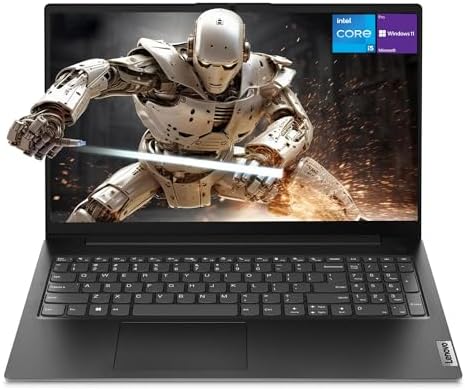
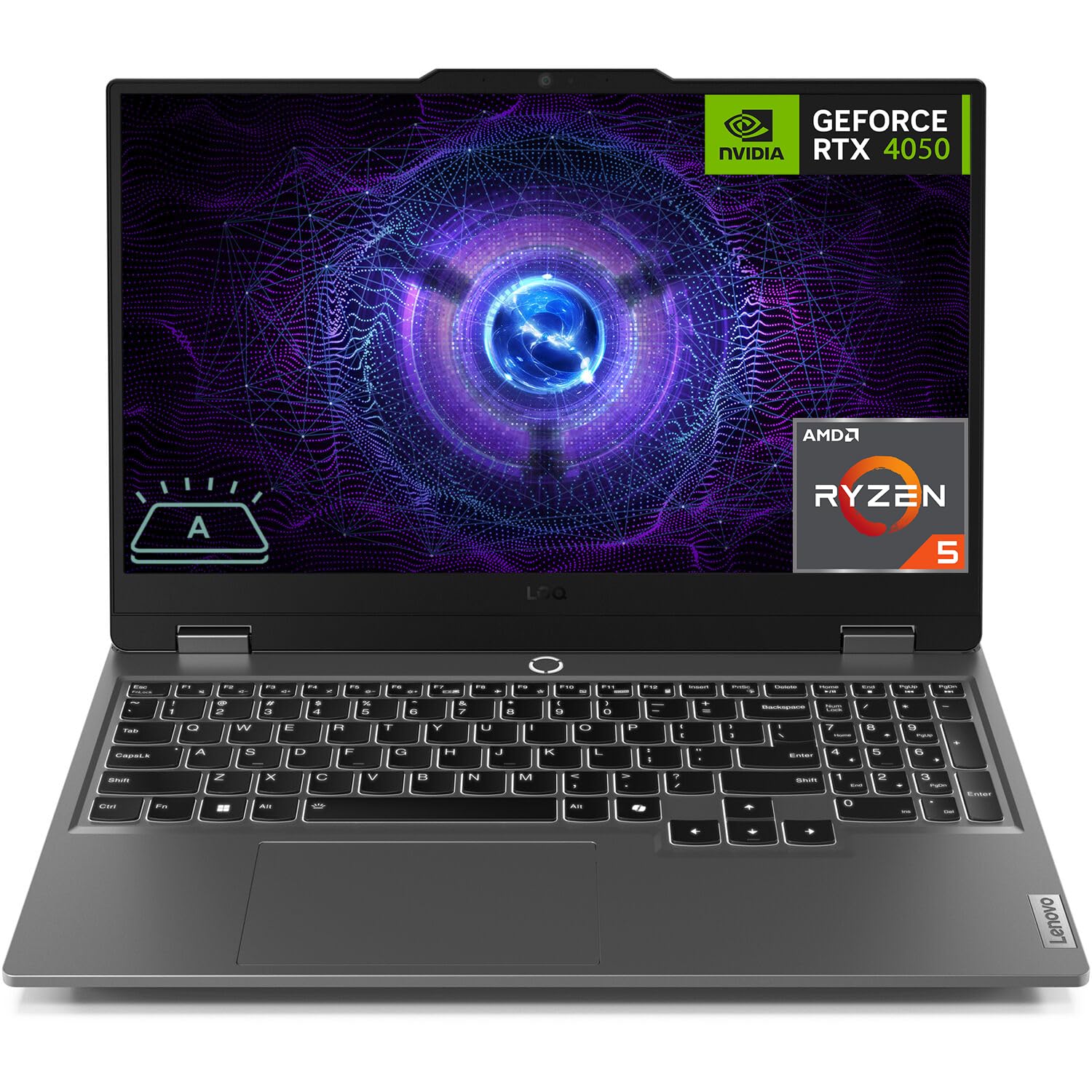
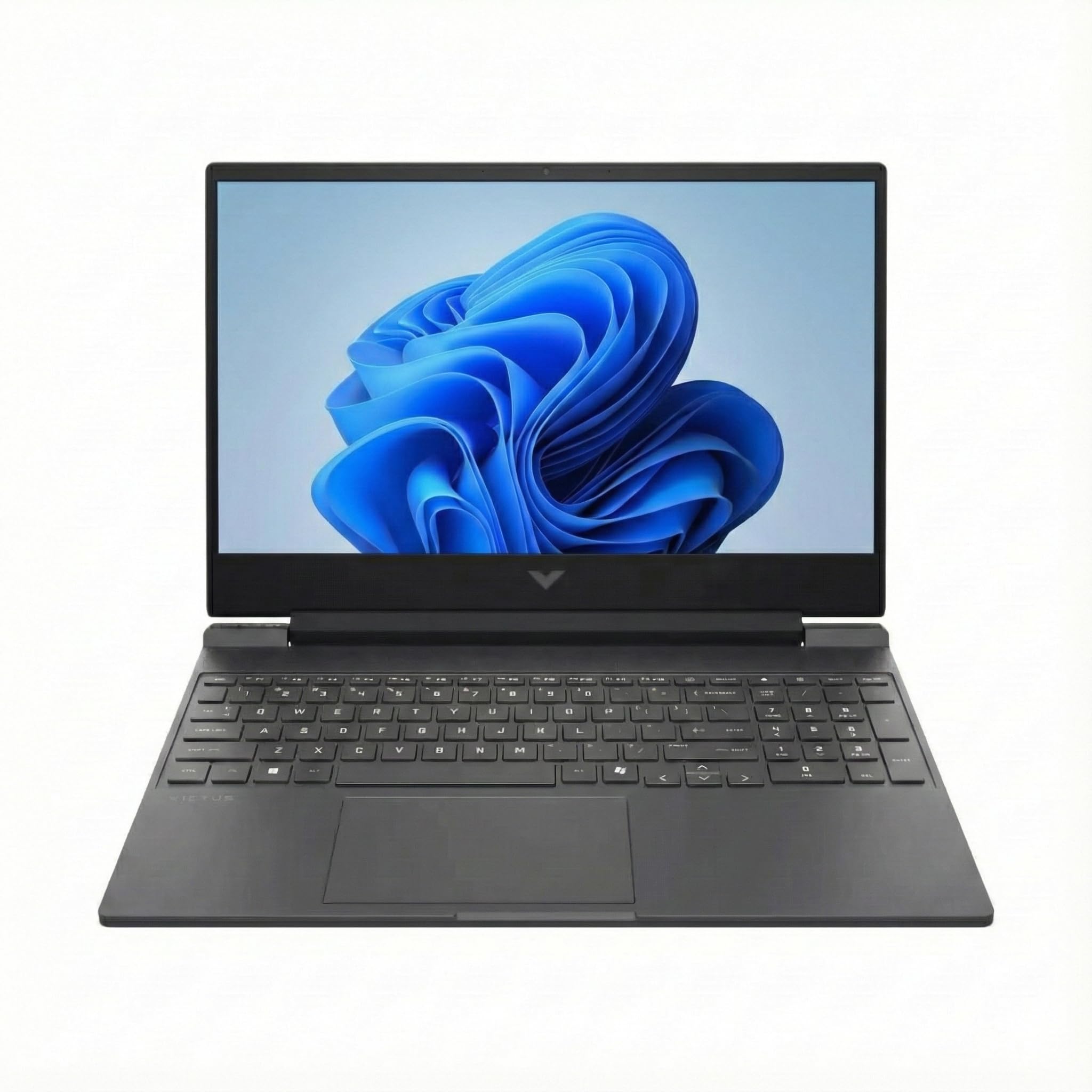
This guide explains which game categories suit mid tier machines, how upscaling tools such as DLSS and FSR stretch your frame rates, which graphics settings are worth lowering, and how to keep temperatures under control. The picks in the table below show laptop hardware that fits this kind of play.





How to Choose Games That Fit Your Laptop
The right game for a mid range laptop is one whose requirements sit comfortably within your graphics card, memory and cooling. Check these basics before you buy or download anything.
Hardware Baseline: GPUs, VRAM, and System Memory
Most mid range gaming laptops pair a mobile graphics card such as the NVIDIA GeForce RTX 3050, RTX 4050, RTX 4060 or AMD Radeon RX 7600S with 16 GB of RAM. The key factors are:
- Video RAM (VRAM) capacity: Cards with 4 to 6 GB of VRAM suit 1080p play on medium to high textures, while 8 GB gives more room for high texture packs and ray tracing.
- Dual channel system RAM: Running 16 GB in dual channel mode helps minimum frame rates and reduces micro stutter in open world games.
- SSD speed: Installing games on an NVMe solid state drive shortens loading screens and helps textures stream in without pop in.
AI Resolution Upscaling: DLSS, FSR, and XeSS
Upscaling is the single biggest help for mid range laptops, because the game renders at a lower internal resolution and reconstructs a sharper image. Each major vendor has its own version:
- NVIDIA DLSS (Deep Learning Super Sampling): Uses the Tensor Cores on RTX cards and can raise frame rates substantially, often by roughly 40 to 70 percent depending on the game and quality mode.
- AMD FSR (FidelityFX Super Resolution): An open upscaler that works on AMD, Intel and older NVIDIA GPUs, so it covers a wide library.
- Intel XeSS: A machine learning upscaler built for Intel Arc graphics that also runs on other GPUs in supported games.
Thermal Management and Laptop Fan Profiles
Slim laptops share heat pipes and fans between the CPU and GPU, so sustained play can heat the chassis quickly. When internal temperatures climb too high, the processor lowers its clock speeds to protect itself, and you see sudden frame rate drops.
Choosing well optimized titles, using a performance fan profile and placing the laptop on a cooling stand or raised surface keeps the GPU at its boost clocks for longer sessions.
Display Refresh Rates and Adaptive Sync
Most mid range gaming laptops ship with 144 Hz or 165 Hz IPS panels, so the ideal target is a game that holds 60 to 120 frames per second. Variable refresh technologies such as NVIDIA G-Sync or AMD FreeSync match the screen to the GPU output, removing tearing when frame rates fluctuate.
If you are still choosing a machine, note that a well cooled laptop with a fast panel matters more than a slightly higher GPU model number.
Optimizing In Game Graphical Presets
Ultra presets waste GPU power on subtle effects, so tuning a few options gives you more frames at almost no visible cost. Start with these:
- Volumetric fog and screen space reflections: Dropping these from ultra to medium can recover roughly 10 to 15 frames per second in many games.
- Shadow quality: High resolution shadow maps use a lot of VRAM; medium shadows look natural and save resources.
- Motion blur and depth of field: Turning these off sharpens the image and trims post processing work.
- Texture quality: Keep this as high as your VRAM allows, since it costs little performance when memory is available.
Frame Generation and Latency Reduction
Frame generation inserts synthesized frames between rendered ones, which makes motion look smoother on high refresh displays. It can add a little input delay, so it suits single player games better than competitive shooters.
Pairing it with NVIDIA Reflex or AMD Anti-Lag reduces the render queue and keeps mouse aiming responsive.
Battery Health and Power Delivery Settings
Gaming on a laptop generates heat that can wear battery cells over time. Many manufacturers include a utility that caps charging at 60 or 80 percent, which is useful if the laptop stays plugged in most of the day.
Limiting the charge keeps the battery healthier, so the machine still lasts through lectures, remote work or travel when you unplug it.
Top Game Categories for Mid Range Laptop Gaming
Four categories consistently run well on mid tier hardware, and each suits a different kind of player.
Competitive Esports Titles
Hero shooters, battle royales and online arena games are built to run on modest hardware. They commonly reach 120 to 200 frames per second at 1080p, which pairs well with a 144 Hz or 165 Hz screen and keeps input latency low.
Artistic Indie Games
Indie studios make some of the most memorable games on PC, and many use stylized art, 2.5D side scrolling or isometric views that barely tax the GPU. They run with quiet fans and low power draw, so they also stretch battery life on the go.
Optimized Open World RPGs and Action Adventures
Role playing and story driven games that are a few years old usually have mature patches and drivers. At 1080p with high settings and DLSS or FSR switched on, many of them hold a steady 60 frames per second with rich scenery.
Simulation and Strategy Classics
Turn based strategy, city builders and management sims depend more on the processor and memory than on the graphics card. They run comfortably on mid range laptops and make good travel games because long sessions stay cool and quiet.
Practical Habits for Maintaining Peak Laptop Gaming Health
A few simple habits protect the hardware and keep frame rates steady over the years.
- Raise the rear of the laptop on a solid desk: Lifting the back by about an inch improves airflow under the bottom vents and can lower temperatures by several degrees.
- Avoid beds, blankets and rugs: Soft fabrics block the intake vents and trap heat, which causes throttling and collects dust.
- Clean the vents every few months: Short bursts of compressed air through the exhaust fins remove dust and pet hair that insulate the cooling fins.
- Keep graphics drivers current: Game ready drivers from the GPU maker often include fixes for new releases.
- Close background apps: Browsers with many tabs and launchers use memory and CPU time that games could use.
If you game in a shared space, keep the laptop on a hard surface away from steam and grease, since both settle in the vents over time.
Frequently Asked Questions
Can a mid range laptop run modern AAA games smoothly?
Yes, most can run demanding AAA games at around 60 frames per second. Use 1080p resolution, medium to high presets and an upscaler such as DLSS or FSR for the best results.
Is 16 GB of RAM enough for laptop gaming?
Yes, 16 GB of dual channel RAM is the practical sweet spot for current games. It leaves room for the operating system and background apps while the game caches its assets.
Does gaming on battery hurt performance?
Yes, a laptop on battery usually limits GPU and CPU power, so frame rates drop. Plug in the original charger to unlock full clock speeds.
How can I stop my gaming laptop from overheating?
Raise the back of the laptop on a hard, flat surface and clean the vents regularly. Capping the frame rate in driver settings and using a balanced or performance fan profile also keeps temperatures in a safe range.
Final Thoughts
You do not need enthusiast hardware to enjoy modern PC gaming. With sensible settings, upscaling and good airflow, the best games for mid range laptops deliver smooth multiplayer matches, rich story adventures and relaxed strategy sessions on a portable machine. Check the picks in the table above to find a laptop that fits your budget and play style.