
Best Laptop Stand for Gaming Laptops: A Buying Guide
Disclosure: We may earn a commission when you buy through links on this page, at no extra cost to you. As an Amazon Associate I earn from qualifying purchases. Learn more

What to check before buying a laptop stand for gaming laptops: elevation, airflow, weight capacity, portability, and build material.
Hunching over a gaming laptop sitting flat on a desk wrecks your posture faster than most people expect, and it also traps heat under the chassis right where the fans need clear airflow. A good laptop stand for gaming laptops raises the screen to a more natural eye level and lifts the base off the desk so air can actually move underneath it. Unlike an active cooling pad with built-in fans, a stand works through elevation and angle rather than moving air itself, which makes it a simpler, quieter, and often more portable option. Here is what actually matters when choosing one.
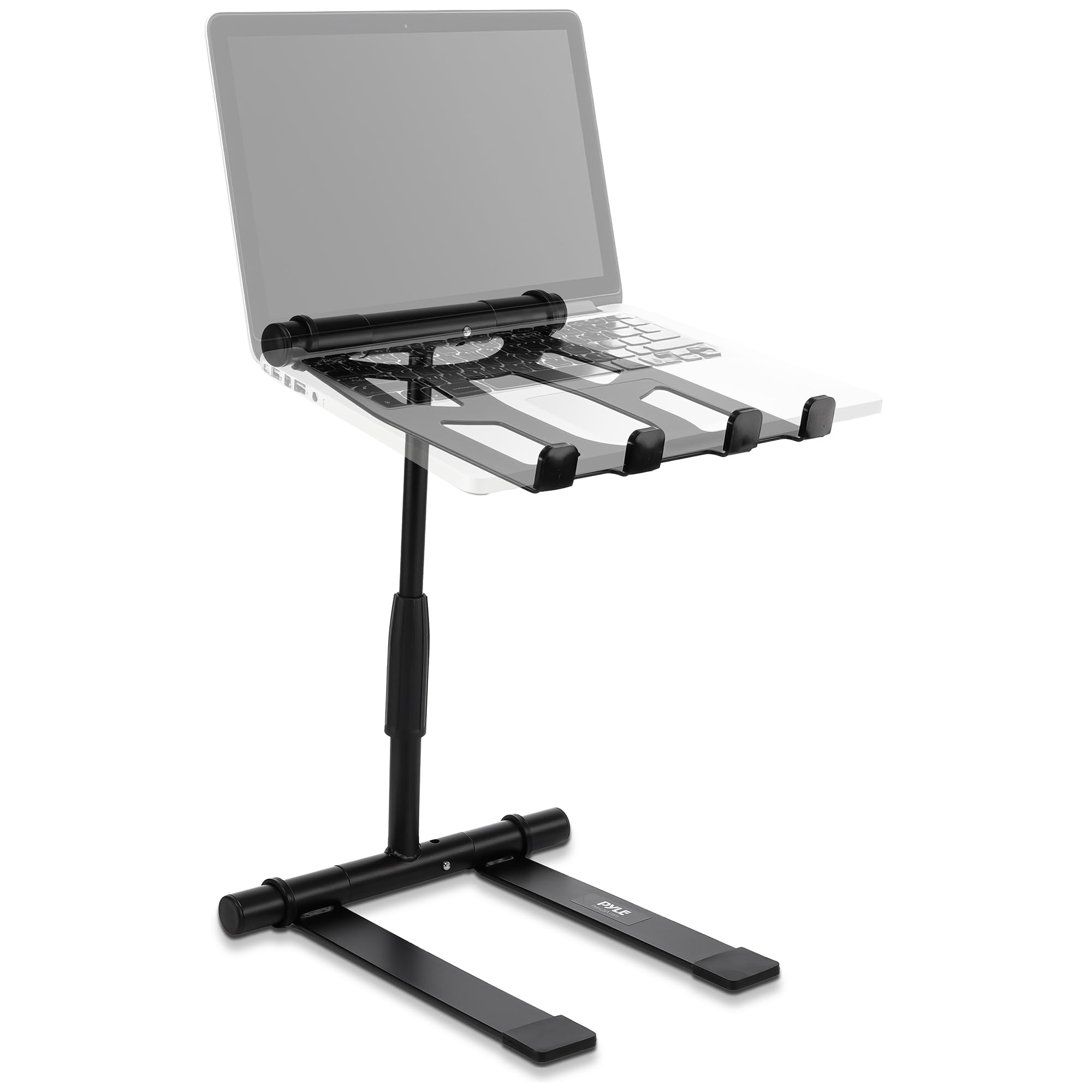
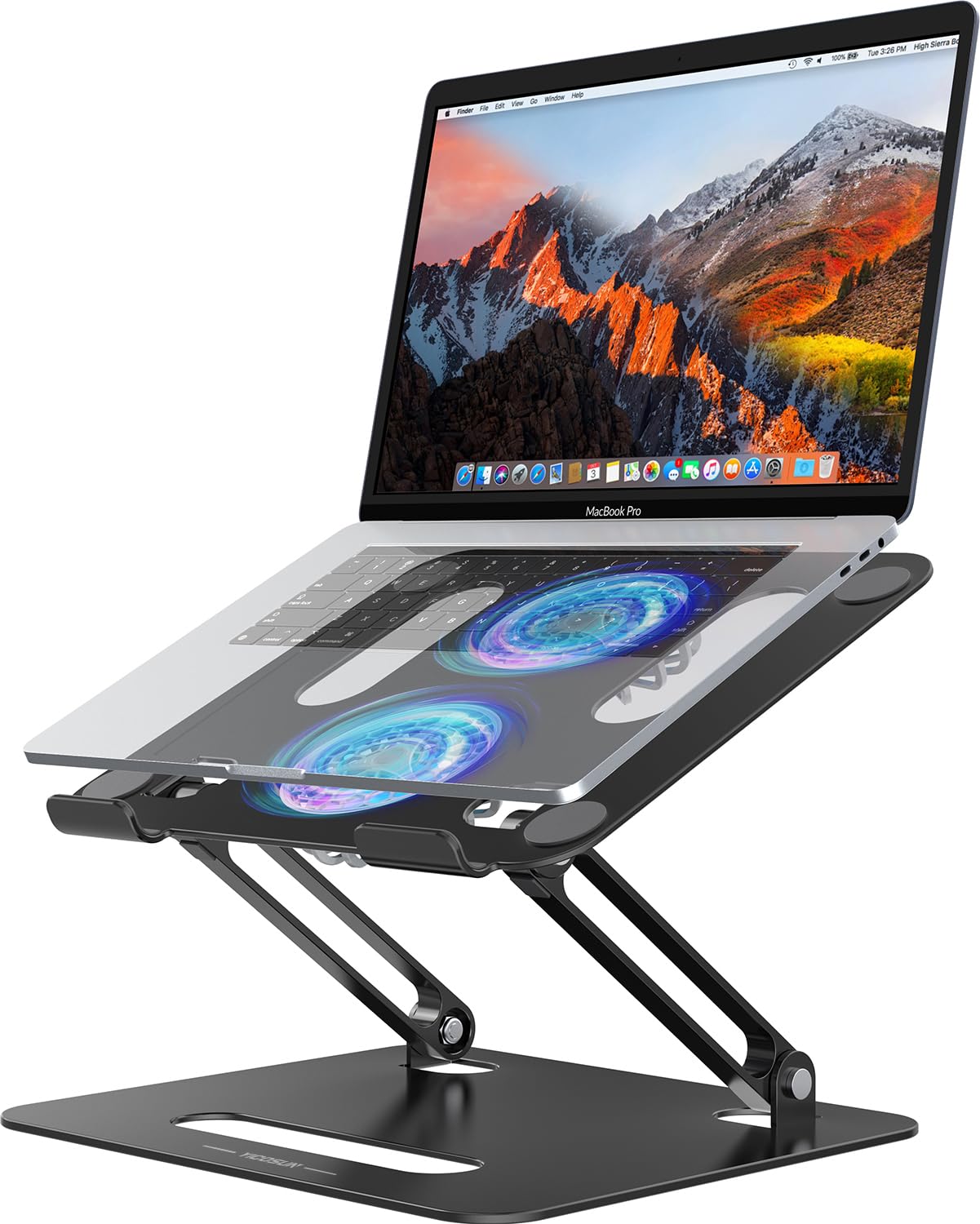


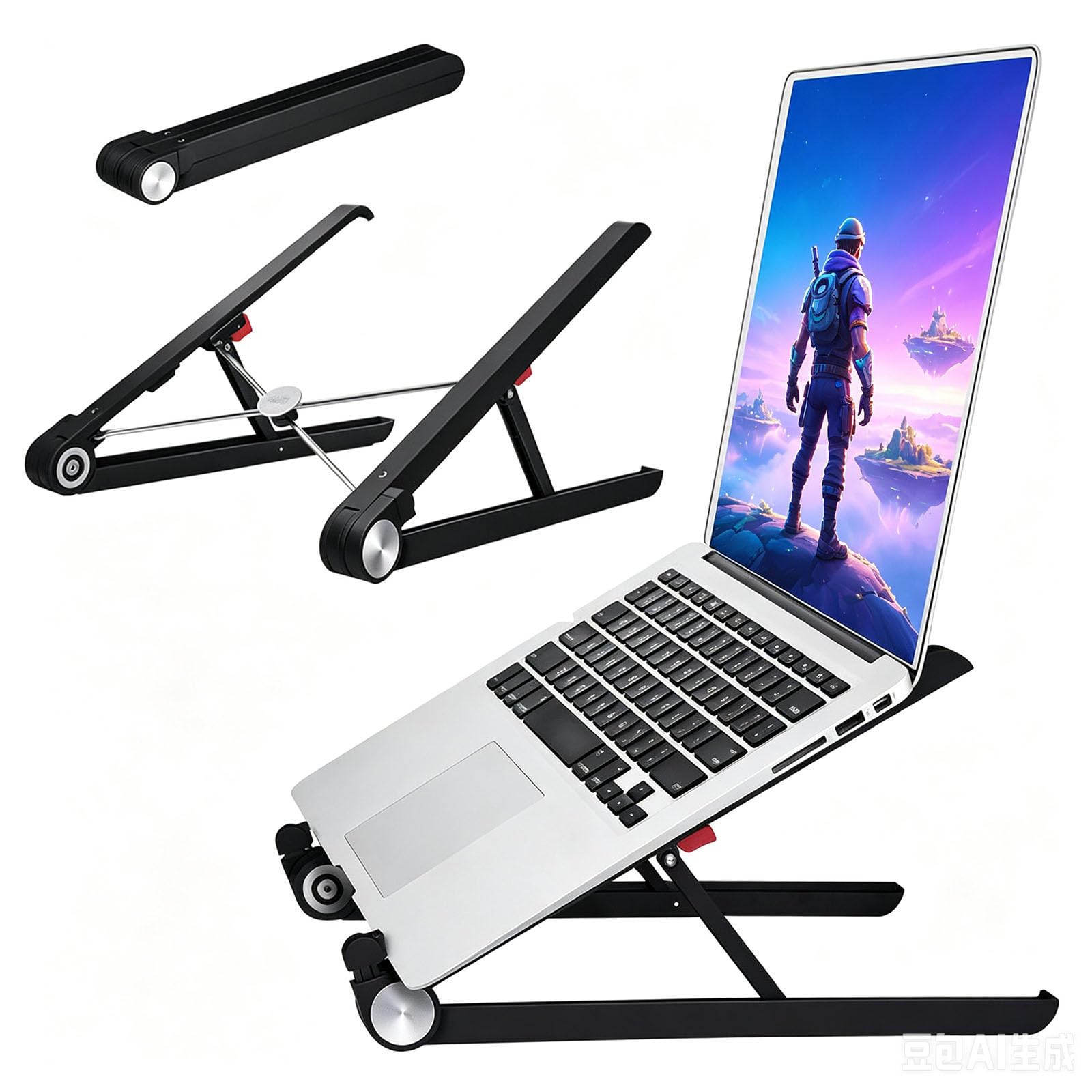

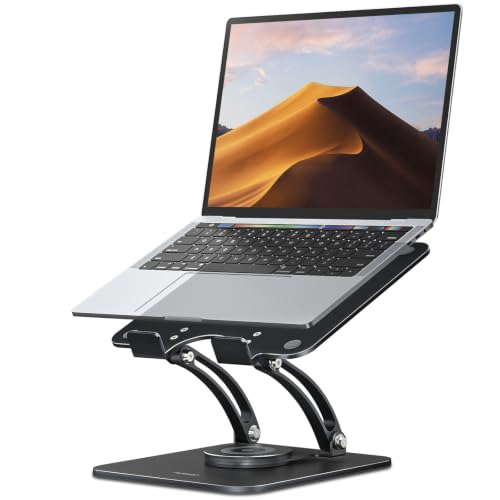
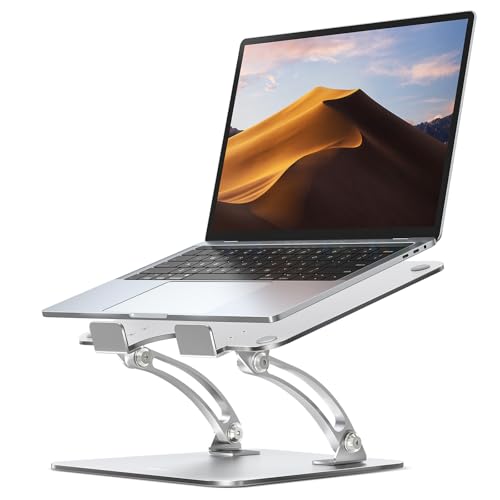


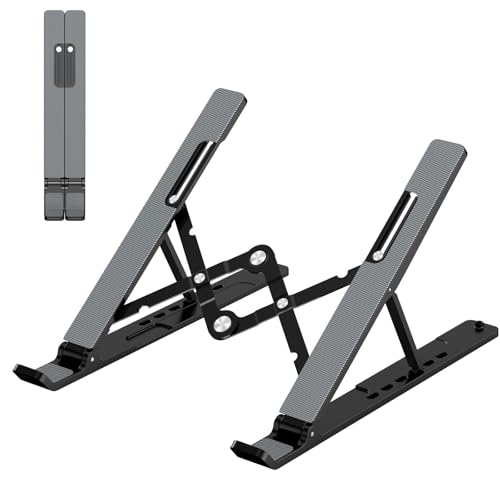
Elevation and Viewing Angle
The core job of a stand is raising the screen closer to eye level so you are not craning your neck downward for hours at a time. Look for an adjustable model that lets you set the height and tilt angle rather than a fixed-position stand, since the ideal angle changes depending on whether you are sitting at a desk or reclining on a couch. A wider range of adjustment also means the stand stays useful if you switch between multiple laptops with different screen sizes over time.
Pay attention to how the stand handles the keyboard. Some designs elevate the whole laptop, keyboard included, which usually means pairing it with an external keyboard and mouse for comfortable typing. Others keep the keyboard accessible at the original angle while only raising the back edge slightly.
Airflow and Heat Management
Gaming laptops run hot under load, and most of their intake vents sit on the underside of the chassis. A solid stand lifts the whole unit off the desk surface, opening a real gap for air to flow into those vents instead of getting blocked by a flat desk or a soft surface like a lap or blanket. This is not the same as active cooling, since a stand does not move air on its own, but the elevation alone noticeably improves thermal performance compared to a laptop sitting flush against a desk.
Check the stand's contact points with the laptop chassis too. A design with minimal surface contact, like thin rails or a mesh pattern, blocks fewer vents than a solid platform that covers the entire bottom panel.
Portability Versus Permanent Desk Setups
If you carry your gaming laptop between locations, whether that is a dorm, an office, or a friend's place, a foldable or collapsible stand that fits in a bag matters a lot more than one built for a permanent desk. Lightweight aluminum or plastic folding stands trade a bit of maximum stability for the ability to pack flat.
For a setup that never moves, a heavier, more rigid stand can offer better stability under a larger 17 or 18-inch gaming laptop, along with a sturdier feel when you are typing directly on the elevated keyboard rather than using external peripherals.
Weight Capacity and Build Material
This is where a laptop stand for gaming laptops earns its higher price over a generic stand made for thin ultrabooks: gaming laptops are noticeably heavier because of their larger cooling systems and discrete graphics hardware. Check the stand's rated weight capacity against your laptop's actual weight, including some buffer, since a stand rated right at the edge of your laptop's weight can flex or feel unstable over time. Aluminum stands generally offer better rigidity and heat dissipation than plastic, though they weigh more, which matters if portability is a priority for you.
What You Get at Different Price Tiers
Budget-friendly stands are usually simple folding designs made of lightweight plastic or thin aluminum, with a fixed set of height and angle notches rather than continuous adjustment. They cover the basics of elevation and portability well, but tend to feel less rigid under a heavier gaming laptop.
Mid-range and premium stands typically add continuous height adjustment, thicker aluminum construction for better rigidity and heat dissipation, and sometimes a wider base for extra stability. Some higher-end designs also fold down into a notably compact travel size despite the added adjustability, which is worth checking if you plan to carry the stand along with your laptop.
Common Setup Mistakes to Avoid
The most common mistake is buying a stand rated for general laptops without checking its weight capacity against an actual gaming laptop, which tends to run heavier than a typical ultrabook. Overloading a stand can cause it to flex, wobble, or even fail over time.
Another frequent issue is ignoring the keyboard situation. If a stand elevates the entire laptop to a comfortable eye-level height, typing directly on the built-in keyboard becomes awkward. Plan for an external keyboard and mouse from the start rather than discovering the problem after your desk is already set up.
Frequently Asked Questions
Does a laptop stand actually reduce laptop temperatures?
Yes, to a meaningful degree. Elevating the chassis opens up the intake vents that are usually blocked when a laptop sits flat on a desk, which improves airflow even without active fans built into the stand itself.
Is a laptop stand better than a cooling pad?
They solve different problems. A stand improves ergonomics and passive airflow through elevation, while a cooling pad adds active fans for more aggressive cooling. Some people use both together, with the stand handling posture and the pad adding extra airflow underneath.
Do I need an external keyboard and mouse with a laptop stand?
If the stand elevates the entire laptop to eye level, yes, an external keyboard and mouse make typing comfortable again. Some stands are designed to only lift the rear edge, keeping the built-in keyboard at a usable angle without extra peripherals.
Can a laptop stand fit in a backpack for travel?
Many stands fold flat or collapse into a compact shape specifically for this reason. If portability matters to you, check the folded dimensions and weight before buying, since not all stands are designed with travel in mind.
What weight capacity should I look for?
Check your gaming laptop's actual weight, usually listed in the spec sheet, and choose a stand rated comfortably above that number. A stand rated right at your laptop's weight can feel less stable over months of daily use.
Will a stand work with a laptop that has bottom-mounted speakers?
It depends on the stand's contact design. A stand with minimal surface contact, like thin rails, is less likely to muffle bottom-firing speakers than one with a solid platform base.
Final Thoughts
Choosing the best laptop stand for gaming laptops comes down to balancing ergonomics, airflow, and how often you actually move your setup between locations. Get the elevation and weight capacity right first, then decide between a lightweight travel-friendly design and a heavier, more stable desk-bound option based on your actual routine.
Related reading: best gaming desks and best ssds for gaming.


